Super Flower Leadex VII XP PRO 1000W 80+ Platinum, Cybenetics Platinum, Full Modular, ATX 3.1&PCIe 5.1, W/12VHPWR (2x8pin-16pin native cables), FDB Fan, SF-1000F14XP, Black
  •  
  • $144.99 
  • Save: 36%
  • $85.99
  • Free 30-day Returns
  • Price alert
    Shop it at NeweggBusiness.

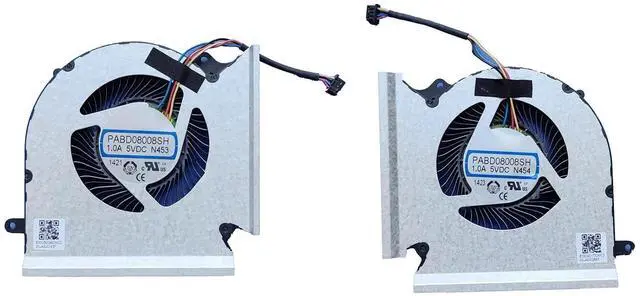
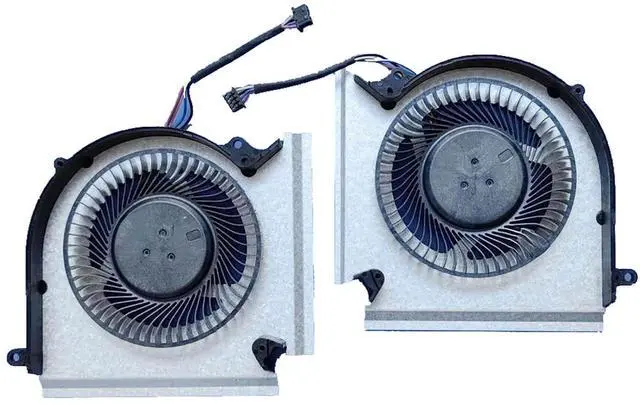
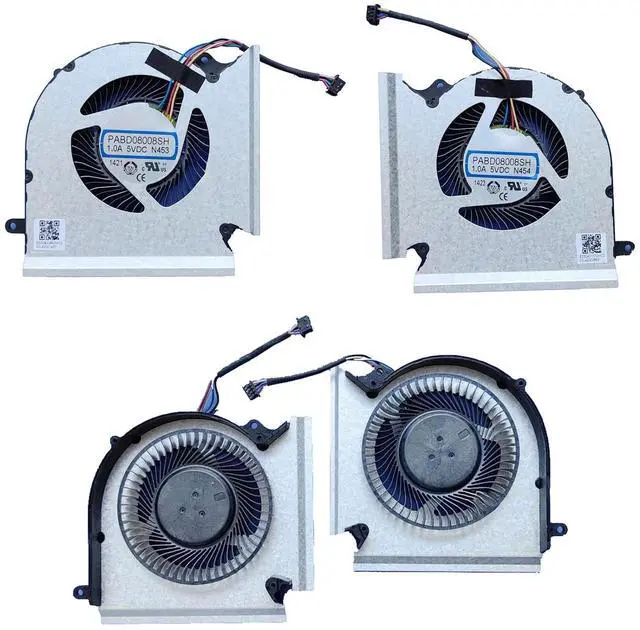
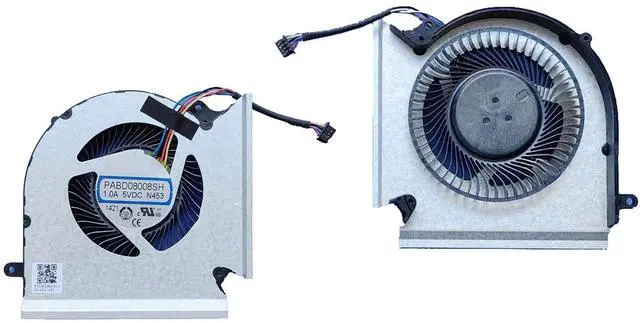
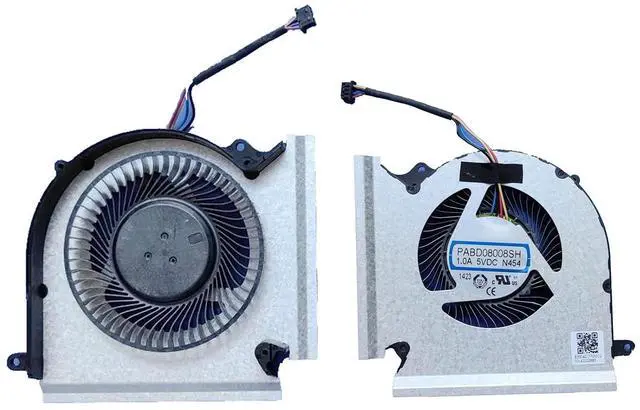
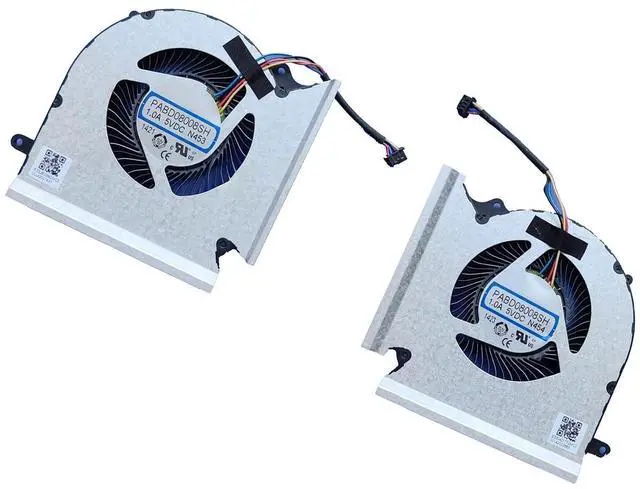
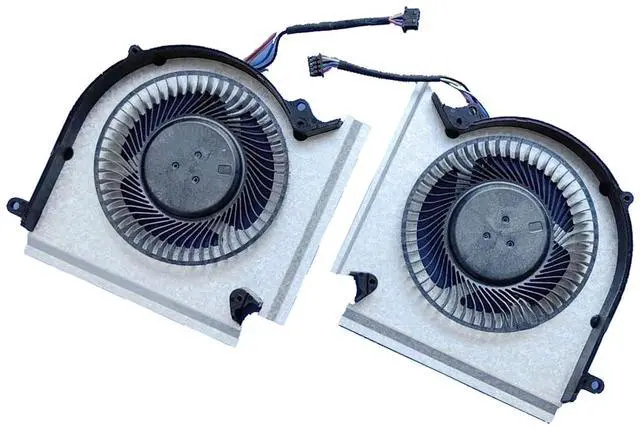
    DC5V 1.00A CPU+GPU Cooling Fan Replacement for MSI GE66 GP66 MS-1544 MS-1545, MS-1541 MS-1542 RTX 30 Series Laptop N453 N454 PABD08008SH (CPU+GPU Fan)

    • Compatibility: The CPU+GPU cooling fan Replacement for MSI GE66 GP66 MS-1544 MS-1545, MS-1541 MS-1542 RTX 30 Series Laptop.
    • Model:N453 N454 PABD08008SH ; This laptop fan supports temperature adjustment and runs quietly without any noise, providing you with a more comfortable user experience.
    • Voltage: DC 5V; Current: 1.00AMP; Power Connector: 4-Pin Header.
    • Before replacing the Laptop fan, please note:Shut down the computer and disconnect the external power supply. For models with built-in batteries, remove the battery plug; Press the power button multiple times to discharge the static electricity and residual charge from the motherboard, thus preventing damage to the motherboard; Don't plug the fan plug in reverse to prevent burning out the fan.
    • Friendly reminder: The fan plug type and voltage may vary for this Laptop model across different years and versions. Please confirm the product compatibility before purchasing. If you have any questions, feel free to contact us. Thank you f
    +
    +
    Overview
    Specs
    Reviews
    avatar

    Any questions? Our AI beta will help you find out quickly.

    Compatibility: The CPU+GPU cooling fan Replacement for MSI GE66 GP66 MS-1544 MS-1545, MS-1541 MS-1542 RTX 30 Series Laptop.
    Model:N453 N454 PABD08008SH ; This laptop fan supports temperature adjustment and runs quietly without any noise, providing you with a more comfortable user experience.
    Voltage: DC 5V; Current: 1.00AMP; Power Connector: 4-Pin Header.
    Before replacing the Laptop fan, please note:Shut down the computer and disconnect the external power supply. For models with built-in batteries, remove the battery plug; Press the power button multiple times to discharge the static electricity and residual charge from the motherboard, thus preventing damage to the motherboard; Don't plug the fan plug in reverse to prevent burning out the fan.
    Friendly reminder: The fan plug type and voltage may vary for this Laptop model across different years and versions. Please confirm the product compatibility before purchasing. If you have any questions, feel free to contact us. Thank you for your support!


    Warranty & Returns

    Warranty, Returns, And Additional Information

    Warranty

    • Please contact the Seller directly for warranty information. Warranty information may also be found on the Manufacturer's website.
    • CONTACT

    Return Policies

    Manufacturer Contact Info

    LOADING...