







What devices is this adapter compatible with?
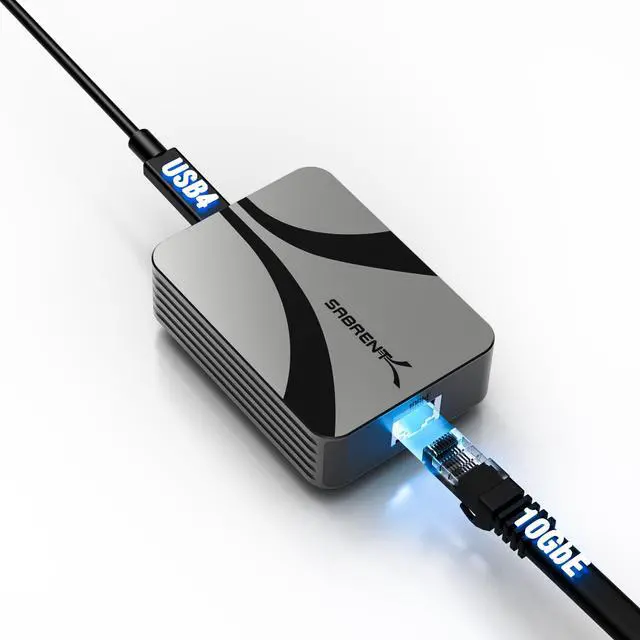
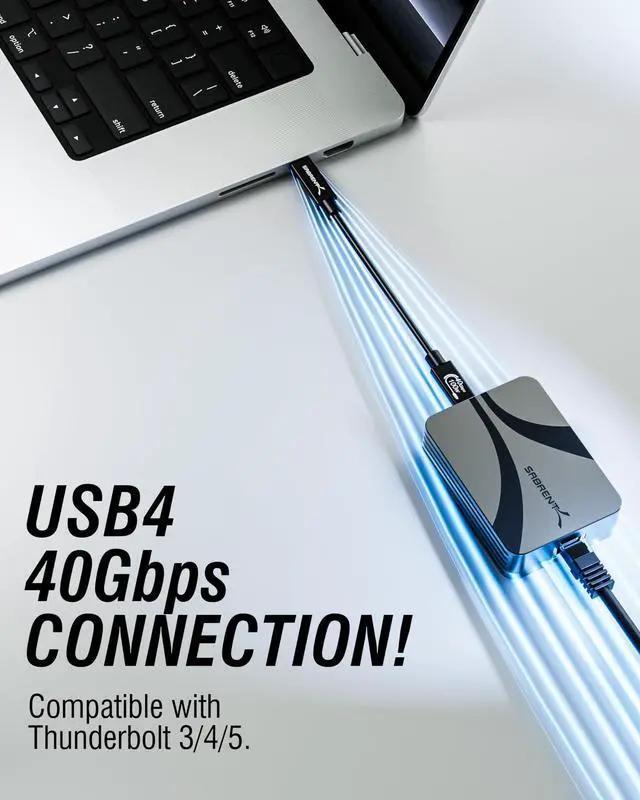
This adapter works with any USB4, Thunderbolt 3, or Thunderbolt 4 host device using a USB-C port. It’s ideal for desktops, laptops, and handheld gaming systems like the Steam Deck that support USB-C networking.
Does it support slower Ethernet speeds like 5GbE or 1GbE?
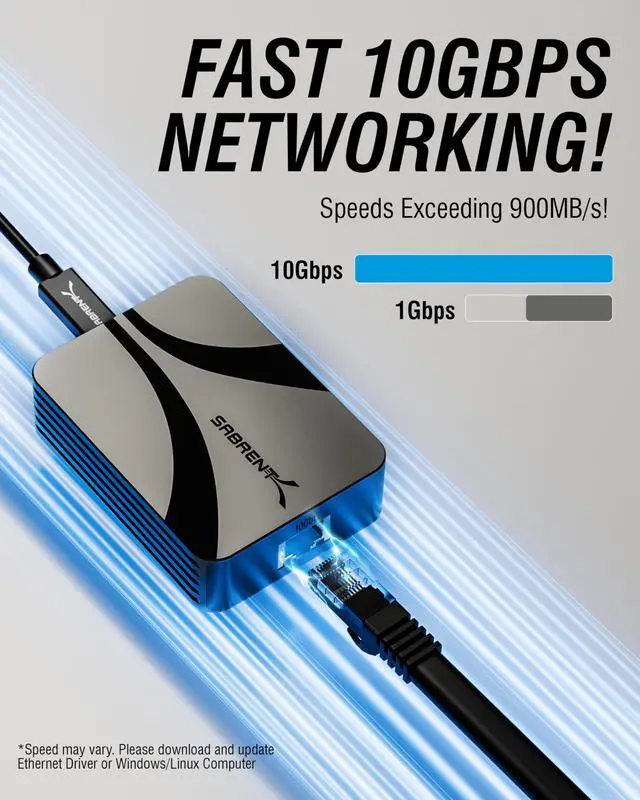
Yes, the adapter is fully backward compatible with 5GbE, 2.5GbE, 1GbE, 100Mbps, and 10Mbps networks—perfect for connecting to modern and legacy infrastructure.
Is external power or a driver required for installation?
No external power is needed. Most modern operating systems support the adapter natively. In rare cases, driver installation may be required depending on your OS version.
Can this be used as a PCIe replacement on laptops or tablets?
Absolutely. This adapter offers 10GbE performance via USB-C, making it an excellent alternative to internal PCIe cards—especially on systems without expansion slots.
How can I tell if the network is connected or active?
Built-in surface LEDs provide quick visual feedback on network link and activity, helping you confirm connection status and troubleshoot at a glance.


What devices is this adapter compatible with?
This adapter works with any USB4, Thunderbolt 3, or Thunderbolt 4 host device using a USB-C port. It’s ideal for desktops, laptops, and handheld gaming systems like the Steam Deck that support USB-C networking.
Does it support slower Ethernet speeds like 5GbE or 1GbE?
Yes, the adapter is fully backward compatible with 5GbE, 2.5GbE, 1GbE, 100Mbps, and 10Mbps networks—perfect for connecting to modern and legacy infrastructure.
Is external power or a driver required for installation?
No external power is needed. Most modern operating systems support the adapter natively. In rare cases, driver installation may be required depending on your OS version.
Can this be used as a PCIe replacement on laptops or tablets?
Absolutely. This adapter offers 10GbE performance via USB-C, making it an excellent alternative to internal PCIe cards—especially on systems without expansion slots.
How can I tell if the network is connected or active?
Built-in surface LEDs provide quick visual feedback on network link and activity, helping you confirm connection status and troubleshoot at a glance.