







Before You Buy â?? Important Information
Before You Buy â?? Important Informationï¼?Please Read Before Purchaseï¼?To ensure the best experience with your USB-C to 10GbE adapter, please review the following important information:
Q1: What type of USB port is required to achieve 10Gbps speed? A: A USB-C port is required. For full 10Gbps performance, your device must support USB 3.2 Gen 2x2 (20Gbps bandwidth). Lower-spec ports will result in reduced speeds.
Q2: How is the cooling performance? Is there any noise? A: This device features fanless passive cooling, ensuring silent operation. During data transmission, you may notice minimal electrical noise, but there is no fan noise, making it ideal for quiet environments.
Q3: What should I do if the adapter is not recognized or speed is incorrect? A: Basic network connectivity should work once the adapter is connected. However, if the driver is not automatically installed or updated, the speed may not display correctly. We recommend downloading and installing the latest driver from the official Realtek website. If the issue persists, please contact our support team.
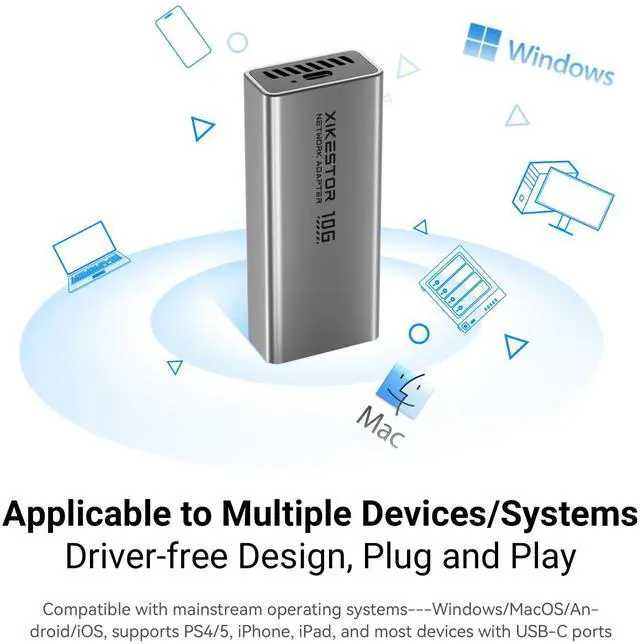
Q4: Can I use this with devices that only have USB-A ports? A: Yes. You will need to use a USB-A to USB-C cable (not included). Please ensure your USB-A port supports sufficient bandwidth for optimal performance.
Q5: Is it compatible with gaming consoles or smart TVs? A: It may work with devices that have USB-C ports, but compatibility depends on driver support. Please check the Realtek official website to confirm whether drivers are available for your deviceâ??s operating system.If unsure, contact our support team with your device model and system detailsâ??we will assist you in verifying compatibility.


Comparison Table
 SKN-U310GT |  SKN-U410GT |  SKN-E7in1 |  SKS-I226-2.5ET | |
|---|---|---|---|---|
Customer Reviews | — | — | — | — |
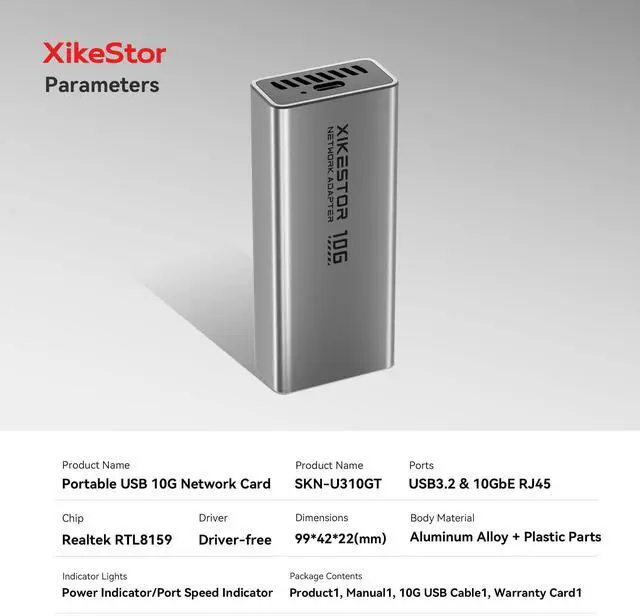
Port | USB3.2/10GbE RJ45 | USB4.0/10GbE RJ45 | USB3.2/2.5GbE RJ45 | PCIE X1/2.5GbE RJ45 |
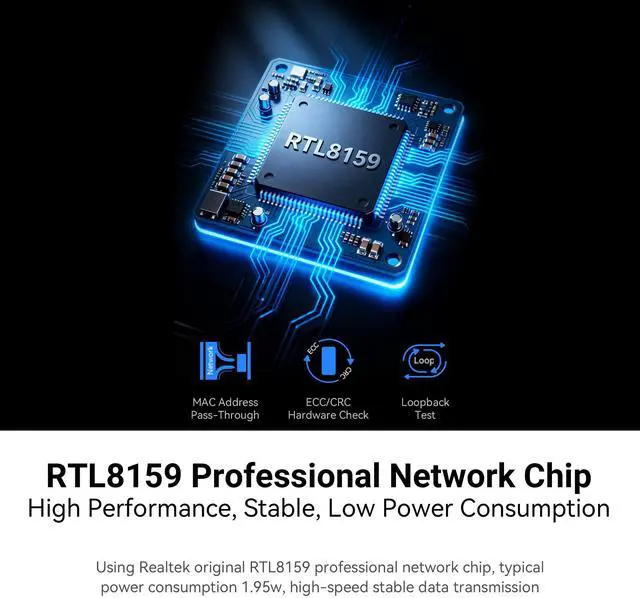
Chip | RTL 8159 | AQC 113 | Intel I226-V | Intel I226-V |
Fan | ? | ? | ? | ? |
Dimensions | 99Ã?42Ã?22(mm) | 110Ã?51Ã?25(mm) | 93.5Ã?46Ã?16.5(mm) | -- |
HDMI | ? | ? | ? | ? |
Before You Buy – Important Information
Before You Buy – Important Information!Please Read Before Purchase!To ensure the best experience with your USB-C to 10GbE adapter, please review the following important information:
Q1: What type of USB port is required to achieve 10Gbps speed? A: A USB-C port is required. For full 10Gbps performance, your device must support USB 3.2 Gen 2x2 (20Gbps bandwidth). Lower-spec ports will result in reduced speeds.
Q2: How is the cooling performance? Is there any noise? A: This device features fanless passive cooling, ensuring silent operation. During data transmission, you may notice minimal electrical noise, but there is no fan noise, making it ideal for quiet environments.
Q3: What should I do if the adapter is not recognized or speed is incorrect? A: Basic network connectivity should work once the adapter is connected. However, if the driver is not automatically installed or updated, the speed may not display correctly. We recommend downloading and installing the latest driver from the official Realtek website. If the issue persists, please contact our support team.
Q4: Can I use this with devices that only have USB-A ports? A: Yes. You will need to use a USB-A to USB-C cable (not included). Please ensure your USB-A port supports sufficient bandwidth for optimal performance.
Q5: Is it compatible with gaming consoles or smart TVs? A: It may work with devices that have USB-C ports, but compatibility depends on driver support. Please check the Realtek official website to confirm whether drivers are available for your device’s operating system.If unsure, contact our support team with your device model and system details—we will assist you in verifying compatibility.


Comparison Table
SKN-U310GT | SKN-U410GT | SKN-E7in1 | SKS-I226-2.5ET |
|---|---|---|---|
| Customer Reviews | |||
| — | — | — | — |
| Price | |||
| — | — | — | — |
| Port | |||
| USB3.2/10GbE RJ45 | USB4.0/10GbE RJ45 | USB3.2/2.5GbE RJ45 | PCIE X1/2.5GbE RJ45 |
| Chip | |||
| RTL 8159 | AQC 113 | Intel I226-V | Intel I226-V |
| Fan | |||
| ? | ? | ? | ? |
| Dimensions | |||
| 99×42×22(mm) | 110×51×25(mm) | 93.5×46×16.5(mm) | -- |
| HDMI | |||
| ? | ? | ? | ? |