• $50.99
  • Free 30-day Returns
  • Ships from China.
    Price alert

    Best Sellers

    Newegg
    • + $8.29 Shipping
    Shop it at NeweggBusiness.

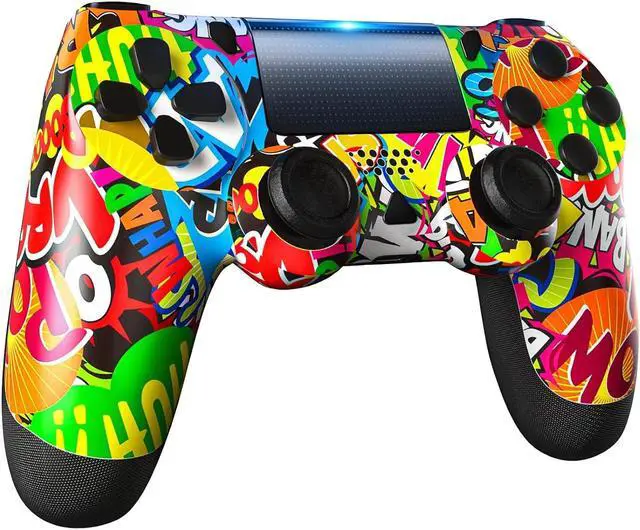
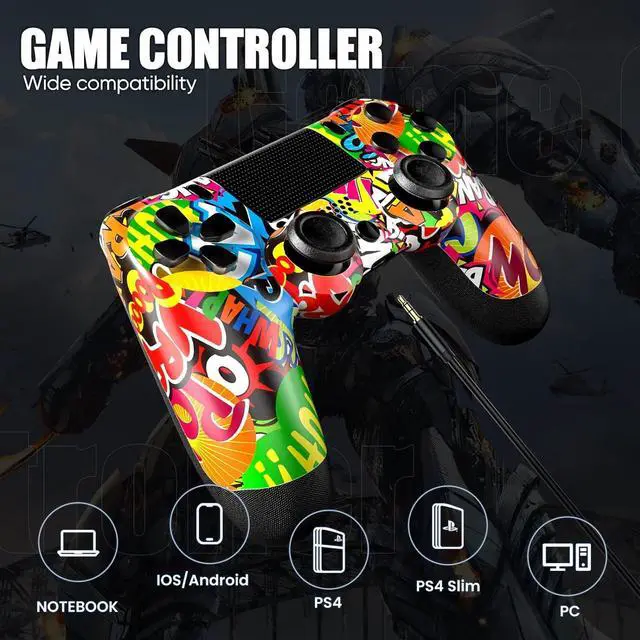
    TEBALO Wireless Controller Compatible with PS-4/Pro/Slim Game Console, Bluetooth Controller Rechargeable with Enhanced Dual Vibration, Analog Sticks, 6-Axis Motion Sensor, Yellow

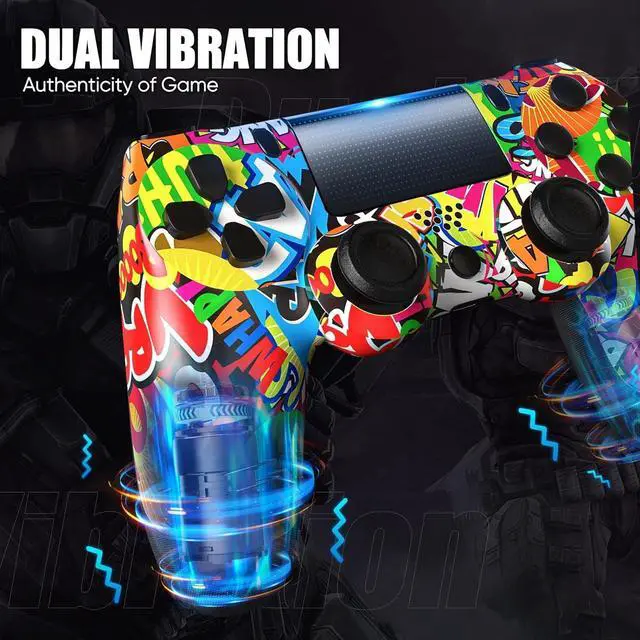
    • High Performance: Dual Vibration Function & 360° Joystick & Six-Axis Sensor enable the wireless controller to receive signals keenly, accurately position, and freely control game characters, create an impressive gaming experience.
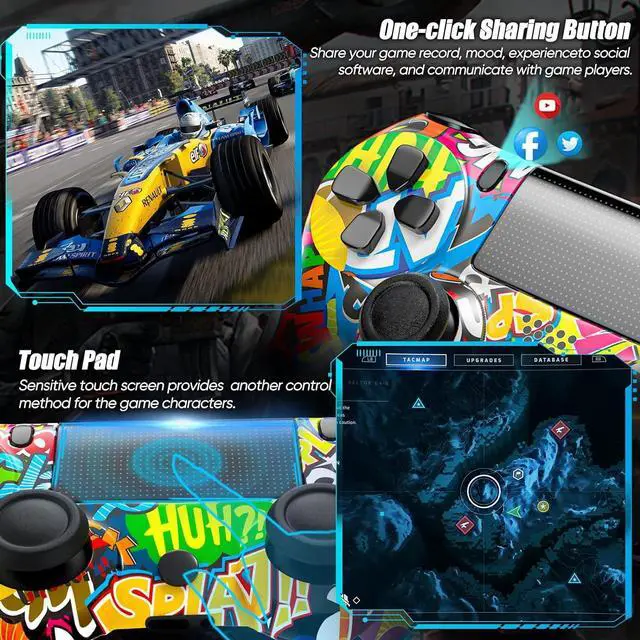
    • Comfortable Gaming Experience: The shape of the bluetooth controller is based on ergonomic design, the handle is fully fitted to the palm, and all the buttons can be easily pressed by the fingers. Special touch screen design brings a new gaming experience.
    • Long Play Time: The rechargeable wireless controller built-in 1000 mAh lithium battery, providing up to 8 hours of use time, 60 days of standby time. Allows you to immerse yourself in the game world without worrying about running out of battery. The charging time is 2-3 hours. Charging cable included.
    • Stereo Sound: The wireless controller is equipped with speaker and 3.5mm audio port. You can share music with your playmates during the game. And can also plug in headset to enjoy hi-fi sound effec
    +
    +
    Overview
    Specs
    Reviews
    avatar

    Any questions? Our AI beta will help you find out quickly.

    P4 Console Connection

    Step 1: Turn on the P4 console and connect it with the wireless controller(Off state) by using a USB cable.
    Step 2: Press the Home button, and the RGB LED light barindicator flashes. When the connection is successful, the LED light barwill be always on.
    Step 3: Unplug the USB cable, and you can enjoy the gamewith the controller wirelessly through Bluetooth technology.
    Power off: Press the Home button for 10 seconds, then the controller will be off.
    Reconnect: Press the home button, the wireless controller will automatically connect to the console without a USB cable anymore.
    PC Connection

    Connect PC with the wireless controller by using a USB cable.
    Please Note: For PC, the wireless controller can only be used in a game emulator.
    Android / IOS13 / PC Connection

    Step 1: Turn on the bluetooth of the device.
    Step 2: Press and hold the SHARE and HOME button at the sametime for 3-5 seconds, the indicator light will flash quickly.
    Step 3: Select "Wireless Controller" in the Bluetooth list.The indicator light will always on to indicate successful connection.
    Next page

    Warranty & Returns

    Warranty, Returns, And Additional Information

    Warranty

    • Please contact the Seller directly for warranty information. Warranty information may also be found on the Manufacturer's website.
    • CONTACT

    Return Policies

    Manufacturer Contact Info

    LOADING...
    LOADING...