1. The first time the controller is paired with the PS-4 console, it must be connected to the PS-4 console via the micro-USB charging cable (no driver or receiver required) . After the first successful pairing, simply press the power on button to connect to the PS-4 console.
2. The controller has a button to restore factory settings. Simply pierce the small hole on the back to reset the controller, and re-pair it with the PS-4 console.
2023 latest and improved version
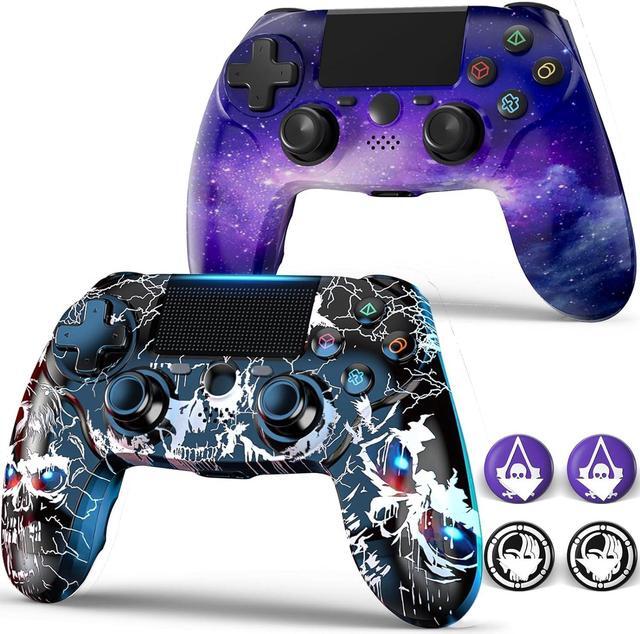
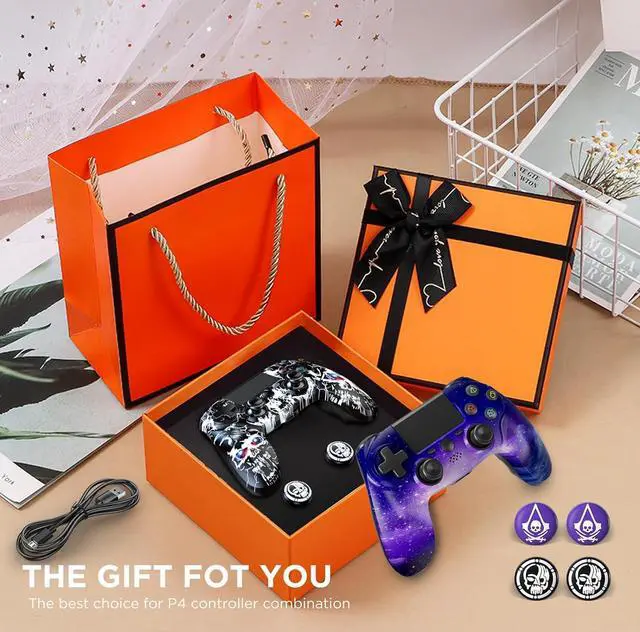
The perfect replacement for the official controller, to provide you with an excellent gaming experience, get this professional controller now!
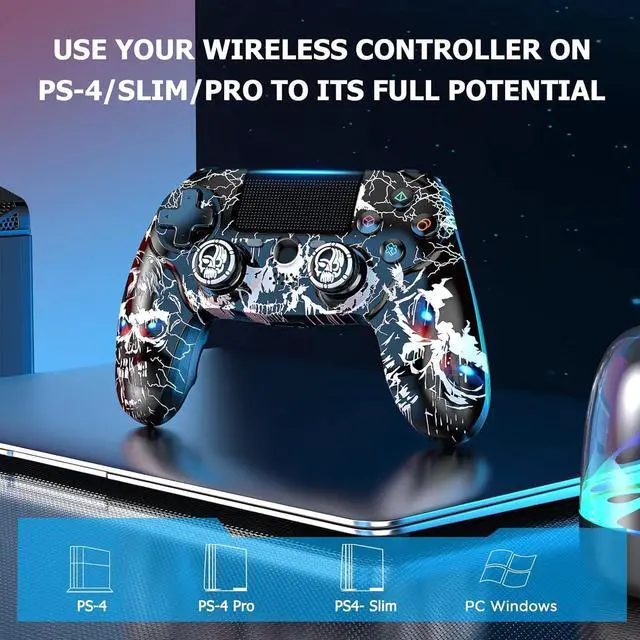
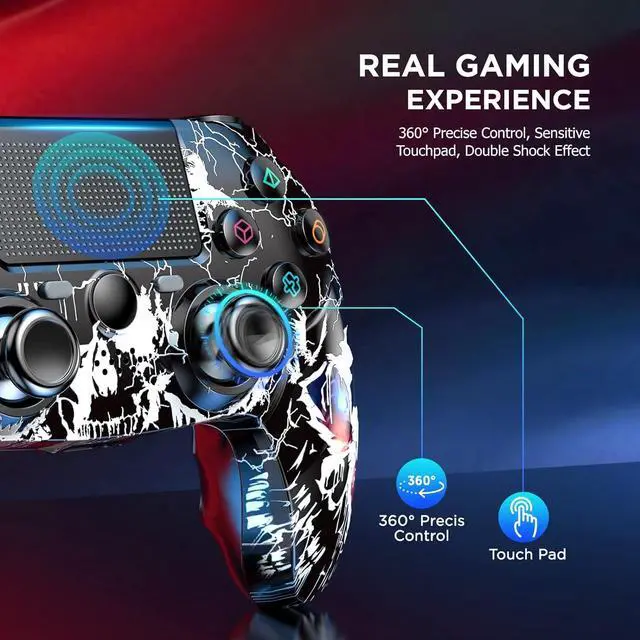
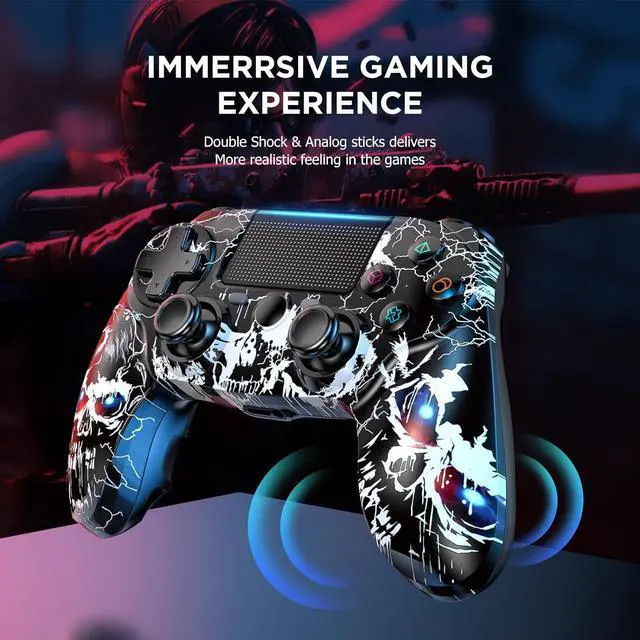
-- Specially designed for PS-4 / Pro / Slim console, Ideal replacement for the official PS-4 controller
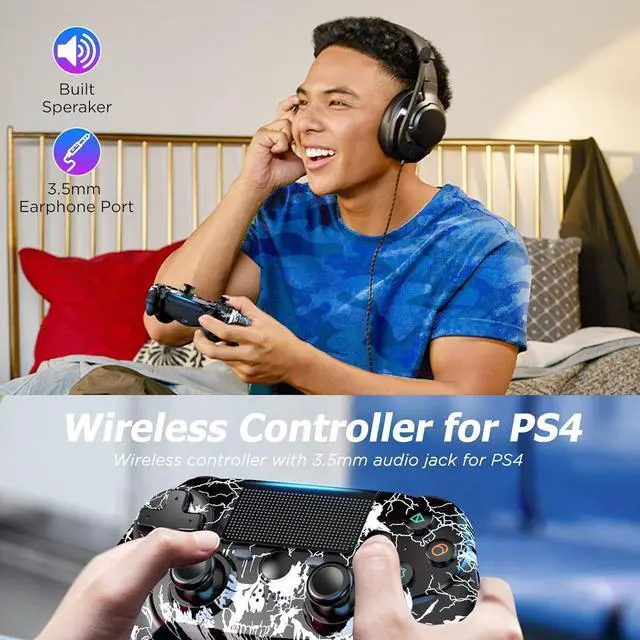
-- Ergonomic handle design, comfortable and skin-friendly material, allows you to maintain a comfortable gaming experience in a high-intensity game.
-- Upgraded analog joystick and D-pad sensitive and accurate, no lag, no dead space, no drift, let you play your best at the critical moment.
-- Two charging methods. charging with USB cable and charging with PS-4 controller charger station through EXT port.
Help others learn more about this product by uploading a video!SponsoredShop the eXtremeRate StoreAt least 882 products have a star rating of 4.0+Shop the eXtremeRate StoreAt least 882 products have a star rating of 4.0+