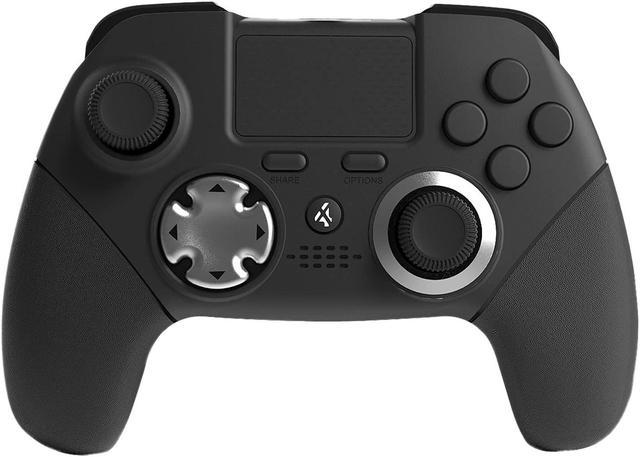
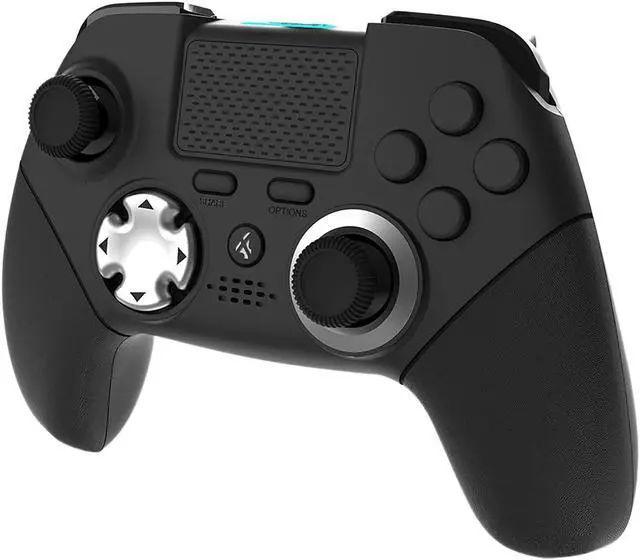
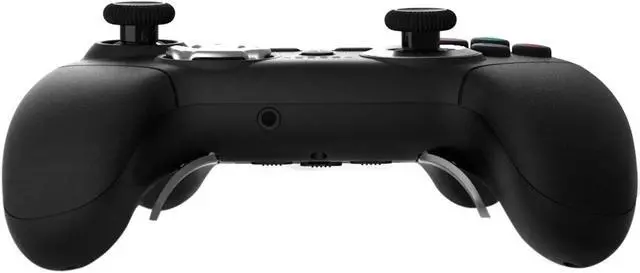
Compatible: PS4/PS4 pro/PS4 slim/PS3
Connection: Wireless connect with ps4,wired connect with ps3
Function: Build in Dual Motor, 3D RSF shot joystick, remapping fuction
Sensor: 6-axis sensor function
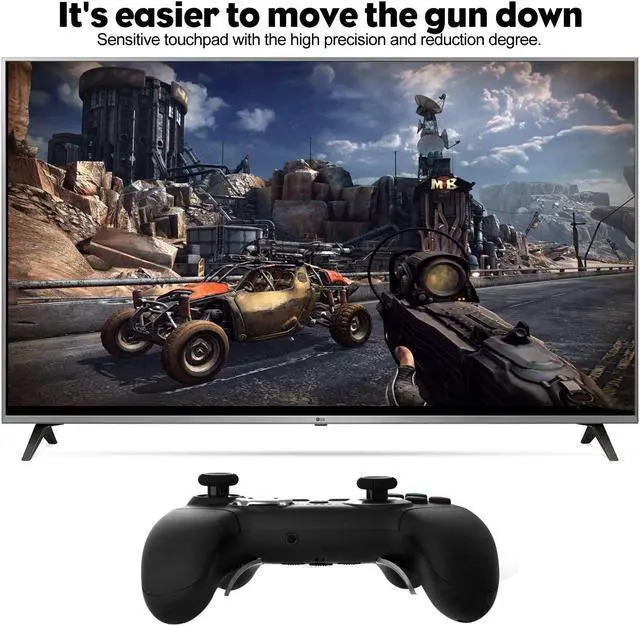
Touch Pad: With 2 point sensitive capacitance touchpad
RC distance: 10 meters
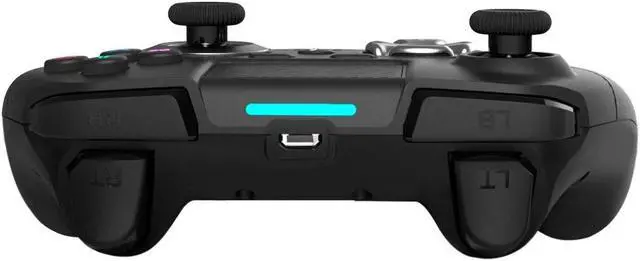
LED: RGB LED bar
Speaker:With speaker separate output solution
MIC/Headphone Jack:3.5mm TRRS stereophonic hole,support mic and headset
Battery: 600MAH polymer lithium battery
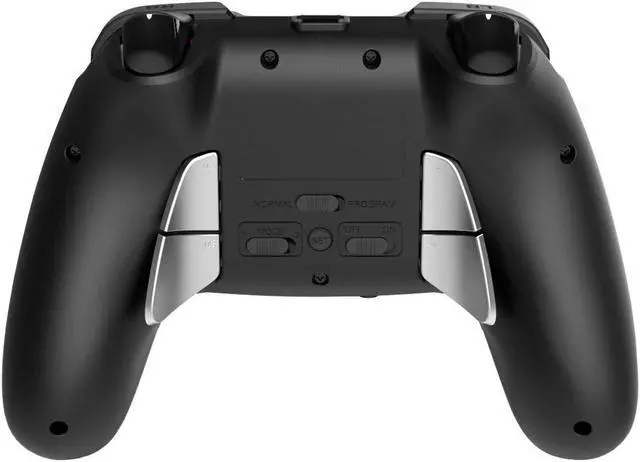
E.X.: Press and hold SET button for 3 seconds, RGB lighting bar start flashing, pressX and press M1, lighting bar stop flashing, then M1 program complete(M1=X).
Players have 4 paddle keys can be programming(M1-M4). Except Share, Option, and PS, all buttons (X,,,,L1,L2,R1,R2,D-pad) can be mapped to paddle keys.
Reset: When the paddle keys have already been programmed, just need to map the paddle keys again with other buttons.(ex. If M1=X. Press and hold SET 3S, and press , then press M1, you will get M1=).
Help others learn more about this product by uploading a video!SponsoredKontrolFreek improves accuracy, comfort & gripCustomize Your Victory with Pro ControllersCustom Accessories for PS4 ControllerCustom shell remap kit buttons for ps4 controller Specification: Remapping Methods: