









• $25.99
  • Free 30-day Returns
  • Ships from China.
    Price alert

    Best Sellers

    Newegg
    • + $11.20 Shipping
    Shop it at NeweggBusiness.

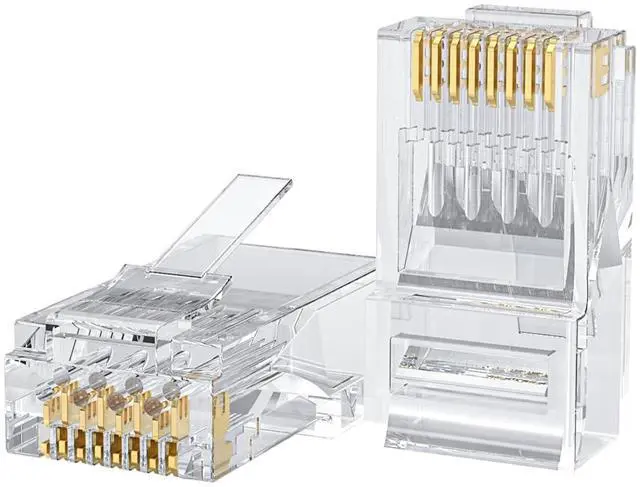
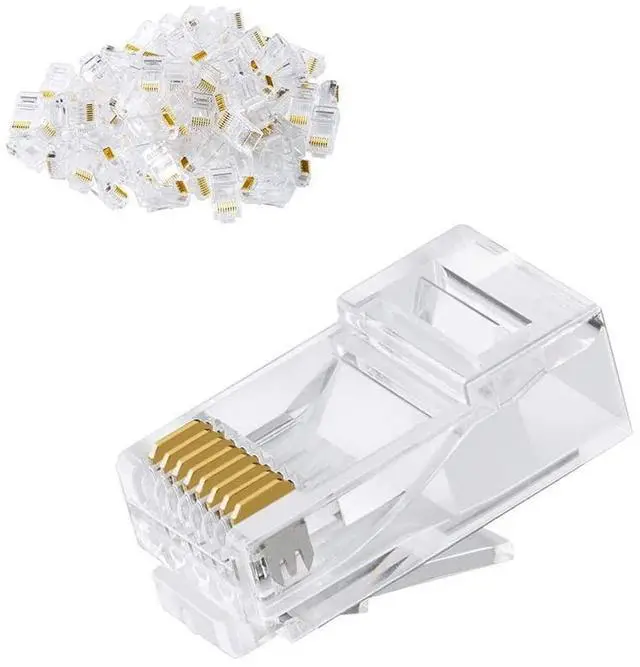
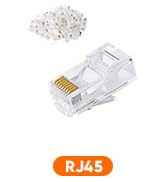
    KEHIPI Cat6 RJ45 Connectors, 100-PACK Cat6 RJ45 Ends, Ethernet Cable Crimp Connectors UTP Network Plug for Solid Wire and Standard Cable, Transparent

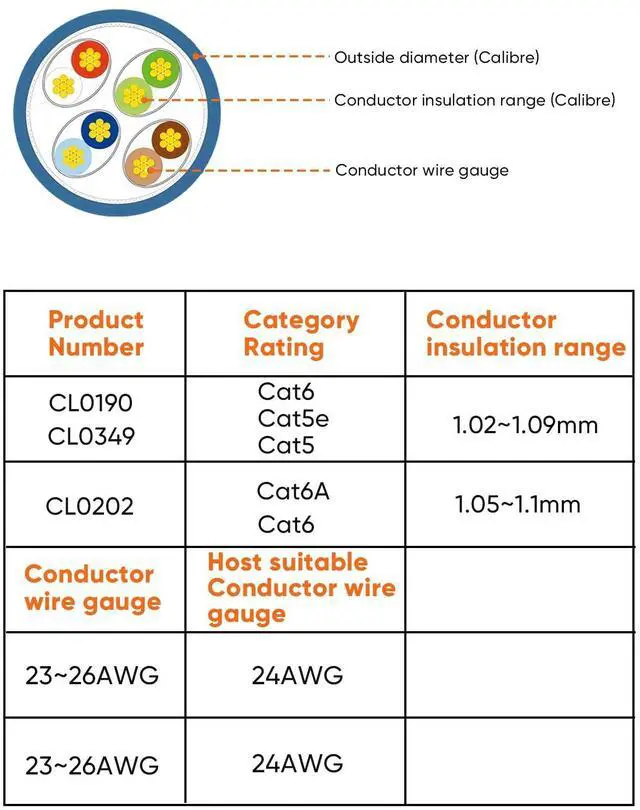
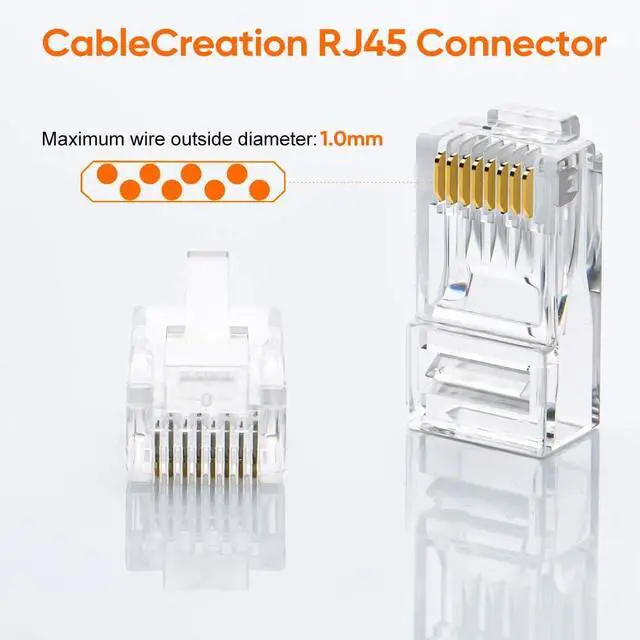
    • 100 PCS RJ45 Connectors for Unshielded Twisted Pair (UTP) Cables, Compatible with both solid and stranded cables, supporting 24 to 26 AWG round or flat network cables.
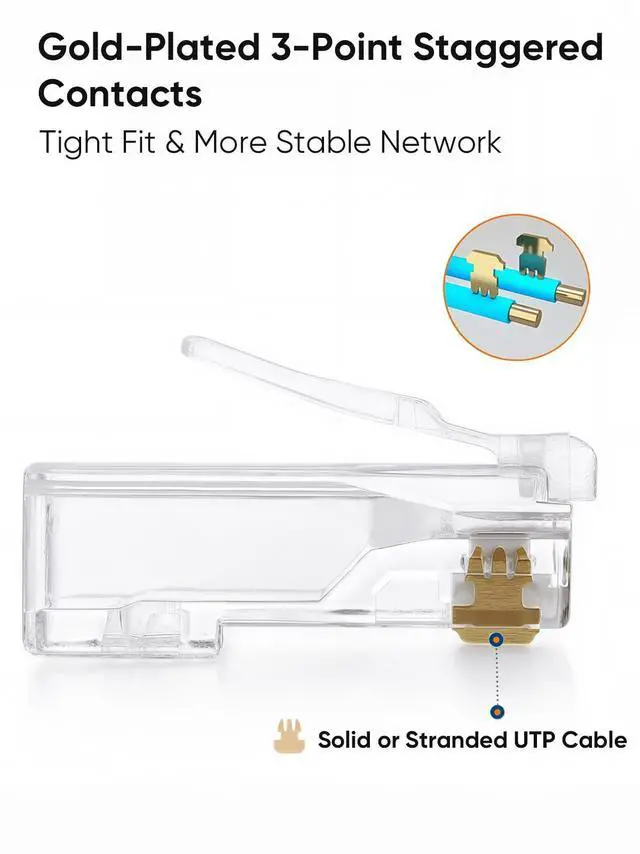
    • Gold-Plated Contacts: Ensures reliable, high-performance connectivity for Gigabit Ethernet networks.
    • Transparent Design: Allows better visibility of indicator lights for easy monitoring.
    • Corrosion-Resistant: Gold-plated connectors resist corrosion, enhancing signal performance and longevity.
    • ROHS Compliant: Meets environmental and safety standards for your peace of mind.
    • Convenient & Reliable: Compact and easy to carry, perfect for networking projects or on-the-go use.Backed by 24-month supreme warranty for worry-free purchases.
    • 24/7 Customer Support: Have questions? Our team is available 24 hours a day to assist you. Contact us anytime!
    • Note: This connector is not an RJ45 pass-through type. If you need pass-through connectors, please check out our other product(ASIN: B08HLH4RH3/B08HLJJT9D).
    +
    +
    Overview
    Specs
    Reviews
    avatar

    Any questions? Our AI beta will help you find out quickly.

    1
    2
    2-1

    Put the network cable into the stripping port of the cable crimping tool and rotate it two times to pull it out.

    2-2

    Cut off the pvc jacket and aluminum foil so that the wires are prepared as follows.

    2-3

    Trim the tips of the wires with a crimping tool to make tips neat and reserve appropriate length.

    2-4

    Arrange the wire's color in the order and push the wires into the Cat6 connector to the deepest position.

    Note: Your wire's Outside Diameter(OD) including the plastic housing should not exceed 1.0mm to match the wire guide's OD.

    4.5

    Put the wired crystal RJ45 end into the cable clamp for crimping.

    4-6

    Align the chip position and press down.

    9
    10
    1
    2
    2-1

    Put the network cable into the stripping port of the cable crimping tool and rotate it two times to pull it out.

    2-2

    Cut off the pvc jacket and aluminum foil so that the wires are prepared as follows.

    2-3

    Trim the tips of the wires with a crimping tool to make tips neat and reserve appropriate length.

    2-4

    Arrange the wire's color in the order and push the wires into the Cat6 connector to the deepest position.

    Note: Your wire's Outside Diameter(OD) including the plastic housing should not exceed 1.0mm to match the wire guide's OD.

    4.5

    Put the wired crystal RJ45 end into the cable clamp for crimping.

    4-6

    Align the chip position and press down.

    9
    10
    KEHIPI Cat6 RJ45 Connectors, 100-PACK Cat6 RJ45 Ends, Ethernet Cable Crimp Connectors UTP Network Plug for Solid Wire and Standard Cable, Transparent

    Warranty & Returns

    Warranty, Returns, And Additional Information

    Warranty

    • Please contact the Seller directly for warranty information. Warranty information may also be found on the Manufacturer's website.
    • CONTACT

    Return Policies

    Manufacturer Contact Info

    LOADING...
    LOADING...