• $9.97
  • Free 30-day Returns
  • Price alert

    Best Sellers

    Newegg
    • + $11.20 Shipping
    Shop it at NeweggBusiness.

    Meet Your Seller

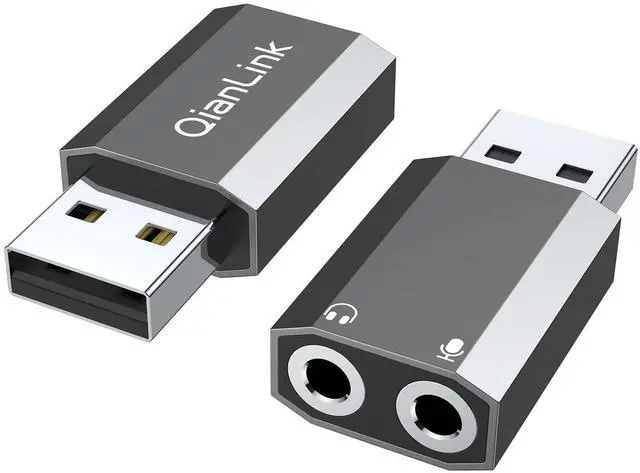
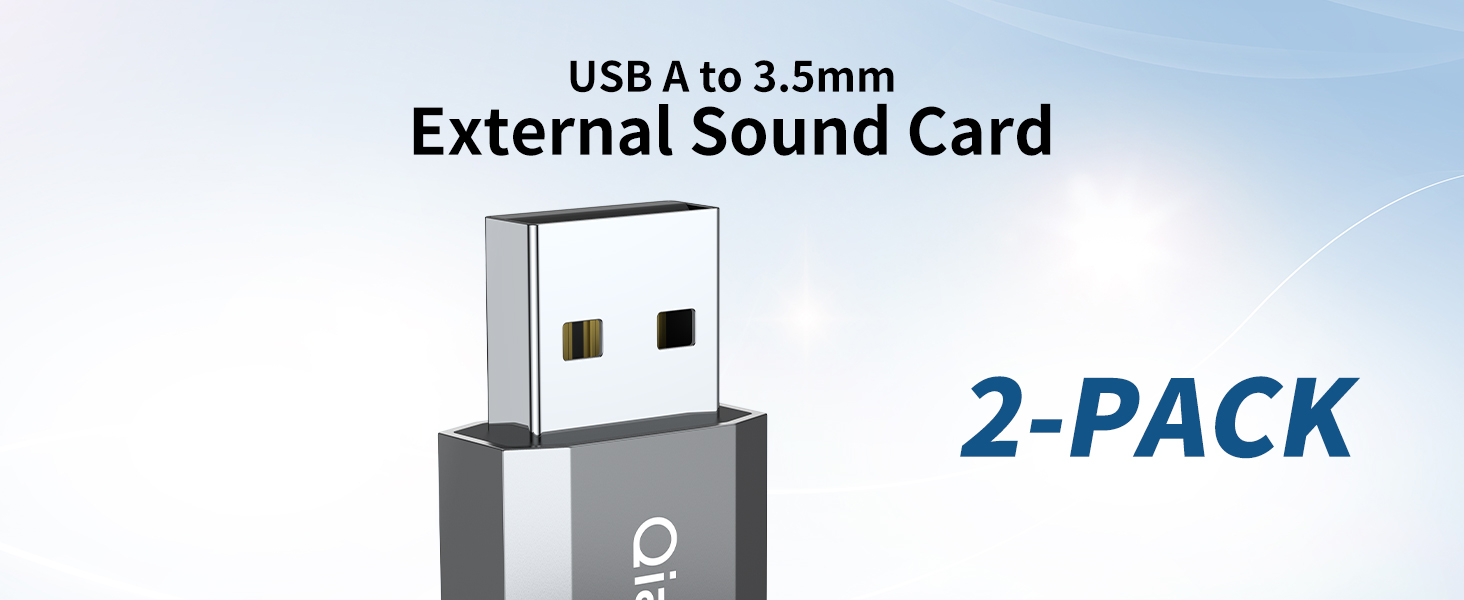
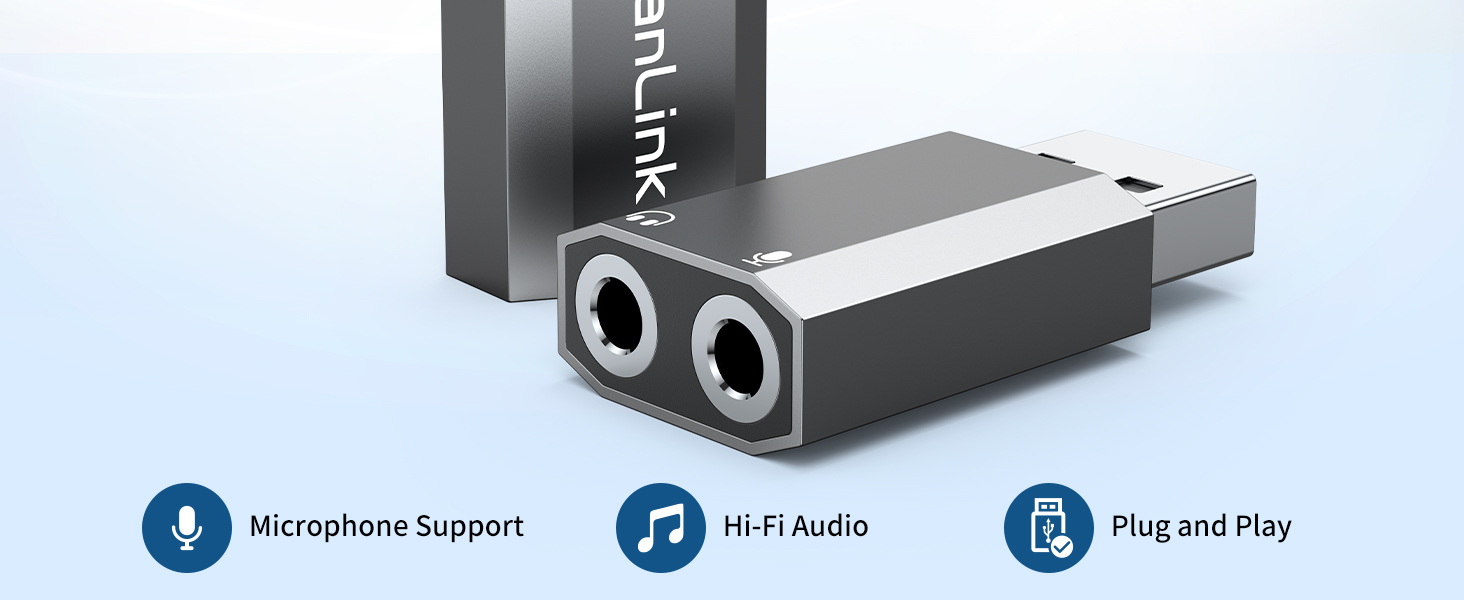
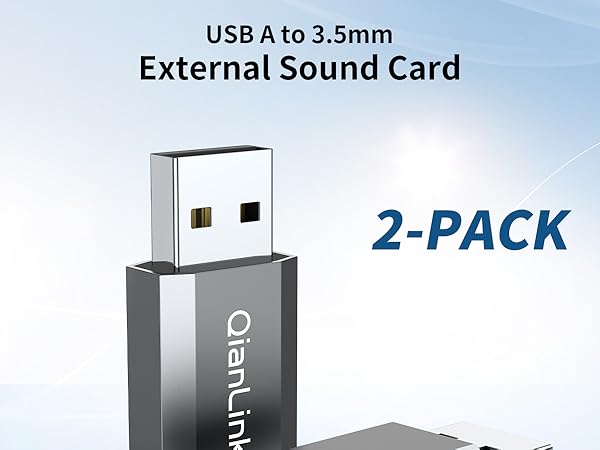
    USB to 3.5mm Audio Adapter (2-Pack),External Stereo Sound Card with Dual TRS 3-Pole 3.5mm Headphone and Microphone Jack for PS4/PS5/PC/Laptop, Built-in Chip Mic-Supported Headphone Adapter

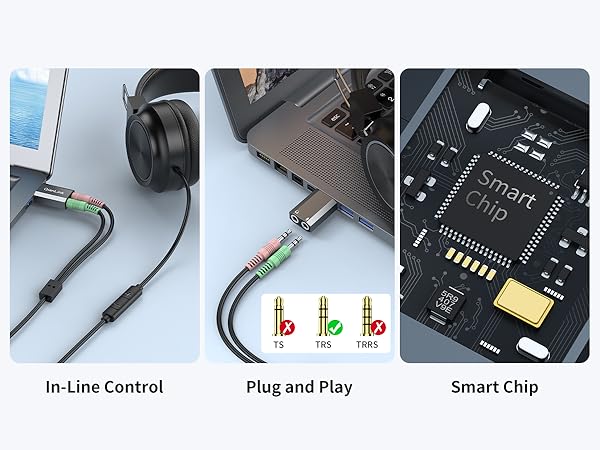
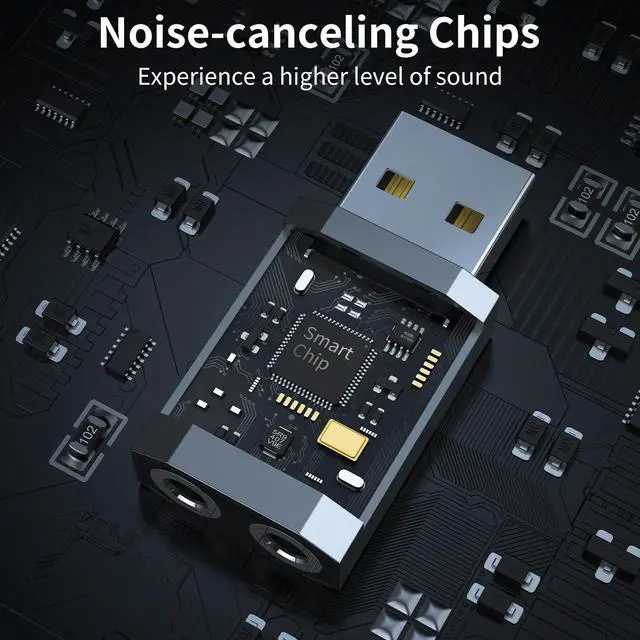
    • Upgrade the Sound Quality: QianLink Aux to USB adapter is the perfect solution for upgrading the sound quality of your laptop or desktop computer. With its high-resolution DAC chip, this adapter offers stunning audio quality that will completely transform your listening experience
    • Crystal-Clear Sound: Experience high-fidelity audio like never before! With a built-in DAC chip, this USB audio adapter delivers rich and immersive audio. The USB Aux adapter facilitates high-resolution audio output and noise reduction up to 16bit/48kHz to enhance the original sound quality of your devices
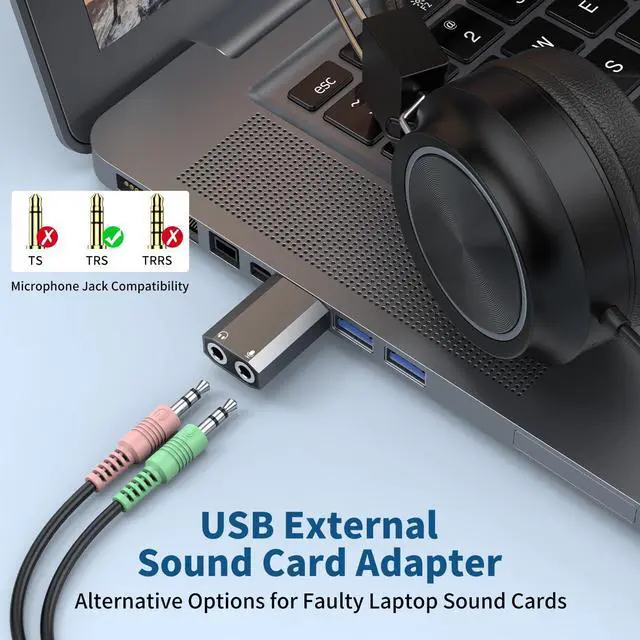
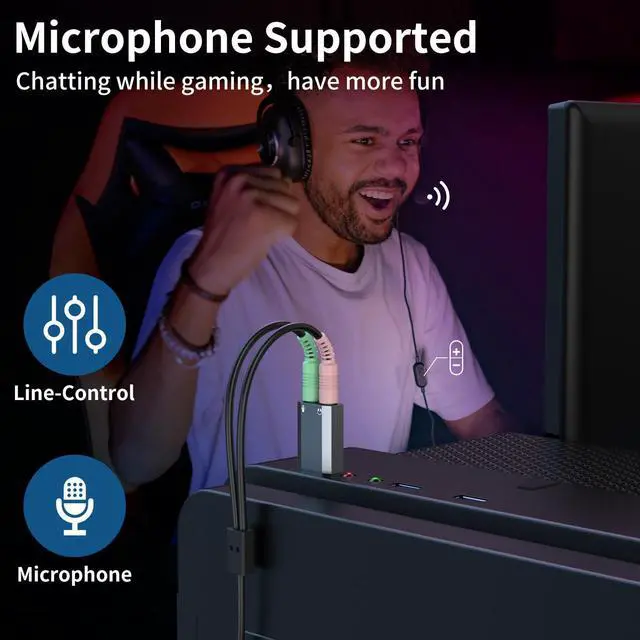
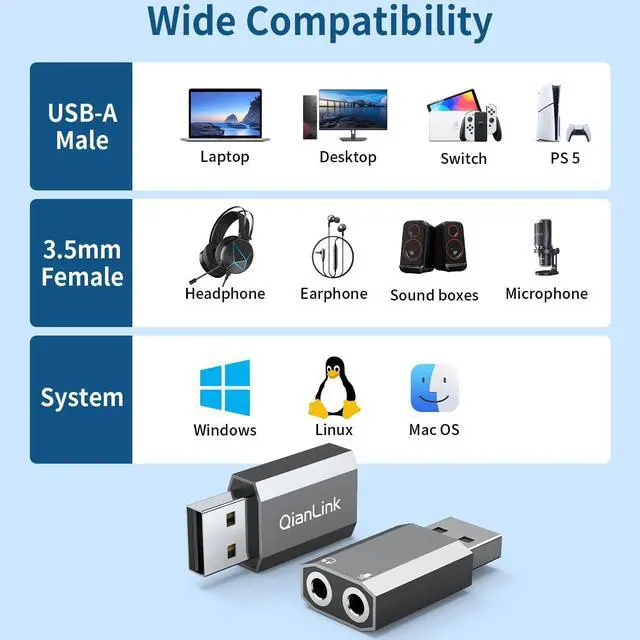
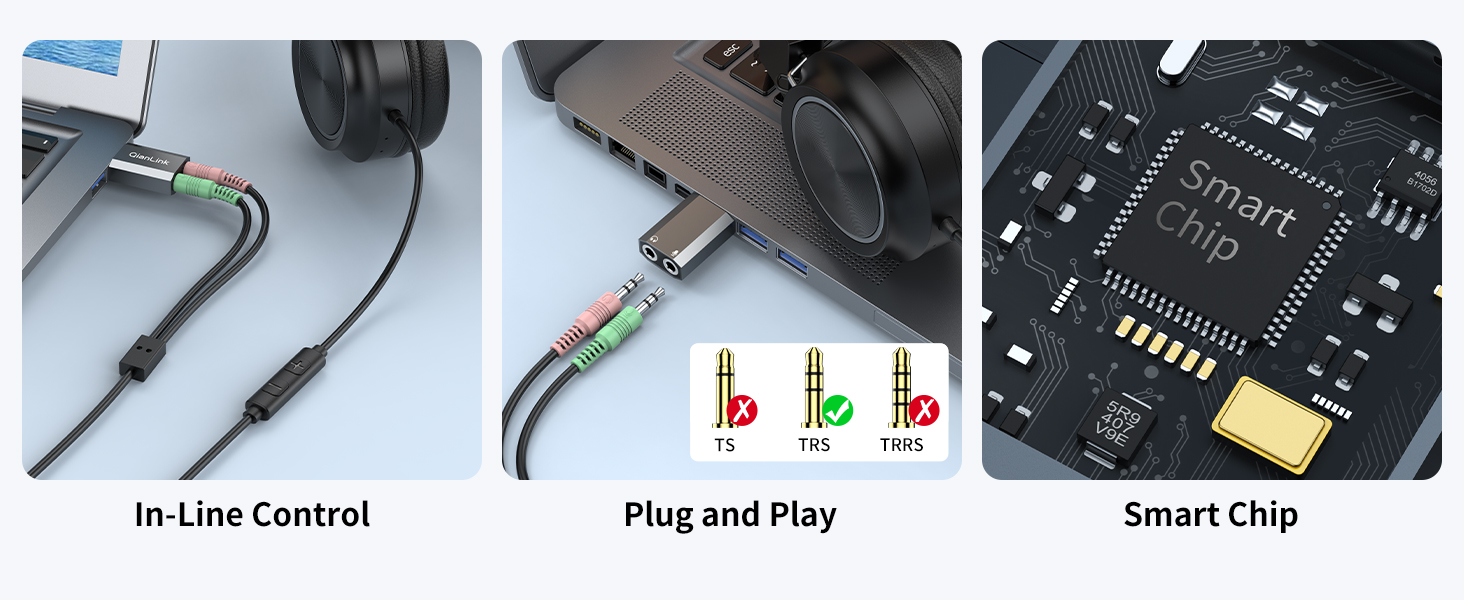
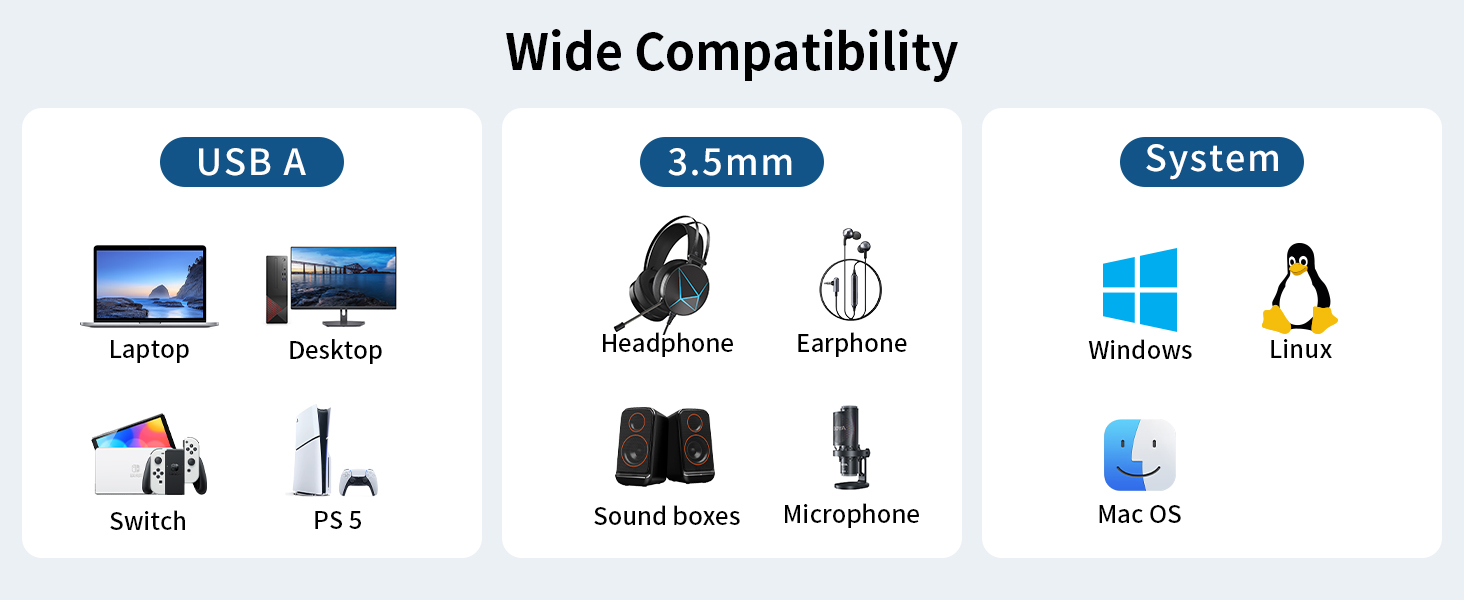
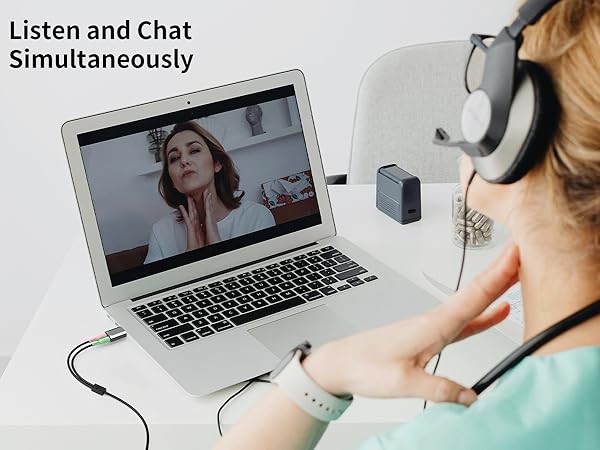
    • One for All Compatibility: Dual functions.Support listening + speaking. Support CTIA standards jack. Support Android earphones. Support Windows 10/8.1/8/7/Vista/XP, Mac OS X, Linux, Google Chromebook, Windows Surface 3 pro, Raspberry Pi and PS4 PS5 etc.
    • Easy And Efficient: This audio adapter is bus-powered and built to be a low-energy sound solution. This includes dynamic power-saving modes and a simple plug-and-play design. Listen at rest or on the go and enjoy without draining your battery.
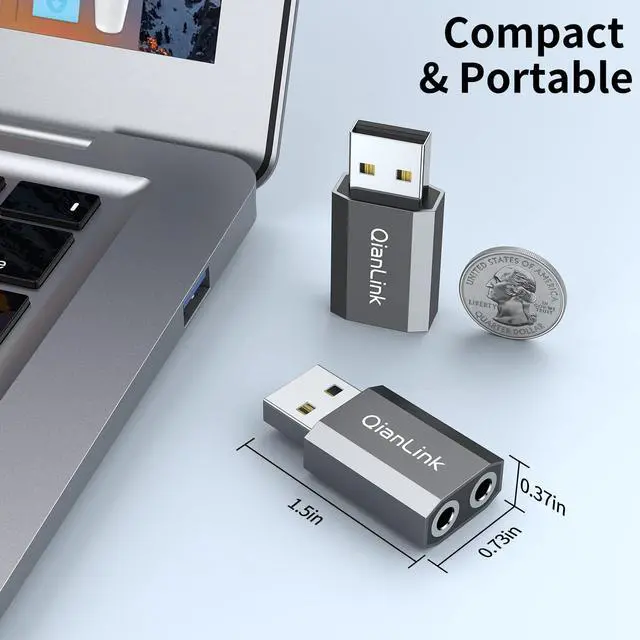
    • Compact and Portable: QianLink Aux to USB adapter is constructed with durable ABS material that makes it easy to take on the go. Don't miss out on this opportunity to elevate your audio experience - get your hands on the QianLink Aux to USB adapter today
    +
    +
    Overview
    Specs
    Reviews
    avatar

    Any questions? Our AI beta will help you find out quickly.

    1
    2
    3
    4
    5

    Configuration Instructions

    Windows:

    * Right-click on the sound icon in the taskbar>Select Playback or Recording devices>Adjust the volume on the computer and in the application.

    Mac:

    * Go to System Preferences > Sound > C-Media USB Headset > Output or Input > Volume

    Note: The USB interface on PS3 does not carry audio signal, so this USB audio adapter DOES NOT work with PS3.
    1
    2
    3
    4
    5

    Configuration Instructions

    Windows:

    * Right-click on the sound icon in the taskbar>Select Playback or Recording devices>Adjust the volume on the computer and in the application.

    Mac:

    * Go to System Preferences > Sound > C-Media USB Headset > Output or Input > Volume

    Note: The USB interface on PS3 does not carry audio signal, so this USB audio adapter DOES NOT work with PS3.
    USB to 3.5 mm Audio Adapter (2-Pack), External Stereo Sound Card with Dual TRS 3-Pole 3.5 mm Headphone and Microphone Jack for PS4/PS5/PC/Laptop, Built-in Chip Mic-Supported Headphone Adapter

    Warranty & Returns

    Warranty, Returns, And Additional Information

    Warranty

    • Please contact the Seller directly for warranty information. Warranty information may also be found on the Manufacturer's website.
    • CONTACT

    Return Policies

    Manufacturer Contact Info

    LOADING...
    LOADING...