




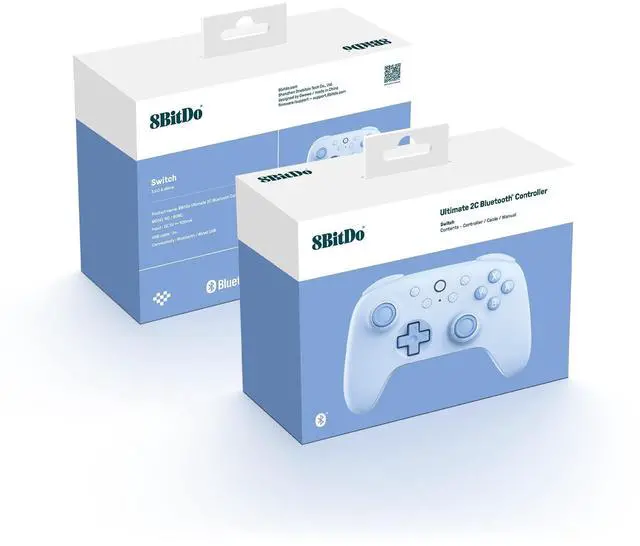


How to connect the Ultimate 2C BT Controller to Switch console via wired USB?
1. Ensure that the ‘Pro Controller Wired Communication’ is set to ‘Enabled’ in the Setting of your Switch.
2. Connect the controller to your Switch console via a USB cable.
How to wake up the Switch with the Ultimate 2C BT Controller? (Not support Switch2)
1. Please ensure the controller is already paired with the Switch console.
2. Press the Home button to turn on the controller.
3. Shake the controller to wake up the Switch.
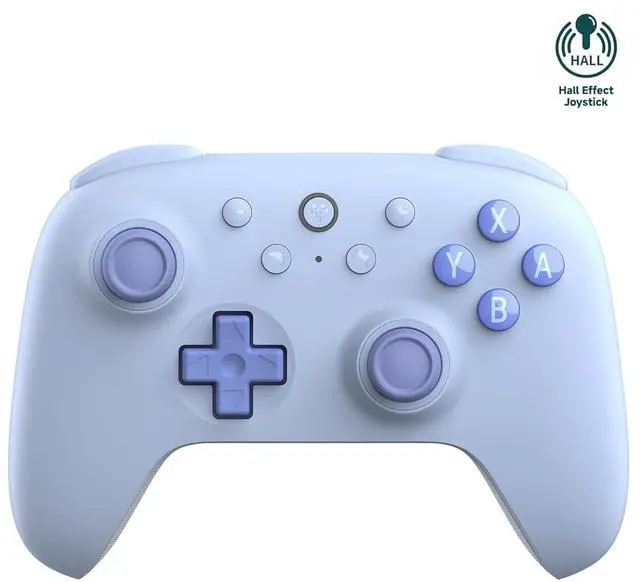
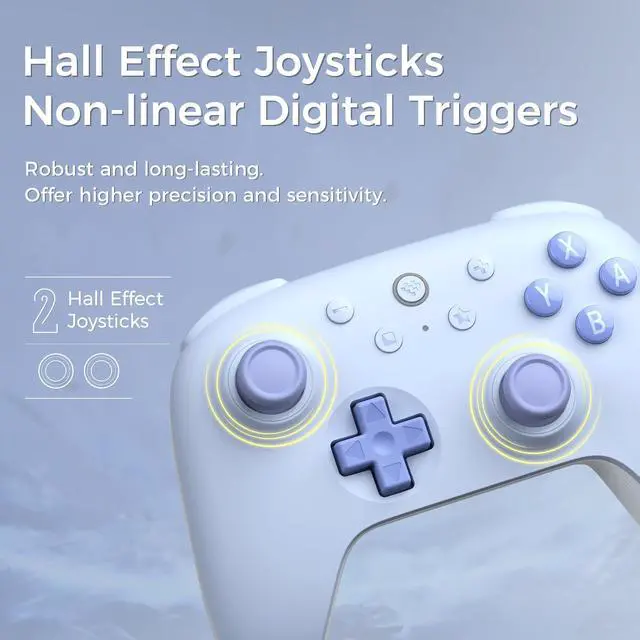
Is this controller equipped with Hall effect joysticks?
Yes, it is equipped with GuliKit Hall effect joysticks.
How to mapping the L4/R4 buttons?
Hold the L4/R4 button + the button you would like to configure, then press the Star button to complete configuration.
Repeat the same procedure to cancel the configuration.
How to update the firmware of the 2C Bluetooth?
1. Turn off the 2C (Long-press Home button)
2. Press and hold L1 and R1
3. Turn on Ultimate Software V2 on your PC
4. Connect to your PC via wired.


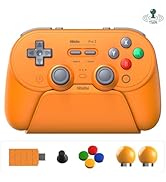
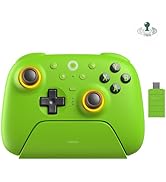
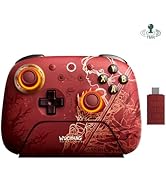
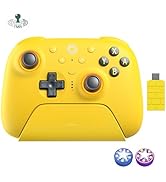
Latest Products
8BitDo controllers
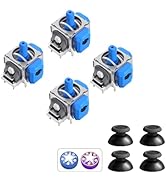
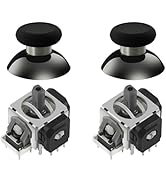
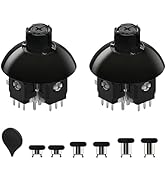
TMR Joystick


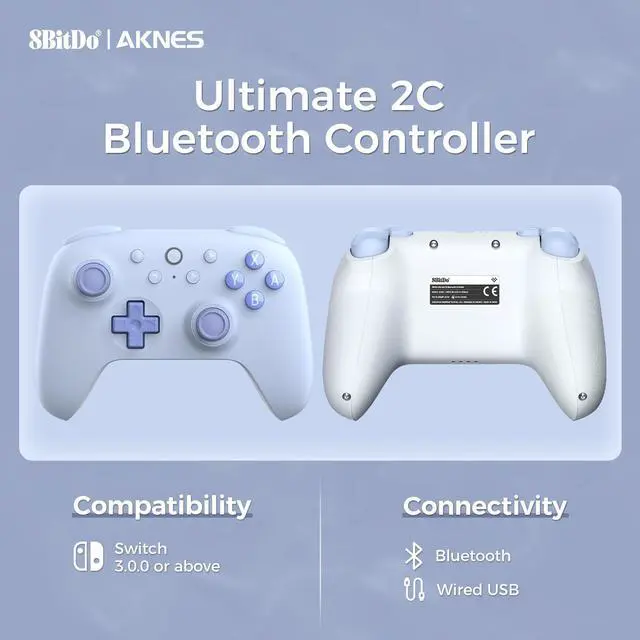
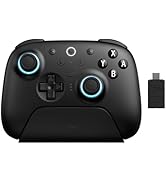
| Compatibility | Switch 3.0.0 or above |
|---|---|
| Connectivity | Bluetooth, Wired USB |
| Joysticks | Hall effect joysticks |
| Triggers | Non-linear Digital Triggers |
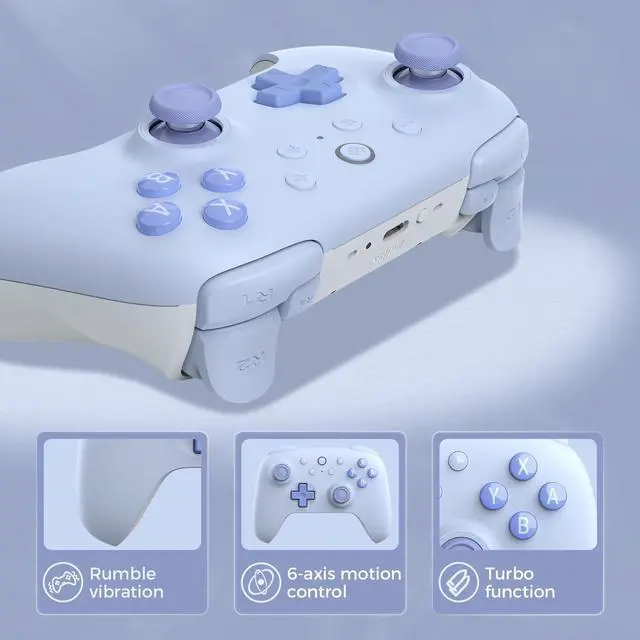
| R4/L4 buttons | Custom button mapping without using software, Refined |
| Vibration | Rotor motor vibration |
| Turbo function | D-pad, View, Menu, Home buttons are not supported |
| Battery | 480mAh built-in battery pack, 2 hours charging time |
| Package Contents | 8BitDo Ultimate 2C Bluetooth Controller*1, USB cable*1, Instruction manual*1 |
| Support | Please feel free to contact our support team if you have any problems or concerns: 1) Read the AKNES store page introduction, by message. 2) Email. 3) By AKNES official web. |
How to connect the Ultimate 2C BT Controller to Switch console via wired USB?
1. Ensure that the ‘Pro Controller Wired Communication’ is set to ‘Enabled’ in the Setting of your Switch.
2. Connect the controller to your Switch console via a USB cable.
How to wake up the Switch with the Ultimate 2C BT Controller? (Not support Switch2)
1. Please ensure the controller is already paired with the Switch console.
2. Press the Home button to turn on the controller.
3. Shake the controller to wake up the Switch.
Is this controller equipped with Hall effect joysticks?
Yes, it is equipped with GuliKit Hall effect joysticks.
How to mapping the L4/R4 buttons?
Hold the L4/R4 button + the button you would like to configure, then press the Star button to complete configuration.
Repeat the same procedure to cancel the configuration.
How to update the firmware of the 2C Bluetooth?
1. Turn off the 2C (Long-press Home button)
2. Press and hold L1 and R1
3. Turn on Ultimate Software V2 on your PC
4. Connect to your PC via wired.