







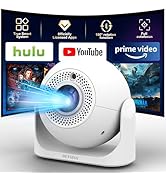
Auto Focus Mini Projector
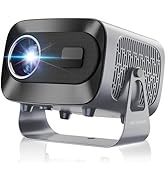
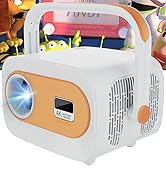
Smart Portable Mini Projector

DEYSINN
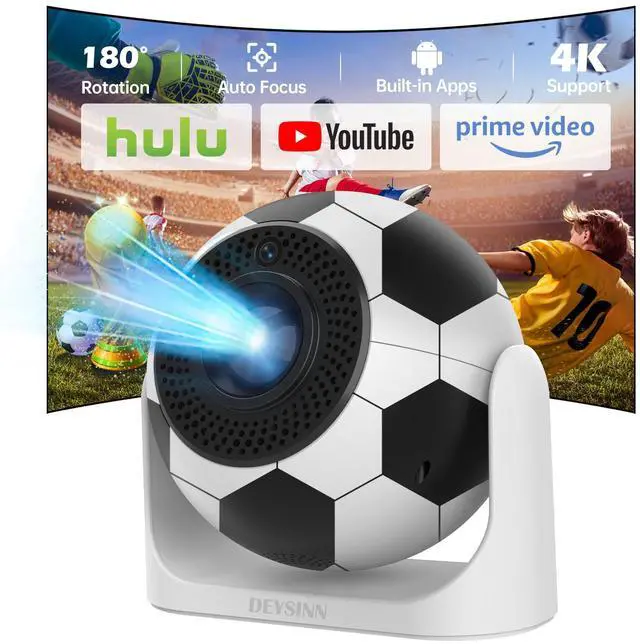
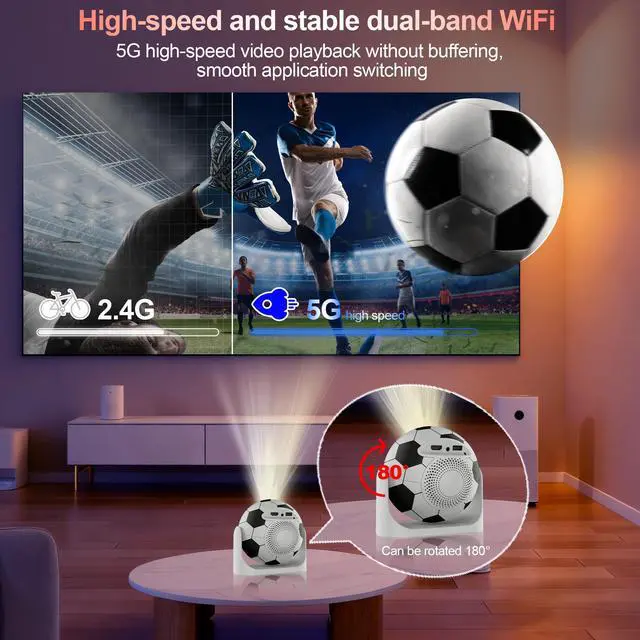
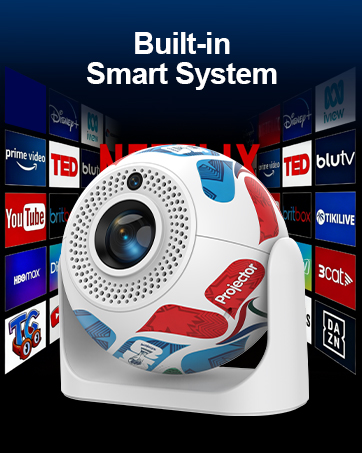
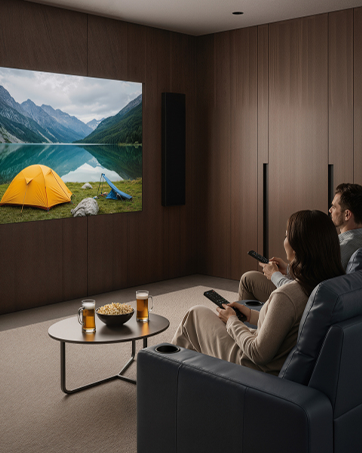
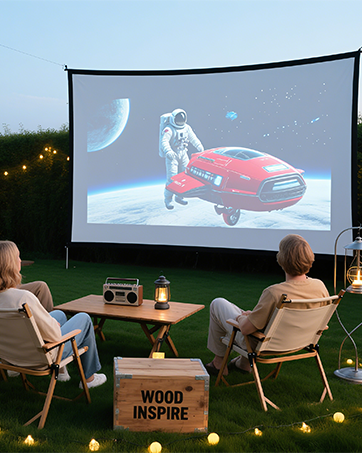
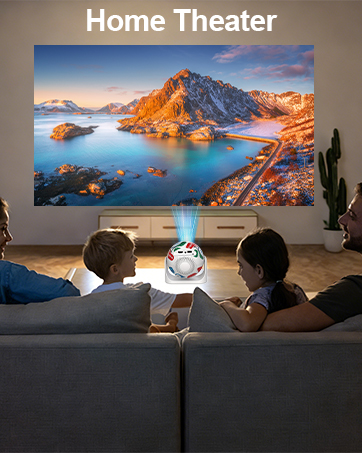
Our projector is mini and portable, supports Wi-Fi and Bluetooth, it comes with built-in applications such as Prime Video, YouTube and Hulu, and you can also download more apps from the built-in app store. Moreover, it is a projector for mobile phones, supporting both iPhone and Android, is suitable for various application scenarios, this makes it easy for you to create a projector for the bedroom and outdoor projector.
How to use?
Our projector only needs to be plugged in and turned on. After turning it on, connect to Wi-Fi and it's ready to use. It has built-in applications such as YouTube and Hulu. You can start watching right away without any complicated operations.
Can it be connected to a smart phone?
Our projector can be connected to a smart phone and is compatible with both iPhone and Android phones, allowing you to mirror your phone's screen onto the projector.
Is it portable?
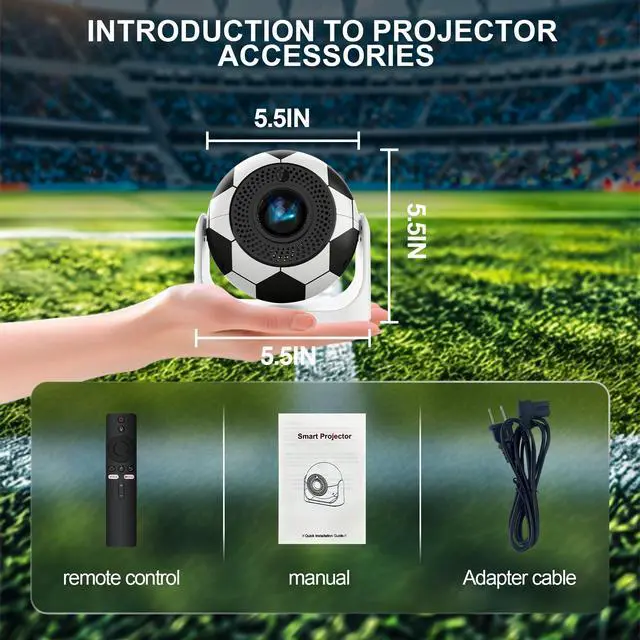
This mini projector measures only 7×7×6 inches, making it convenient for you to carry it in your backpack or suitcase.
football mini projector
Merchant Video


Is an OTA Update Required Before First Use?
No OTA update is required prior to first use. If an update is available, a notification will pop up on the home screen. You can choose to update immediately or later — no extra steps are needed.
What Is the Optimal Projection Distance?
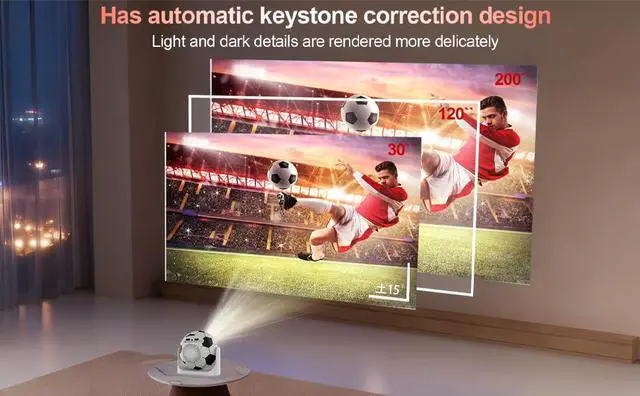
The recommended projection distance is 1.5–2 meters. This range delivers a clear, properly sized image between 56–80 inches.
How to Fix a Distorted or Non-Square Projection?
1. Place the projector on a flat surface.
2. Go to Settings > Projector > Disable AutoTrapezoid.
3. Select Projection Horizontal calibration to calibrate the image.
4. Choose Corner Correction and fine-tune with the remote's directional keys.
How to Fix a Blurry Image?
Use the F+ and F- buttons on the remote to manually focus the image. For optimal clarity, place the projector no more than 2 meters away from the screen or wall.
Important Reminders
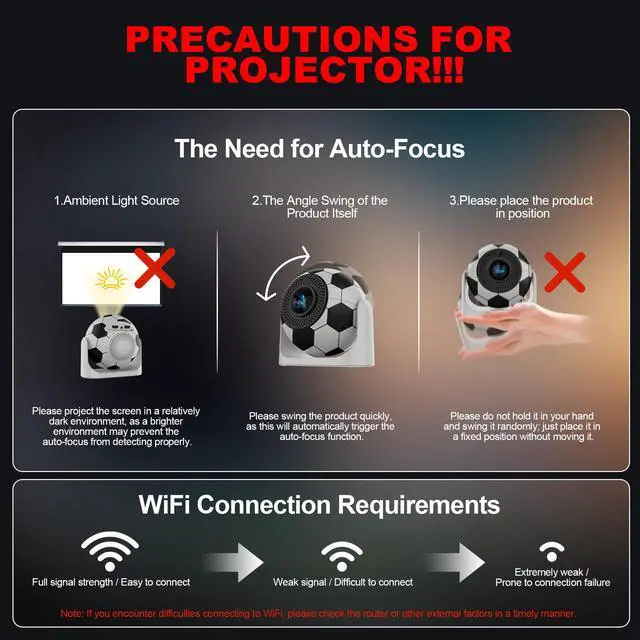
Please don't block the projector's air intake/exhaust vents (heat dissipation vents)—blockage may cause overheating or screen burn-in. Avoid touching the vents during or after use to prevent accidental burns.
football mini projector
Merchant Video


Is an OTA Update Required Before First Use?
No OTA update is required prior to first use. If an update is available, a notification will pop up on the home screen. You can choose to update immediately or later — no extra steps are needed.
What Is the Optimal Projection Distance?
The recommended projection distance is 1.5–2 meters. This range delivers a clear, properly sized image between 56–80 inches.
How to Fix a Distorted or Non-Square Projection?
1. Place the projector on a flat surface.
2. Go to Settings > Projector > Disable AutoTrapezoid.
3. Select Projection Horizontal calibration to calibrate the image.
4. Choose Corner Correction and fine-tune with the remote's directional keys.
How to Fix a Blurry Image?
Use the F+ and F- buttons on the remote to manually focus the image. For optimal clarity, place the projector no more than 2 meters away from the screen or wall.
Important Reminders
Please don't block the projector's air intake/exhaust vents (heat dissipation vents)—blockage may cause overheating or screen burn-in. Avoid touching the vents during or after use to prevent accidental burns.
Auto Focus Mini Projector
Smart Portable Mini Projector
DEYSINN
Our projector is mini and portable, supports Wi-Fi and Bluetooth, it comes with built-in applications such as Prime Video, YouTube and Hulu, and you can also download more apps from the built-in app store. Moreover, it is a projector for mobile phones, supporting both iPhone and Android, is suitable for various application scenarios, this makes it easy for you to create a projector for the bedroom and outdoor projector.
How to use?
Our projector only needs to be plugged in and turned on. After turning it on, connect to Wi-Fi and it's ready to use. It has built-in applications such as YouTube and Hulu. You can start watching right away without any complicated operations.
Can it be connected to a smart phone?
Our projector can be connected to a smart phone and is compatible with both iPhone and Android phones, allowing you to mirror your phone's screen onto the projector.
Is it portable?
This mini projector measures only 7×7×6 inches, making it convenient for you to carry it in your backpack or suitcase.