How to Use:
1. Turn off ""WLAN"", or switch to ""Airplane mode"" on iPad/iPhone
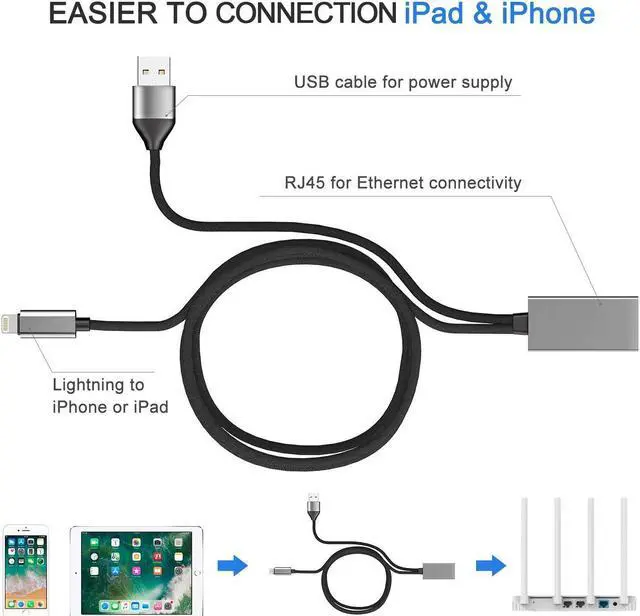
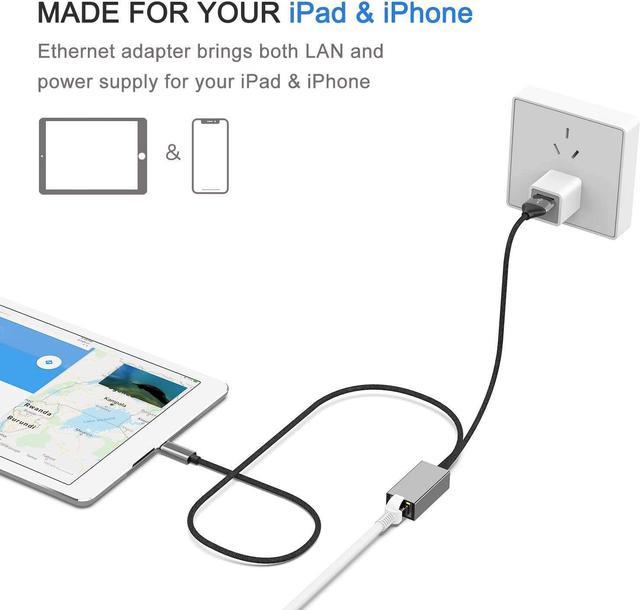
2. Plug lightning cable to iPad / iPhone
3. Open iPad/iPhone ""Setting"" menu, an ""Ethernet"" logo will be added automatically (wait a second or plug again when ""Ethernet"" menu does not appear)
4. Connect Ethernet cable to LAN adapter
5. Tap ""Ethernet"" to get an IP address like 192.168. 1.108, and it's connected
Follow the step and make sure it get an IP address.
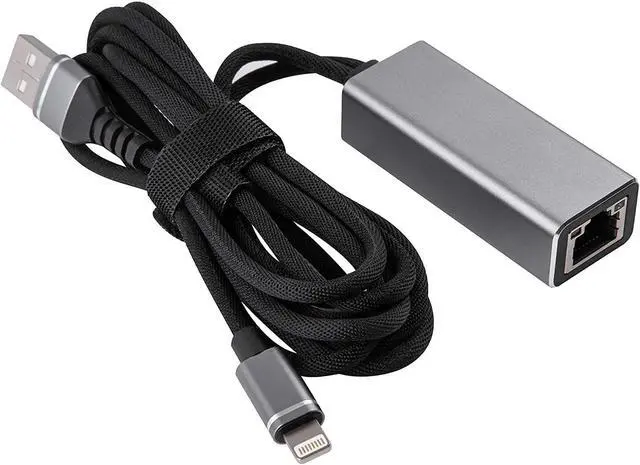
LAN adapter size: 58 x 23 x 16 mm (w x d x h); cable length: 3 feet;
Weight: 26.4 g; Internet speed: 10/100Mbps
Support iOS version: iOS 10. x or up
(iOS 10.0. 1 - iOS 10.3. 3); iOS 11. x ( 11.0. 1 - 11.2. 3 or later); support iPad Pro, iPad Air 2, iPad Air, iPad, iPad mini4, iPad mini 3, iPad mini2; iPod touch; iPhone X / iPhone 8 / iPhone8 Plus / iPhone 7 / iPhone7 Plus / 6s / 6s Plus / 6 / 6Plus / SE / 5S
ITEM INCLUDE:
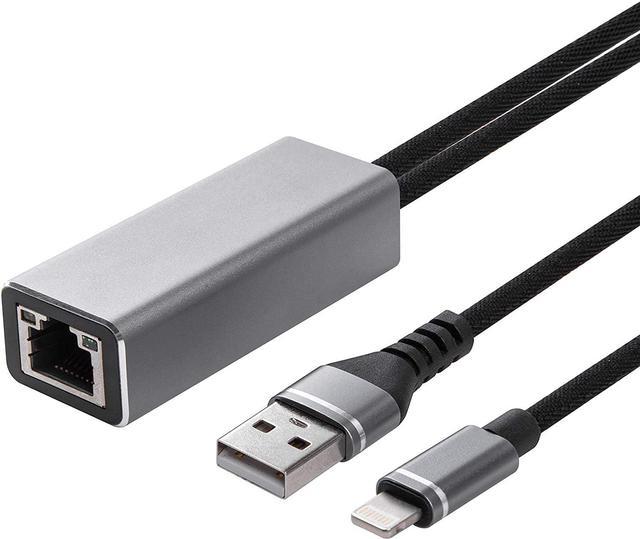
1 x lightning to RJ45 LAN adapter for iPhone/iPad