




 HT202P |  HT231 |  HT239 |  DT243 |  DT243-RX | |
|---|---|---|---|---|---|
| Customer Reviews | — | — | — | — | — |
| Price | — | — no data | — no data | — | — no data |
| Max Resolution | 1080P@60Hz | 4K@30Hz | 4K@60Hz | 1080P@60Hz | 1080P@60Hz |
| Transmission Range | 165ft | 328ft | 165ft | 500ft | 500ft |
| HDMI Version | 1.3 | 1.4 | 2.0 | 1.3 | 1.3 |
| HDCP Version | 1.2 | 1.4 | 2.2 | 1.2 | 1.2 |
| EDID | Copy | Copy | Copy | Copy | Copy |
| Loou Out | No | No | Yes | Yes | No |
| Power Over Cable | Yes | Yes | Yes | No | No |


Transmit 50m
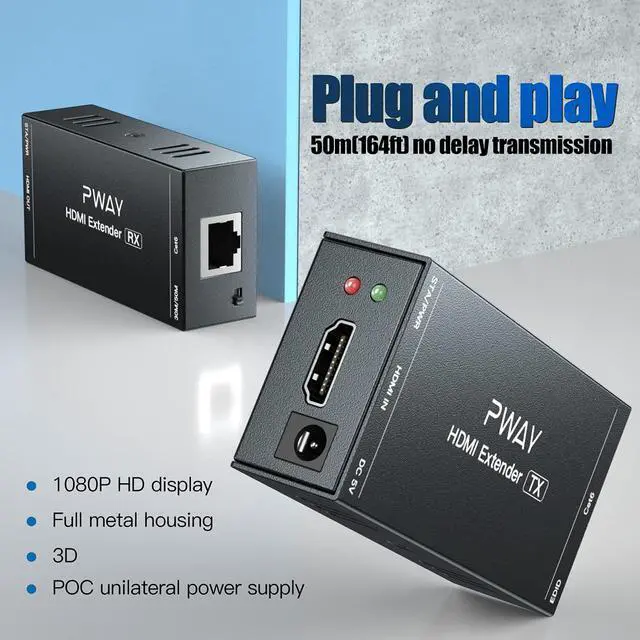
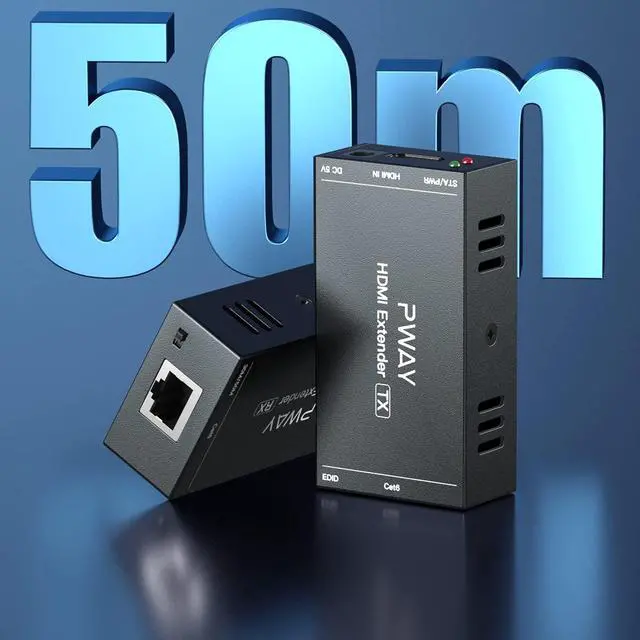
Send audio/video signals up to 50m(165ft) by Cat6/7, complies with general T568B Ethernet cable.

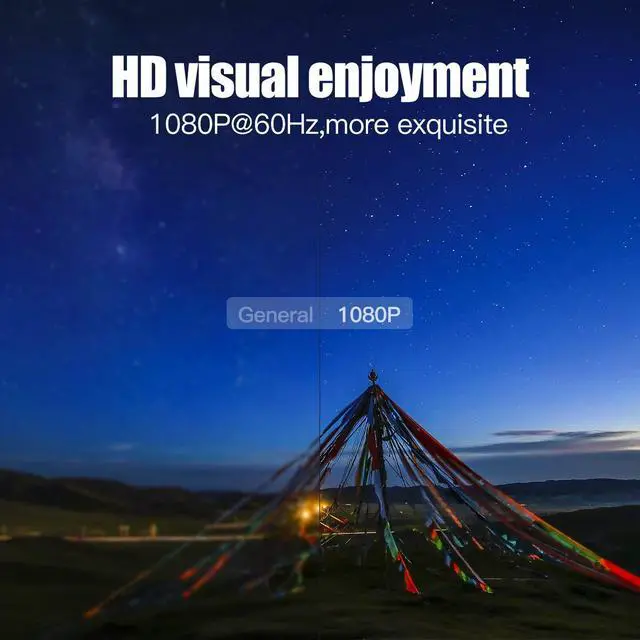
HD 1080P
Support resolution 1920x1080P@60Hz, compatible with 3D signal, more realistic picture.

POC
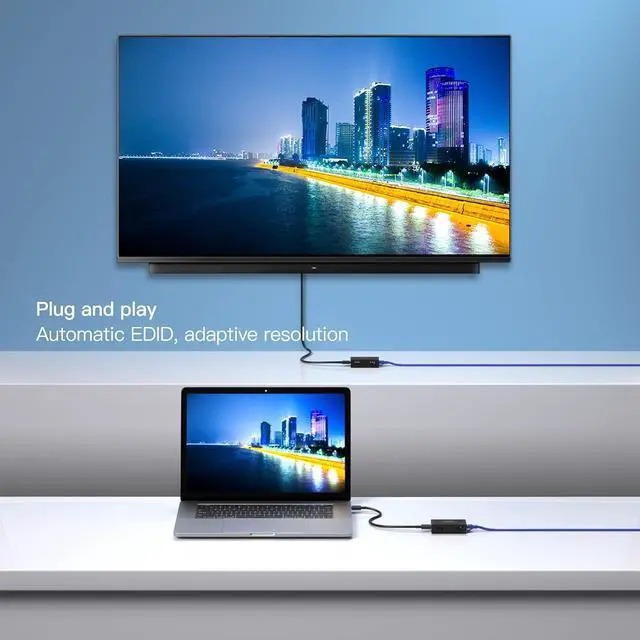
Power over cable. HDMI extender works perfectly by one power adapter.

Metal Shell
Robust and stable solution. Easier to dissipate heat with vent holes.

Powerful Chip
Powerful chip provides more stable audio/video signals.

High Compatibility
Compatible with multiple devices, such as cameras, computers, laptops, TV boxes, monitors, projectors and more.

Examples of use:
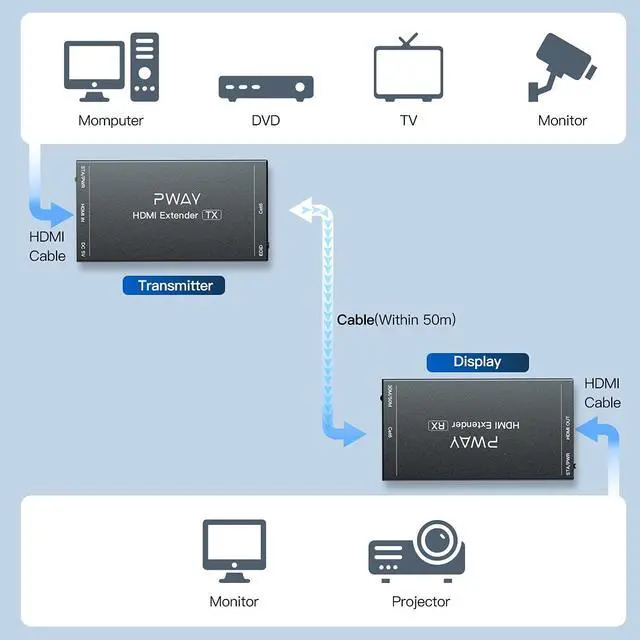
1)HDMI Extender for monitoring system. Camera---HDMI Transmitter---Ethernet Cable---HDMI Receiver---Monitor.
2)HDMI Extender for home audio and video. TV Box---HDMI Transmitter---Ethernet Cable---HDMI Receiver---TV.
3)HDMI Extender for exhibition hall projection. Computer---HDMI Transmitter---Ethernet Cable---HDMI Receiver---Projector.
Specifications:
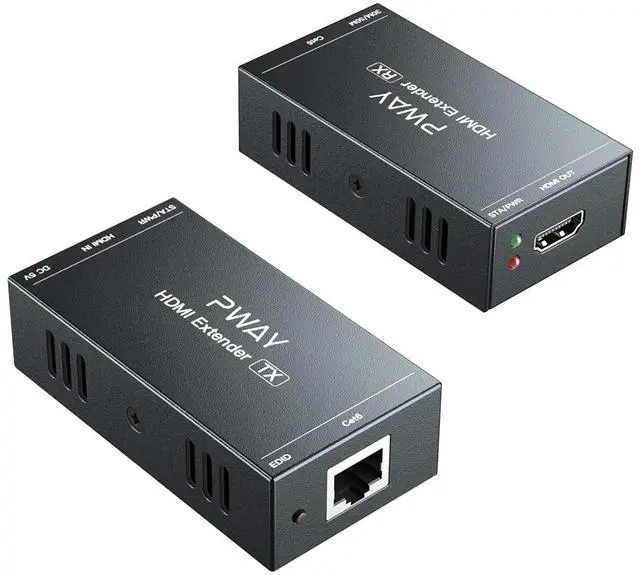
HDMI Version: HDMI 1.3
HDCP Version: HDCP 1.2
Resolution: 1920x1080P@60Hz resolution, compatible with 3D
Dimension(L x W x H): 81*43*23 (mm)
Connection instructions:
HDMI cable: HDMI 1.3 (at 1080P@60Hz), within 10 ft.
Ethernet cable: Cat6/7 within 50m/165ft, Cat5e within 40m/130ft, Cat5 within 30m/100ft.
Ethernet cable RJ45 wiring sequence: T568B (white orange, orange, white green, blue, white blue, green, white brown, brown)
Remind:
1)Directly connect your signal source and monitor before connecting HDMI Extender, and check the signal status.
2)The red light is the power light, and the green light is the signal light. It is recommended to use 2 Ethernet cables for testing if there is no signal.
3)RJ45 requires the conventional T568B standard. Need to change the wiring sequence if you are using T568A.
How to set EDID:
If HDMI Extender can't recognize your TV's EDID during the first connection, please set the following settings.
a)Connect the TV to the HDMI IN on Transmitter(TX).
b)Connect the power and start the TV and Transmitter.
c)Hold EDID button for 3-5 seconds. Green light stops flashing, indicating EDID copy is complete.
Package Lists:
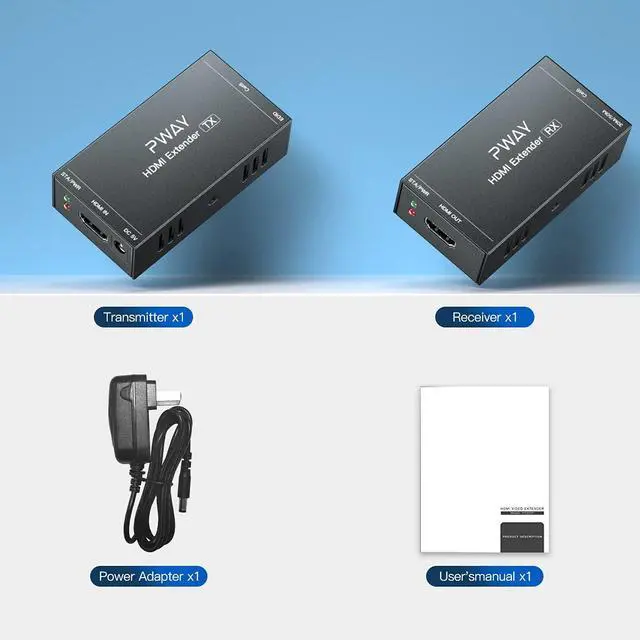
1x Transmitter
1x Receiver
1x Power adapter
1x User manual


HT202P | HT231 | HT239 | DT243 | DT243-RX | |
|---|---|---|---|---|---|
| Customer Reviews | — | — | — | — | — |
| Price | — | — no data | — no data | — | — no data |
| Max Resolution | 1080P@60Hz | 4K@30Hz | 4K@60Hz | 1080P@60Hz | 1080P@60Hz |
| Transmission Range | 165ft | 328ft | 165ft | 500ft | 500ft |
| HDMI Version | 1.3 | 1.4 | 2.0 | 1.3 | 1.3 |
| HDCP Version | 1.2 | 1.4 | 2.2 | 1.2 | 1.2 |
| EDID | Copy | Copy | Copy | Copy | Copy |
| Loou Out | No | No | Yes | Yes | No |
| Power Over Cable | Yes | Yes | Yes | No | No |
Transmit 50m
Send audio/video signals up to 50m(165ft) by Cat6/7, complies with general T568B Ethernet cable.
HD 1080P
Support resolution 1920x1080P@60Hz, compatible with 3D signal, more realistic picture.
POC
Power over cable. HDMI extender works perfectly by one power adapter.
Metal Shell
Robust and stable solution. Easier to dissipate heat with vent holes.
Powerful Chip
Powerful chip provides more stable audio/video signals.
High Compatibility
Compatible with multiple devices, such as cameras, computers, laptops, TV boxes, monitors, projectors and more.
Examples of use:
1)HDMI Extender for monitoring system. Camera---HDMI Transmitter---Ethernet Cable---HDMI Receiver---Monitor.
2)HDMI Extender for home audio and video. TV Box---HDMI Transmitter---Ethernet Cable---HDMI Receiver---TV.
3)HDMI Extender for exhibition hall projection. Computer---HDMI Transmitter---Ethernet Cable---HDMI Receiver---Projector.
Specifications:
HDMI Version: HDMI 1.3
HDCP Version: HDCP 1.2
Resolution: 1920x1080P@60Hz resolution, compatible with 3D
Dimension(L x W x H): 81*43*23 (mm)
Connection instructions:
HDMI cable: HDMI 1.3 (at 1080P@60Hz), within 10 ft.
Ethernet cable: Cat6/7 within 50m/165ft, Cat5e within 40m/130ft, Cat5 within 30m/100ft.
Ethernet cable RJ45 wiring sequence: T568B (white orange, orange, white green, blue, white blue, green, white brown, brown)
Remind:
1)Directly connect your signal source and monitor before connecting HDMI Extender, and check the signal status.
2)The red light is the power light, and the green light is the signal light. It is recommended to use 2 Ethernet cables for testing if there is no signal.
3)RJ45 requires the conventional T568B standard. Need to change the wiring sequence if you are using T568A.
How to set EDID:
If HDMI Extender can't recognize your TV's EDID during the first connection, please set the following settings.
a)Connect the TV to the HDMI IN on Transmitter(TX).
b)Connect the power and start the TV and Transmitter.
c)Hold EDID button for 3-5 seconds. Green light stops flashing, indicating EDID copy is complete.
Package Lists:
1x Transmitter
1x Receiver
1x Power adapter
1x User manual
PWAYTEK – Reliable Connections
PWAYTEK delivers stable and easy-to-use HDMI extenders and AV solutions. Our mission is to provide clear video, long-distance transmission, and dependable performance for home, office, and professional use.
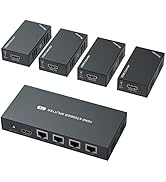
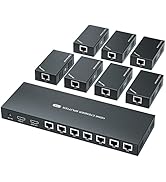
HDMI Extender Splitter
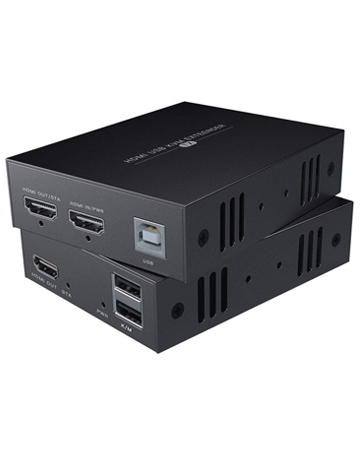
HDMI Extender with USB