


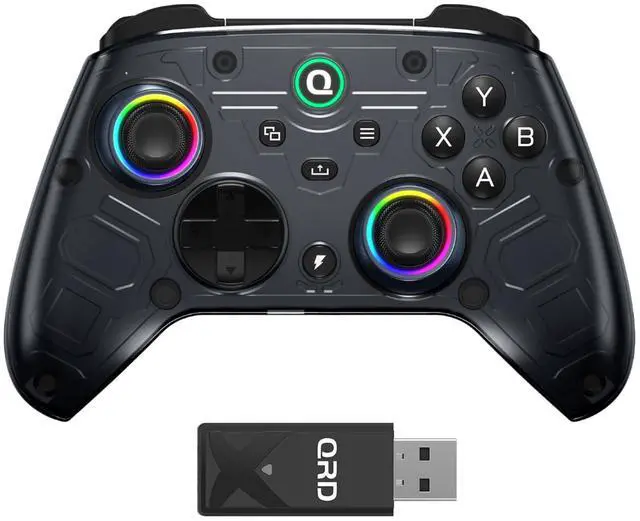
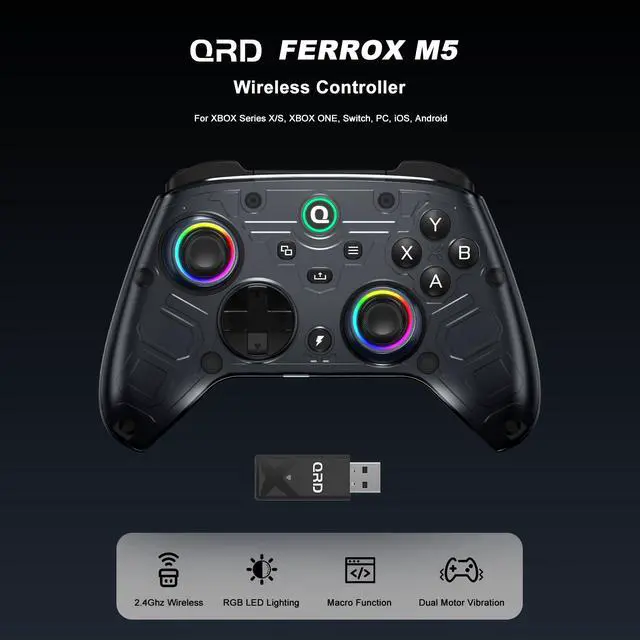
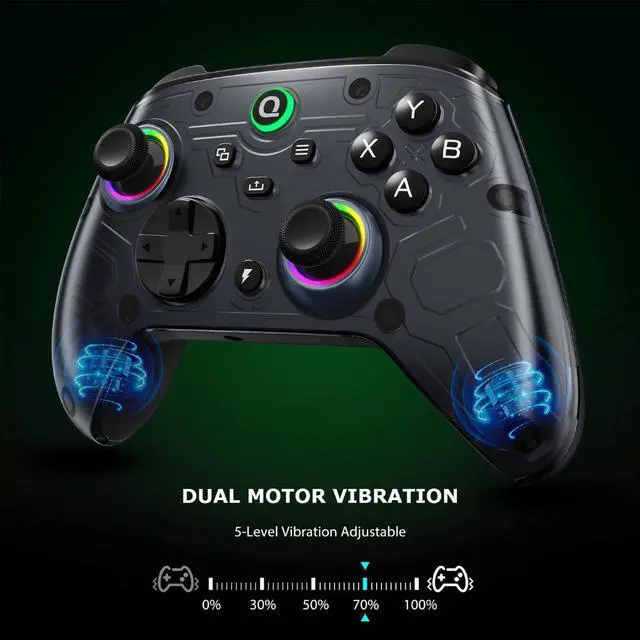
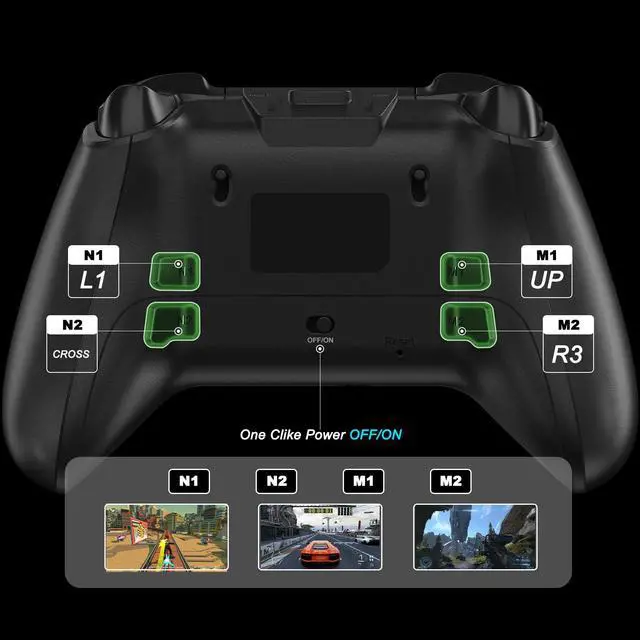
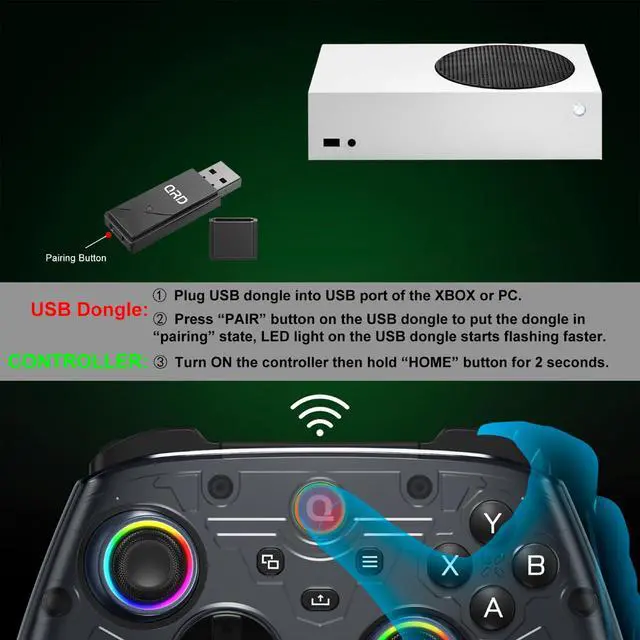
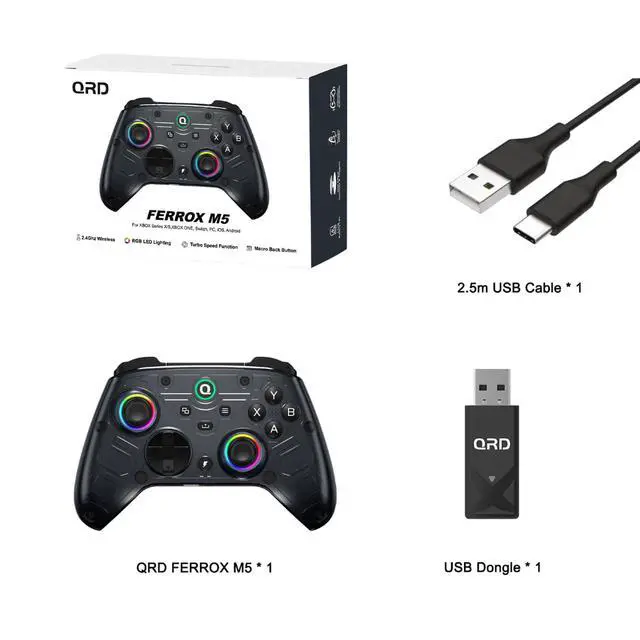


High Performance 2.4Ghz Wireless Connection
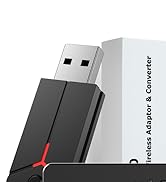
- Dedicated 2.4G wireless dongle ensures ultra-low latency and high stability with excellent interference resistance, delivering smooth and uninterrupted gameplay.
- Plug-and-play compatibility across Xbox Series X/S, Xbox One, Nintendo Switch, PC, and more, with no complex setup required.
- Built-in auto-reconnect quickly restores connection after interruptions, keeping you in the game without delay.
Hall Effect Analog Triggers & Trigger Stops
- Hall-Effect Anti-Drift:Unique Trigger Stop design shortens trigger travel distance, enabling quicker shooting response times. Ideal for FPS and racing gamers aiming for faster reaction and tighter control over gameplay pace.
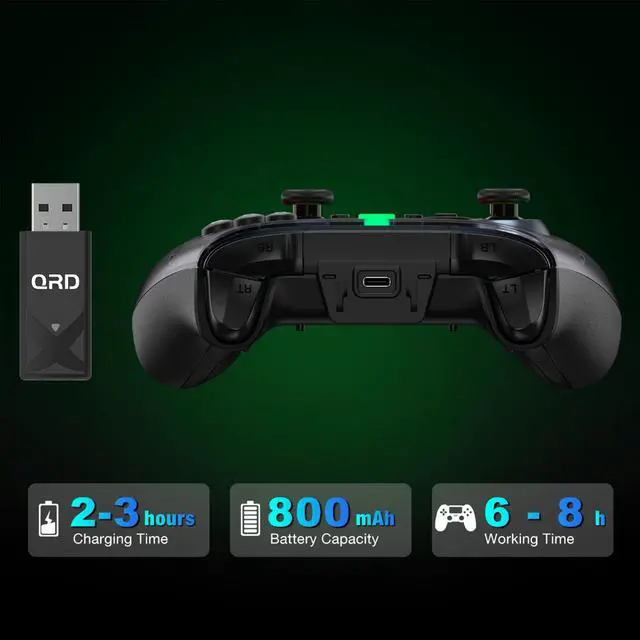
- Do not use fast charge or power adapters.The controller uses a built-in 800mAh battery (5V/1A) and must be charged only through USB ports (XBOX/PC/PS5/PS4/Switch) using a USB-C cable.Using fast chargers may damage the battery.

What should I do if FERROX M5 fail to connect to XBOX?
Please check the video about setting and connection on page.QRD Ferrox M5's latest firmware resolves compatibility connected issues with the recent Xbox system update. If any questions, please contact QRD after-sales service.
What should I do if FERROX M5 fail to charge?
Please note to adjust the ON button on the back of the FERROX M5 to successfully charge.
What should I do if the buttons malfunction or the joystick drifts?
Please review the video of calibration steps on page or refer to the user manual for manual calibration steps to resolve the issue.Then please visit QRD official web and download the latest firmware of QRD Ferrox M5 USB Dongle.
QRD FERROX M5 's indicator light suddenly doesn't light up and the connection is disconnected. How to solve it?
Please visit QRD official web and download and update the latest Firmware of QRD Ferrox M5 USB Dongle.
QRD Product List
XBOX, PC,Switch | Perfect for Game | PS4,PS3,PS2,PC |
Hall EffectJoysticks | AdvancedTech Applied | Hall EffectJoysticks |
Firmware Update |
XBOX, PC,Switch | Perfect for Game | PS5,PS4,PS3,PS2,PC |
Hall EffectJoysticks | AdvancedTech Applied | Hall EffectJoysticks |
Firmware Update |
XBOX, PC,Switch | Perfect for Game | Nintendo Switch,PC |
Hall EffectJoysticks | AdvancedTech Applied | Micro Switch Buttons |
Firmware Update |
XBOX, PC,Switch | Perfect for Game | PS4,Switch,XBOX |
Hall EffectJoysticks | AdvancedTech Applied | Micro Switch Buttons |
Firmware Update |


QRD Spark N5 PS5 Controller
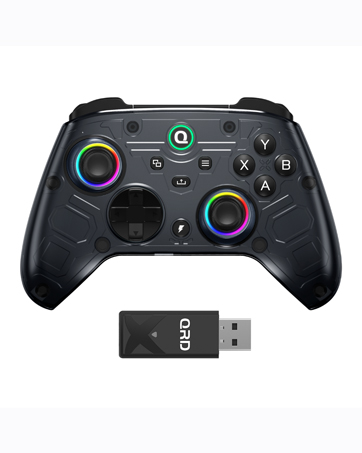
QRD FERROX M5 for Xbox
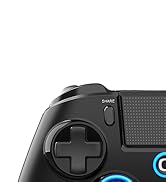
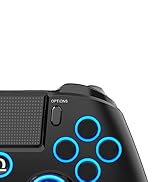
QRD Spark N5 PS4 Controller
QRD PS5 Leverless Arcade Stick
QRD 2-in-1 PS5 Converter
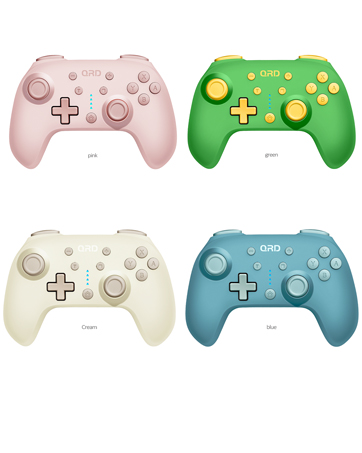
QRD JUNIOR E5 MINI
Mini Game Controller for Switch,PC
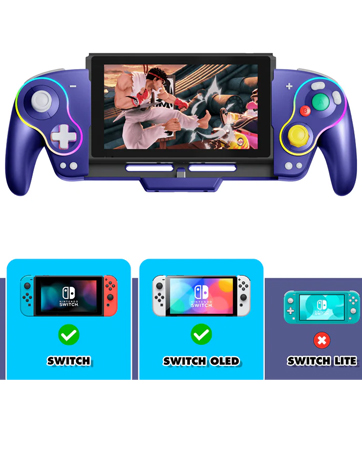
QRD Stellar V3 Controller
For Nintendo Switch/Switch OLED
QRD Maestro S3 Arcade Stick

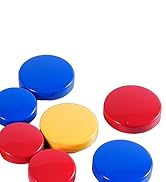
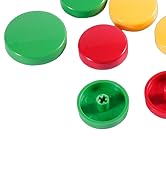
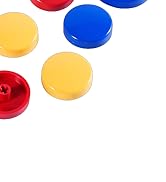
Leverless Arcade Stick Caps

QRD gaming products are applied with kinds of high techs, such as hall effect, 6 axis gyroscope, motion sensor, micro hot-swap, etc...

QRD gaming products come with 24 hours x 7 days x whole year + trouble shooting + warm kind service for all video game players.
QRD Spark N5 PS5 Controller
QRD FERROX M5 for Xbox
QRD Spark N5 PS4 Controller
QRD PS5 Leverless Arcade Stick
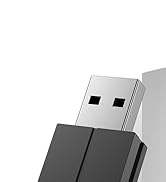
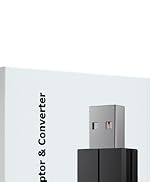
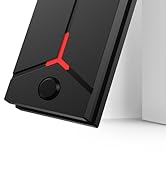
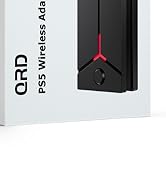
QRD 2-in-1 PS5 Converter
QRD JUNIOR E5 MINI
Mini Game Controller for Switch,PC
QRD Stellar V3 Controller
For Nintendo Switch/Switch OLED
QRD Maestro S3 Arcade Stick
Leverless Arcade Stick Caps
QRD gaming products are applied with kinds of high techs, such as hall effect, 6 axis gyroscope, motion sensor, micro hot-swap, etc...
QRD gaming products come with 24 hours x 7 days x whole year + trouble shooting + warm kind service for all video game players.


Advanced 2.4GHz Wireless Adapter
High Performance 2.4Ghz Wireless Connection
- Dedicated 2.4G wireless dongle ensures ultra-low latency and high stability with excellent interference resistance, delivering smooth and uninterrupted gameplay.
- Plug-and-play compatibility across Xbox Series X/S, Xbox One, Nintendo Switch, PC, and more, with no complex setup required.
- Built-in auto-reconnect quickly restores connection after interruptions, keeping you in the game without delay.
Hall Effect Analog Triggers & Trigger Stops
- Hall-Effect Anti-Drift:Unique Trigger Stop design shortens trigger travel distance, enabling quicker shooting response times. Ideal for FPS and racing gamers aiming for faster reaction and tighter control over gameplay pace.
- Do not use fast charge or power adapters.The controller uses a built-in 800mAh battery (5V/1A) and must be charged only through USB ports (XBOX/PC/PS5/PS4/Switch) using a USB-C cable.Using fast chargers may damage the battery.
What should I do if FERROX M5 fail to connect to XBOX?
Please check the video about setting and connection on page.QRD Ferrox M5's latest firmware resolves compatibility connected issues with the recent Xbox system update. If any questions, please contact QRD after-sales service.
What should I do if FERROX M5 fail to charge?
Please note to adjust the ON button on the back of the FERROX M5 to successfully charge.
What should I do if the buttons malfunction or the joystick drifts?
Please review the video of calibration steps on page or refer to the user manual for manual calibration steps to resolve the issue.Then please visit QRD official web and download the latest firmware of QRD Ferrox M5 USB Dongle.
QRD FERROX M5 's indicator light suddenly doesn't light up and the connection is disconnected. How to solve it?
Please visit QRD official web and download and update the latest Firmware of QRD Ferrox M5 USB Dongle.
QRD Product List
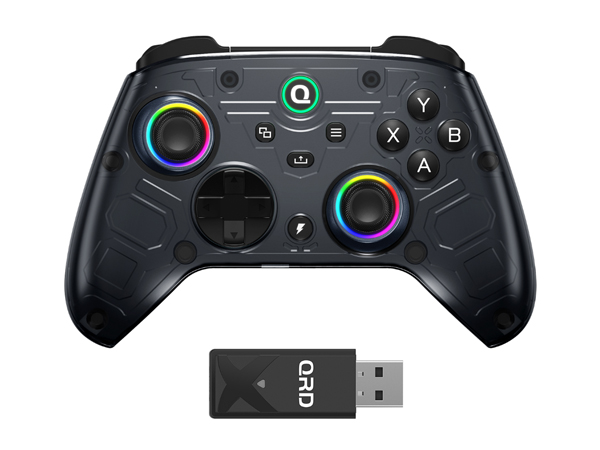
QRD FERROX M5 for Xbox
Perfect for Game
XBOX, PC,Switch
AdvancedTech Applied
Hall EffectJoysticks
Firmware Update
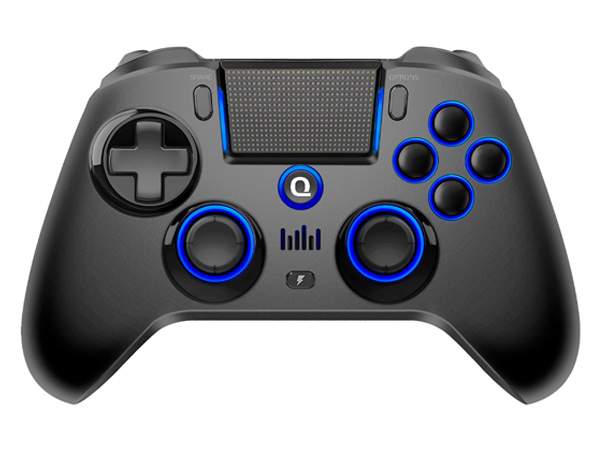
QRD Spark N5 for PS4
Perfect for Game
PS4,PS3,PS2,PC
AdvancedTech Applied
Hall EffectJoysticks
Firmware Update
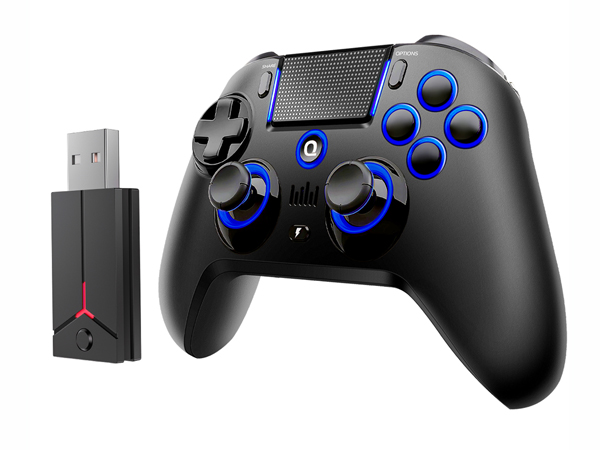
QRD Spark N5 for PS5
Perfect for Game
PS5,PS4,PS3,PS2,PC
AdvancedTech Applied
Hall EffectJoysticks
Firmware Update
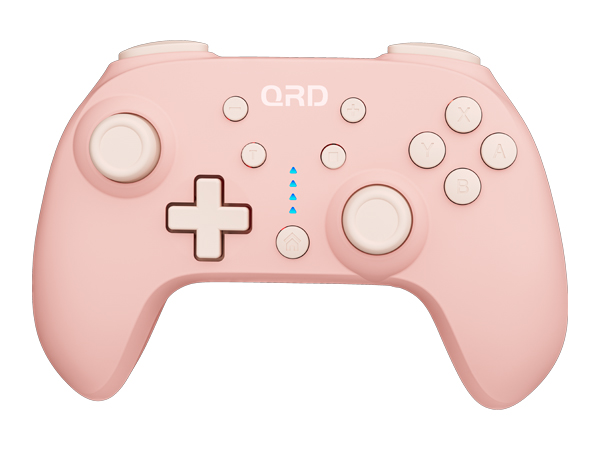
QRD Junior E5
Perfect for Game
Nintendo Switch,PC
AdvancedTech Applied
Micro Switch Buttons
Firmware Update
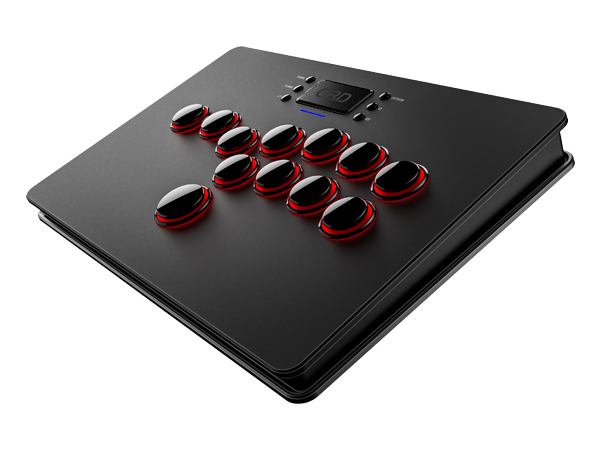
QRD Maestro S3
Perfect for Game
PS4,Switch,XBOX
AdvancedTech Applied
Micro Switch Buttons
Firmware Update
