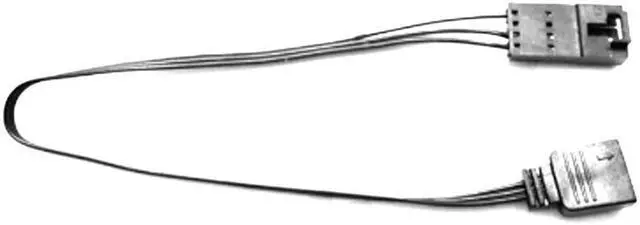
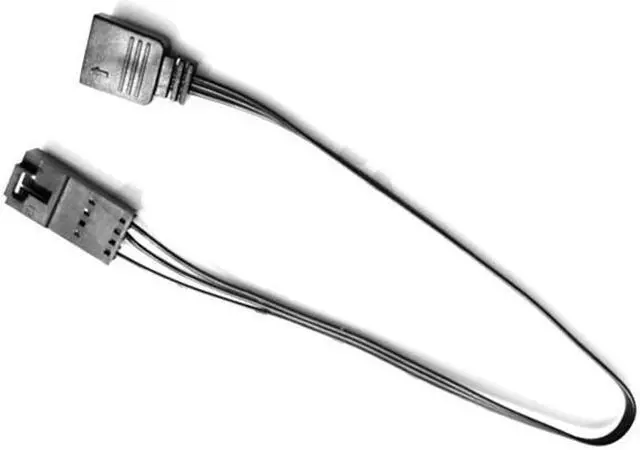
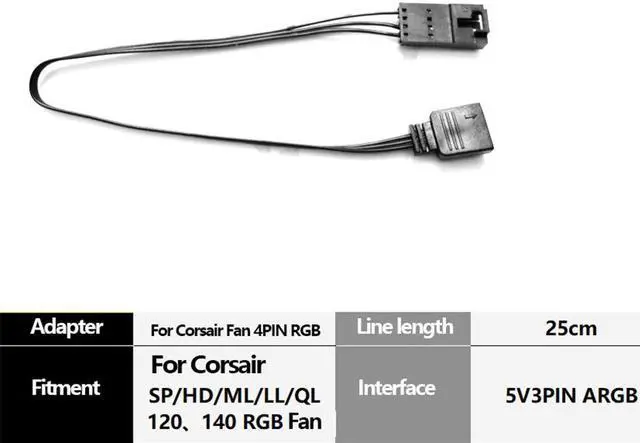
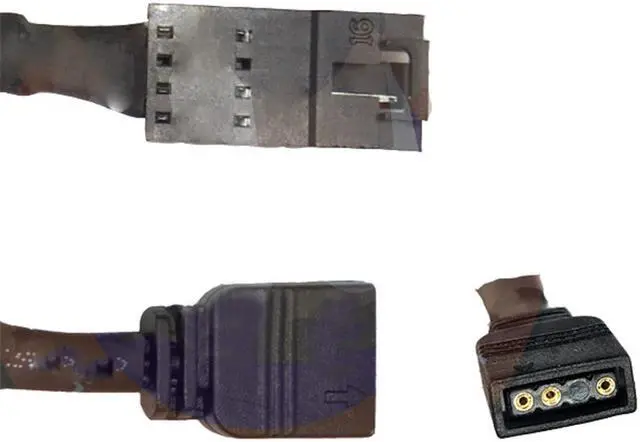
Cable length: 20cm
Control any ARGB device with iCUE!
This adapter allows you to plug your 3-Pin ARGB devices into your For Corsair Lighting Node Pro or For Commander Pro and control them using the much lauded iCUE software. Can also be used in conjunction with splitters and hubs to control multiple RGB devices.
Please note this will ONLY work For Corsair Lighting Node Pro and For Commander Pro,
and not the For Corsair RGB fan hub or Lighting Node Core!
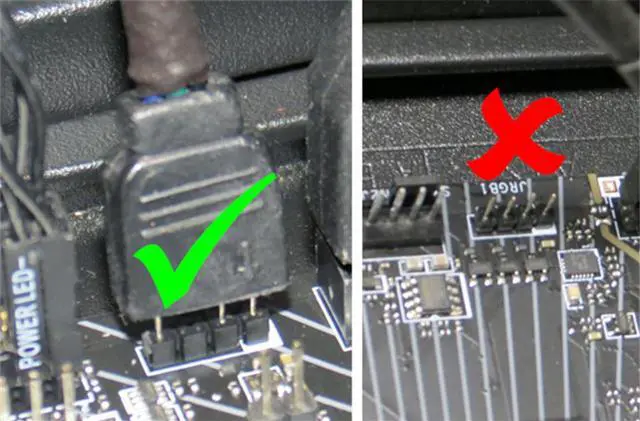
1) This adapter only works with 3-pin 5V Addressable RGB connectors. It does not work with 4-pin 12V analog RGB connectors. Your motherboard must have the correct connector (For ADD_HEADER on Asus, For JRAINBOW on MSI, For D_LED on Gigabyte); make sure that you check your motherboard's manual before purchasing. This will work with all Asus, MSI, and AsRock motherboards with the addressable header and For most Gigabyte motherboards (post z370 series). The connector should have 4 positions and 3 pins. 2) For Corsair SP-RGB fans cannot be controlled from the motherboard.
They use a different protocol from the rest of the RGB LED fans and strips. This only applies to the older, original SP-RGB fans; the newer SP-PRO RGB fans can be controlled from the motherboard. Contact us if you have questions about compatability! 3) Do not attempt to plug this into a 12V, 4-pin connection. Doing so and connecting For Corsair RGB items may damage the LEDs on the device ( blue smoke escapes, rendering the LEDs dead). Note that this adapter does have one pin blocked to mitigate this issue.
it's that important!