





Video installation matching guide
Optional Accessories
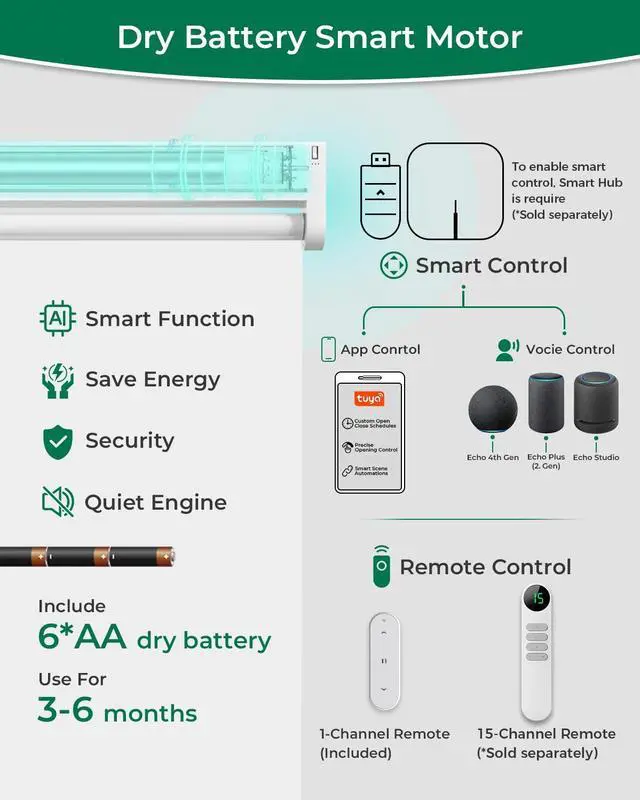
 Dry Battery Remote Shades |  No Drill Motorized Blinds |  All-in-one Remote Blinds |  15-Channel Remote |  USB Converter(2.4G) |  Smart WiFi Bridge(2.4G) | |
|---|---|---|---|---|---|---|
Price | — | — | — | — | — | — |
Power Supply | 6xAA Batteries | Rechargeable motor | Rechargeable motor | CR2032 Battery | Power adapter required | Comes with an integrated plug |
Supports solar panels | No | Yes | Yes | No | No | No |
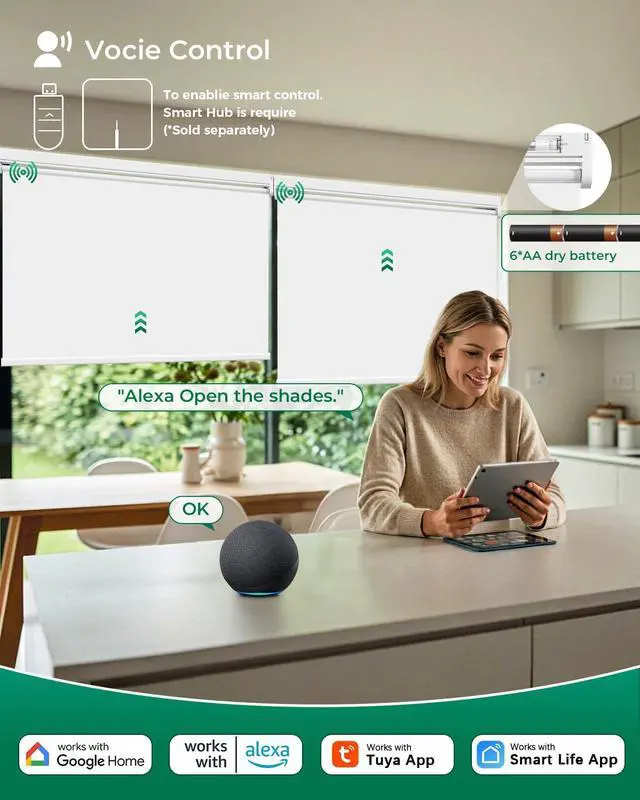
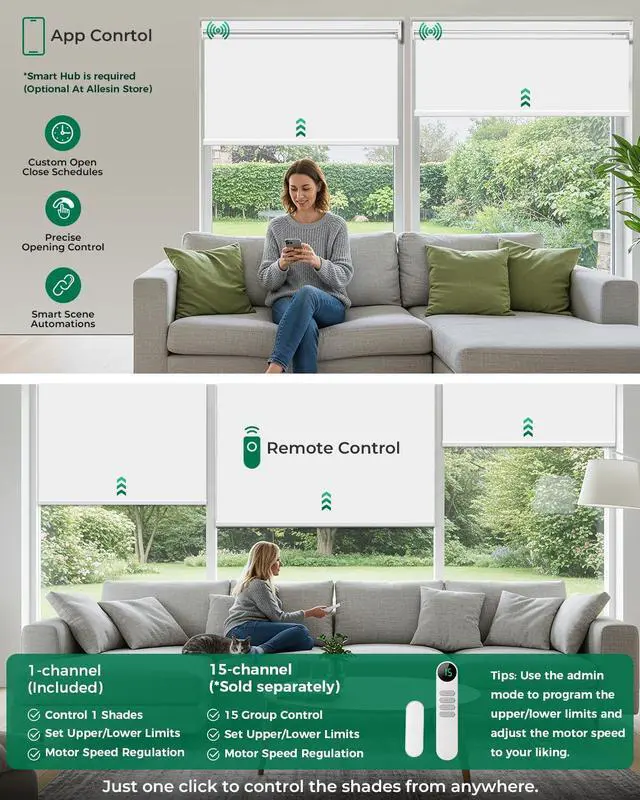
App & Voice Control | Need Converter/Smart Bridge | Need Converter/Smart Bridge | Need Converter/Smart Bridge | Only Remote Control 15 blinds | Smart Control for 1 Shades | Smart Control for 30 Shades |
Supports APP | TUYA/Smart LIfe App | TUYA/Smart LIfe App | TUYA/Smart LIfe App | No | TUYA/Smart LIfe App | TUYA/Smart LIfe App |
Supports Voice assistants | Alexa/Google | Alexa/Google | Alexa/Google | No | Alexa/Google | Alexa/Google |

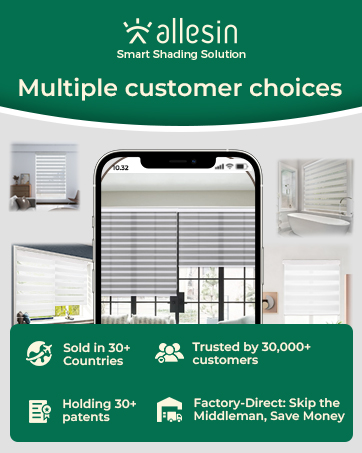
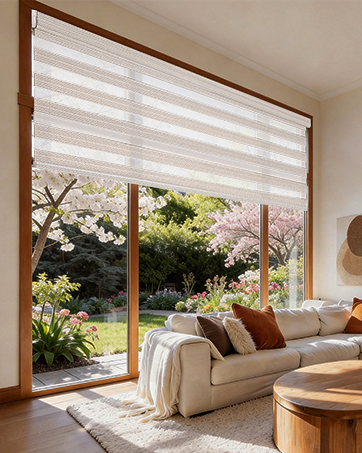
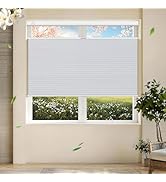
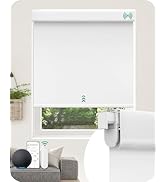
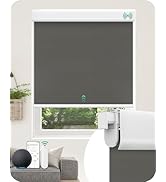
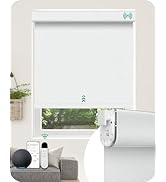
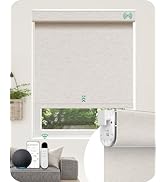
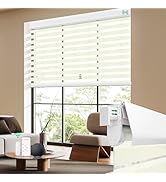
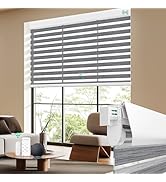
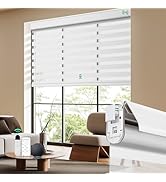
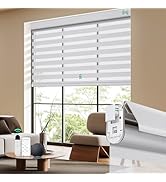
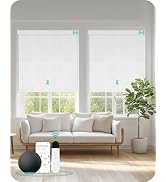
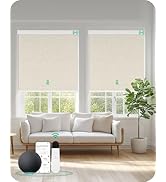
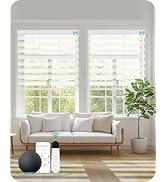
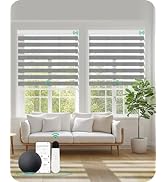
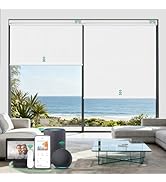
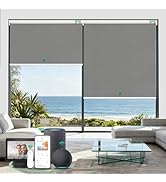
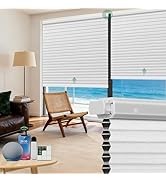
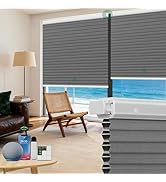
TopDownBottomUp CellularShades
Motorized Roller Shades
Motorized Roller Shades
Motorized Zebra Shades
Motorized Zebra Shades
Motorized Roller Shades
Motorized Shades


Fabric and Compatibility


Measuring Guide & Lifestyle Scenes
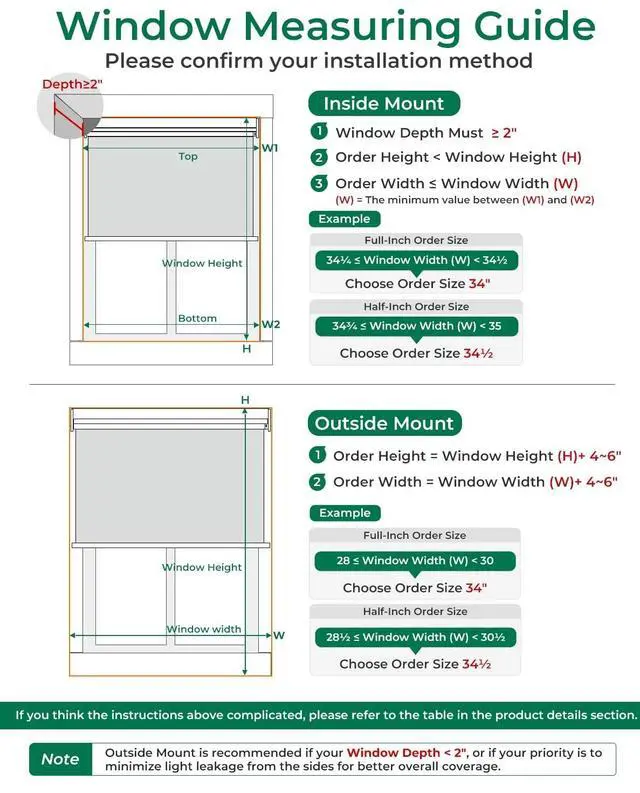
Measuring Guide
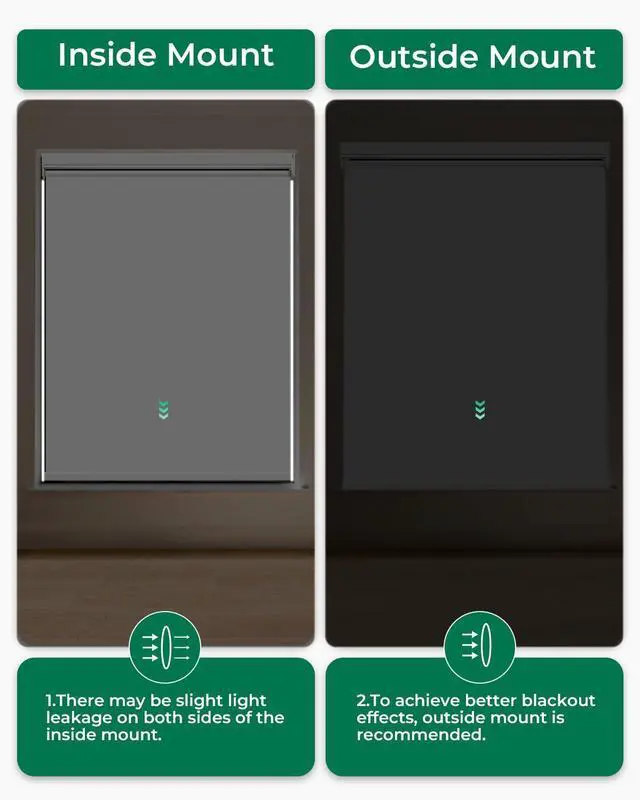
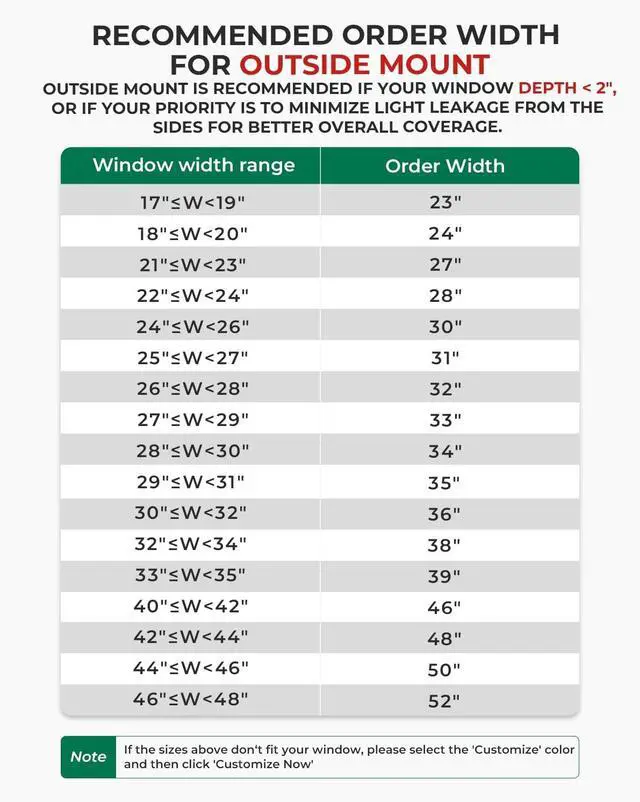
Outside Mount
Inside Mount
Lifestyle Scenes


Video installation matching guide
Replace dry batteries
Replace dry batteries
Motor Forward and Reverse Adjustment
Motor Forward and Reverse Adjustment
Motor reversing
The running direction of the blinds is oppsite to what shows on the emitter button
Method 1:Press both together until the motor rotates once
Method 2:Press "M" key 10" motor rotates 3 times
Motor Switch M Button Use
Motor Switch M Button Use
Pressing the button a different number of times will result in different functions.
Add a New Emitter
Add a New Emitter
A motor can match one or more emitters
Emitters need to be matched.
Quick Matching & Delete Matching
Quick Matching & Delete Matching
STEP 1:Battery Version-Install the dry battery
STEP 2: Press the motor "'M" button for 2", the motor rotates back and forth once. The motor enters the matching state, (Valid for 60 seconds)
STEP 3: The switch selects "admin" mode
STEP 4: Long press "S" for 2" The motor will rotate back and forth once. Match successfully.
Set Highest & Lowest Point
Set Highest & Lowest Point
STEP 1: Set Highest Point
Use the button on the front to adjust the shade at the position you want. Press "up" for 2", the motor rotates once.This position is set as the highest point.
STEP 2: Set Lowest Point
Use the button on the front to adjust the shade at the position you want. Press "down" for 2", the motor rotates once.This position is set as the lowest point.
Optional Accessories
Dry Battery Remote Shades | No Drill Motorized Blinds | All-in-one Remote Blinds | 15-Channel Remote | USB Converter(2.4G) | Smart WiFi Bridge(2.4G) |
|---|---|---|---|---|---|
| Price | |||||
| — | — | — | — | — | — |
| Power Supply | |||||
| 6xAA Batteries | Rechargeable motor | Rechargeable motor | CR2032 Battery | Power adapter required | Comes with an integrated plug |
| Supports solar panels | |||||
| No | Yes | Yes | No | No | No |
| App & Voice Control | |||||
| Need Converter/Smart Bridge | Need Converter/Smart Bridge | Need Converter/Smart Bridge | Only Remote Control 15 blinds | Smart Control for 1 Shades | Smart Control for 30 Shades |
| Supports APP | |||||
| TUYA/Smart LIfe App | TUYA/Smart LIfe App | TUYA/Smart LIfe App | No | TUYA/Smart LIfe App | TUYA/Smart LIfe App |
| Supports Voice assistants | |||||
| Alexa/Google | Alexa/Google | Alexa/Google | No | Alexa/Google | Alexa/Google |