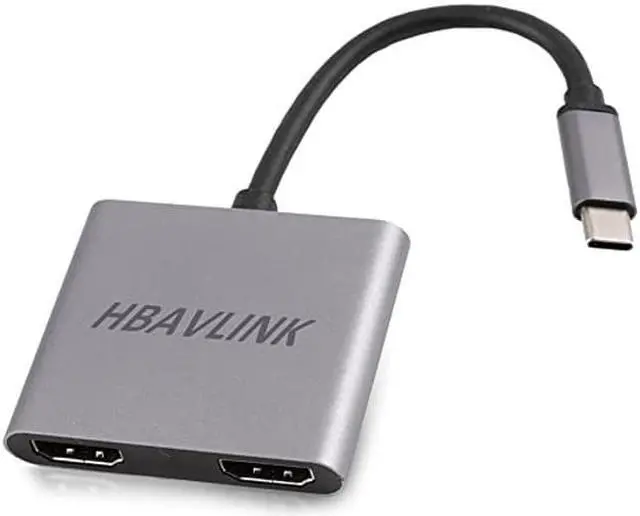
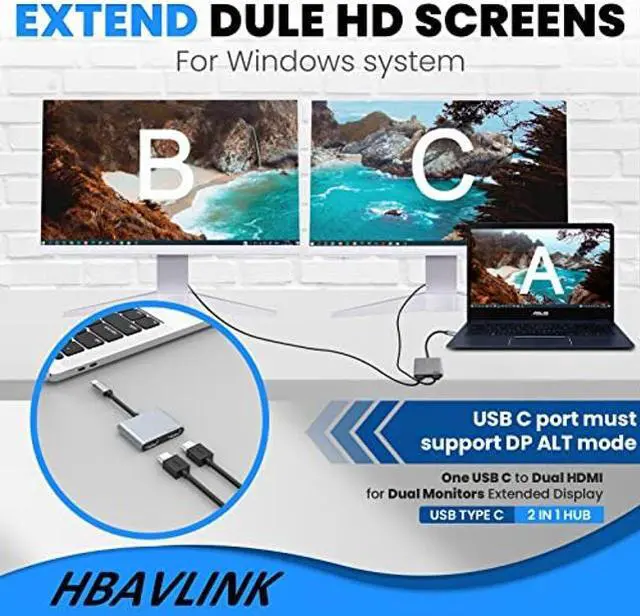
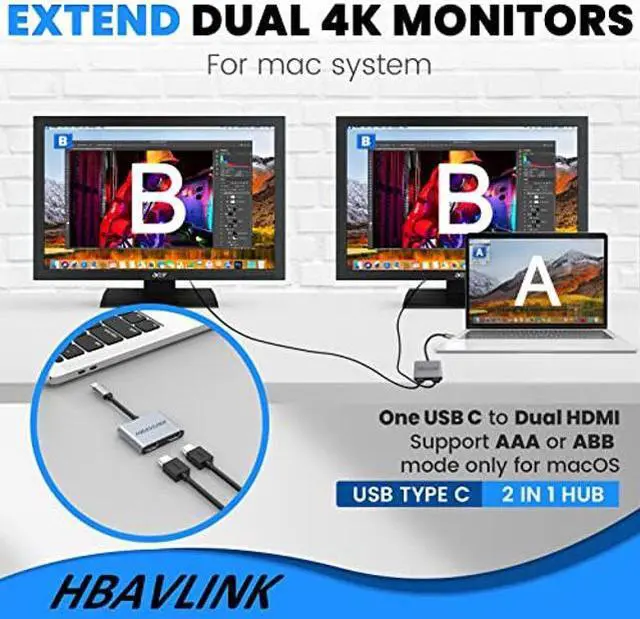
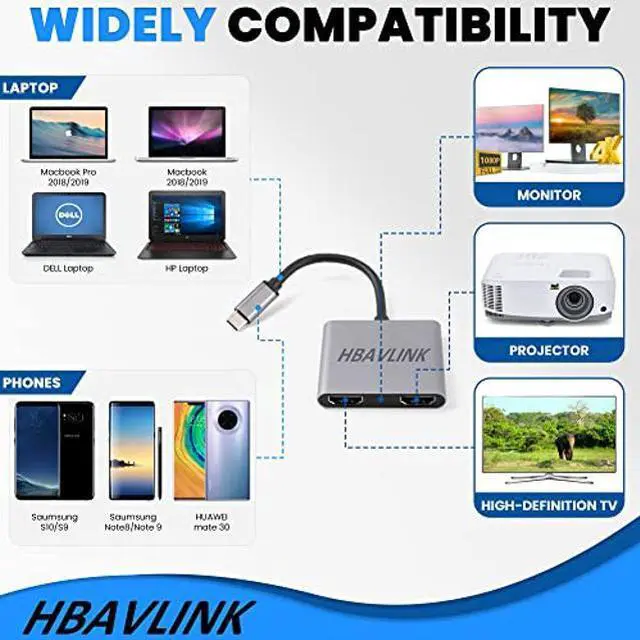
******Please be noted, if your laptop usb c port is NOT with VIDEO OUTPUT or DP ALT mode, then this usb c to dual monitor adapter will NOT support for your laptop****** HBAVLINK USB C Docking station for Dual Monitors Extended Display, helps you enhance productivity with multiple displays. Dual monitor extended display operation way: 1) Press Windos key + P Key, select extend; 2) In Display setting page, select one monitor, and set a proper resolution for each monitor;
Audio setting: right click the speaker icon in the right bottom corner of windows, select "Open audio setting", in audio setting page, select correct audio output device in audio output device selection section.