





How to Adjust Brightness and Color Temperature with the Remote Control
Lamp Control:
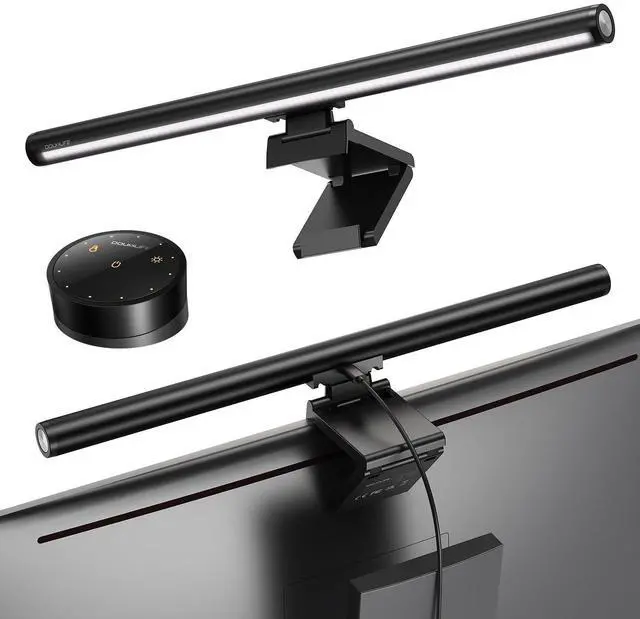
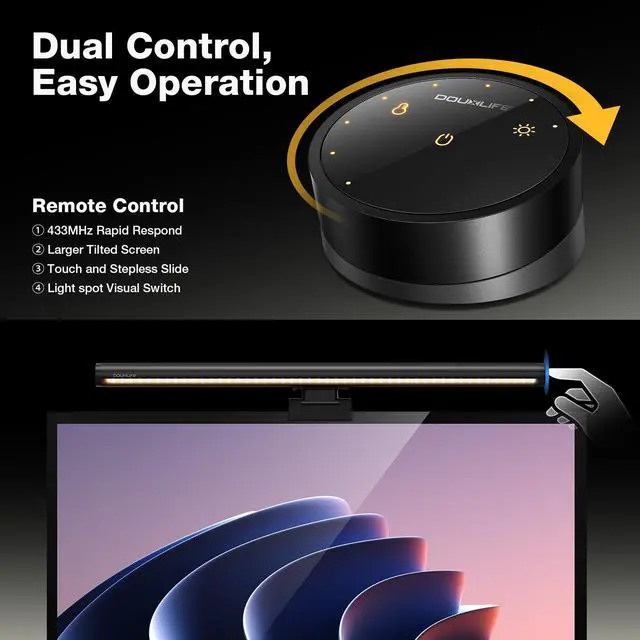
Press the right control button to switch between five brightness levels; press and hold the right control button to adjust the brightness continuously.
Remote Control:
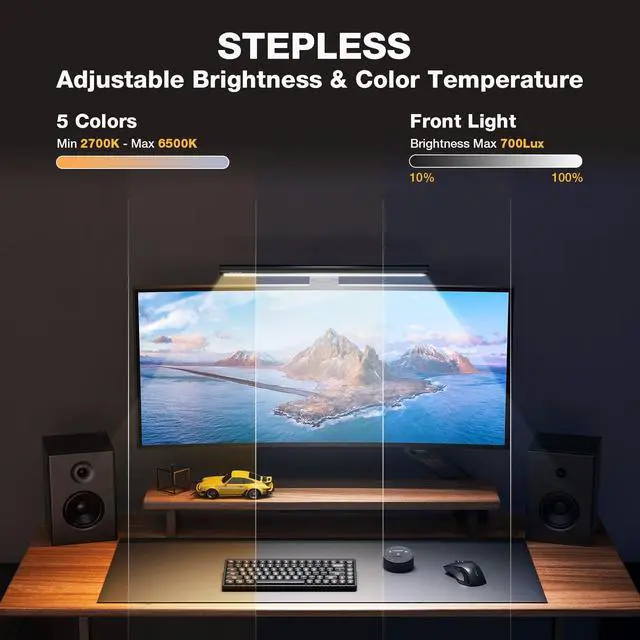
Press the button to control the brightness/color temperature, and slide the edge for seamless adjustment.
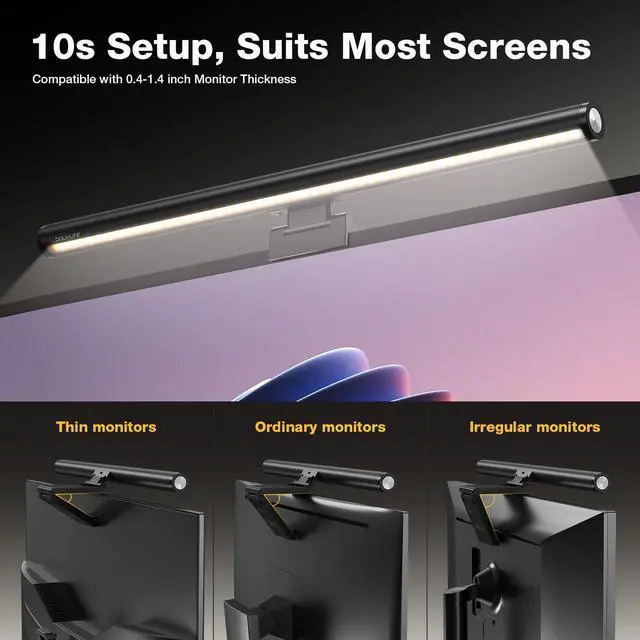
How to Assemble Quickly?
- Before installation, ensure that "DOUXLIFE" is properly aligned.
- Once you hear a click, it means it’s installed correctly.
- Place it on your computer screen.
- Adjust the angle and connect the USB cable.
How to Pair the Remote Control with the Light? ?
- Ensure the light and remote control are separately prepared for pairing.
- Disconnect the left light (the one to be paired).
- When the device is powered on, press and hold the power button and brightness button on the remote control simultaneously for 3–5 seconds within 30 seconds. The light will blink three times, indicating a successful pairing.
- Finally, reconnect the left light to the USB port.


