

Your Browsing History

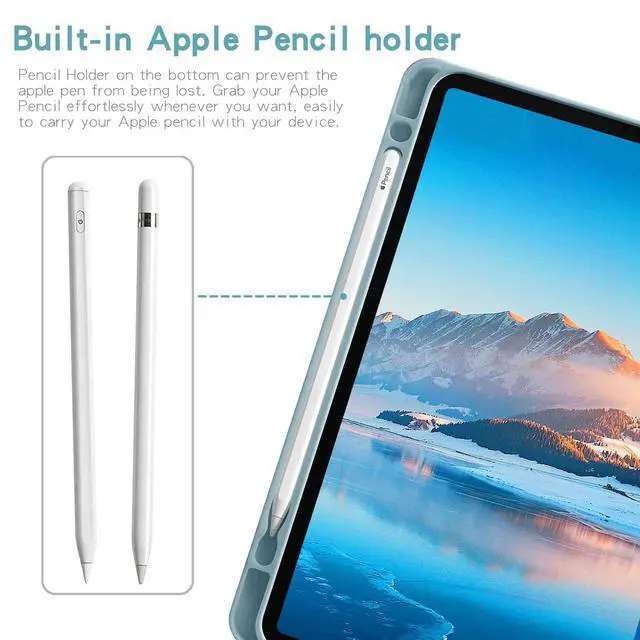
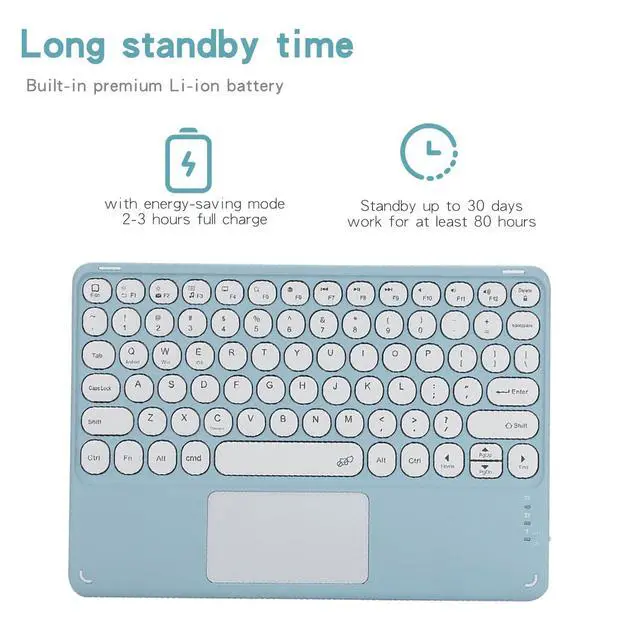
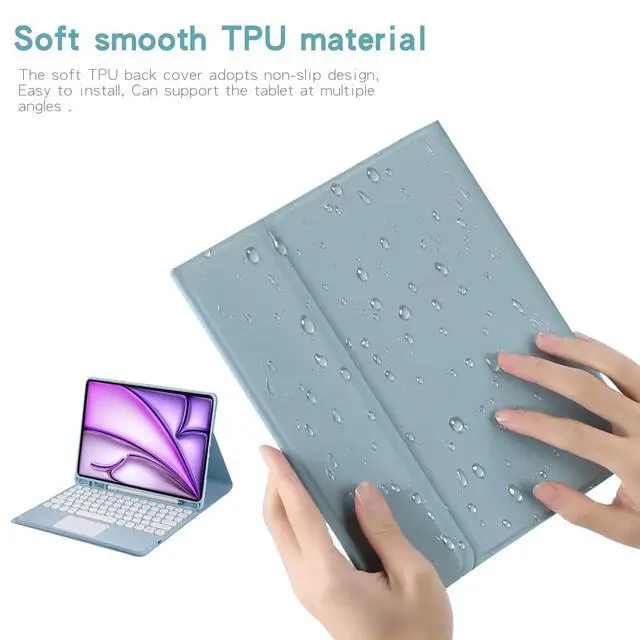



Any questions? Our AI beta will help you find out quickly.
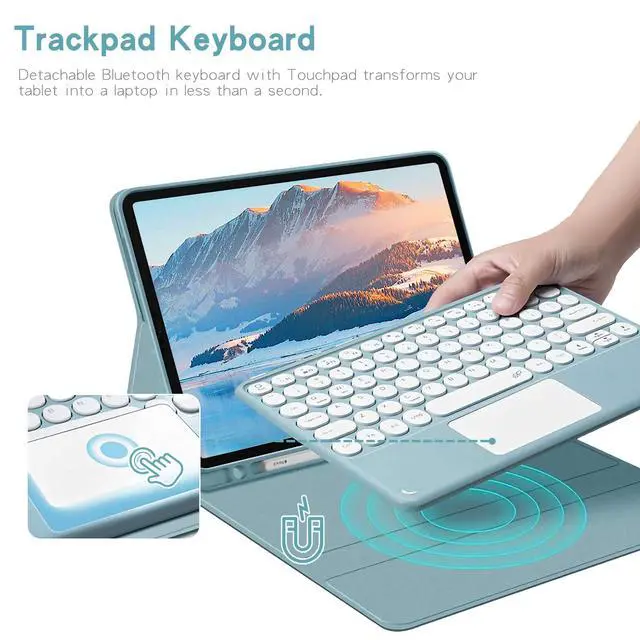
Keyboard Pairing Instructions for iPad 1. Turn on the power button on the right side of the keyboard. The power light will flash then turn off automatically for power saving, which is normal. 2. Press and hold the **FN** key at the bottom left, then press **C** simultaneously. The Bluetooth indicator will flash, indicating pairing mode is activated. 3. On your iPad, go to **Settings > Bluetooth** and enable Bluetooth. Select the keyboard from the device list to pair. 4. If a PIN code appears, enter it on the keyboard and press **Enter**. 5. The Bluetooth light will turn off once connected successfully. 6. This keyboard supports three operating systems. To switch to iPad mode, press and hold **FN**, then press **E**.
Adjust Scroll Direction iPad uses a different default scroll direction from Windows. To change it: Go to **Settings > General > Trackpad & Mouse**, then disable **Natural Scrolling**.
| Brand | Timoom |
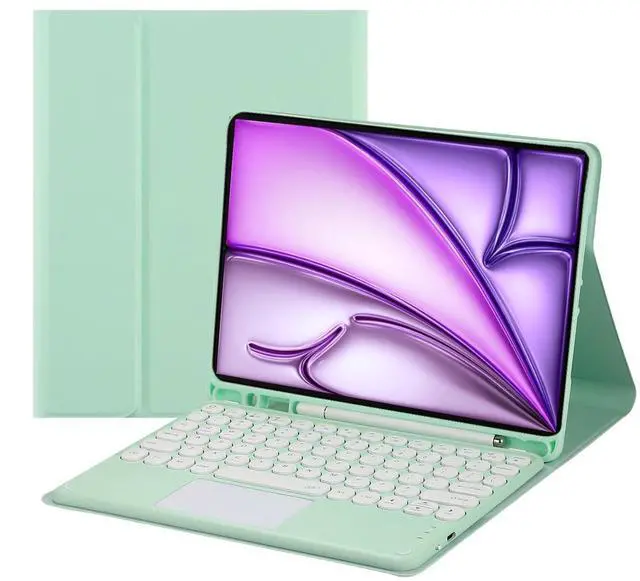
| Color | Green |
| Battery Weight | 0.1 pounds |
| Battery Cell Type | lithium_ion |
| Enclosure Material | Acrylonitrile Butadiene Styrene |
| Manufacturer | Timoom |
| Battery Type | a |
| Number of Batteries | 1 |
| Lithium-Battery Packaging | batteries_packed_with_equipment |
| Lithium-Battery Energy Content | 1 watt_hours |
| Number of Items | 1 |
| Additional Features | Backlit |
| Are Batteries Included | true |
| Are Batteries Required | true |
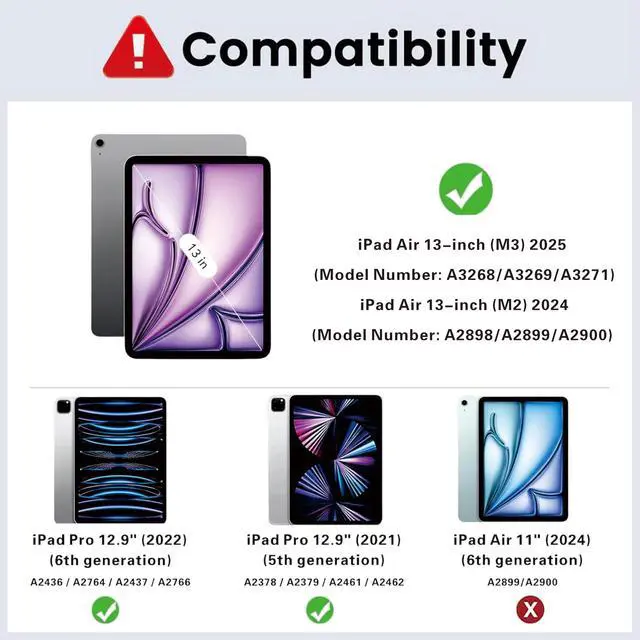
| Compatible Devices / 0 | iPad Air 13-inch (M3) 2025 (Model Number: A3268/A3269/A3271) |
| Compatible Devices / 1 | iPad Air 13-inch (M2) 2024 (Model Number: A2898/A2899/A2900) |
| Compatible Devices / 2 | iPad Pro 12.9 2022/2021/2020/2018(6th/5th/4th/3rd Gen) |
| Built-In Media / 0 | Tablet Case*1 |
| Built-In Media / 1 | Bluetooth keyboard*1 |
| Built-In Media / 2 | USB Cable |
| Package Weight | 0.1 pounds |
| Keyboard Description | Multi Functional |
| Package Quantity | 1 |
| Connectivity Technology | Bluetooth |
| Item Package Dimensions | 1 L x 1 W x 1 H inches |
| Contains Battery or Cell | battery |
| Number of Lithium-ion Cells | 1 |
| Antenna Location | Personal |
| Compatible Tablet Computer Models / 0 | apple_ipad_air_13_inch_m2 |
| Compatible Tablet Computer Models / 1 | apple_ipad_pro_12_9_inch_6th_generation |
| Compatible Tablet Computer Models / 2 | apple_ipad_air_13_inch_m3 |
| Keyboard Backlighting Color Support | rgb |