

Your Browsing History





Any questions? Our AI beta will help you find out quickly.
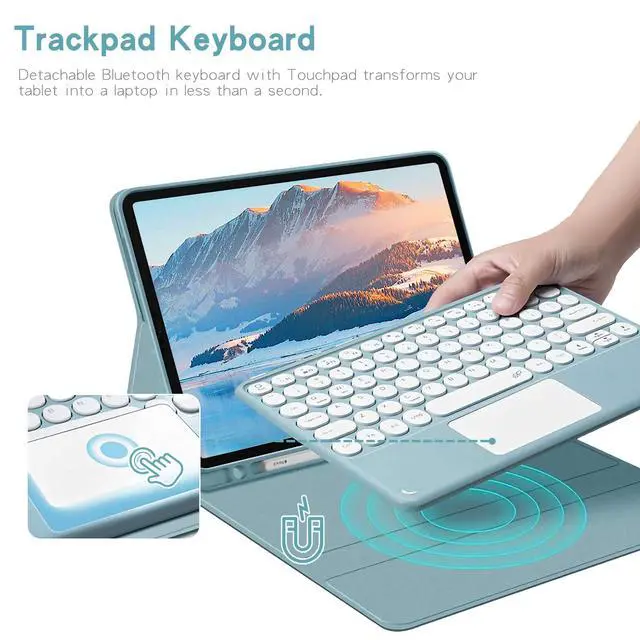
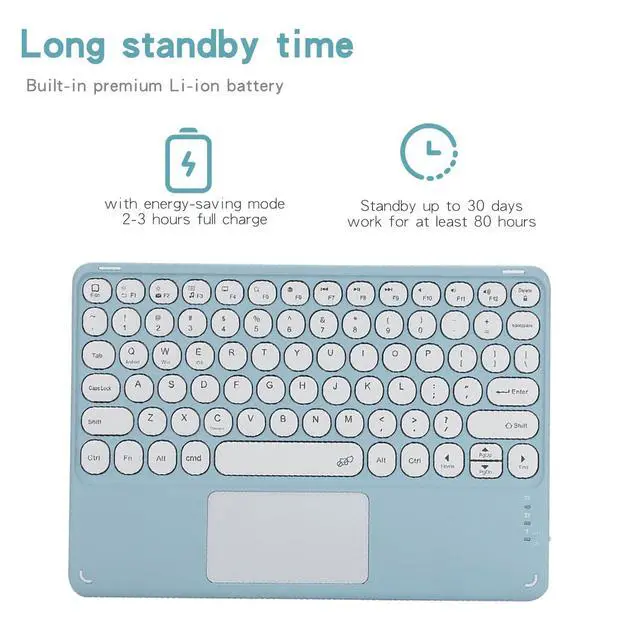
Pairing Instructions 1. Fully charge and turn on the keyboard. The indicator light will flash then turn off. 2. Press **FN + C** at the same time to enable Bluetooth pairing. 3. On your tablet, go to **Settings > Bluetooth** and search for the keyboard. 4. Tap the device name to connect. 5. Press **FN + Q** to switch to Android mode for normal use.
Important Reminders 1. Use **FN + C** to activate Bluetooth. 2. Use **FN + Q** for Samsung/Android system mode. 3. The keyboard sleeps after 15 minutes of inactivity; press any key to wake it. 4. Bluetooth will disconnect when the tablet enters sleep mode.
| Brand | Timoom |
| Color | Pink |
| Battery Weight | 0.1 pounds |
| Battery Cell Type | lithium_ion |
| Enclosure Material | Acrylonitrile Butadiene Styrene |
| Manufacturer | Timoom |
| Battery Type | a |
| Number of Batteries | 1 |
| Button Quantity | 78 |
| Lithium-Battery Packaging | batteries_packed_with_equipment |
| Lithium-Battery Energy Content | 1 watt_hours |
| Number of Items | 1 |
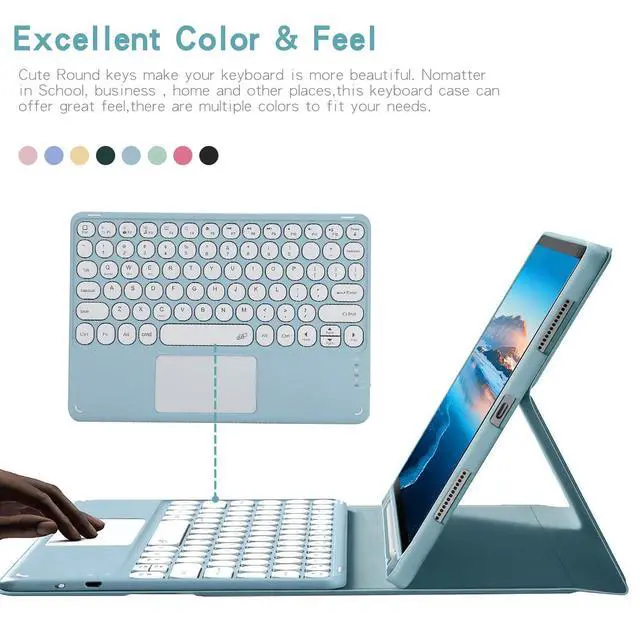
| Additional Features | Backlit |
| Are Batteries Included | true |
| Are Batteries Required | true |
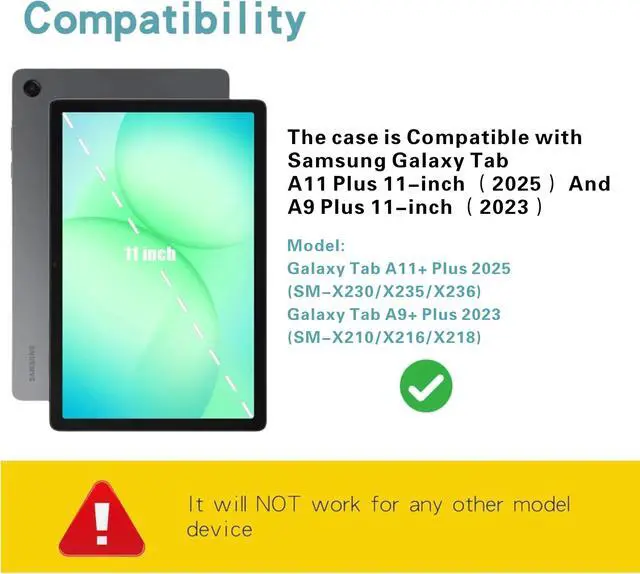
| Compatible Devices / 0 | Samsung Galaxy Tab A11+ / A11 Plus 11-inch 2025 release (models: SM-X230/X235/X236) |
| Compatible Devices / 1 | Samsung Galaxy Tab A9+ / A9 Plus 11-inch 2023 release (models: SM-X210/X216/X218) |
| Built-In Media / 0 | Tablet Case*1 |
| Built-In Media / 1 | Bluetooth keyboard*1 |
| Built-In Media / 2 | USB Cable |
| Built-In Media / 3 | User Manual |
| Package Weight | 39.99 pounds |
| Keyboard Description | Multi Functional |
| Package Quantity | 1 |
| Connectivity Technology | Bluetooth |
| Item Package Dimensions | 1 L x 1 W x 1 H inches |
| Contains Battery or Cell | battery |
| Number of Lithium-ion Cells | 1 |
| Antenna Location | Personal |
| Radio Frequency Emission & Authorization Status | has_fcc_id |
| FCC ID | 2AYK5-KPH-030 |
| Has Multiple Battery Powered Components | false |