

Your Browsing History




Any questions? Our AI beta will help you find out quickly.
iPad Keyboard Pairing Guide 1. Power on the keyboard. The light flashes then turns off (power-saving design). 2. Press and hold **FN + C** to activate Bluetooth pairing. 3. Enable iPad Bluetooth and select the keyboard to connect. 4. Enter the PIN and press **Enter** if required. 5. Hold **FN + E** to switch to iPad mode.
Adjust Scroll Direction Go to **Settings > General > Trackpad & Mouse**, then turn off **Natural Scrolling**.
| Brand | Timoom |
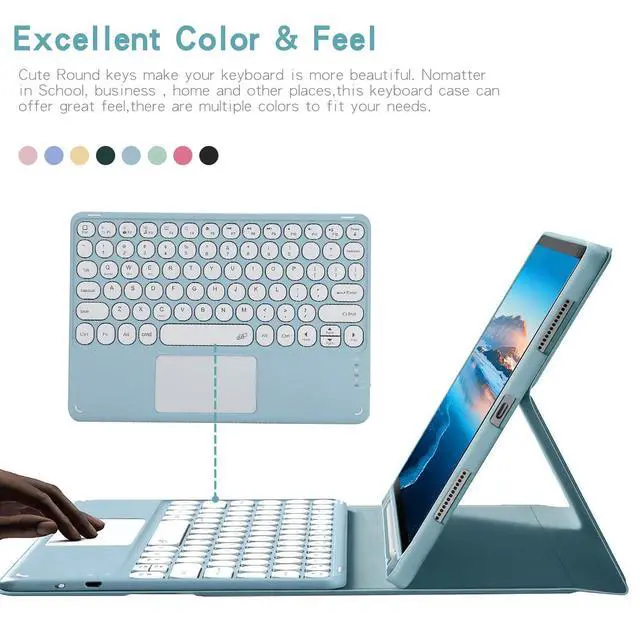
| Color | Green |
| Battery Weight | 0.1 pounds |
| Battery Cell Type | lithium_ion |
| Enclosure Material | Acrylonitrile Butadiene Styrene |
| Manufacturer | Timoom |
| Battery Type | a |
| Number of Batteries | 1 |
| Lithium-Battery Packaging | batteries_packed_with_equipment |
| Lithium-Battery Energy Content | 1 watt_hours |
| Number of Items | 1 |
| Additional Features | Backlit |
| Are Batteries Included | true |
| Are Batteries Required | true |
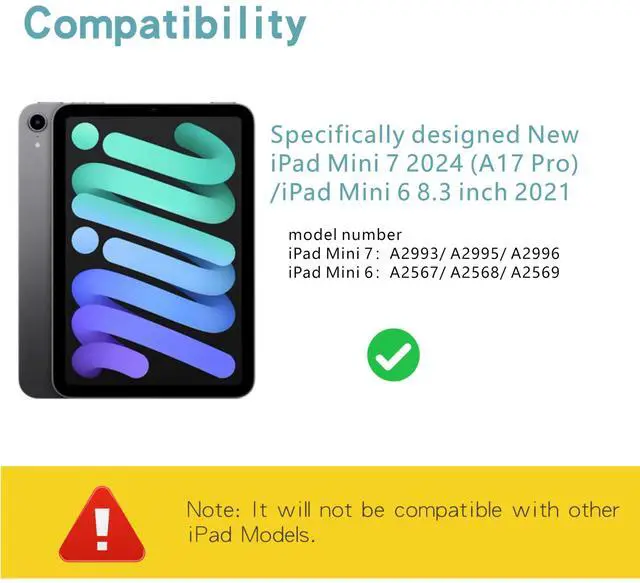
| Compatible Devices / 0 | iPad Mini (A17 Pro) 7th Generation 2024 (model number: A2993/A2995/A2996) |
| Compatible Devices / 1 | iPad Mini 6th Generation (2021 Model) 8.3 Inch (model number: A2567/A2568/A2569) |
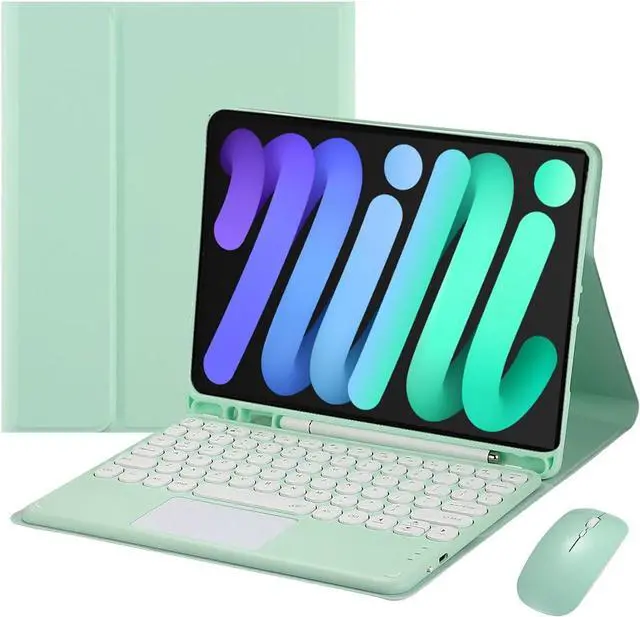
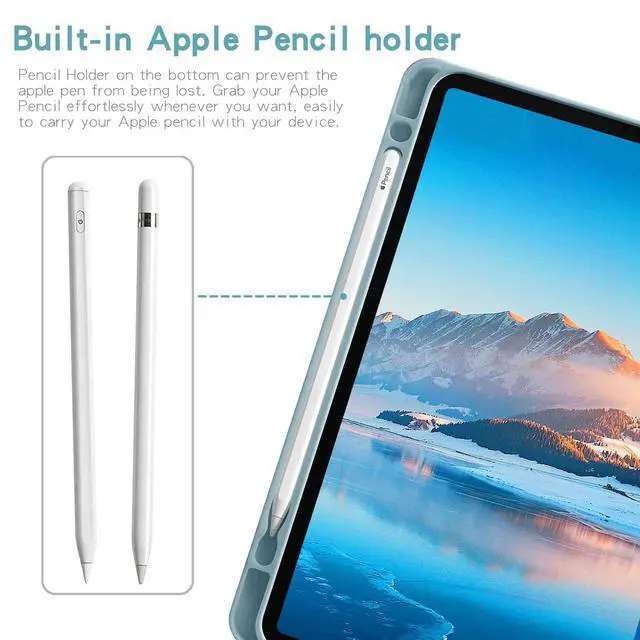
| Built-In Media / 0 | Tablet Case*1 |
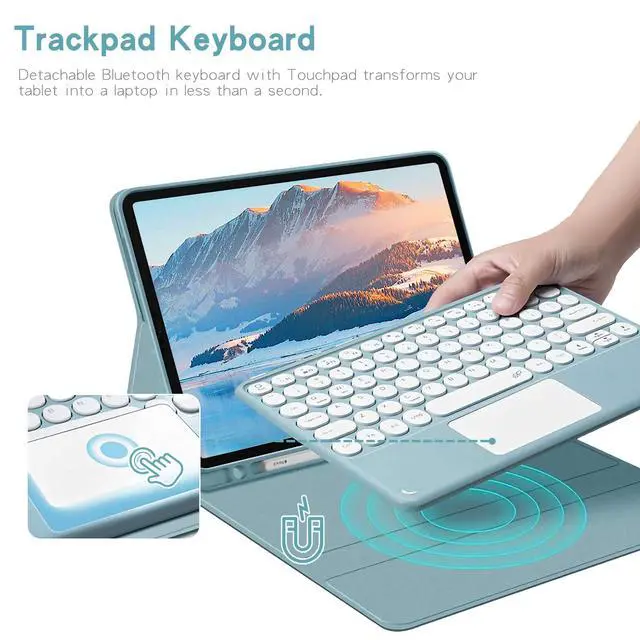
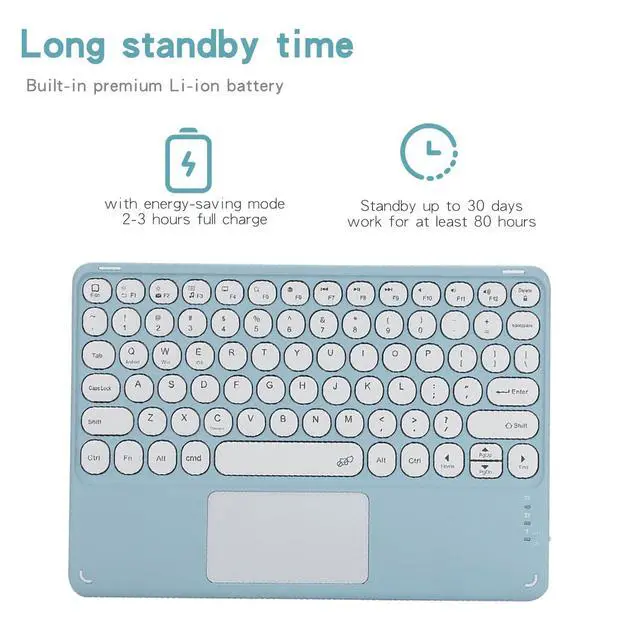
| Built-In Media / 1 | Bluetooth keyboard*1 |
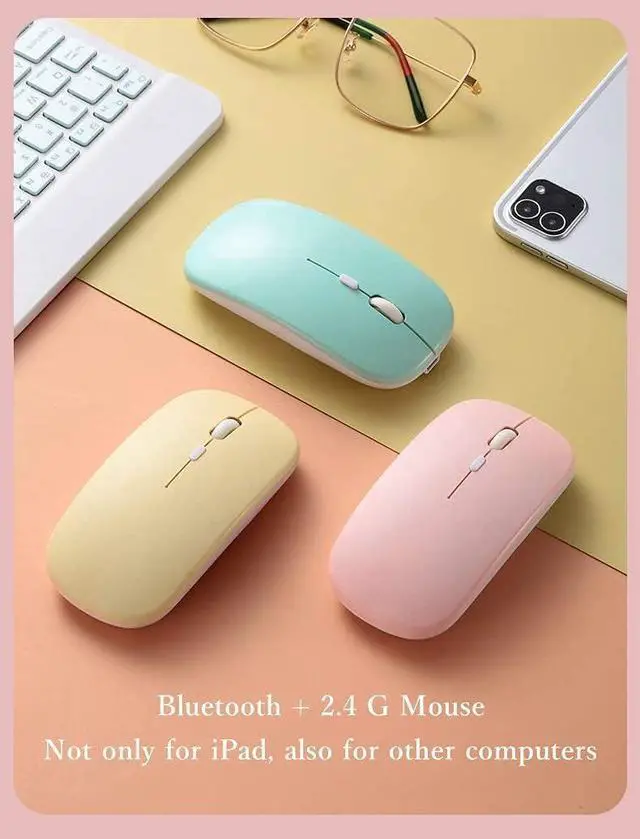
| Built-In Media / 2 | Wireless mouse*1 |
| Built-In Media / 3 | USB Cable |
| Package Weight | 0.1 pounds |
| Keyboard Description | Multi Functional |
| Package Quantity | 1 |
| Connectivity Technology | Bluetooth |
| Item Package Dimensions | 1 L x 1 W x 1 H inches |
| Contains Battery or Cell | battery |
| Number of Lithium-ion Cells | 1 |
| Antenna Location | Personal |
| Keyboard Backlighting Color Support | rgb |
| Radio Frequency Emission & Authorization Status | has_fcc_id |
| FCC ID | 2AYK5-KPH-030 |
| Has Multiple Battery Powered Components | false |