3-in-1 SD & TF Card Reader with
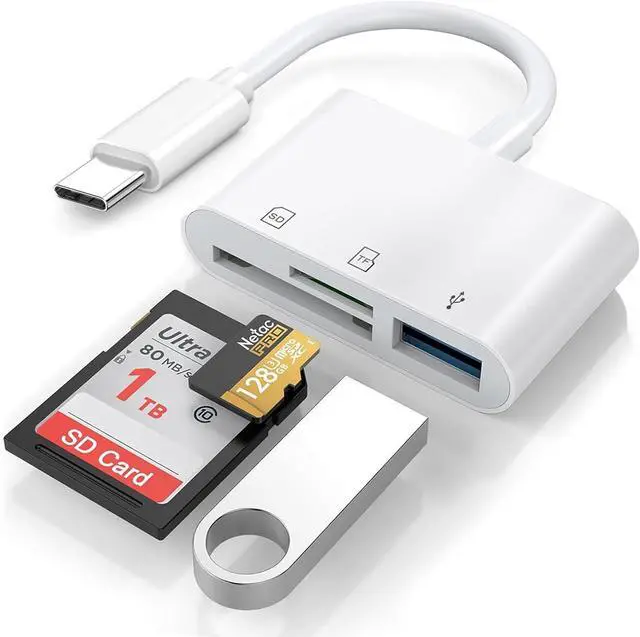
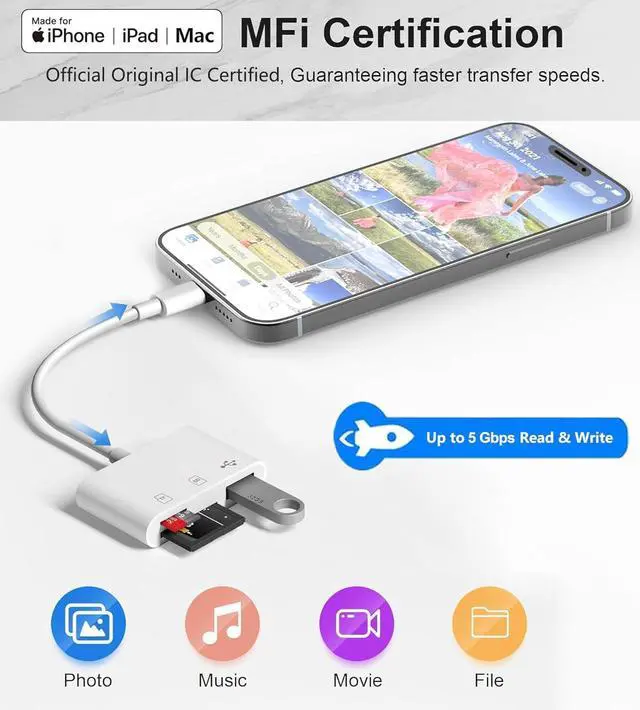
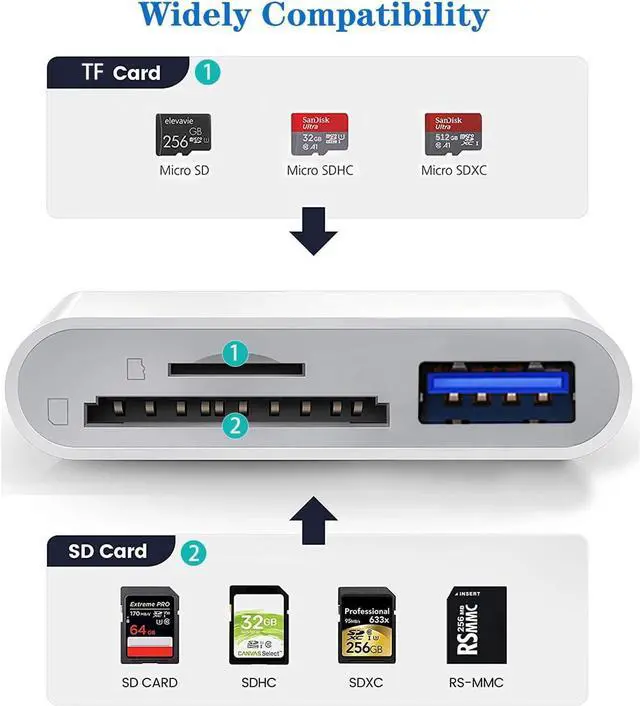
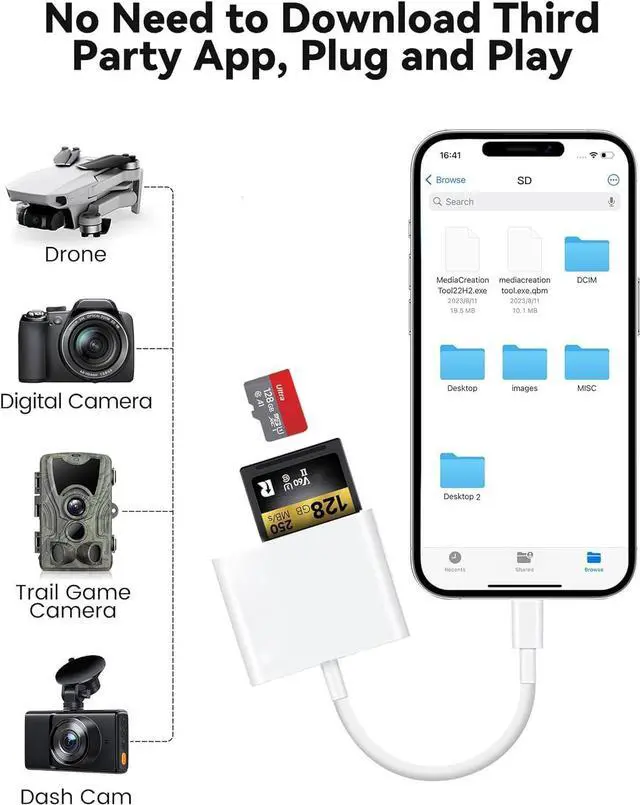
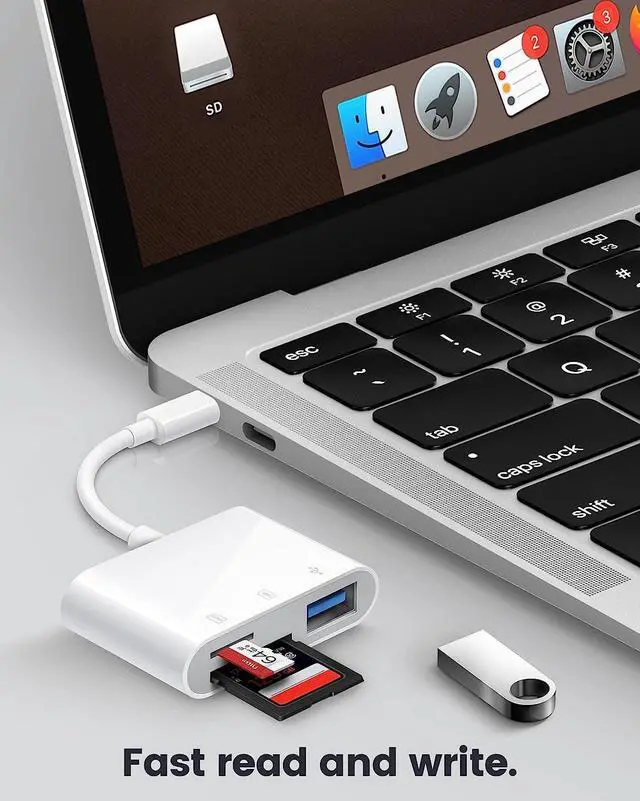
USB Adapter: This USB-C to SD card reader with USB Adapter supports sd and micro sd memory card from Digital Camera Sports Camera Drone Trail game Camera. It's easily download photos or videos from SD cards directly to the iPhone or ipad or Macbook and share wonderful moments on social media anytime and anywhere.
Widely Compatible: USB-C to SD & TF Card Reader Adapter with MFi certification for iPhone 16 iPhone 16 Plus iPhone 16 Pro iPhone 16 Pro Max iPhone 15 iPhone 15 Plus iPhone 15 Pro iPhone 15 Pro Max iPad Pro 12.9 -inch 6th Gen / 5th Gen / 4th Gen / 3th Gen iPad Pro 11-inch 4th Gen / 3th Gen / 2th Gen / 1th Gen iPad Air 11-inch 6th Gen / 5th Gen / 4th Gen iPad mini 7th Gen/ 6th Gen iPad 10.9 -inch 10th Gen MacBook Pro/Air iMac Mac mini Mac Stuido Mac Pro.
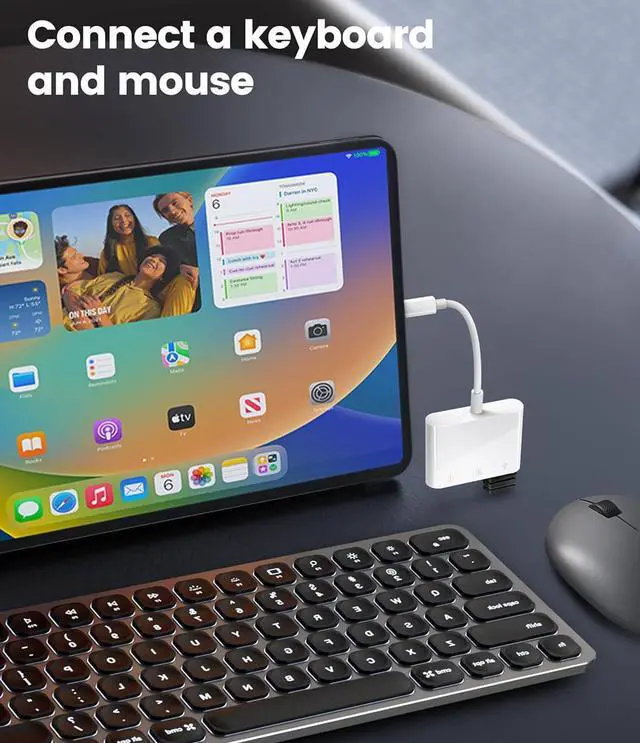
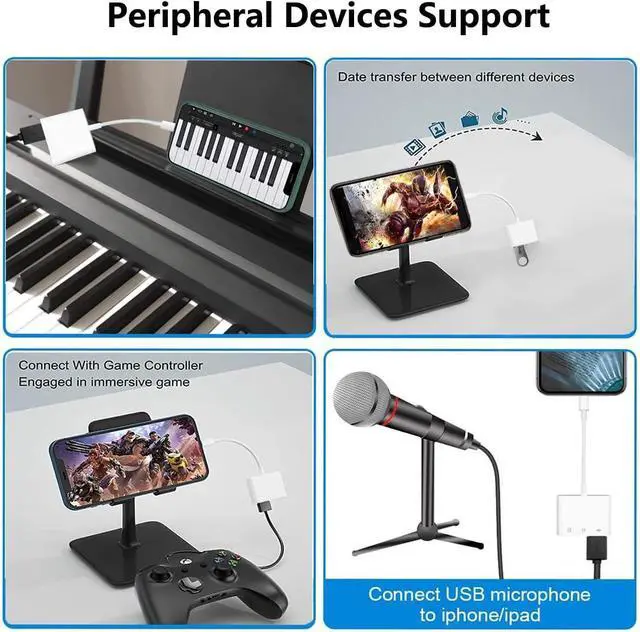
Peripheral Devices Support: This USB Female OTG Data Sync Connector Cord can be widely use for more USB Device such as Digital camera slr cameras trail cams dash cams USB flash drives keyboard Mouse SSD hard disk card reader MIDI U Disk electronic piano Hubs Drum Audio Interface Mixer USB Microphone etc.
5Gbps High Speed Transfer: The USB-C port provide data transfer speed up to 5 Gbps Backward compatible with USB 2.0 /USB 1.1.
Plug and play: This USB C SD card reader is designed with a built-in USB-C cord that won't block your other ports no third party APP no network no driver no extra power two-way transfer.!!!
Note: Please don't worry if the no any dispaly when your plug your SD Card or camera. Just find Files on the desktop & click Browse then you can see the SD Card on your iPhone.