



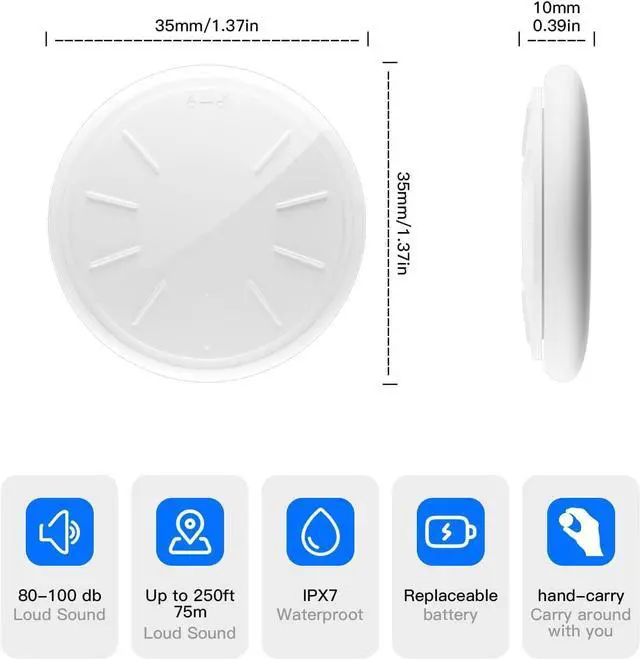


ZITTZ - No More Fear of Losing
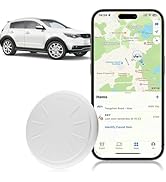
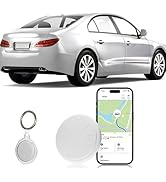
ZITTZ - Track Items Easily
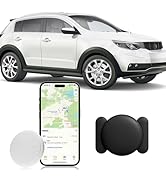
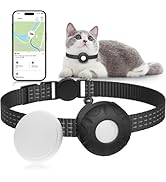
ZITTZ - Track Items Easily

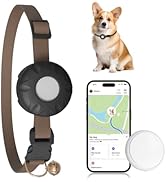
With millions of pets going missing every year, ZITTZ is committed to doing its part to solve pet loss. Our pet trackers are able to quickly and accurately track the location of pets so that pet-owning families can stop worrying about lost pets!
Why choose ZITTZ tracker?
ZITTZ is committed to doing its part to solve pet loss. Our tracker tags do not need any fee, and simply work with the Apple "Find My" app to quickly and accurately pinpoint your pet's location.
How far can ZITTZ tags be tracked?
ZITTZ pet tracker can track pets within any range and can search for their location by playing sound within 33ft.
What devices does the ZITTZ tracker work with?
It only works with ios device, such as iPhone, iPad etc. Not for android.


hero-video
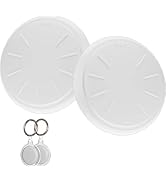
Merchant VideoKeyrings and Protective Cases Included
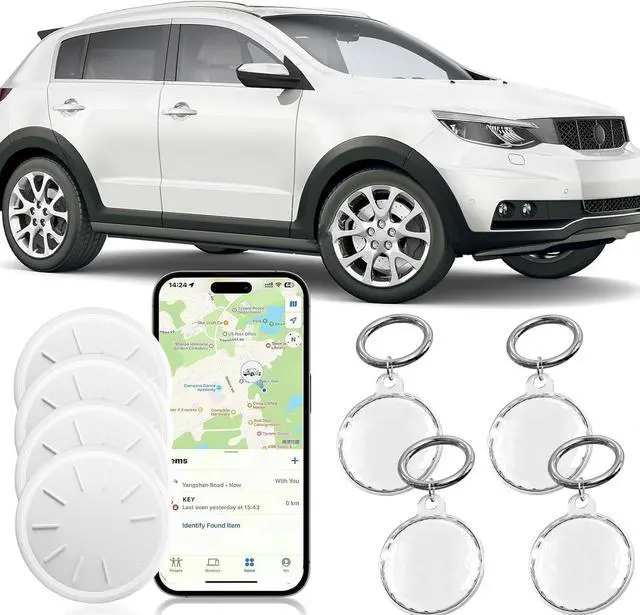
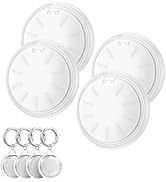
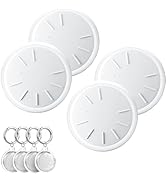
- Put the tag into the case
- Place the smaller lid over the larger one, align the holes and squeeze firmly along the edge of the lid
- Install the keyrings


ZITTZ Air Tracker Tags - Locate Your Important Items Easily
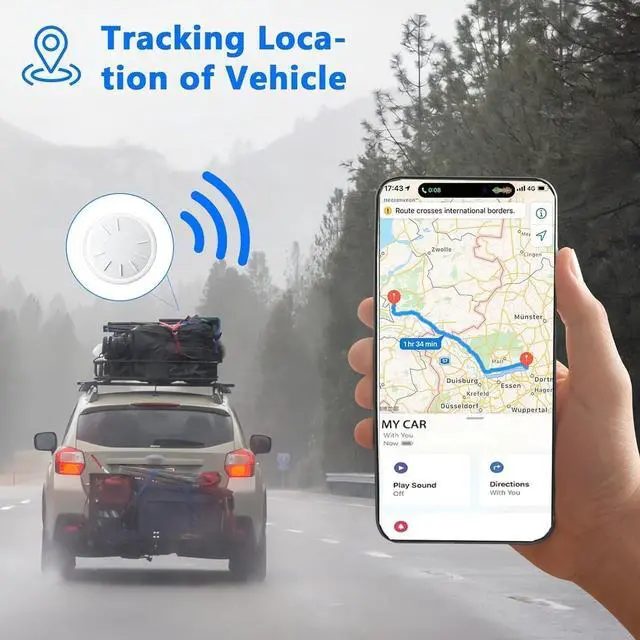
- Within bluetooth range (33ft), ring your tag by Apple Find My app.
- Within bluetooth range (328ft), locate your item by your Apple Find My App
- When out of bluetooth range, Find My Network will locate this tracker tag by other ios users in the vicinity.

1. Can Android users use ZITTZ Tracker Tag?
No, ZITTZ Tracker Tag only compatible with Apple device, such as iPhone, iPad etc.
2. Which iPhone or iPad series are supported by this ZITTZ tag?
iPhone SE, iPhone 6s or later, or iPod touch (7th generation) with iOS 14.5 or later, or iPad Pro, iPad (5th generation or later), iPad Air 2 or later, or iPad mini 4 or later with iPadOS 14.5 or later.
3. How to connect to the iPhone?
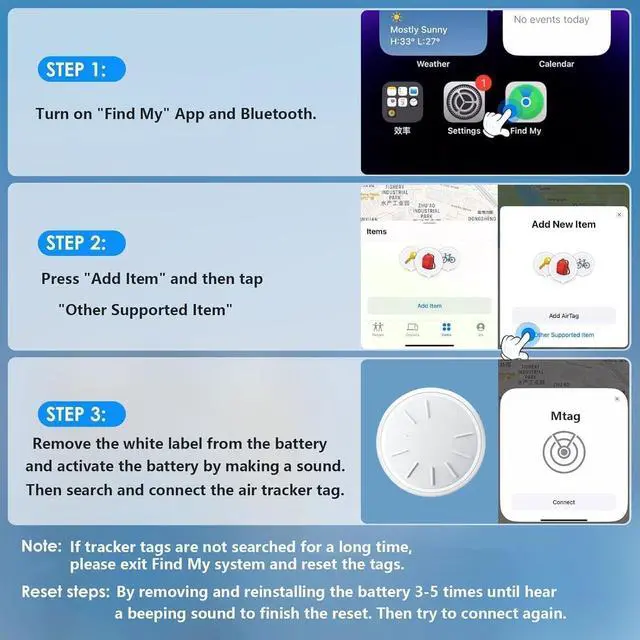
First make sure your ios system is 14.5 or later and active the tag battery, then turn on Bluetooth and Find My App and select Add Another Item to detect this Mtag.
4. How to activate the battery?
Remove the insulating plastic paper for the first use. To reactivate the battery, counterclockwise the lock position, close it clockwise, beep sound means the battery is activated.
5. How long do replaceable batteries last?
Replaceable battery (CR2032) lasts for 1 year. If the some battery shows a low charge, please wait for more than 3 hours or ask us for new replacements.


hero-video
Merchant VideoThe installation of case and keychain
Keyrings and Protective Cases Included
- Put the tag into the case
- Place the smaller lid over the larger one, align the holes and squeeze firmly along the edge of the lid
- Install the keyrings
No More Fear of Losing and Misplacing
ZITTZ Air Tracker Tags - Locate Your Important Items Easily
- Within bluetooth range (33ft), ring your tag by Apple Find My app.
- Within bluetooth range (328ft), locate your item by your Apple Find My App
- When out of bluetooth range, Find My Network will locate this tracker tag by other ios users in the vicinity.

1. Can Android users use ZITTZ Tracker Tag?
No, ZITTZ Tracker Tag only compatible with Apple device, such as iPhone, iPad etc.
2. Which iPhone or iPad series are supported by this ZITTZ tag?
iPhone SE, iPhone 6s or later, or iPod touch (7th generation) with iOS 14.5 or later, or iPad Pro, iPad (5th generation or later), iPad Air 2 or later, or iPad mini 4 or later with iPadOS 14.5 or later.
3. How to connect to the iPhone?
First make sure your ios system is 14.5 or later and active the tag battery, then turn on Bluetooth and Find My App and select Add Another Item to detect this Mtag.
4. How to activate the battery?
Remove the insulating plastic paper for the first use. To reactivate the battery, counterclockwise the lock position, close it clockwise, beep sound means the battery is activated.
5. How long do replaceable batteries last?
Replaceable battery (CR2032) lasts for 1 year. If the some battery shows a low charge, please wait for more than 3 hours or ask us for new replacements.
ZITTZ - No More Fear of Losing
ZITTZ - Track Items Easily
ZITTZ - Track Items Easily
With millions of pets going missing every year, ZITTZ is committed to doing its part to solve pet loss. Our pet trackers are able to quickly and accurately track the location of pets so that pet-owning families can stop worrying about lost pets!
Why choose ZITTZ tracker?
ZITTZ is committed to doing its part to solve pet loss. Our tracker tags do not need any fee, and simply work with the Apple "Find My" app to quickly and accurately pinpoint your pet's location.
How far can ZITTZ tags be tracked?
ZITTZ pet tracker can track pets within any range and can search for their location by playing sound within 33ft.
What devices does the ZITTZ tracker work with?
It only works with ios device, such as iPhone, iPad etc. Not for android.