



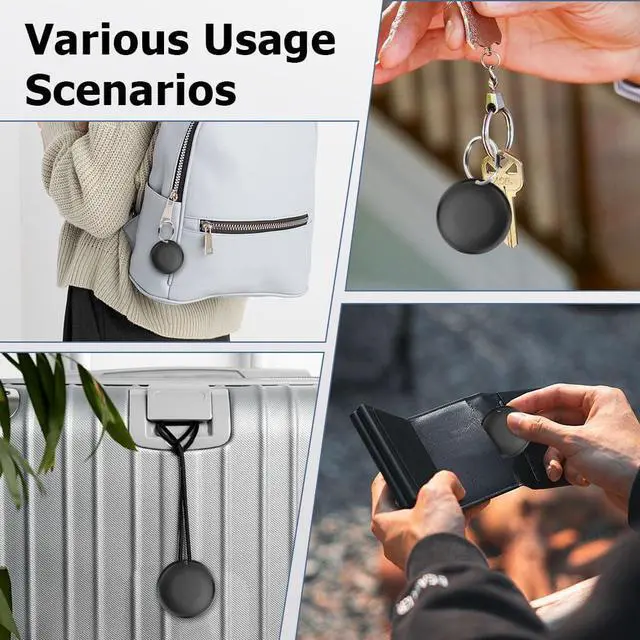



Never Lose What Matters Most
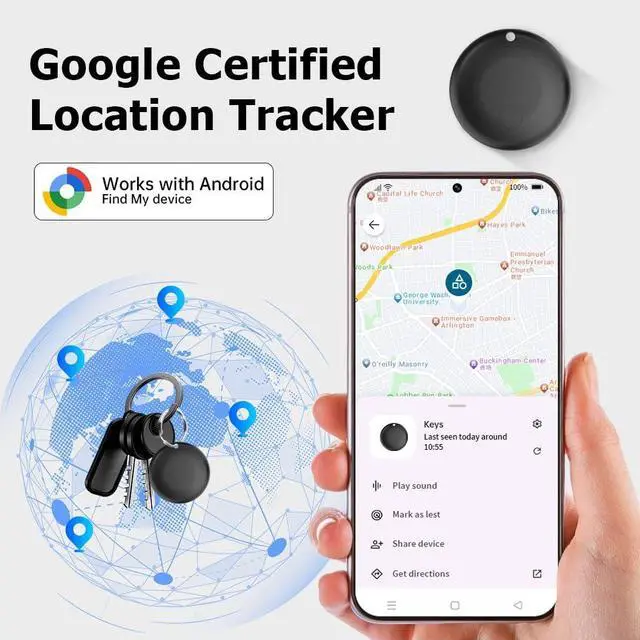
Tired of searching for lost keys, wallets, or luggage? Our smart item tracker gives you instant peace of mind. Using advanced Bluetooth technology, it lets you locate your essentials in seconds—right from your phone. Whether it’s attached to your bag, pet, or valuables, everything you value can now be kept within reach. Let technology ease your worries, and keep everything that matters securely within your sight.
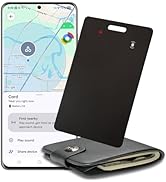
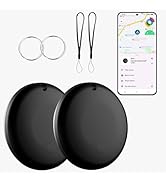
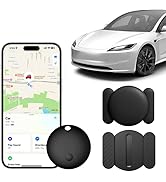
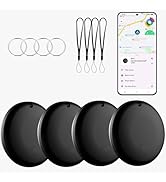
Various's trackers

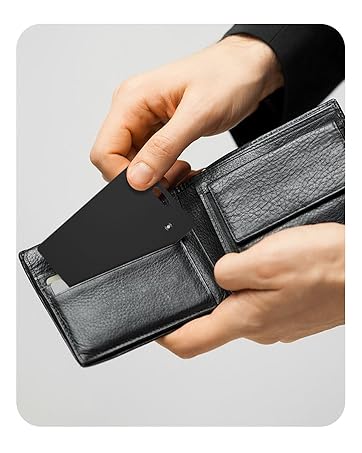
Tracker card for wallet
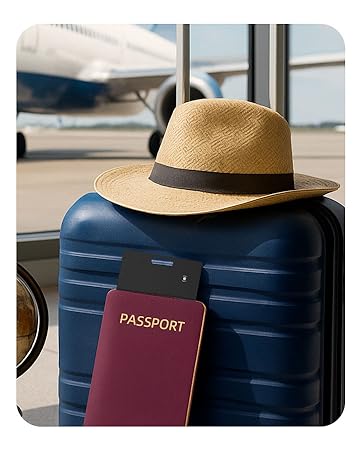
Tracker for luggage
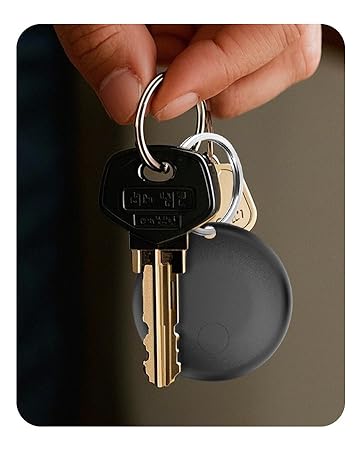
Tracker for keys
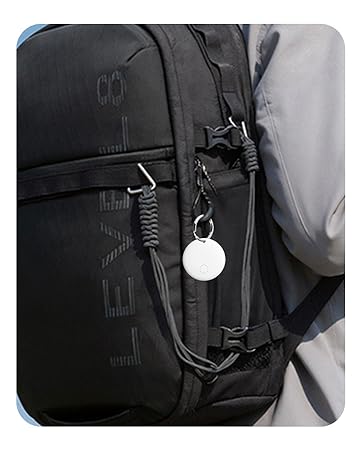
Tracker for bag
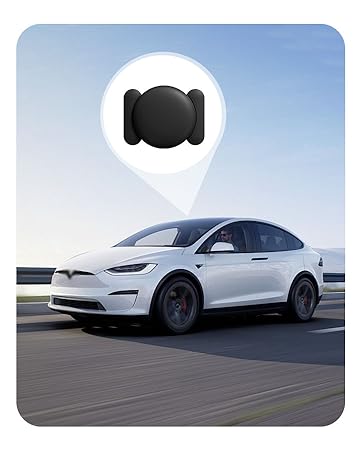
Tracker for car
Why doesn't the Tracker update its location in a timely manner?
The Tracker works by broadcasting a signal to nearby devices, which then encrypt and upload the data to network. This process does not support real-time updates and depends on the density of nearby devices and the update frequency of system.
Why can't l add the Tracker to the App?
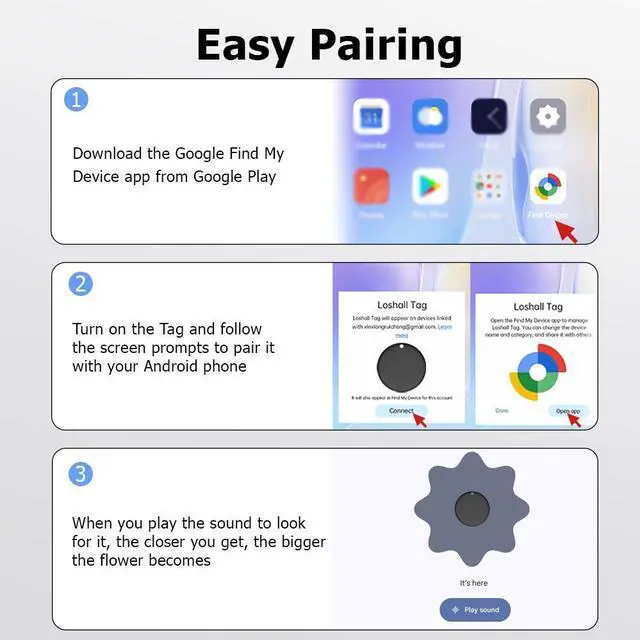
Firstly, check that your phone meets system requirements, Bluetooth is on, and your network is working properly. Then, attempt to restart your mobile phone or reset the tracker.
If you have any question
Please feel free to let us know


FAQ
Various's Trackers for You
 Trackers for Android |  Tracker for Android |  Tracker Card for Android |  Android Car Tracker |  iOS Car Tracker |  Trackers for Android |  Trackers for Android | |
|---|---|---|---|---|---|---|---|
Price | — | — | — | — | — | — | — |
Compatible systems | Android Only | Android Only | Android Only | Android Only | iOS Only | Android Only | Android Only |
Works with App | Google Find Hub | Google Find Hub | Google Find Hub | Google Find Hub | Apple Find My | Google Find Hub | Google Find Hub |
Charging Type | Replaceable Battery | Replaceable Battery | Wireless Charging | Replaceable Battery | Replaceable Battery | Replaceable Battery | Replaceable Battery |
Perfect for | Key, Backpack, and Luggage | Key, Backpack, and Luggage | Wallet, Passport, and Laptop | Vehicles,Key, and Luggage | Vehicles,Key, and Luggage | Key, Backpack, and Luggage | Key, Backpack, and Luggage |
Keyhole | ? | ? | ? | ? | ? | ? | ? |


FAQ
| Question 1 | Why doesn't the Tracker update its location in a timely manner, or why has it not updated for a long time? |
|---|---|
| - | The Tracker works by broadcasting a signal to nearby Android devices, which then encrypt and upload the data to Google's Find Hub network. This process does not support real-time updates and depends on the density of nearby Android devices and the update frequency of Google's system. In areas with low Android device coverage, update speed will be slower. |
| Question 2 | Why doesn't the Google Locator popup appear anymore? |
| - | a.Please make sure your Android phone supports Android 9.0 or above. |
| - | b.It could be because your Google Play Services is not up to date. Updates may be delayed depending on the phone brand. To manually update, go to "Settings," select "Apps," find and click on "Google Play Services," and tap "App details" to update. If the popup still doesn't appear after the update, please restart your phone. If the issue persists, please ask us for assistance. |
| Question 3 | What should I do if I cannot pair after the Google Locator popup appears? |
| - | a.If your phone shows "Couldn’t connect," it might be due to outdated Google Mobile Services (GMS) or weak network signal. Please ensure that GMS is up to date and check your network connection. If the issue persists, please ask us for assistance. |
| - | b.Click "Close" after the pop-up appears. This will prevent the pop-up from appearing again. You will need to wait 5 minutes or restart your phone before the pop-up appears again. |
| Factory Reset | While powered on, quickly press the function button 4 times. You will hear a beep each time you press it and then hold it a fifth time until you hear a ringing chime. |
Various's Trackers for You
Trackers for Android | Tracker for Android | Tracker Card for Android | Android Car Tracker | iOS Car Tracker | Trackers for Android | Trackers for Android |
|---|---|---|---|---|---|---|
| Price | ||||||
| — | — | — | — | — | — | — |
| Compatible systems | ||||||
| Android Only | Android Only | Android Only | Android Only | iOS Only | Android Only | Android Only |
| Works with App | ||||||
| Google Find Hub | Google Find Hub | Google Find Hub | Google Find Hub | Apple Find My | Google Find Hub | Google Find Hub |
| Charging Type | ||||||
| Replaceable Battery | Replaceable Battery | Wireless Charging | Replaceable Battery | Replaceable Battery | Replaceable Battery | Replaceable Battery |
| Perfect for | ||||||
| Key, Backpack, and Luggage | Key, Backpack, and Luggage | Wallet, Passport, and Laptop | Vehicles,Key, and Luggage | Vehicles,Key, and Luggage | Key, Backpack, and Luggage | Key, Backpack, and Luggage |
| Keyhole | ||||||
| ? | ? | ? | ? | ? | ? | ? |
Never Lose What Matters Most
Tired of searching for lost keys, wallets, or luggage? Our smart item tracker gives you instant peace of mind. Using advanced Bluetooth technology, it lets you locate your essentials in seconds—right from your phone. Whether it’s attached to your bag, pet, or valuables, everything you value can now be kept within reach. Let technology ease your worries, and keep everything that matters securely within your sight.
Various's trackers
Tracker card for wallet
Tracker for luggage
Tracker for keys
Tracker for bag
Tracker for car
Why doesn't the Tracker update its location in a timely manner?
The Tracker works by broadcasting a signal to nearby devices, which then encrypt and upload the data to network. This process does not support real-time updates and depends on the density of nearby devices and the update frequency of system.
Why can't l add the Tracker to the App?
Firstly, check that your phone meets system requirements, Bluetooth is on, and your network is working properly. Then, attempt to restart your mobile phone or reset the tracker.
If you have any question
Please feel free to let us know