





For the marksman, Caldwell is a brand engineered for perfection to take your shot to the next level. Whether you’re shooting competitively or recreationally, we aim to make you the best. With quality products developed to provide you unmatched precision, you will have the confidence to take the shot when it matters most.
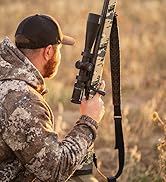
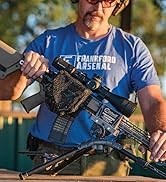
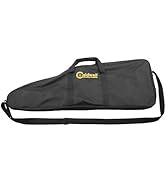
ACCESSORIES
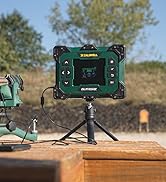
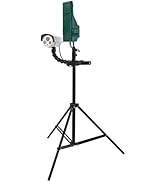
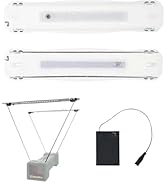
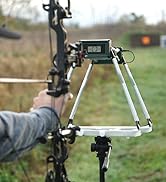
CHRONOGRAPHS
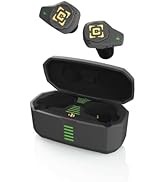


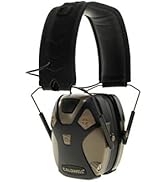
HEARING

TARGETS & TARGET ACCESSORIES

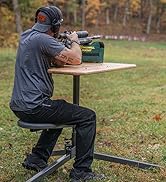
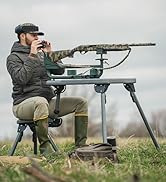
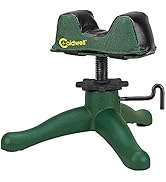
RESTS
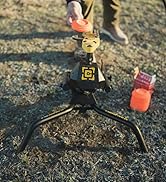

THROWERS


For the marksman, Caldwell is a brand engineered for perfection to take your shot to the next level. Whether you’re shooting competitively or recreationally, we aim to make you the best. With quality products developed to provide you unmatched precision, you will have the confidence to take the shot when it matters most.
E-MAX Shadows FDE
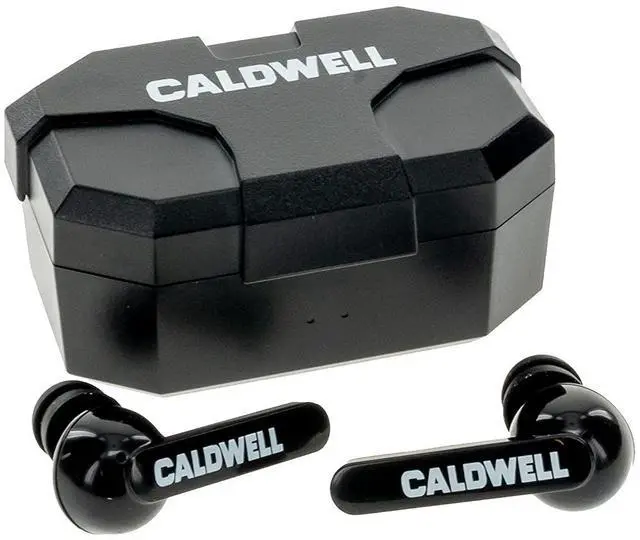
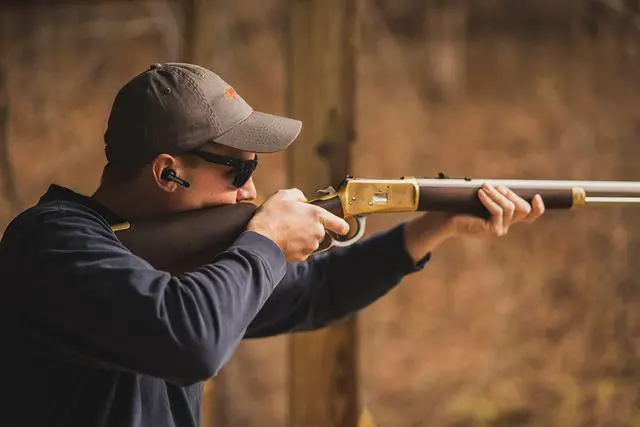
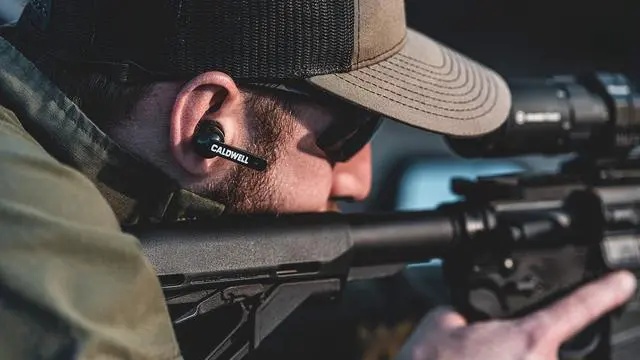
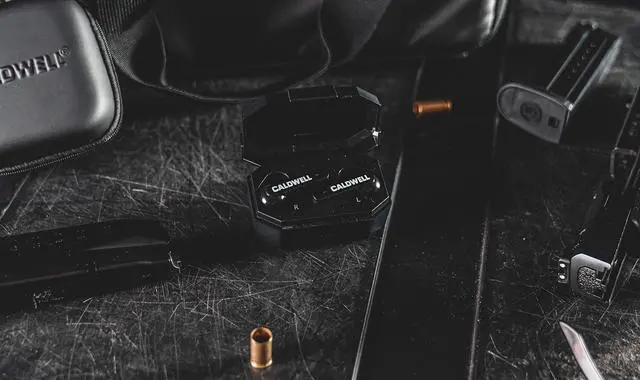
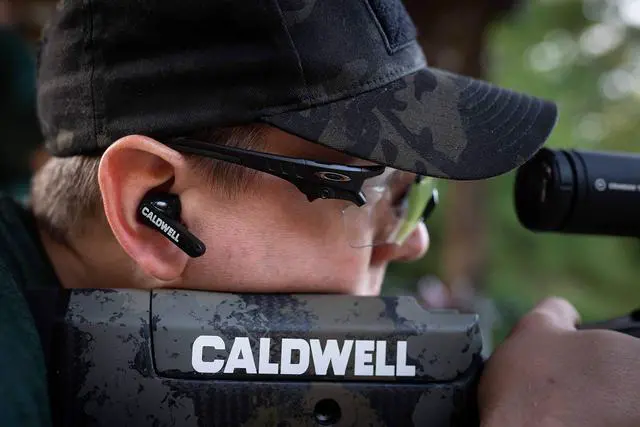
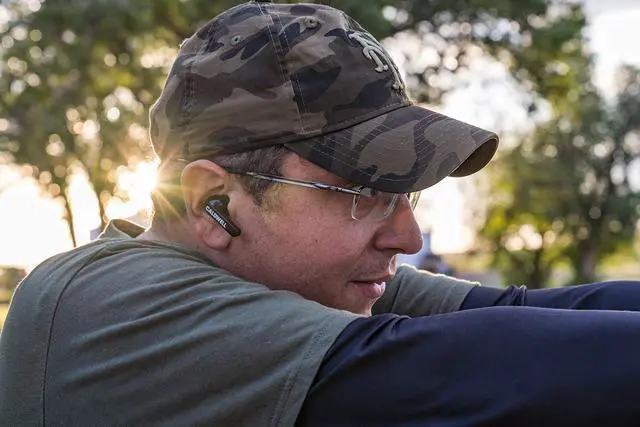
Caldwell E-MAX Shadows FDE are Bluetooth, rechargeable electronic ear plugs designed to go where you go, play all your music, and keep your ears protected. High quality stereo sound is Bluetooth compatible with your mobile device and comes with a 23 Decibels (NRR) noise reduction rating. Designed with functionality in mind, these feature:
- High Quality Stereo Sound
- Illuminated On/Off Indicator
- 4 Hour Auto-Shutoff
- Multiple Foam Insert Tips for Custom Fit
- Continuously Suppresses Sound to a Safe Level Without Clipping
- Refer user manual for better understanding of the product
Features

Volume Control
Adjust audio output with convenient volume controls.

Bluetooth Connectivity
Pair your Caldwell E-MAX Shadows to enjoy music and protect your hearing.

Seamless Transitions
Tune in to your favorite music or podcast while on the range.

Troubleshooting
For videos, please visit the FAQ page on Caldwell's brand store.
- Adjusting Volume - Slide your finger up/down on either earplug to adjust sound levels.
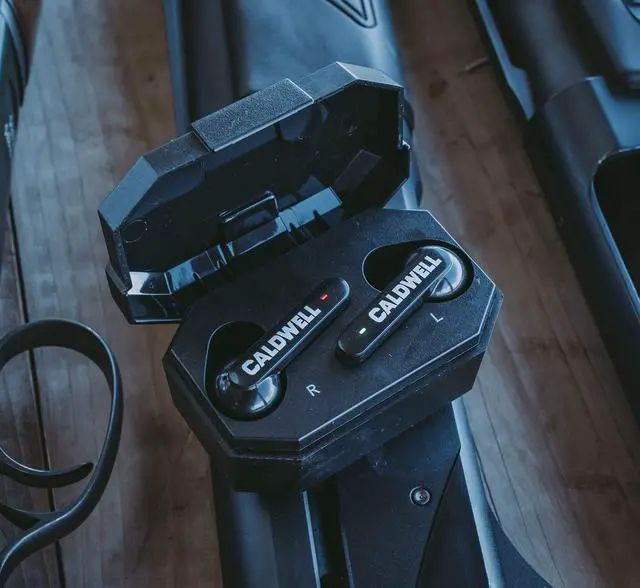
- Charging - LEDs will glow solid red while charging and turn green once fully charged.
- Factory Reset - Go to Bluetooth settings on your mobile device and locate SHADOWS in the device list. Select "ignore" or "cancel pairing." Pick up both earplugs and touch both panels for 8 seconds or until the LEDs glow red for 2 seconds to power off. Continue touching both bars for 10 seconds or until the LEDs blink red and green 3 times. Touch either bar for 5 seconds to enter pairing mode.
- Pairing - Place earplugs in the charging case to activate. Remove from the case to begin pairing. Search for SHADOWS in the Bluetooth settings on your mobile device and select "connect."
- Switching Device - Turn off Bluetooth on your mobile device to disconnect your Shadows and enter pairing mode. On your second device, search for SHADOWS and select "connect."

E-MAX Shadows FDE
For the marksman, Caldwell is a brand engineered for perfection to take your shot to the next level. Whether you’re shooting competitively or recreationally, we aim to make you the best. With quality products developed to provide you unmatched precision, you will have the confidence to take the shot when it matters most.
Caldwell E-MAX Shadows FDE are Bluetooth, rechargeable electronic ear plugs designed to go where you go, play all your music, and keep your ears protected. High quality stereo sound is Bluetooth compatible with your mobile device and comes with a 23 Decibels (NRR) noise reduction rating. Designed with functionality in mind, these feature:
- High Quality Stereo Sound
- Illuminated On/Off Indicator
- 4 Hour Auto-Shutoff
- Multiple Foam Insert Tips for Custom Fit
- Continuously Suppresses Sound to a Safe Level Without Clipping
- Refer user manual for better understanding of the product
Features
Volume Control
Adjust audio output with convenient volume controls.
Bluetooth Connectivity
Pair your Caldwell E-MAX Shadows to enjoy music and protect your hearing.
Seamless Transitions
Tune in to your favorite music or podcast while on the range.
Troubleshooting
For videos, please visit the FAQ page on Caldwell's brand store.
- Adjusting Volume - Slide your finger up/down on either earplug to adjust sound levels.
- Charging - LEDs will glow solid red while charging and turn green once fully charged.
- Factory Reset - Go to Bluetooth settings on your mobile device and locate SHADOWS in the device list. Select "ignore" or "cancel pairing." Pick up both earplugs and touch both panels for 8 seconds or until the LEDs glow red for 2 seconds to power off. Continue touching both bars for 10 seconds or until the LEDs blink red and green 3 times. Touch either bar for 5 seconds to enter pairing mode.
- Pairing - Place earplugs in the charging case to activate. Remove from the case to begin pairing. Search for SHADOWS in the Bluetooth settings on your mobile device and select "connect."
- Switching Device - Turn off Bluetooth on your mobile device to disconnect your Shadows and enter pairing mode. On your second device, search for SHADOWS and select "connect."
For the marksman, Caldwell is a brand engineered for perfection to take your shot to the next level. Whether you’re shooting competitively or recreationally, we aim to make you the best. With quality products developed to provide you unmatched precision, you will have the confidence to take the shot when it matters most.
ACCESSORIES
CHRONOGRAPHS
HEARING
TARGETS & TARGET ACCESSORIES
RESTS
THROWERS