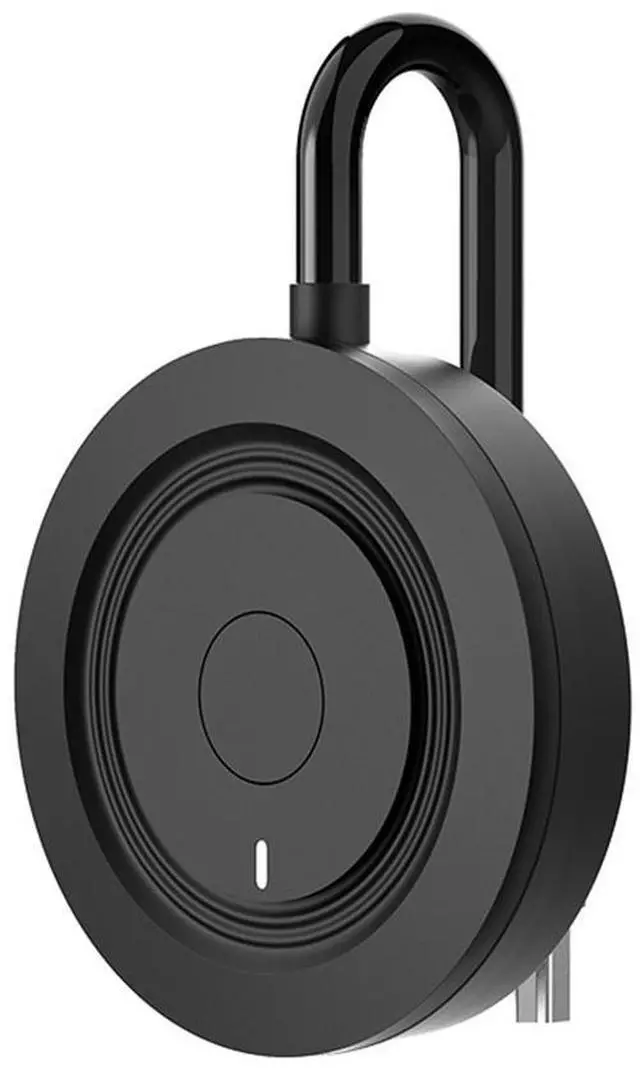
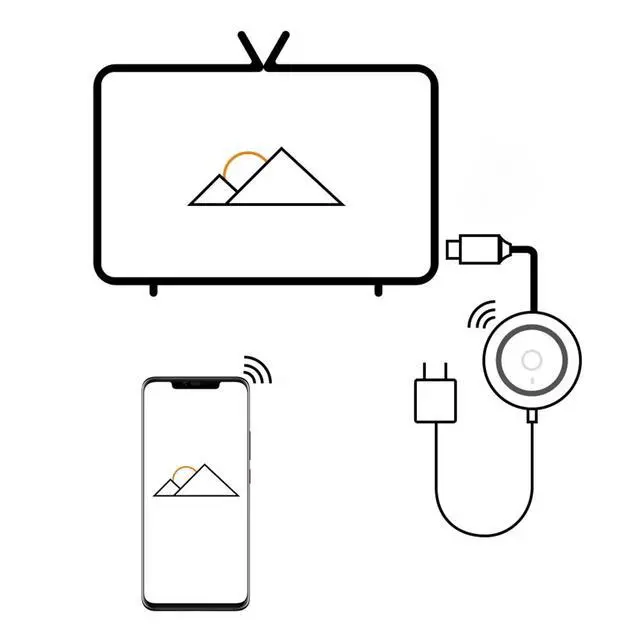
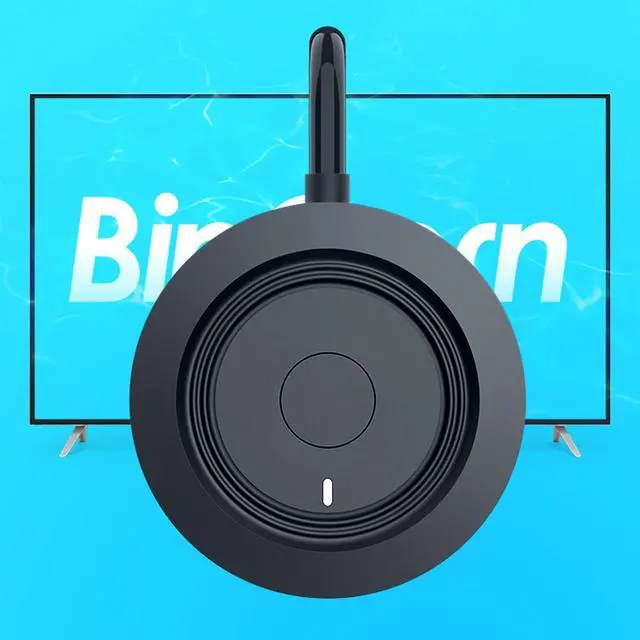
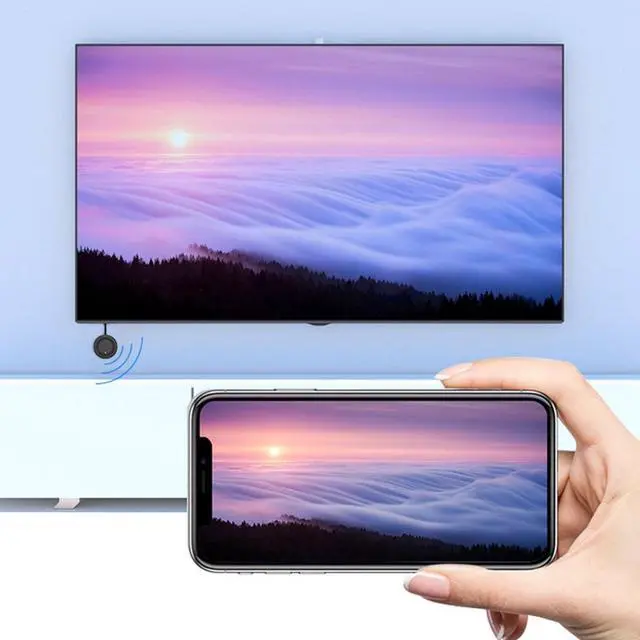
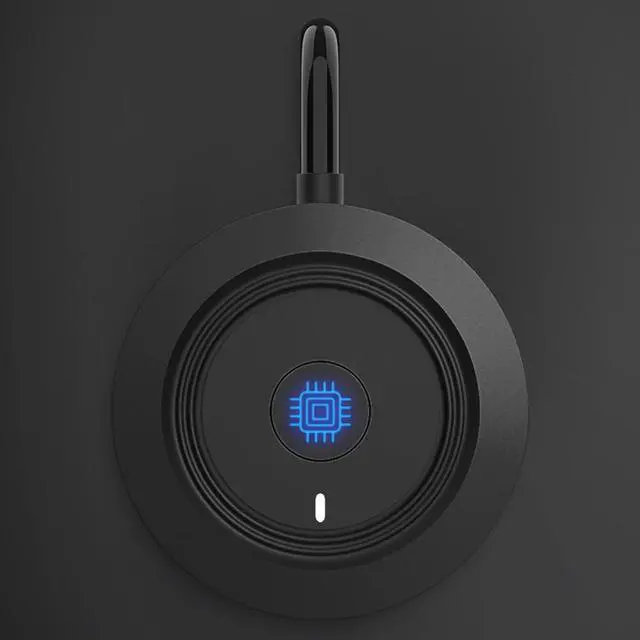
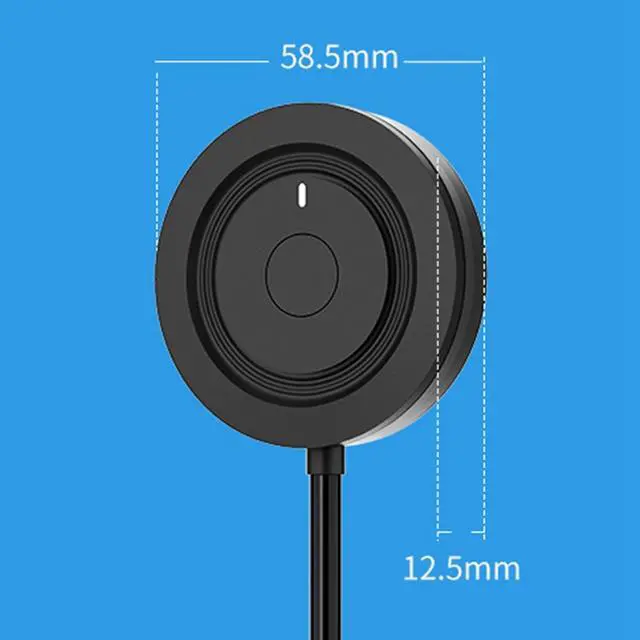
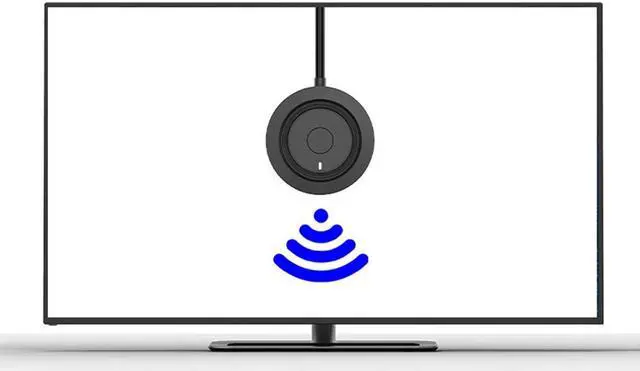
Description: With the HDMI dongle you can mirror audio and video from iPhone, iPad, Macbook, Android smartphone and PC to large screen devices such as TV / monitor / projector and enjoy fantastic HD movies without messy cables. How do I configure iOS (iPhone / iPad) / Mac OS? 1. Plug all cables into the device (remember to connect the USB cable to the 5V / 1A charger). 2. You will see a blue MiraScreen start screen and connect your iPhone to MiraScreen WiFi 3. Swipe up / down on iPhone, then tap AirPlay Mirroring, select MiraScreen as the destination and finish.
Note: If you want to connect the device to the router, add
the following additional steps: 1. Launch a browser on the iPhone to access the IP address 2. Click on "Internet" --- select router --- enter password 3. Click on "AirPlay Mirroring", select MiraScreen as the target and finish the process.
Note: After setting the first item, you can insert it and play it back the next time. How do I configure for Android / Windows? 1. Find the "Mirror" function on your phone / laptop / PC 2. Select MiraScreen as the target and finish the process.