• $33.99
  • Free 30-day Returns
  • Login to Make an Offer
    Price alert

    Best Sellers

    Newegg
    • + $8.29 Shipping
    Shop it at NeweggBusiness.

    High Quality USB Gateway CC2652P2 For ZigBee3.0 ZigBee2mqtt Home Assistant

    • Description
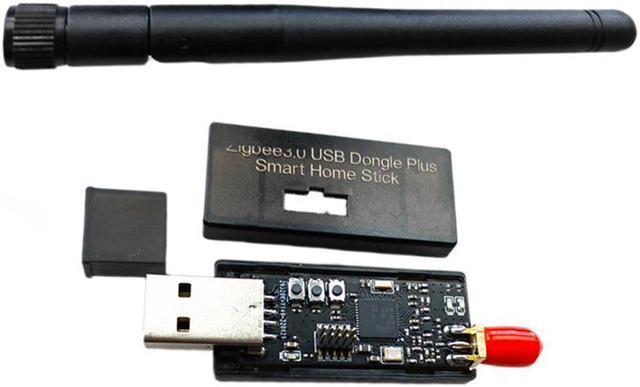
    • The main chip adopts CC2652P, a multi protocol wireless MCU with integrated success rate amplifier
    • Support Bluetooth 5.2 Low Energy, Thread, For Zigbee 3.0 protocols
    • Painless access to Home Assistant's ZHA integration or For Zigbee2Mqtt plug-in.
    • You can also access for Hassl0 in For OpenWrt
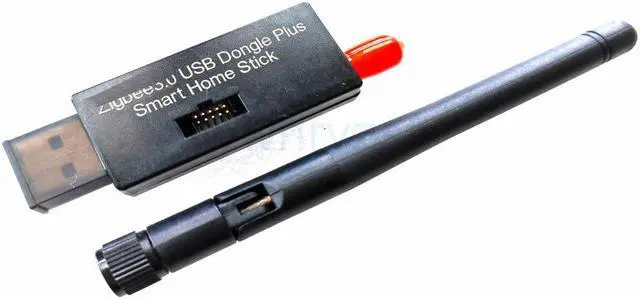
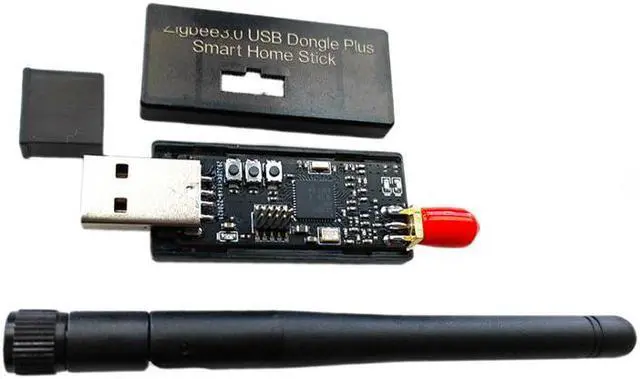
    • Include:1 PC
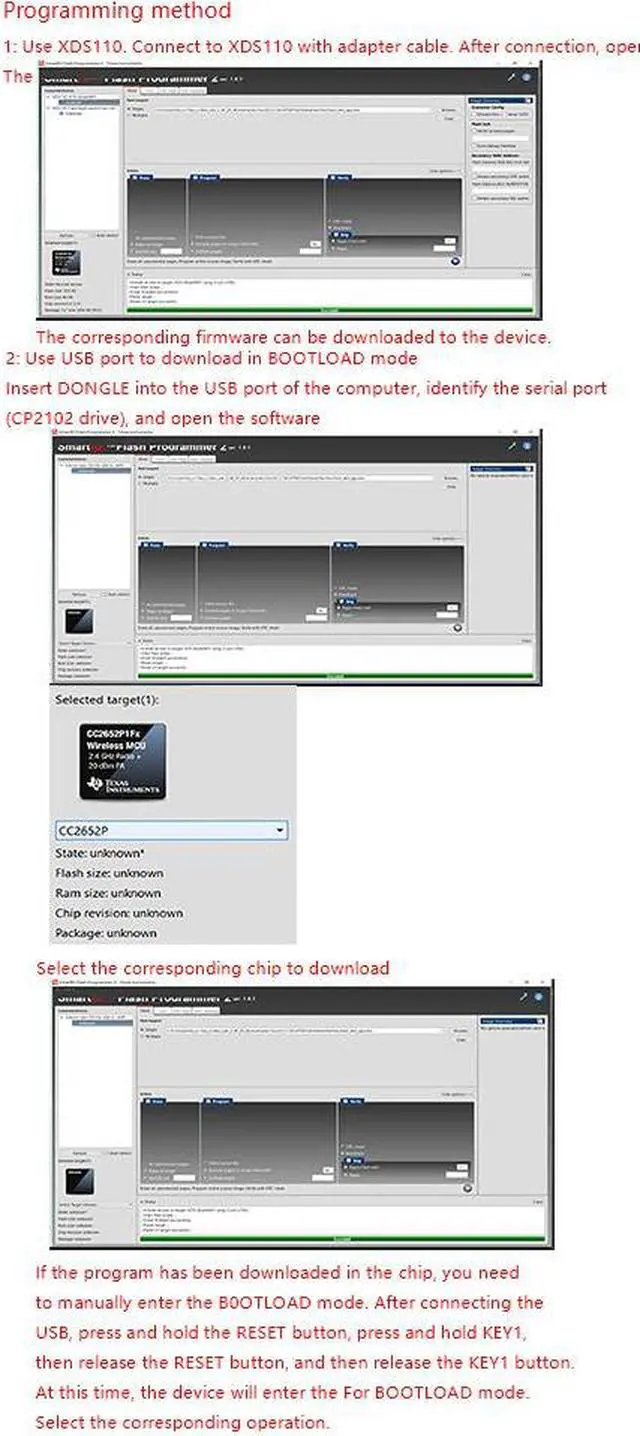
    • Programming method
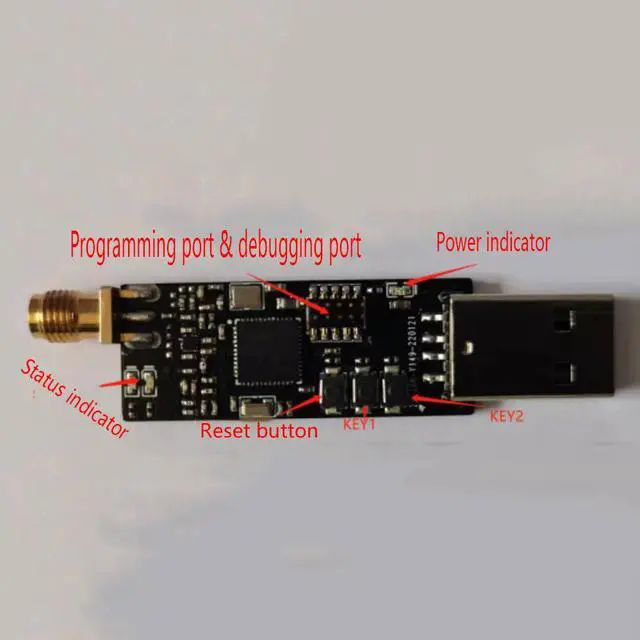
    • 1: Use XDS110. Connect to XDS110 with adapter cable. After connection, open
    • The corresponding firmware can be downloaded to the device.
    • 2: Use USB port to download in For BOOTLOAD mode
    • Insert for DONGLE into the USB port of the computer, identify the serial port (CP2102 drive), and open the software,Select the corresponding chip to download
    • If the program has been downloaded in the chip, you need to manually enter the B0OTLOAD mode. After connecting the USB, press and hold the RESET button, press and hold KEY1, then release the RESET button, a
    +
    +
    Overview
    Specs
    Reviews
    avatar

    Any questions? Our AI beta will help you find out quickly.

    Description
    The main chip adopts CC2652P, a multi protocol wireless MCU with integrated success rate amplifier

    Support Bluetooth 5.2 Low Energy, Thread, For Zigbee 3.0 protocols

    Painless access to Home Assistant's ZHA integration or For Zigbee2Mqtt plug-in.

    You can also access for Hassl0 in For OpenWrt


    Include:1 PC


    Programming method

    1: Use XDS110. Connect to XDS110 with adapter cable. After connection, open

    The corresponding firmware can be downloaded to the device.

    2: Use USB port to download in For BOOTLOAD mode

    Insert for DONGLE into the USB port of the computer, identify the serial port (CP2102 drive), and open the software,Select the corresponding chip to download


    If the program has been downloaded in the chip, you need to manually enter the B0OTLOAD mode. After connecting the USB, press and hold the RESET button, press and hold KEY1, then release the RESET button, and then release the KEY1 button. At this time, the device will enter the For BOOTLOAD mode. Select the corresponding operation.


    Warranty & Returns

    Warranty, Returns, And Additional Information

    Warranty

    • Please contact the Seller directly for warranty information. Warranty information may also be found on the Manufacturer's website.
    • CONTACT

    Return Policies

    Manufacturer Contact Info

    LOADING...
    LOADING...