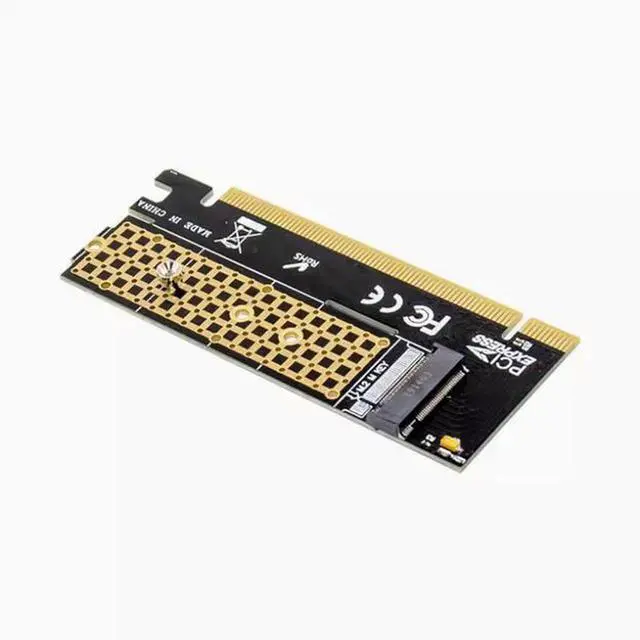
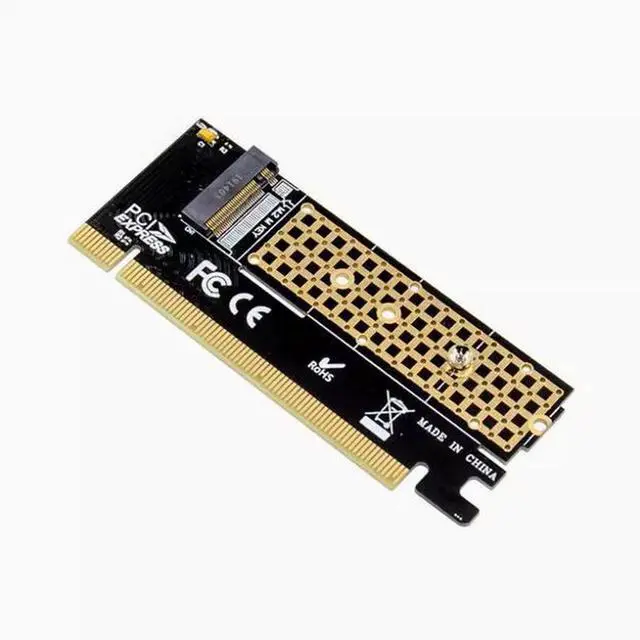
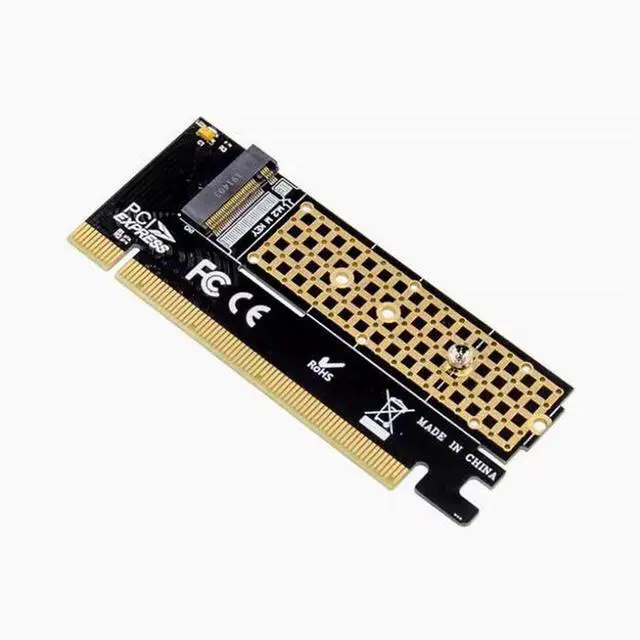
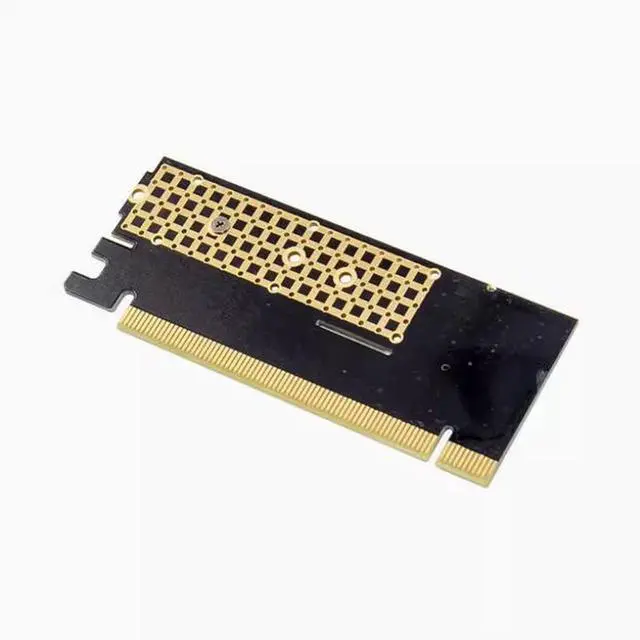
It is necessary to explain: these transfer cards are all used in the desktop PCI-E slot, can not be used in the notebook, and is not converted into SATA hard disk interface, because someone bought the wrong, hereby remind you!
Nvme SSD itself is actually 4X slot, so the actual speed used in the PCI-E 16X slot is still 4X, please note!
Only the adapter card is included, but not SSDS. The SSD installed in the following picture is not an accessory and is only used to show the installation effect
Special note: Only m-key NVME SSDS are supported, B-Key SATA SSDS are not supported
Note: If your motherboard chipset is below Series 9, do not use PCIE X4 specifications such as pm951, sm951, pm950!
Tip: Ensure that your motherboard BI0S supports NVME boot before you can use it as a system disk. Many old motherboards such as H61, B75, B85(Huaqi B85PR04 measured exceptions, the store measured can be used) and so on generally do not support NVME startup, will only be used for extended storage, can not be used as a system disk start. The B85 PR04 can support NVME startup by updating the BI0S It is necessary to explain: these transfer cards are all used in the desktop PCI-E slot, can not be used in the notebook, and is not converted into SATA hard disk interface, because someone bought the wrong, hereby remind you!
Nvme SSD itself is actually 4X slot, so the actual speed used in the PCI-E 16X slot is still 4X, please note!
Only the adapter card is included, but not SSDS. The SSD installed in the following picture is not an accessory and is only used to show the installation effect
Special note: Only m-key NVME SSDS are supported, B-Key SATA SSDS are not supported
Note: If your motherboard chipset is below Series 9, do not use PCIE X4 specifications such as pm951, sm951, pm950!
Tip: Ensure that your motherboard BI0S supports NVME boot before you can use it as a system disk. Many old motherboards such as H61, B75, B85(Huaqi B85PR04 measured exceptions, the store measured can be used) and so on generally do not support NVME startup, will only be used for extended storage, can not be used as a system disk start. The B85 PR04 can support NVME boot by updating the BI0S