


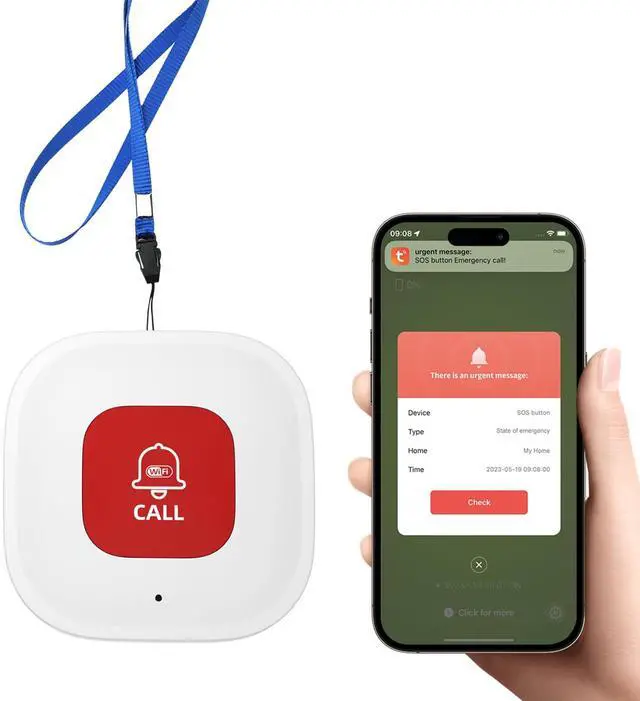
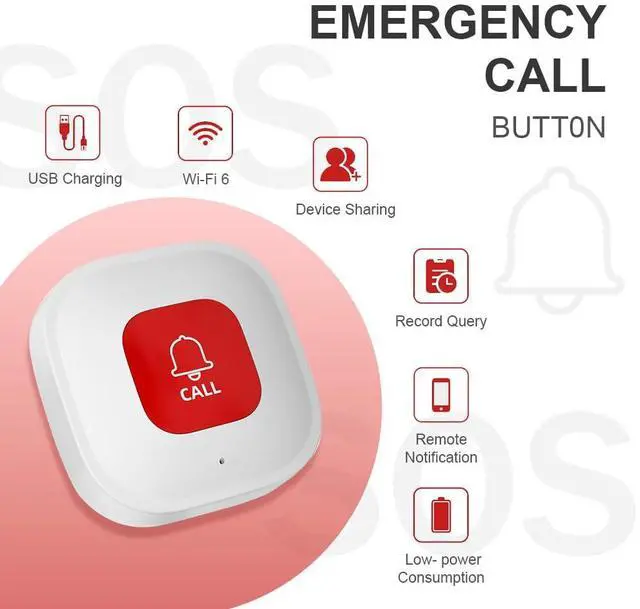
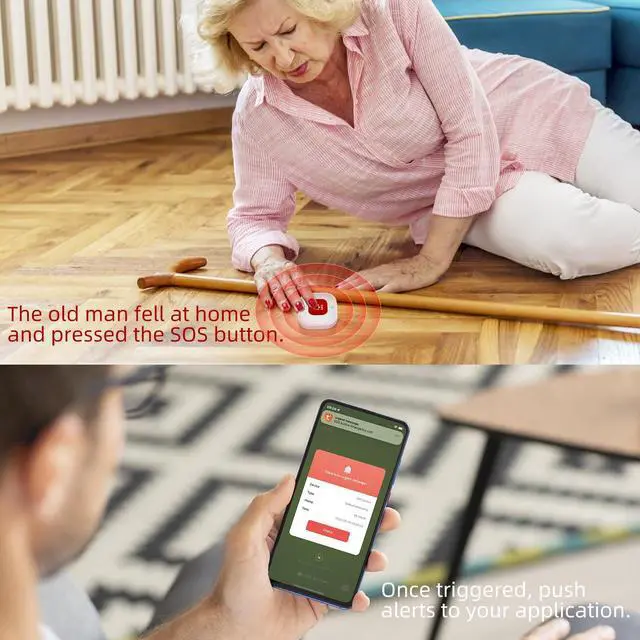


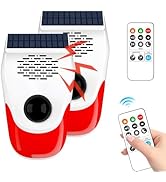
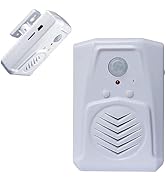

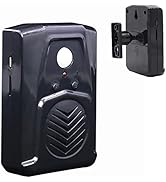
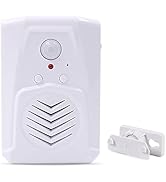
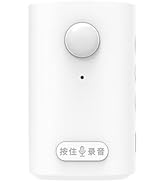
WiFi Elderly In-Home Caregiver Call Button with App Notification


How to connect to the WIFI?
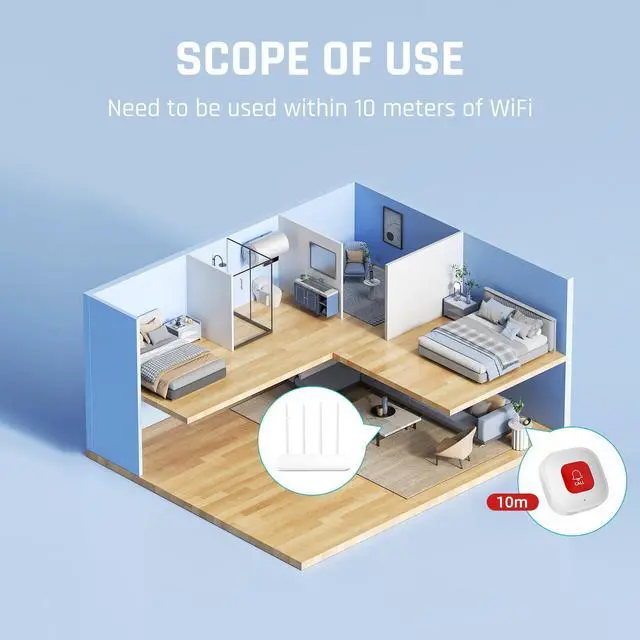
- MAKE SURE THE WIFI IS 2.4G AND THE DISTANCE BETWEEN THE SOS BUTTON AND THE ROUTER SHOULD BE WITHIN 15 METERS.
- DOWNLOAD APP, CONNECT MOBILE PHONE TO WIFI 2.4G AND TURN ON BLUETOOTH
- LONG PRESS THE SETTING KEY OF THE CALL BUTTON FOR ABOUT 10S
- CLICK ADD DEVICE ON THE APP, INPUT THE WIFI ACCOUNT & PASSWORD
How to connect to the WIFI?
Merchant VideoDo I need to pay a subscription fee?
If you only need notifications from the app, it's free. But if you want SMs, phone calls, or emails, you'll need to pay.
What are the requirements for WIFI?
it needs to be 2.4G WIFI, and the careiver calbuton needs to be within the range of WIFI sinal coverage. which is recommended to be within 15 meters
Does my phone have to be connected to WIFI to use it?
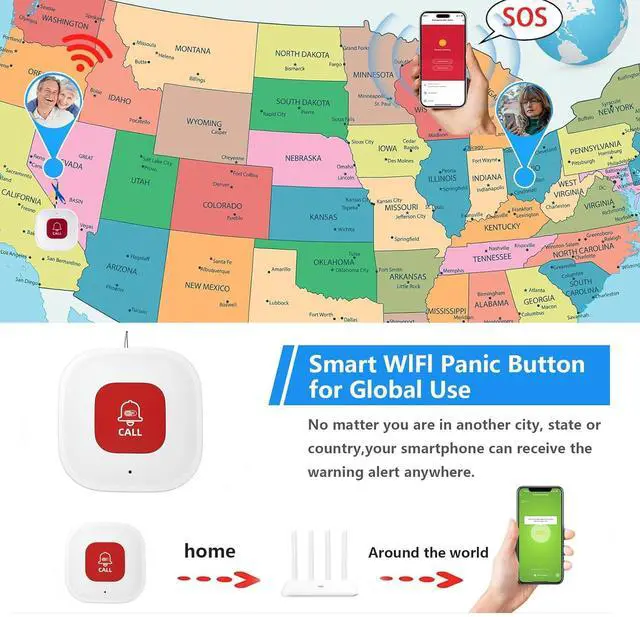
No, after pairing, your phone can receive APP notification as long as it has internet access anywhere in the world.
Can I change the ringtone?
Curently, the ringtone of this wifi caregiver call button cannot be modified.lf you want to change the ringtone, you can choose another one with HUB in the store.
XYszpcgs Store
XYszpcgs Store
XYszpcgs Store
WiFi Elderly In-Home Caregiver Call Button with App Notification


How to connect to the WIFI?
Merchant VideoHow to connect to the WIFI?
- MAKE SURE THE WIFI IS 2.4G AND THE DISTANCE BETWEEN THE SOS BUTTON AND THE ROUTER SHOULD BE WITHIN 15 METERS.
- DOWNLOAD APP, CONNECT MOBILE PHONE TO WIFI 2.4G AND TURN ON BLUETOOTH
- LONG PRESS THE SETTING KEY OF THE CALL BUTTON FOR ABOUT 10S
- CLICK ADD DEVICE ON THE APP, INPUT THE WIFI ACCOUNT & PASSWORD
Do I need to pay a subscription fee?
If you only need notifications from the app, it's free. But if you want SMs, phone calls, or emails, you'll need to pay.
What are the requirements for WIFI?
it needs to be 2.4G WIFI, and the careiver calbuton needs to be within the range of WIFI sinal coverage. which is recommended to be within 15 meters
Does my phone have to be connected to WIFI to use it?
No, after pairing, your phone can receive APP notification as long as it has internet access anywhere in the world.
Can I change the ringtone?
Curently, the ringtone of this wifi caregiver call button cannot be modified.lf you want to change the ringtone, you can choose another one with HUB in the store.