




Why Sharp Calculators
With a reliable array of calculator models and functions, you can trust Sharp for all your business, scientific or school needs.

Decades of Innovation
Sharp has been making electronic calculators since the 1960's, introducing new innovation through to the present day, such as the world's first "paperless" printing calculator and WriteView display scientific calculators. With a reliable array of calculator models and functions, Sharp helps you excel at math whether in business or in school.
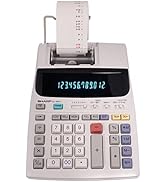
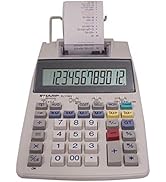
Printing Calculators
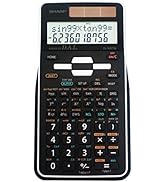
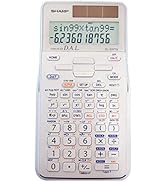
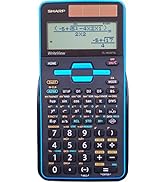
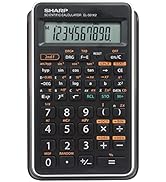
Scientific Calculators
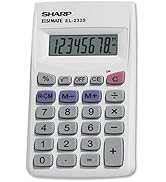
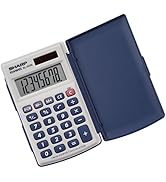
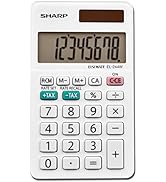
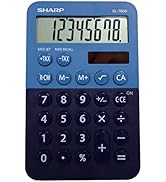
Handheld Calculators
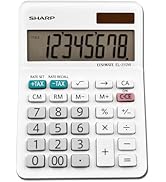
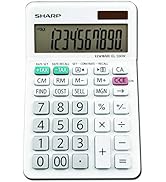
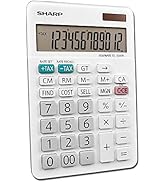
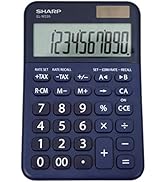
Desktop Calculators
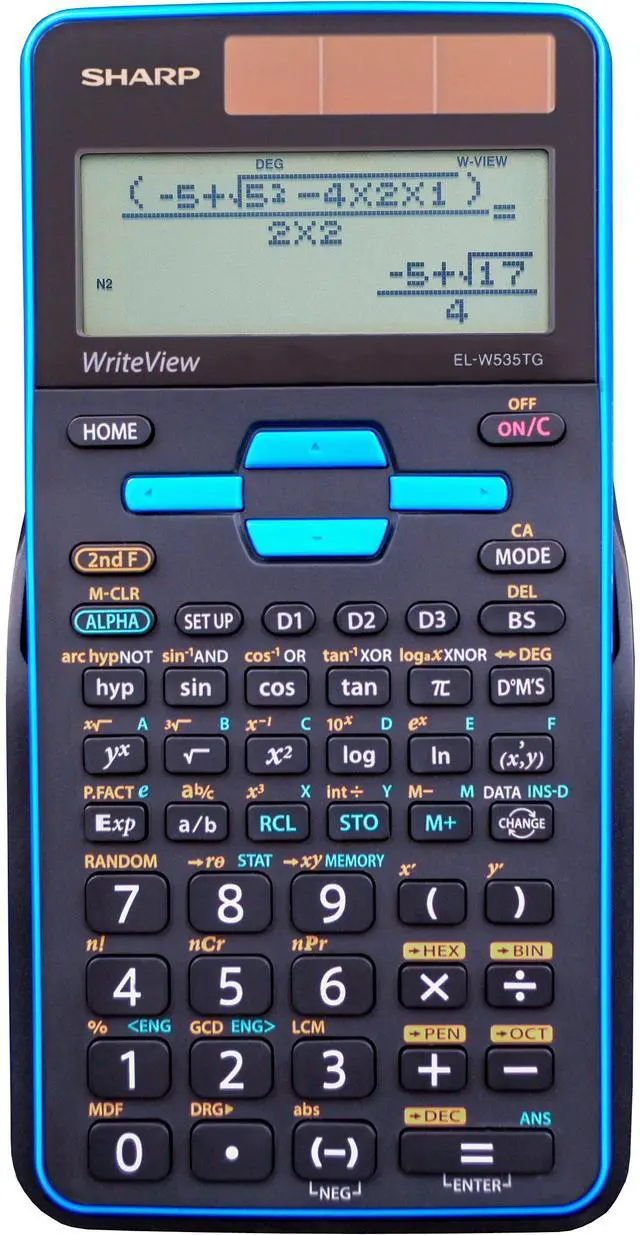
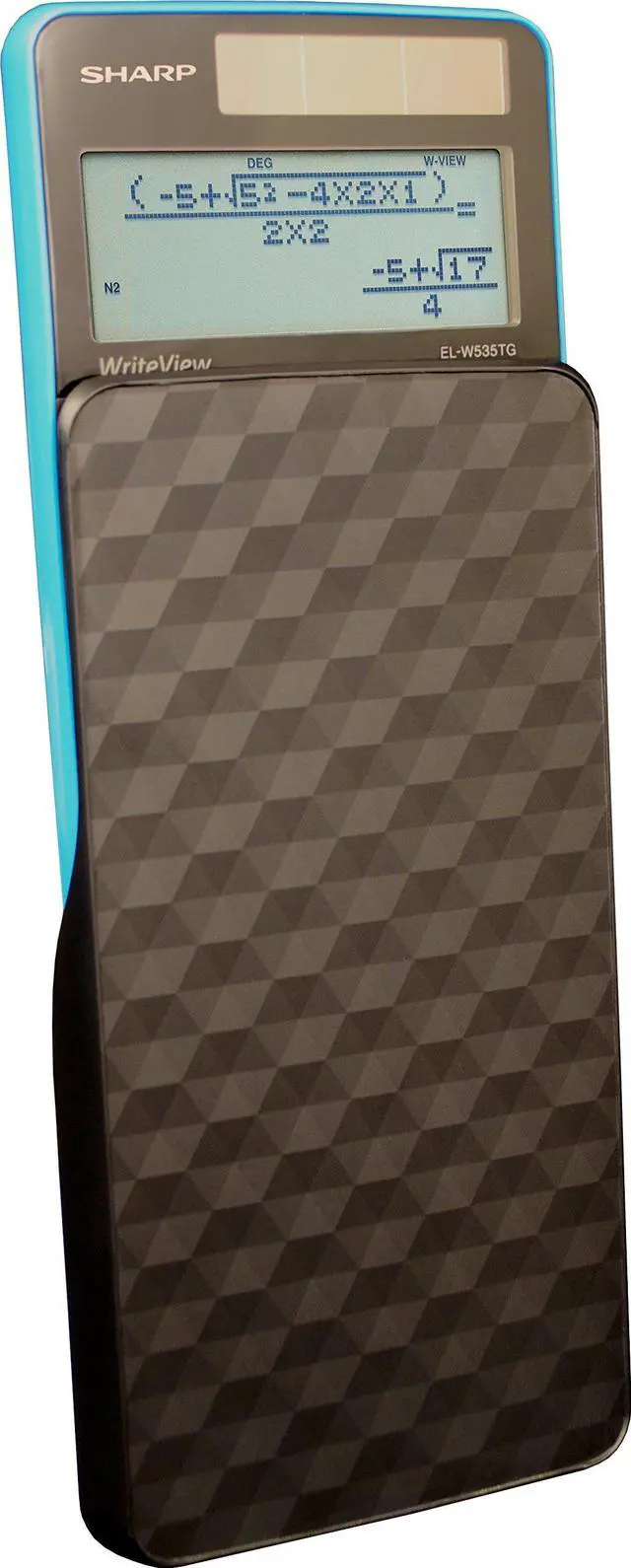
Sharp EL-W535TGBBL Scientific Calculator with WriteView 4 Line Display

Specs
- 422 Functions
- Solar and Battery Powered
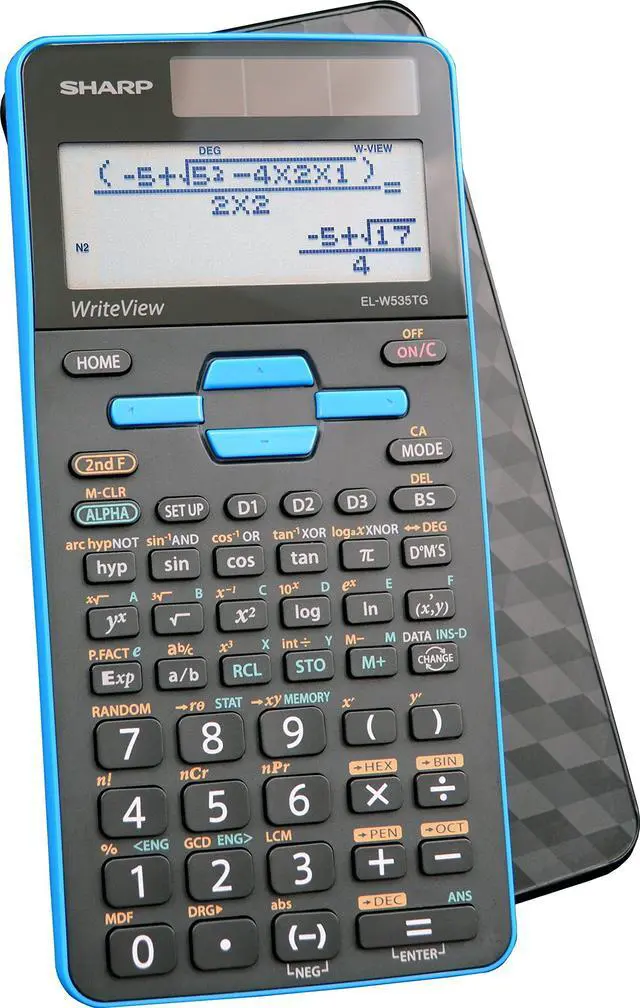
- Hard Cover Case
- PC Simulator Included for Instructors
Designed for students studying:
General math and science, pre-algebra, algebra, geometry, trigonometry, statistics, biology, engineering and chemistry.
What is WriteView?
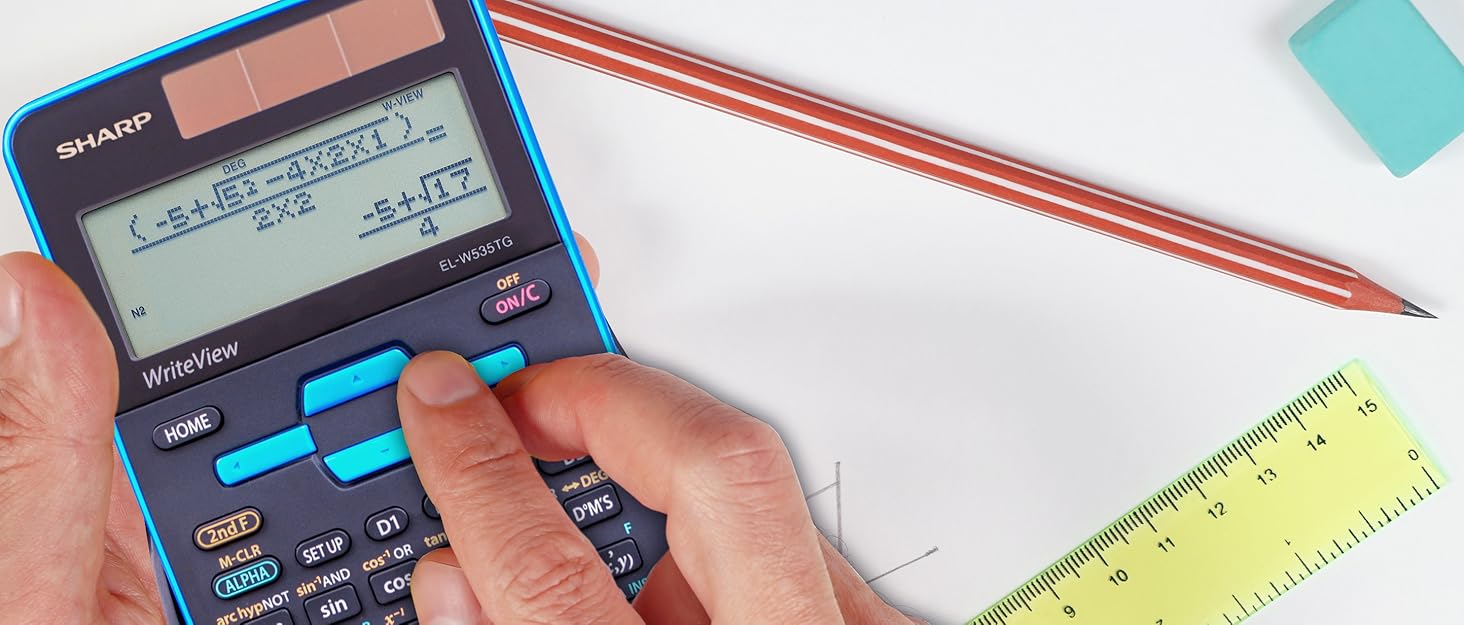
The WriteView display makes scientific equations easier for students to solve because calculations can be entered and viewed exactly as they would be written and how they appear in a textbook.

Packed with Features
The Sharp EL-W535TGBBL has all the features and functions students and teachers need
The EL-W535TGBBL has 422 functions, allows for equation editing and playback, 8 temporary memories and 3 definable memories. Also included are 1 & 2 variable statistics, normal, stat, and drill modes, seven regression types, and N-BASE calculations: HEX, BIN, DEC, OCT, PEN.
Home Button
The home key allows users to start fresh from any screen. This is particularly helpful when getting a group to the same settings, resetting and clearing the calculator, or starting over when needed. Gone are the days of mistakenly calculating everything in radians rather than degrees.
Key Features
- Large 16-Character, Four-Line Display
- WriteView Display
- 422 Functions
- Home Button

WriteView Display
The WriteView display allows users to see expressions, fractions, and symbols the same way they would see them in a textbook. The ability to show your work is important for students learning any level of math, and the WriteView display helps students do so.

PC Simulator
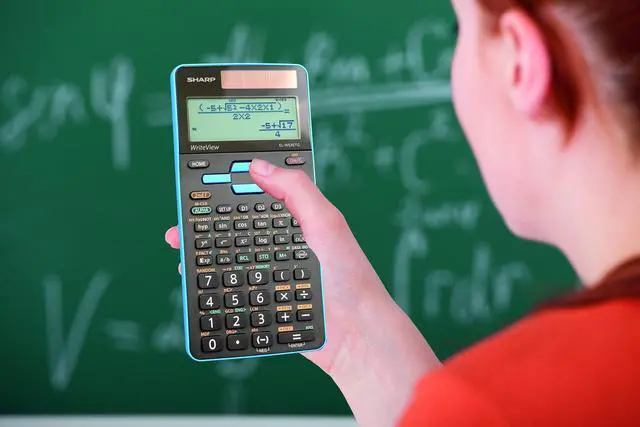
Teachers can easily walk through calculations in front of their classes by using the free PC simulator.

3 Definable Keys
Store functions or operations in definable memories (D1-D3). To call a stored function, simply press the corresponding memory key.
 EL-W516TBSL |  EL-W535TGBBL |  EL-506TSBBW |  EL-531TGBBW |  EL-501XBWH | |
|---|---|---|---|---|---|
| Customer Reviews | — | — | — | — | — |
| Price | — | — | — | — | — |
| WriteView Display | ? | ? | no data | no data | no data |
| Number of Lines in Display | 4 | 4 | 2 | 2 | 1 |
| Available Accent Colors | Silver | Blue | White | White, All White | White, Green |
| Permitted For Use on High-Stakes Standardized Exams | ? | ? | ? | ? | ? |
| Number of Functions | 640 | 422 | 469 | 272 | 131 |
| Definable Memory Keys | ? | ? | ? | no data | no data |
| Twin-Powered | ? | ? | ? | no data | no data |
| PC Simulator | ? | ? | no data | no data | no data |
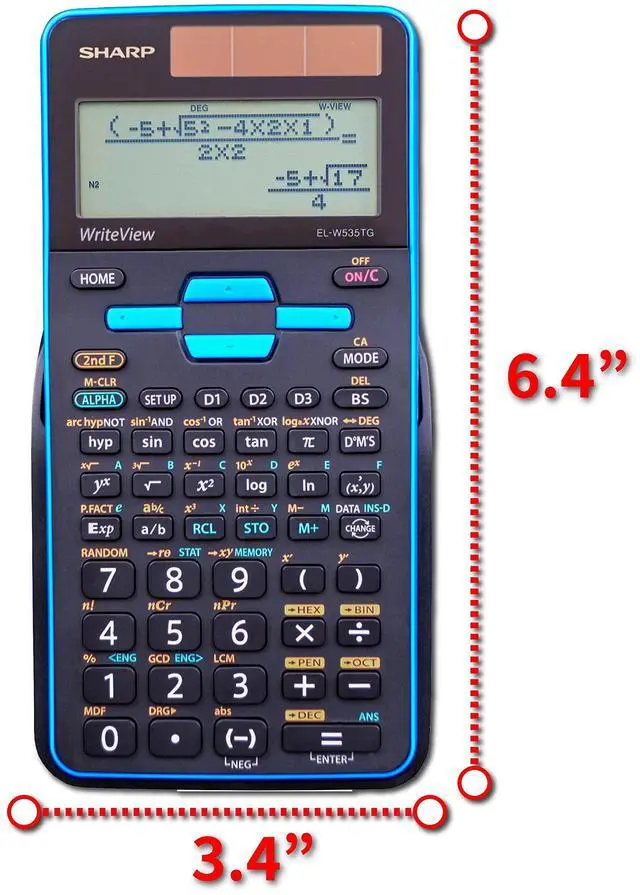
| Dimensions | 3.1 x 6.4 x 0.6 | 3.1 x 6.4 x 0.6 | 3.1 x 6.1 x 0.6 | 3.1 x 6.1 x 0.6 | 2.9 x 5.7 x 0.4 |
Sharp EL-W535TGBBL Scientific Calculator with WriteView 4 Line Display
Specs
- 422 Functions
- Solar and Battery Powered
- Hard Cover Case
- PC Simulator Included for Instructors
Designed for students studying:
General math and science, pre-algebra, algebra, geometry, trigonometry, statistics, biology, engineering and chemistry.
What is WriteView?
The WriteView display makes scientific equations easier for students to solve because calculations can be entered and viewed exactly as they would be written and how they appear in a textbook.
Packed with Features
The Sharp EL-W535TGBBL has all the features and functions students and teachers need
The EL-W535TGBBL has 422 functions, allows for equation editing and playback, 8 temporary memories and 3 definable memories. Also included are 1 & 2 variable statistics, normal, stat, and drill modes, seven regression types, and N-BASE calculations: HEX, BIN, DEC, OCT, PEN.
Home Button
The home key allows users to start fresh from any screen. This is particularly helpful when getting a group to the same settings, resetting and clearing the calculator, or starting over when needed. Gone are the days of mistakenly calculating everything in radians rather than degrees.
Key Features
- Large 16-Character, Four-Line Display
- WriteView Display
- 422 Functions
- Home Button
WriteView Display
The WriteView display allows users to see expressions, fractions, and symbols the same way they would see them in a textbook. The ability to show your work is important for students learning any level of math, and the WriteView display helps students do so.
PC Simulator
Teachers can easily walk through calculations in front of their classes by using the free PC simulator.
3 Definable Keys
Store functions or operations in definable memories (D1-D3). To call a stored function, simply press the corresponding memory key.
EL-W516TBSL | EL-W535TGBBL | EL-506TSBBW | EL-531TGBBW | EL-501XBWH | |
|---|---|---|---|---|---|
| Customer Reviews | — | — | — | — | — |
| Price | — | — | — | — | — |
| WriteView Display | ? | ? | no data | no data | no data |
| Number of Lines in Display | 4 | 4 | 2 | 2 | 1 |
| Available Accent Colors | Silver | Blue | White | White, All White | White, Green |
| Permitted For Use on High-Stakes Standardized Exams | ? | ? | ? | ? | ? |
| Number of Functions | 640 | 422 | 469 | 272 | 131 |
| Definable Memory Keys | ? | ? | ? | no data | no data |
| Twin-Powered | ? | ? | ? | no data | no data |
| PC Simulator | ? | ? | no data | no data | no data |
| Dimensions | 3.1 x 6.4 x 0.6 | 3.1 x 6.4 x 0.6 | 3.1 x 6.1 x 0.6 | 3.1 x 6.1 x 0.6 | 2.9 x 5.7 x 0.4 |
Why Sharp Calculators
With a reliable array of calculator models and functions, you can trust Sharp for all your business, scientific or school needs.
Decades of Innovation
Sharp has been making electronic calculators since the 1960's, introducing new innovation through to the present day, such as the world's first "paperless" printing calculator and WriteView display scientific calculators. With a reliable array of calculator models and functions, Sharp helps you excel at math whether in business or in school.
Printing Calculators
Scientific Calculators
Handheld Calculators
Desktop Calculators