





About NIIMBOT
NIIMBOT is a international leading service provider with intelligent identification solutions.
NIIMBOT held the mission of “The Simpler, The Better” and established three product systems with the core of Intelligent Hardware, NIIMBOT Cloud Service Platform of printing and Efficiency Management System.
We are working on product life-cycle management and be the reliable enterprise for almost millions users in the world!
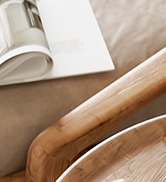

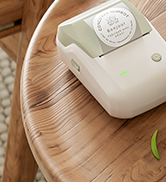
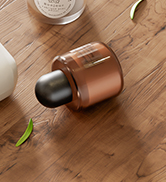
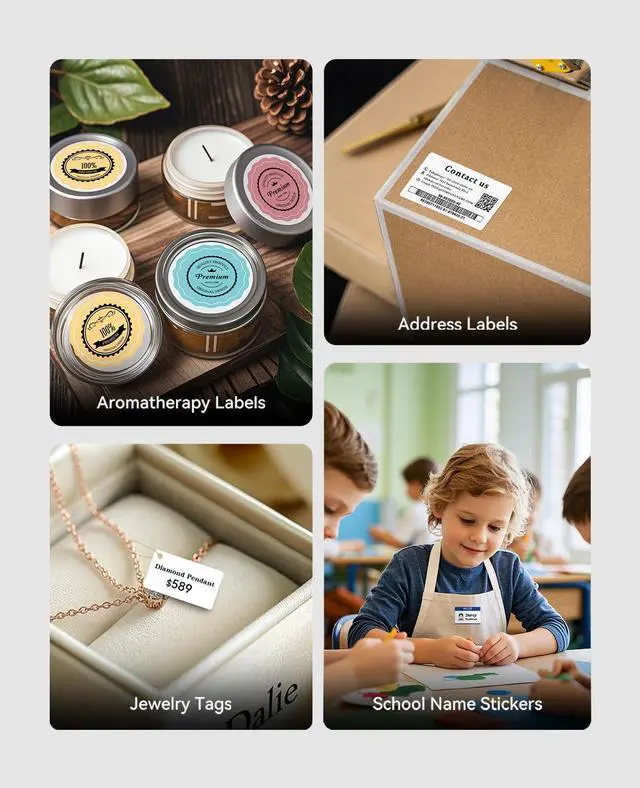
Aromatherapy Candle Labeling
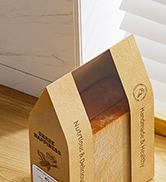
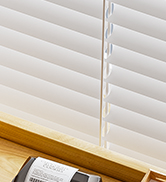
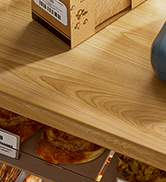
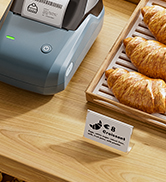
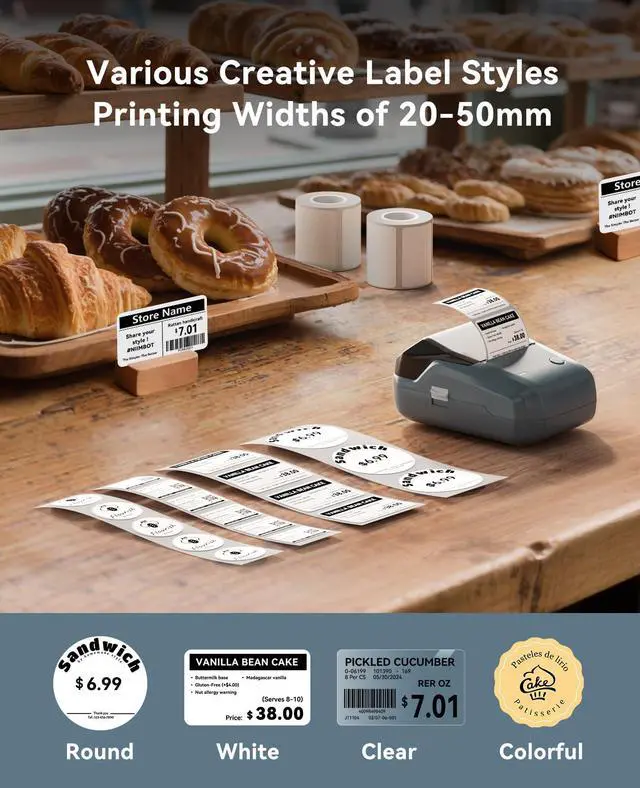
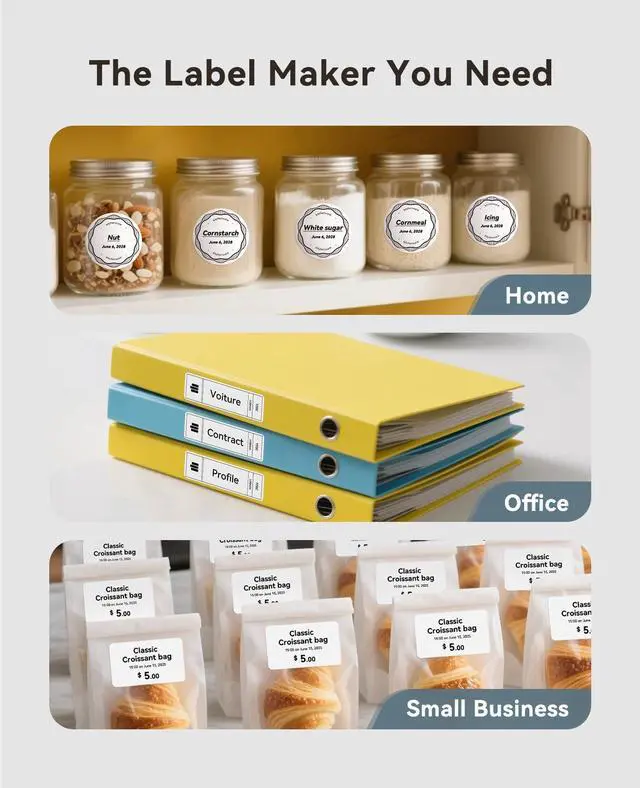
Baking Labeling
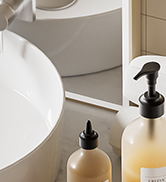
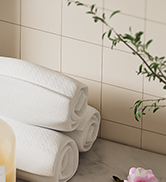
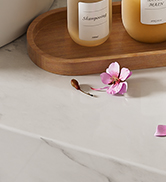
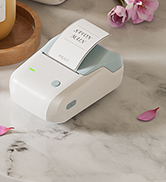
Bathroom Organization Labels
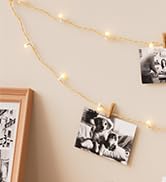

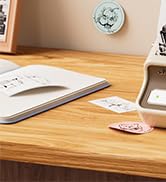
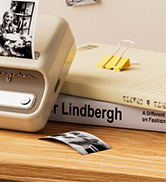
Photo Printing Labeling

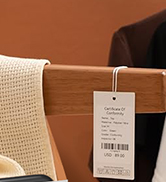
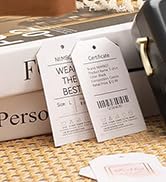
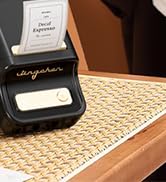
Clothing Price Labeling
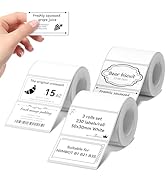
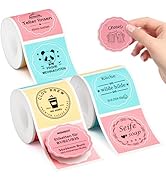
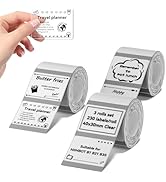
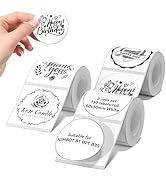
3Roll Labels for B1/B21/B3S
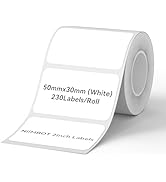
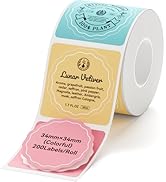
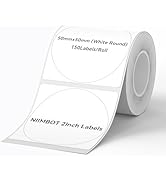
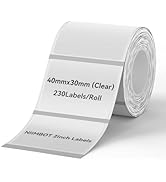
Labels for B1/B21/B3S
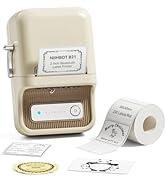
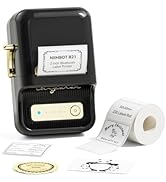
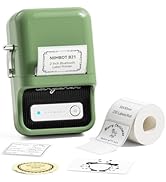
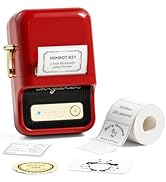
B21 Retro 2inch Label Maker
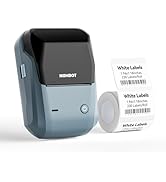
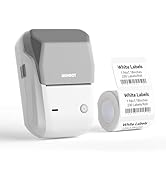
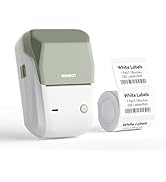
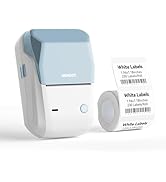
B1 Small Business Label Maker
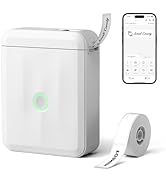
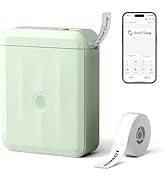
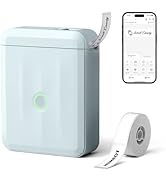
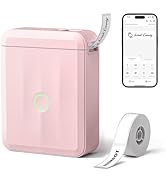
D110 Home Office Label Maker
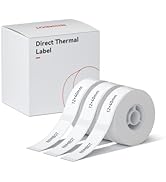
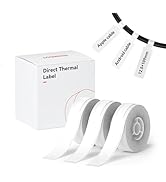
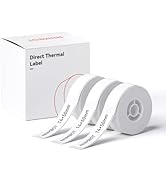
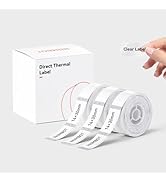
Compatible with D110/D11/D101
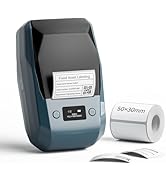
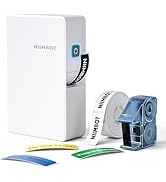
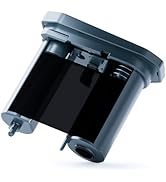
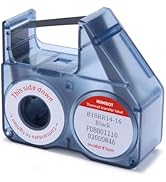
Thermal Transfer Series
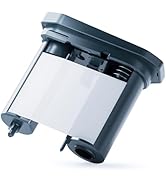
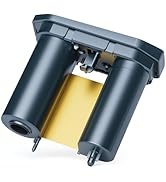
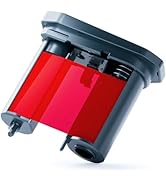
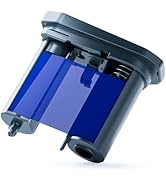
Color Ribbon for M2
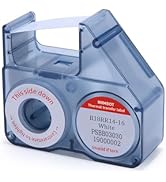
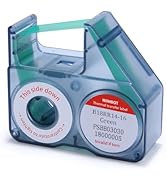
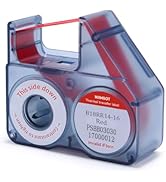
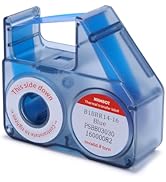
Color Ribbon for B18/N1
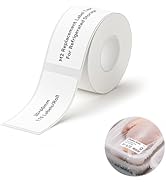
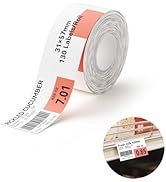
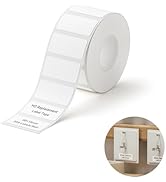
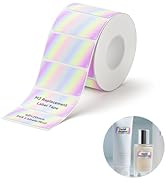
M2 Small Business Labels
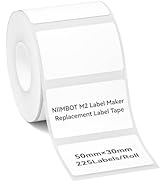
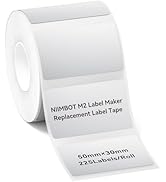
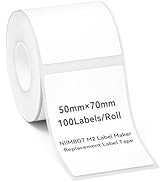
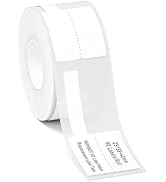
M2 Replacement Labels
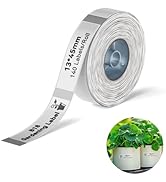
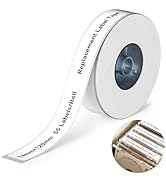
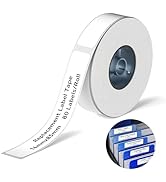
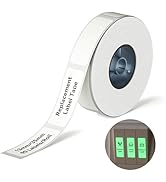
B18/N1 Label Tapes for Office
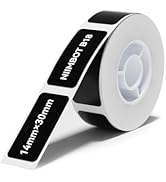
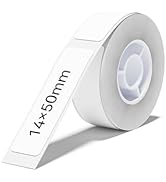
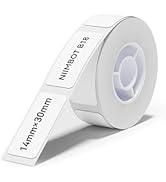
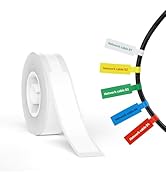
B18/N1 Replacement Labels
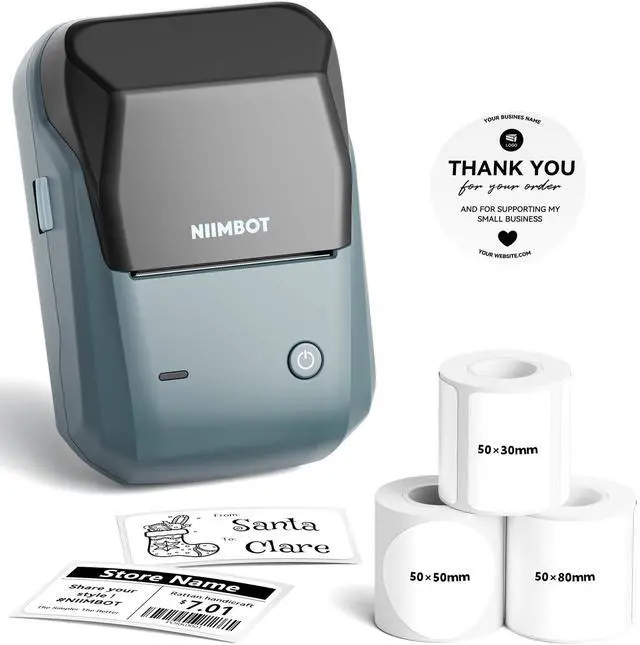
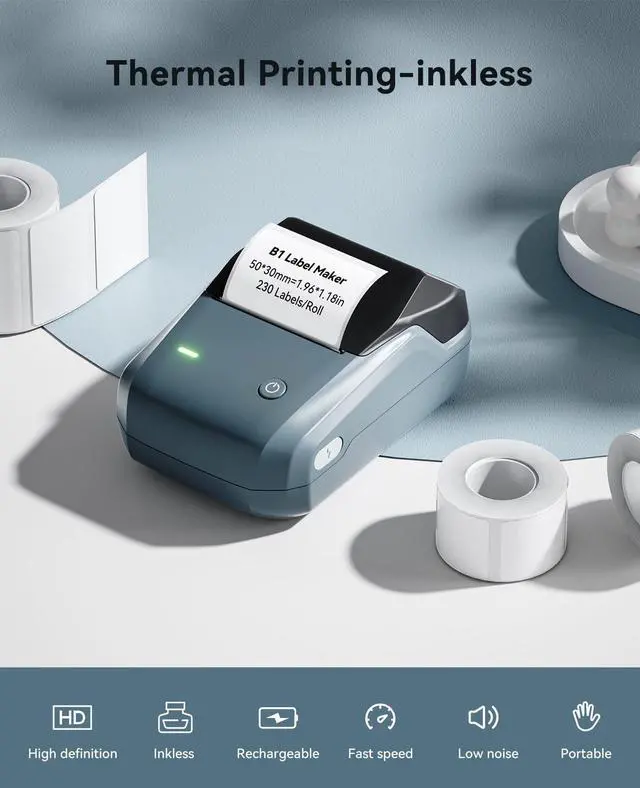
NIIMBOT B1 Label Maker for Home School Office Small Business
NIIMBOT B1 Label Maker Machine with Tape
Merchant Video


NIIMBOT B1 Label Maker Machine with Tape
Merchant Video


NIIMBOT 2Inch Labels for B1/B21/B31/K3/B3S Label Maker
 50×30mm White Label |  34×34mm Colorful Label |  50×80mm Clear Label |  3Rolls 50×80mm White |  3Rolls 34×34mm Colorful |  3Rolls 50×30mm White |  3Roll 50×50mm Clear Round | |
|---|---|---|---|---|---|---|---|
Customer Reviews | — | — | — | — | — | — | — |
Price | — | — | — | — | — | — | — |
Size | 50×30mm-230Labels/Roll | 34×34mm-200Labels/Roll | 50×80mm-95Labels/Roll | 50×80mm-95Labels/Roll | 34×34mm-200Labels/Roll | 50×30mm-230Labels/Roll | 50×50mm-150Labels/Roll |
Color | White | Colorful | Clear | White | Colorful | White | Clear |
Compatible Printer | NIIMBOT B1/B21/B31/K3/B3S | NIIMBOT B1/B21/B31/K3/B3S | NIIMBOT B1/B21/B31/K3/B3S | NIIMBOT B1/B21/B31/K3/B3S | NIIMBOT B1/B21/B31/K3/B3S | NIIMBOT B1/B21/B31/K3/B3S | NIIMBOT B1/B21/B31/K3/B3S |
High Quality | v | v | v | v | v | v | v |
BPA FREE | v | v | v | v | v | v | v |
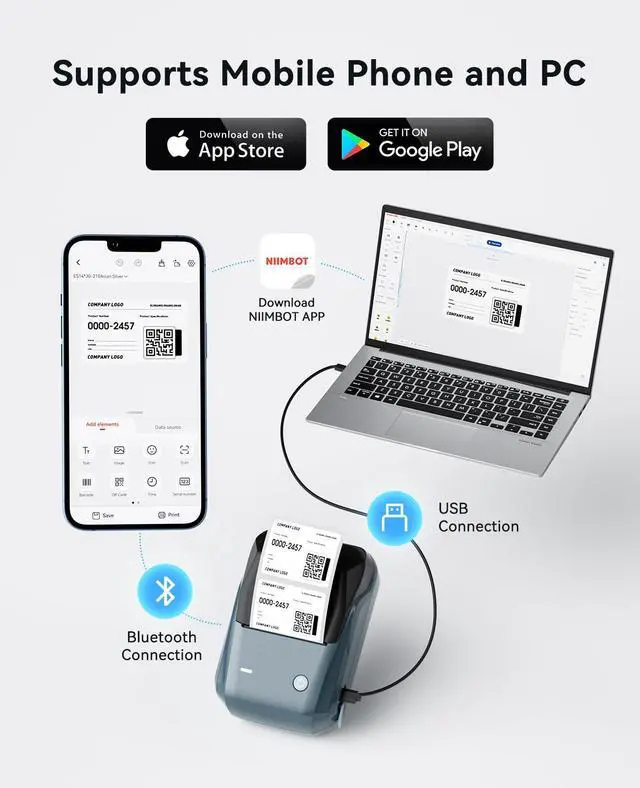
How to use it on the computer?
This B1 label maker supports USB connection for Windows 7/10, you need to download the drive and the NIIMBOT APP for Windows on the official NIIMBOT website
The printing is not clear, how to adjust it?
In the print interface, Adjust "Print density"1-2-3, The larger the numbers, the clearer the handwriting.
How to solve the problem of printing blank? Is there no ink?
The reason for printing blank may be that the "print head" is dirty and covered by some dust. Please try to turn off the printer, and then clean the "print head" with a cotton swab to make it work normally.
Can this label printer work with third-party paper?
Our printing system utilizes patented label detection technology that only recognizes authentic NIIMBOT labels. Third-party labels lack the required RFID, for optimal performance, always use genuine NIIMBOT labels (sold separately)
NIIMBOT B1 Label Maker for Home School Office Small Business
NIIMBOT B1 Label Maker Machine with Tape
Merchant Video


NIIMBOT B1 Label Maker Machine with Tape
Merchant VideoNote: Connect to computer via data cable (driver installation is required from the official website)


NIIMBOT 2Inch Labels for B1/B21/B31/K3/B3S Label Maker
50×30mm White Label | 34×34mm Colorful Label | 50×80mm Clear Label | 3Rolls 50×80mm White | 3Rolls 34×34mm Colorful | 3Rolls 50×30mm White | 3Roll 50×50mm Clear Round |
|---|---|---|---|---|---|---|
| Customer Reviews | ||||||
| — | — | — | — | — | — | — |
| Price | ||||||
| — | — | — | — | — | — | — |
| Size | ||||||
| 50×30mm-230Labels/Roll | 34×34mm-200Labels/Roll | 50×80mm-95Labels/Roll | 50×80mm-95Labels/Roll | 34×34mm-200Labels/Roll | 50×30mm-230Labels/Roll | 50×50mm-150Labels/Roll |
| Color | ||||||
| White | Colorful | Clear | White | Colorful | White | Clear |
| Compatible Printer | ||||||
| NIIMBOT B1/B21/B31/K3/B3S | NIIMBOT B1/B21/B31/K3/B3S | NIIMBOT B1/B21/B31/K3/B3S | NIIMBOT B1/B21/B31/K3/B3S | NIIMBOT B1/B21/B31/K3/B3S | NIIMBOT B1/B21/B31/K3/B3S | NIIMBOT B1/B21/B31/K3/B3S |
| High Quality | ||||||
| v | v | v | v | v | v | v |
| BPA FREE | ||||||
| v | v | v | v | v | v | v |
How to use it on the computer?
This B1 label maker supports USB connection for Windows 7/10, you need to download the drive and the NIIMBOT APP for Windows on the official NIIMBOT website
The printing is not clear, how to adjust it?
In the print interface, Adjust "Print density"1-2-3, The larger the numbers, the clearer the handwriting.
How to solve the problem of printing blank? Is there no ink?
The reason for printing blank may be that the "print head" is dirty and covered by some dust. Please try to turn off the printer, and then clean the "print head" with a cotton swab to make it work normally.
Can this label printer work with third-party paper?
Our printing system utilizes patented label detection technology that only recognizes authentic NIIMBOT labels. Third-party labels lack the required RFID, for optimal performance, always use genuine NIIMBOT labels (sold separately)
About NIIMBOT
NIIMBOT is a international leading service provider with intelligent identification solutions.
NIIMBOT held the mission of “The Simpler, The Better” and established three product systems with the core of Intelligent Hardware, NIIMBOT Cloud Service Platform of printing and Efficiency Management System.
We are working on product life-cycle management and be the reliable enterprise for almost millions users in the world!
Aromatherapy Candle Labeling
Baking Labeling
Bathroom Organization Labels
Photo Printing Labeling
Clothing Price Labeling
3Roll Labels for B1/B21/B3S
Labels for B1/B21/B3S
B21 Retro 2inch Label Maker
B1 Small Business Label Maker
D110 Home Office Label Maker
Compatible with D110/D11/D101
Thermal Transfer Series
Color Ribbon for M2
Color Ribbon for B18/N1
M2 Small Business Labels
M2 Replacement Labels
B18/N1 Label Tapes for Office
B18/N1 Replacement Labels