





TATTMUSE Bluetooth Thermal Label Printer


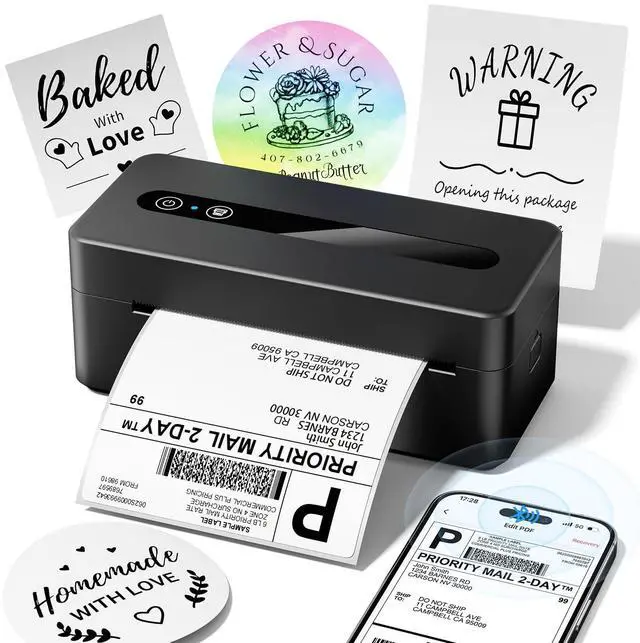
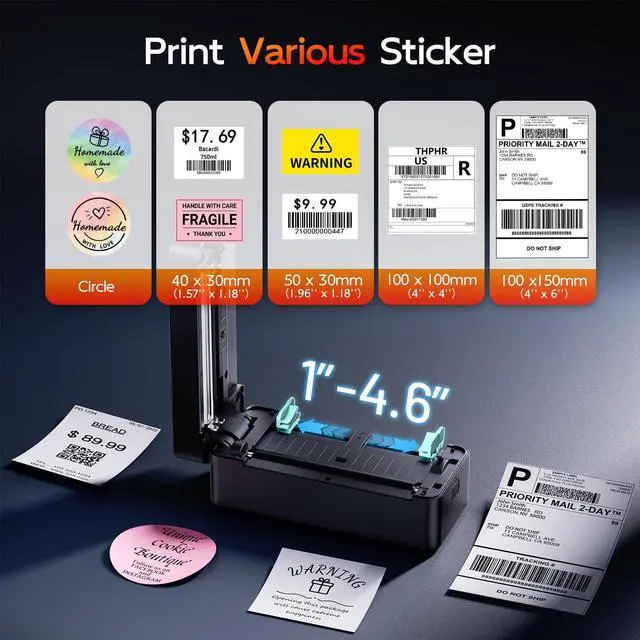
Attention: This Thermal Label Printer CANNOT print in color, Only support print black and white color

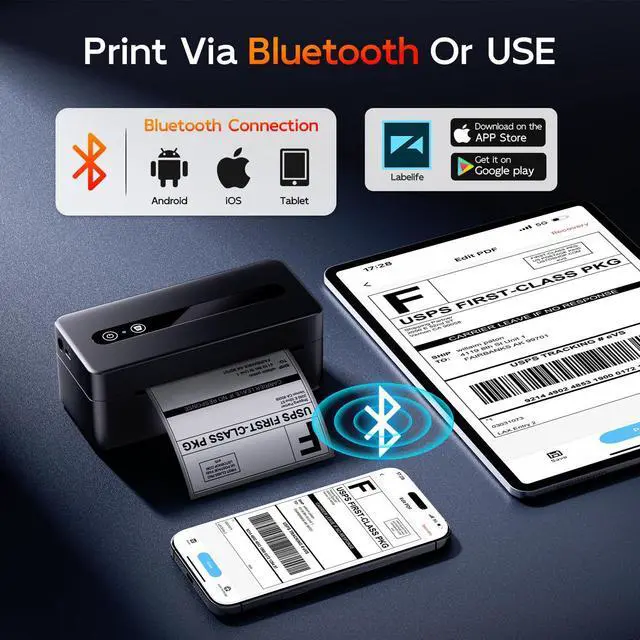
Label Printer support Bluetooth connect and USB Cable Printer


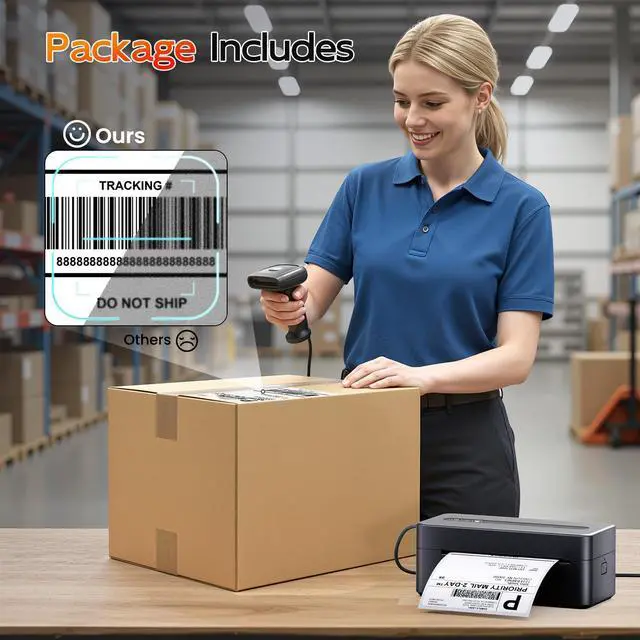
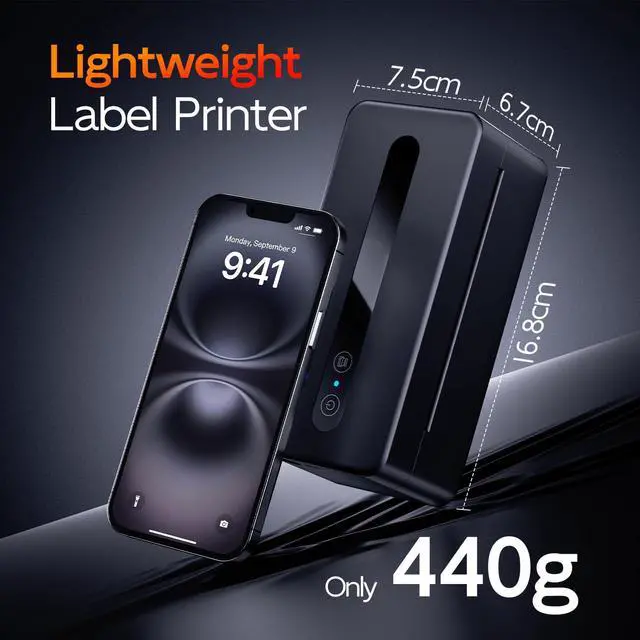
Why Choose TATTMUSE Label printer?


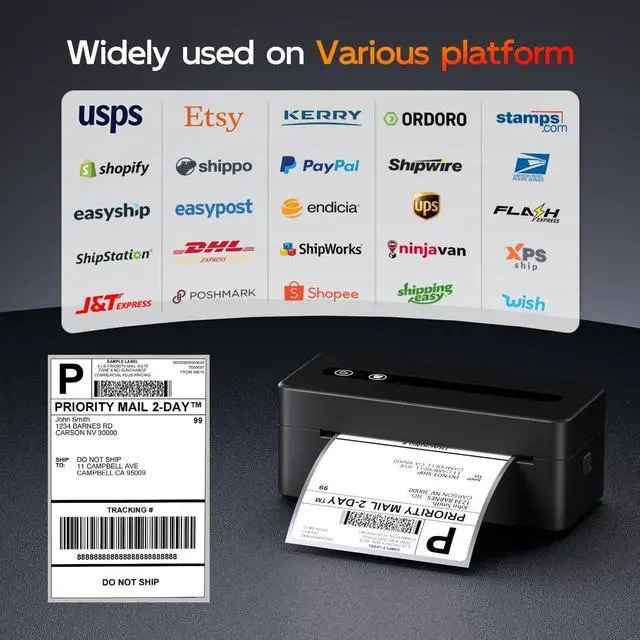
Suitable for a Wide Range of Applications


How to Print Via Bluetooth with Phone and Tablet
Download the APP from App store or Google Play
2.Turn on the portable printer and APP, Click the "printer" icon on the APP's uper right to search the Bluetooth printer and connect.
3. You’re all set! Dive into your printing journey
Attention: Thermal Label printer Bluetooth can't support pair with Phone or tablet directly now, must be pair on the App .
How to Print on macOS System
Download the driver from Labelife official website (Please check your laptop or computer's operation system before download the printer driver to maker sure the driver is correct)
After install the driver well, turn on the label printer and using the data cable come with the printer to connect thermal printer and your laptop, and start your printer printing travel.
Attention: The Label printer compatible with macOS 10 and above operation syetem
How to Print on Windows System
Download the driver from official website (Please check your laptop or computer's operating system before download the printer driver to maker sure the driver is correct)
After install the driver well, turn on the label printer and using the data cable come with the printer to connect thermal printer and your laptop, and start your printer printing travel.
Attention: label printer compatible with Windows7 and above operation syetem