

Parameters
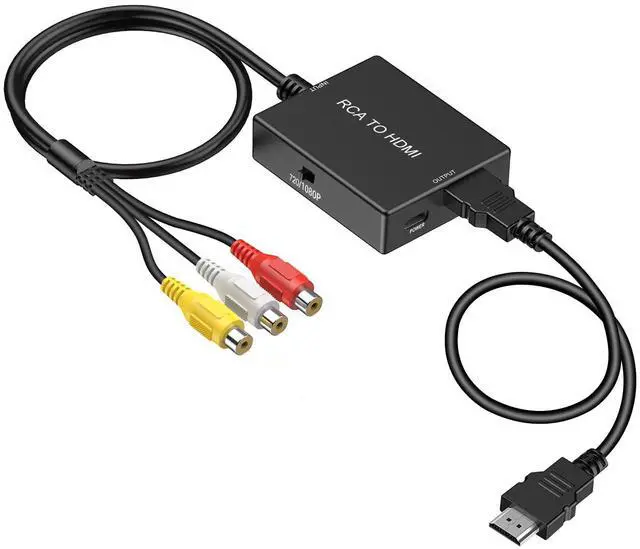
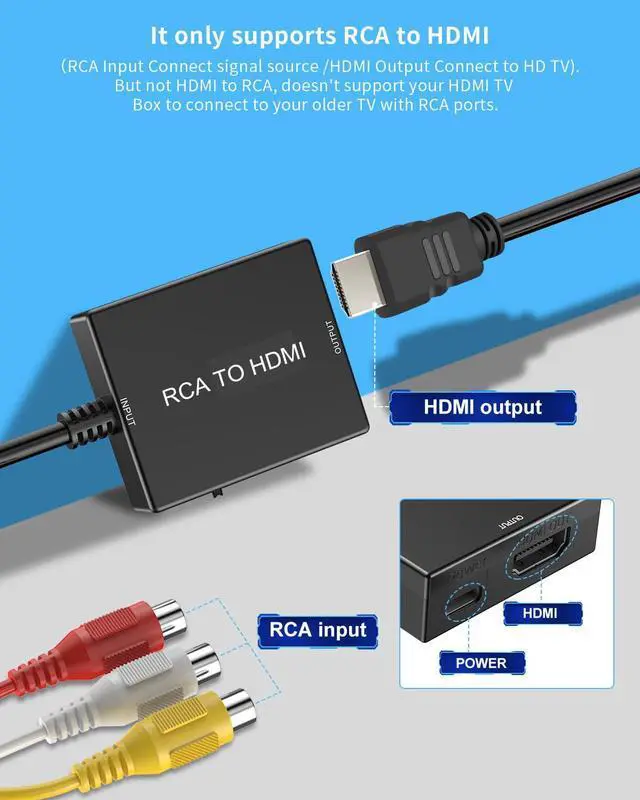
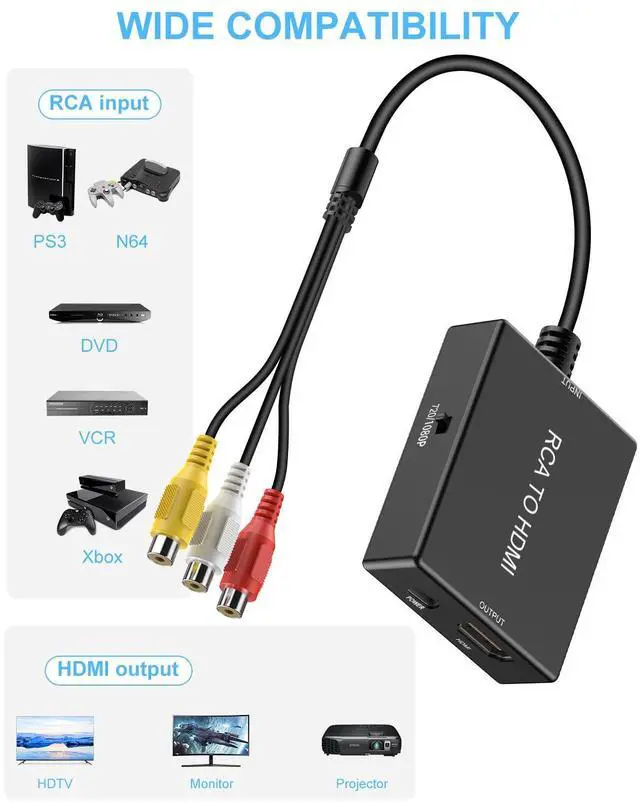
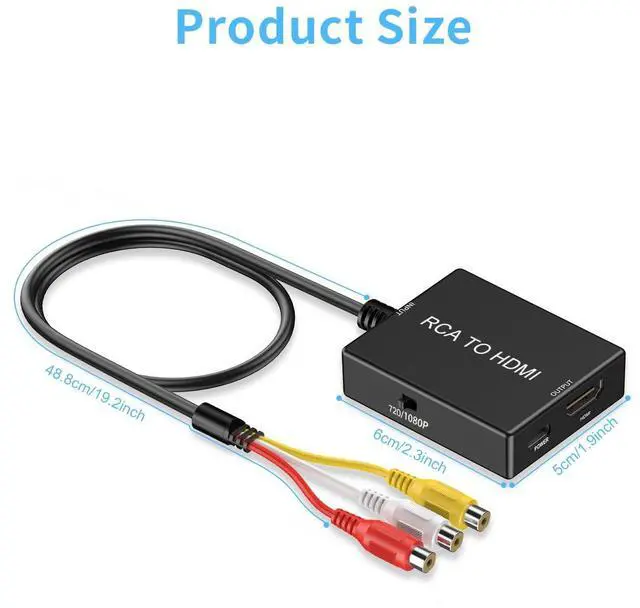
Input Port: RCA
Output Port: HDMI 1.3
No driver need,just plug and play.
Support PAL, NTSC3.58, NTSC4.43, SECAM, PAL/M, PAL/N standard TV formats input.
Widely Applied to N64, PS2, VHS, VCR, DVD Players Projector. with standard composite AV input.

Is this converter bi-directional?
No. This converter only supports RCA TO HDMI, not HDMI TO RCA.
The TV display is not clear enough?
This converter can only convert the video signal, not upgrade the HDMI output resolution. (For example, the resolution of most old game consoles can only support 480P output). After using the converter, the resolution of TV display can only be 480p.
The TV shows a blue screen or indicates no signal?
In this case, please check whether the converter is connected to USB 5V1A power supply and whether the RCA signal source is working properly.


Uzifhdhi is a professional developer of video and audio peripheral electronic products. We have competitive and unique design. high quality products. In addition, we are obsessed with customer support and we believe that our customers are the foundation of our company. We put you first.
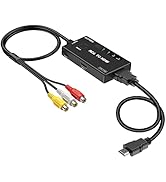
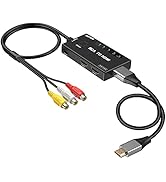
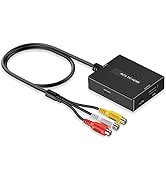
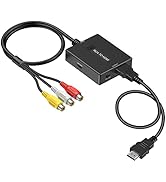
Uzifhdhi RCA to HDMI Converter
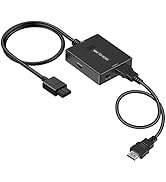
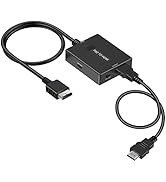
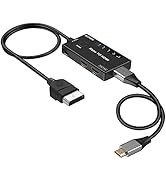
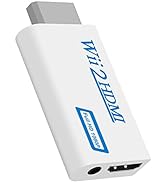
Uzifhdhi HDMI Converter
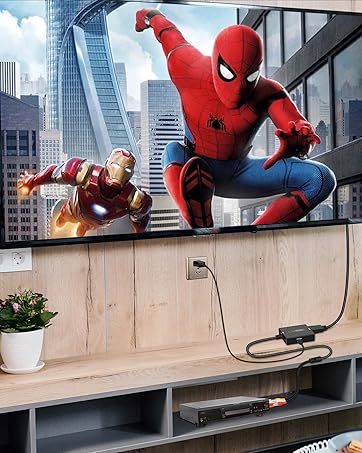
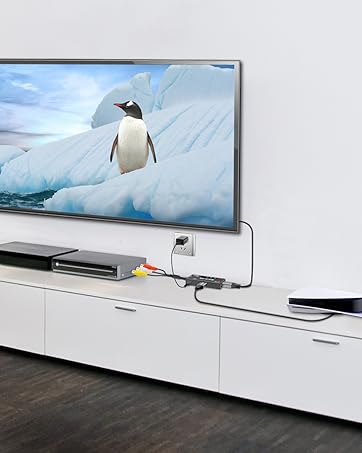


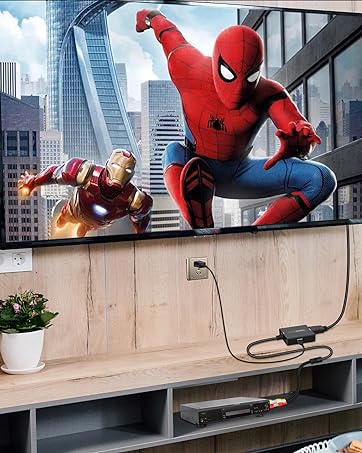
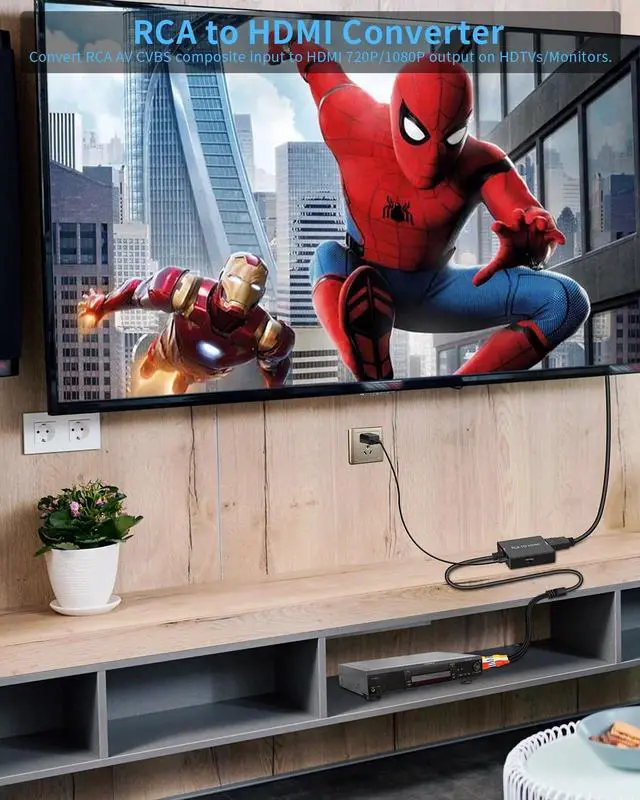
How to connect;
Step 1
Connect the RCA input port of the converter to the RCA output port of the signal source.
Step 2
Connect the HDTV input port to the Converter HDMI output port.
Step 3
Please connect the USB power cable to a 5V1A power supply .

Parameters
Input Port: RCA
Output Port: HDMI 1.3
No driver need,just plug and play.
Support PAL, NTSC3.58, NTSC4.43, SECAM, PAL/M, PAL/N standard TV formats input.
Widely Applied to N64, PS2, VHS, VCR, DVD Players Projector. with standard composite AV input.
Is this converter bi-directional?
No. This converter only supports RCA TO HDMI, not HDMI TO RCA.
The TV display is not clear enough?
This converter can only convert the video signal, not upgrade the HDMI output resolution. (For example, the resolution of most old game consoles can only support 480P output). After using the converter, the resolution of TV display can only be 480p.
The TV shows a blue screen or indicates no signal?
In this case, please check whether the converter is connected to USB 5V1A power supply and whether the RCA signal source is working properly.
Uzifhdhi is a professional developer of video and audio peripheral electronic products. We have competitive and unique design. high quality products. In addition, we are obsessed with customer support and we believe that our customers are the foundation of our company. We put you first.
Uzifhdhi RCA to HDMI Converter
Uzifhdhi HDMI Converter