


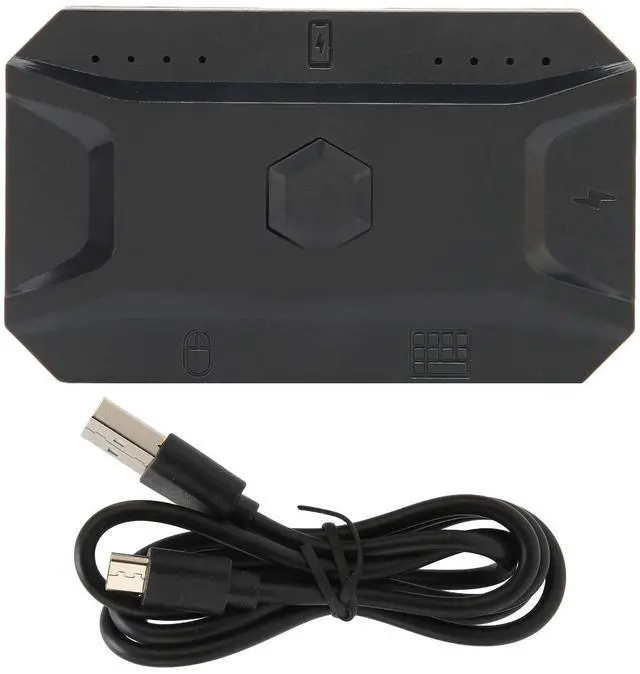
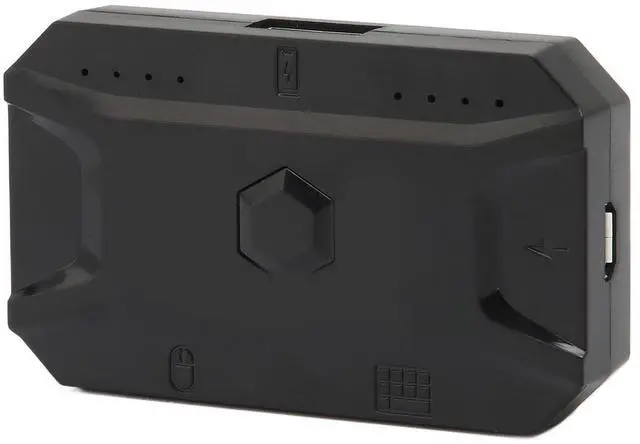
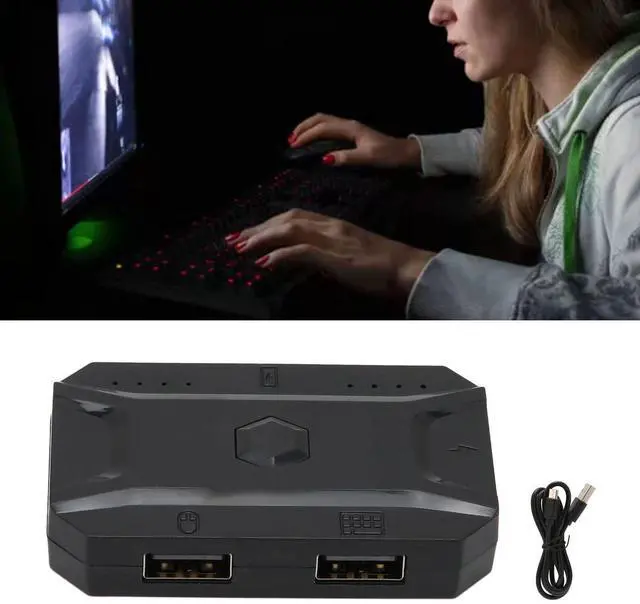
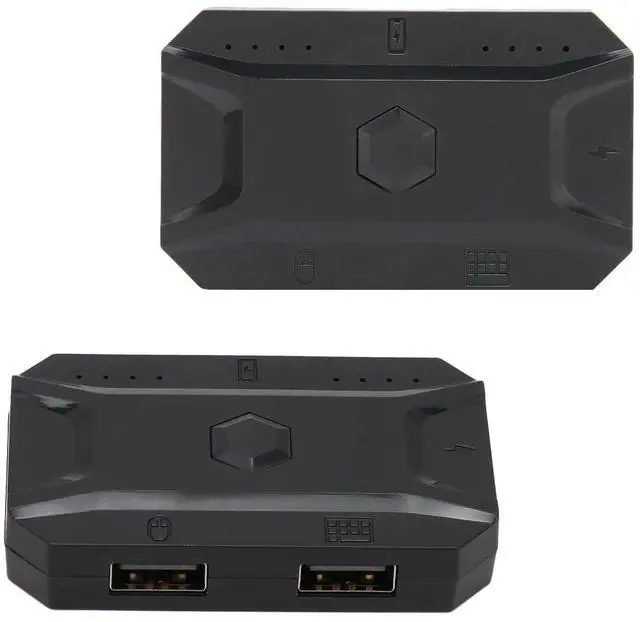


ASHATA M1 Pro Keyboard Mouse Converter for Android, for iOS, for HarmonyOS, Bluetooth 5.0 USB Mouse Keyboard Adapter Converter Adapter, Plug and Play

Easy to Use: One click to call out the mouse pointer, without APP support, press the middle of the scroll wheel to call out the pointer, not only can lick the bag, but also all functions of the game interface can be operated.
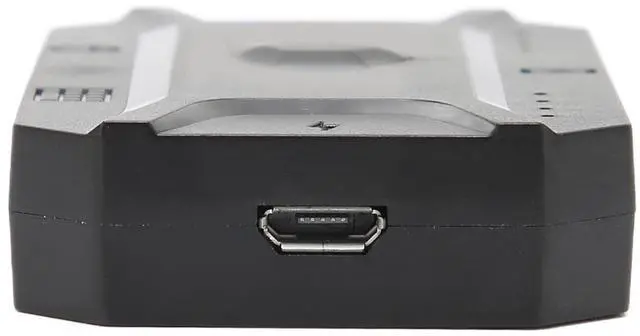
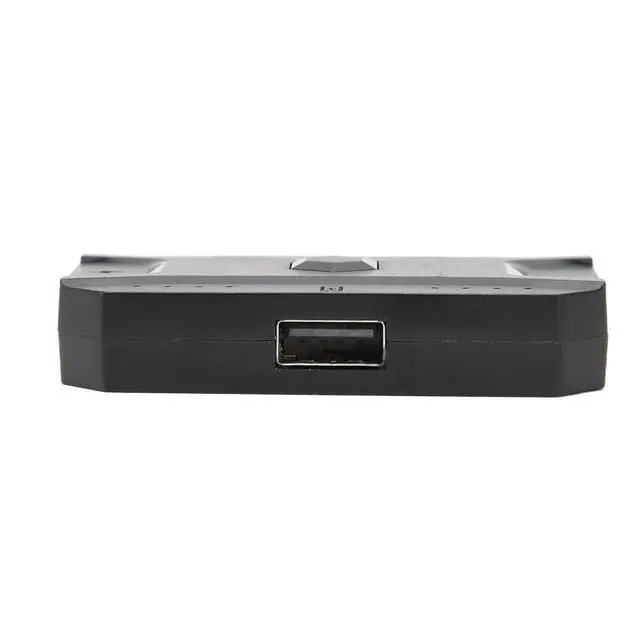
APP Operation and USB : APP custom key mapping, support APP to modify the key position, 1 key up to 3 avatars. Play game while charging with USB interface, say goodbye to the excitement of playing, worry about the lack of power.
Cloud Mapping Technology: Most mobile phone support direct play, the mobile phone automatically matches and downloads cloud mapping, supports thousands of mobile phones, pre-updated mapping and delivery, and plays immediately.


How to Use:
1. After the throne is powered on, the light flashes, connect to the keyboard, for Android press the combination key CTRL+F1 (default), for IOS press the combination key CTHL+F2.
2. Turn on the Bluetooth of the mobile phone, find MEIYING-M1 (for Android) MEIYING-M1-IOS ( for iOS ), connect the Bluetooth, and the light will stay on.
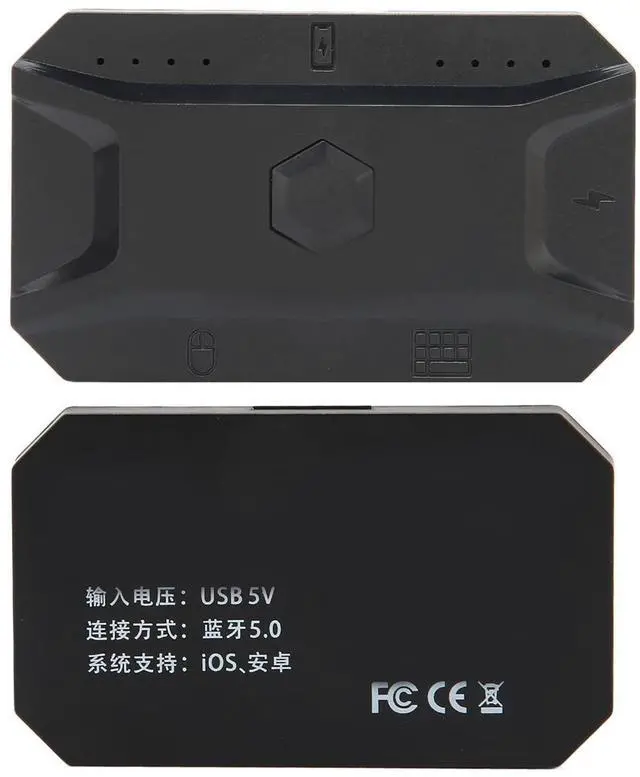
3. Scan the QR code at the bottom of the throne, download the throne APP, you can customize the game buttons.
Specification:
Item Type: Keyboard Mouse Converter
Material: ABS
Model: M1 Pro
System Support: For Android, for iOS, for HarmonyOS
Input Voltage: USB 5V
Connection Method: Bluetooth 5.0
Package List:
1 x Keyboard Mouse Converter
1 x Data Line
Note:
For iOS 13.4 and systems are temporarily not supported! Please note that the new type and old type of this product will be sent randomly, and make sure you will not mind before ordering.
ASHATA M1 Pro Keyboard Mouse Converter for Android, for iOS, for HarmonyOS, Bluetooth 5.0 USB Mouse Keyboard Adapter Converter Adapter, Plug and Play
Easy to Use: One click to call out the mouse pointer, without APP support, press the middle of the scroll wheel to call out the pointer, not only can lick the bag, but also all functions of the game interface can be operated.
APP Operation and USB : APP custom key mapping, support APP to modify the key position, 1 key up to 3 avatars. Play game while charging with USB interface, say goodbye to the excitement of playing, worry about the lack of power.
Cloud Mapping Technology: Most mobile phone support direct play, the mobile phone automatically matches and downloads cloud mapping, supports thousands of mobile phones, pre-updated mapping and delivery, and plays immediately.
How to Use:
1. After the throne is powered on, the light flashes, connect to the keyboard, for Android press the combination key CTRL+F1 (default), for IOS press the combination key CTHL+F2.
2. Turn on the Bluetooth of the mobile phone, find MEIYING-M1 (for Android) MEIYING-M1-IOS ( for iOS ), connect the Bluetooth, and the light will stay on.
3. Scan the QR code at the bottom of the throne, download the throne APP, you can customize the game buttons.
Specification:
Item Type: Keyboard Mouse Converter
Material: ABS
Model: M1 Pro
System Support: For Android, for iOS, for HarmonyOS
Input Voltage: USB 5V
Connection Method: Bluetooth 5.0
Package List:
1 x Keyboard Mouse Converter
1 x Data Line
Note:
For iOS 13.4 and systems are temporarily not supported! Please note that the new type and old type of this product will be sent randomly, and make sure you will not mind before ordering.