Invest in Health,Transform Daily Life with NearHub Ergo
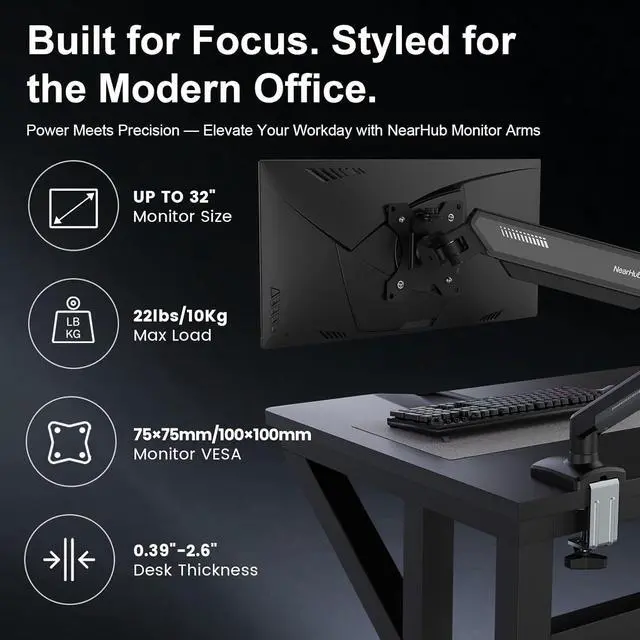
1C-Clamp & Grommet Hole2Easy installation3Compatibility Check1Check Monitor Size2Check Monitor Weight3Check VESA Pattern What is the solution if my monitor VESA pattern is not 75x75mm or 100x100mm?
If your VESA exceeds the above range or has no VESA holes, you will need to purchase a suitable VESAadapter.
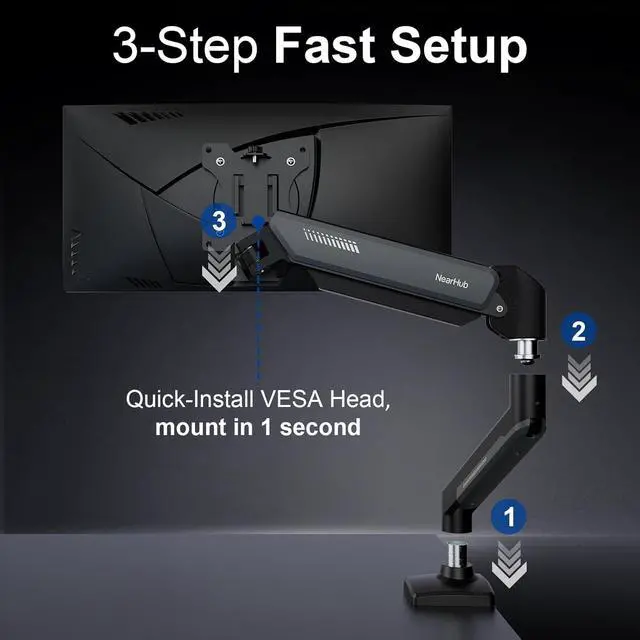
Is installation very difficult? What should I do if I don't know how to install it?
Don't worry, weprovide you with a comprehensive tool installation package and detailed instructions. There are 4mm and 6mm Allen keys available. If you have any problems during the installation process,please feel free to talk to usat any time.
When the monitor keep tilting downHow can we solve it?
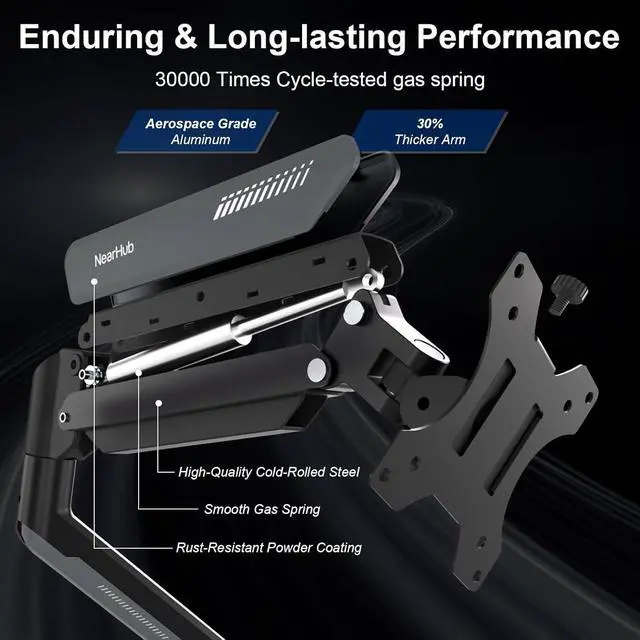
The main reason for tilting down is that the gas spring becomes loose : 1:Loosen the bolt 1-2 turns with the Allen Key; 2:Hold the monitor with both hands and adjust it to the right position; 3:Tighten the bolt firmly with the Allen key.
Will there be scratches or damage to my desk during installation or after removal?
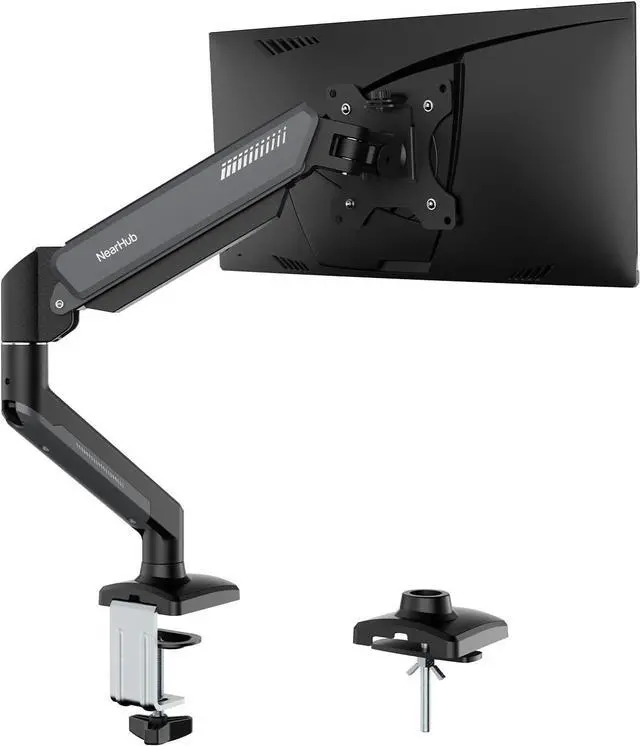
Our designer has designed a cushioning pattern on the installation buckle, which is not easy to scratch the table and provides better anti slip effect.
What is NearHub's core mission? What should I pay attention to before making a purchase?
What is the solution if my monitor VESA pattern is not 75x75mm or 100x100mm?
Is installation very difficult? What should I do if I don't know how to install it?
When the monitor keep tilting downHow can we solve it?
Will there be scratches or damage to my desk during installation or after removal?