


• $89.99
  • Free 30-day Returns
  • Price alert
    Shop it at NeweggBusiness.

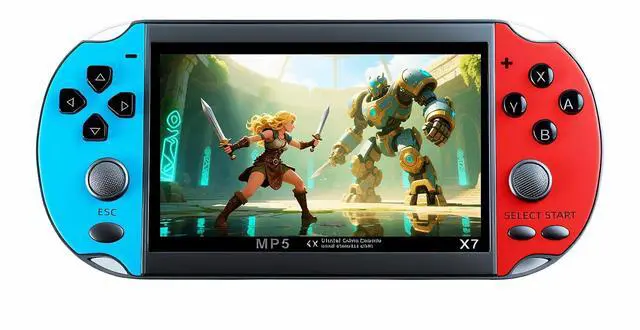
    4.5 Inch Retro Game Console Multiple Simulators Built-in Free 3000 Games Support Video/Music Portable Children's Puzzle Device/Toys Electronic Game Kid's Travel Companion

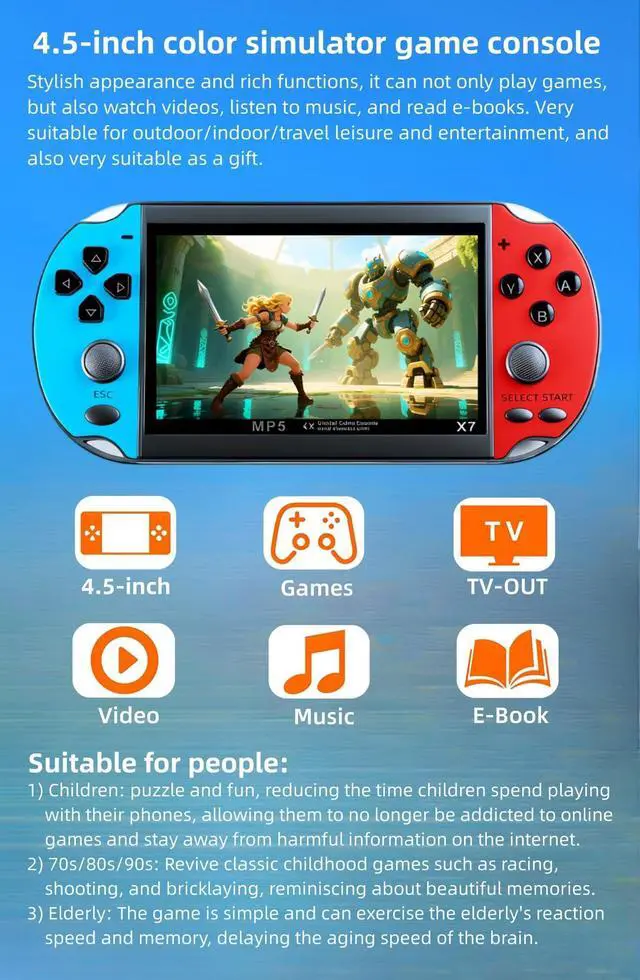
    • 4.5-inch color simulator game console.Stylish appearance and rich functions, it can not only play games, but also watch videos, listen to music, and read e-books. Very suitable for outdoor/indoor/travel leisure and entertainment, and also very suitable as a gift.
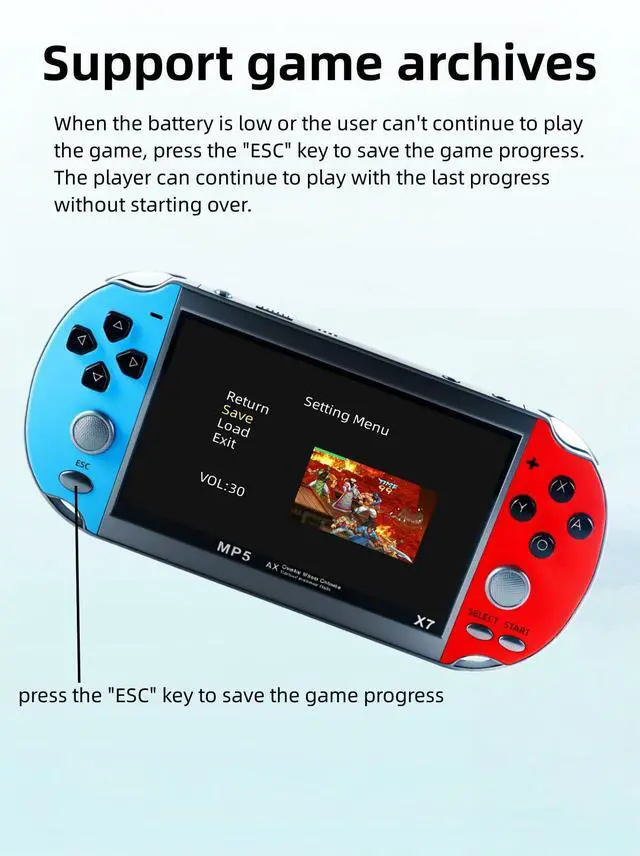
    • Support game archives.When the battery is low or the user can't continue to play the game, press the "ESC" key to save the game progress. The player can continue to play with the last progress without starting over.
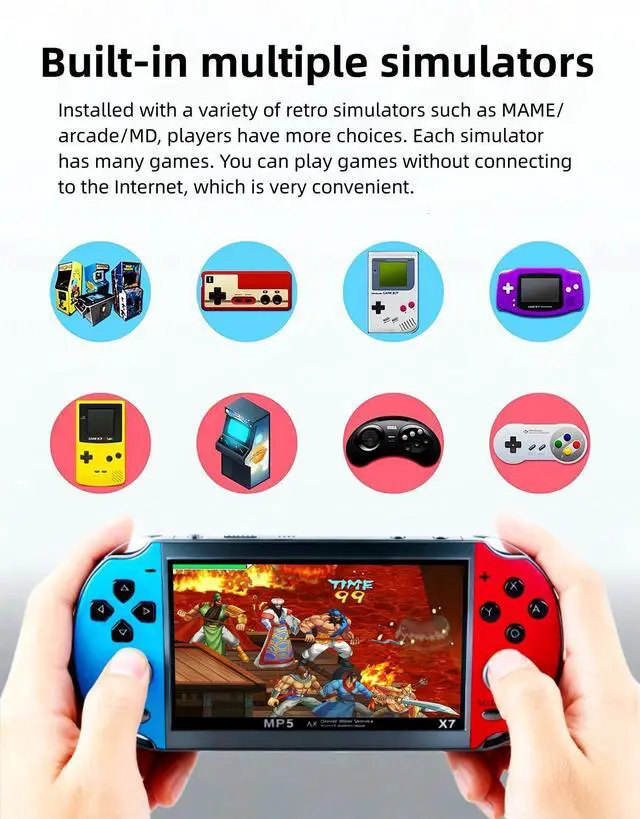
    • Built-in multiple simulators.Installed with a variety of retro simulators such as MAME/arcade/MD, players have more choices. Each simulator has many games. You can play games without connecting to the Internet, which is very convenient.
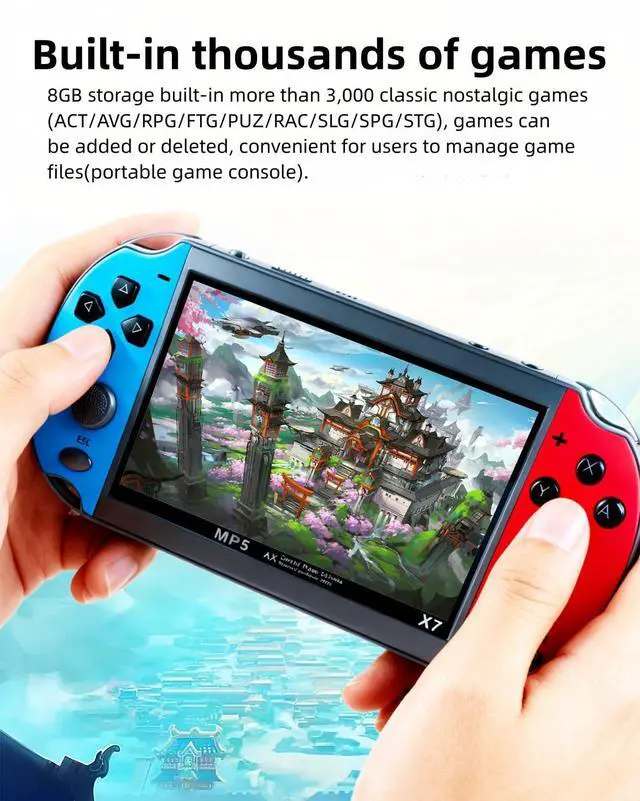
    • Built-in thousands of free games.8GB storage built-in more than 3,000 classic nostalgic games (ACT/AVG/RPG/FTG/PUZ/RAC/SLG/SPG/STG), games can be added or deleted, convenient for users to manage game files(portable game console).
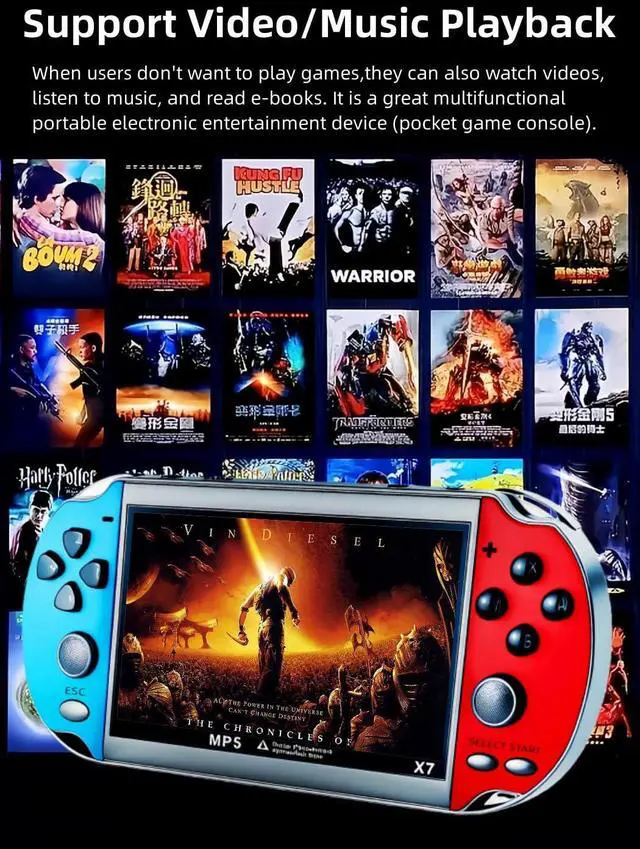
    • Support video and audio playback. When the user does not want to play games, you can also watch videos, listen to music, and read e-books. It is a great multi-functional portable electronic entertainment device (pocket game console).
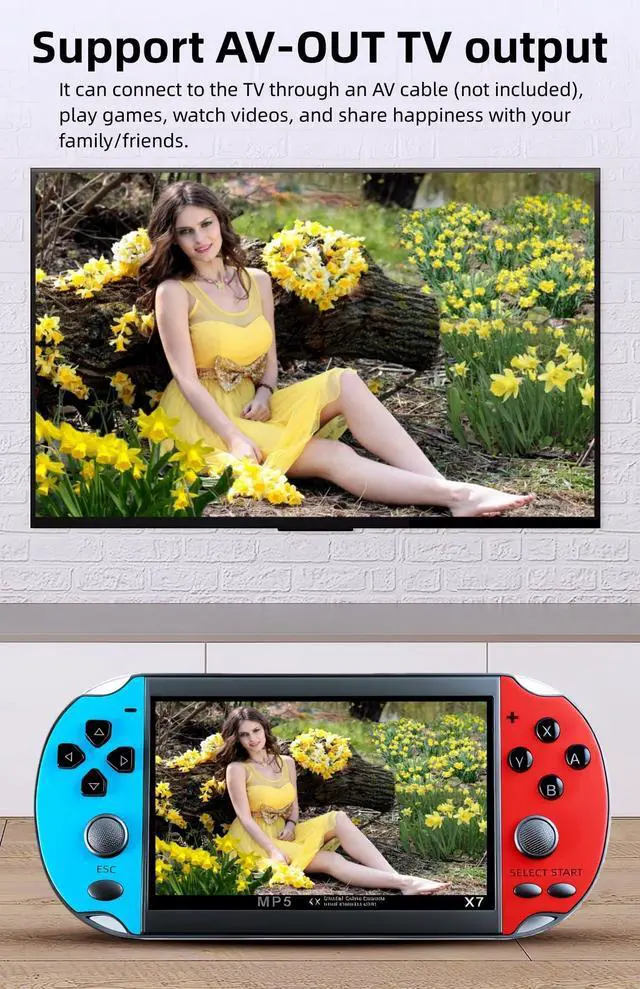
    • Support AV-OUT TV output. It can be connected to the TV via AV cable (not included), play games on the TV, watch videos, and share happiness with your family/friends (Handheld game console).
    +
    +
    Overview
    Specs
    Reviews
    avatar

    Any questions? Our AI beta will help you find out quickly.

    Gamers 80s and 90s game consoles Puzzle games

    How to set the game console language?(comes with multi-language instructions)

    Select "Setting"---"System" on the screen,press A key to enter, press A key to enter you will see multiple languages, select the language you want and press A key to confirm.In addition, this game console comes with multi-language instructions, including English, German, French, Italian, and Spanish.

    Game saveable Multi-function game consoles

    How to save the game progress?

    When playing the game, press the "ESC" key, the game menu will appear on the screen, select "Save", and then press the B key. The game can save up to 3 progresses, and users can load different progresses to continue playing the game.

    https://m.media-amazon.com/images/S/aplus-media-library-service-media/f8897d03-eb00-4ff6-a373-f8af5cb74153.__CR0,0,1000,1000_PT0_SX300_V1___.png

    https://m.media-amazon.com/images/S/aplus-media-library-service-media/d95289ff-686e-4fca-8090-26b3803a5490.__CR0,0,1000,1000_PT0_SX300_V1___.jpg

    https://m.media-amazon.com/images/S/aplus-media-library-service-media/55721b50-2162-4531-b251-31c3bc76d79e.__CR0,0,1000,1000_PT0_SX300_V1___.jpg

    https://m.media-amazon.com/images/S/aplus-media-library-service-media/35dbe3a6-b8d7-46da-b5c3-5449af0b81e7.__CR0,0,1000,1000_PT0_SX300_V1___.jpg

    Retro game consoles

    How to connect the TV?

    The game console can be connected to the TV through the AV cable, and select the corresponding signal source on the TV, then select and press the A key on the game console screen to enter "Setting"---"Displsy", press the A key to enter, and then select "PAL" ” or “NTSC” (depending on your country’s TV system).

    Gamers 80s and 90s game consoles Puzzle games

    How to set the game console language?(comes with multi-language instructions)

    Select "Setting"---"System" on the screen,press A key to enter, press A key to enter you will see multiple languages, select the language you want and press A key to confirm.In addition, this game console comes with multi-language instructions, including English, German, French, Italian, and Spanish.

    Game saveable Multi-function game consoles

    How to save the game progress?

    When playing the game, press the "ESC" key, the game menu will appear on the screen, select "Save", and then press the B key. The game can save up to 3 progresses, and users can load different progresses to continue playing the game.

    Student game consoles Game equipment

    How to quickly find the game you want to play?

    Connect the game console to the computer, find the "GAME"--“CLASSIC” folder of the game console on the computer, users can create another folder in the “CLASSIC” folder, such as "My Favorite", and then copy the game files you like to in this folder. Next time you can find the game you want to play directly in this folder.

    Handheld game consoles Children's game consoles

    How to download more games? What formats of games can be added?

    This game console cannot be connected to the Internet. Users can surf the Internet on the computer, search and download games on Google or other websites. Currently, only supports adding game files with suffix .gba/.gbc/.gb/.nes/.sfc/.bin/.smd, the game files must be copied to the ''GAME' folder in the console. If some games cannot be opened, the file information may be missing, you can delete it and download it again.

    Video game consoles Portable game consoles

    How to add/delete games/videos/music/e-books?

    Connect the game console to the computer, find the "GAME"/"MOVIE"/"MUSIC"/"EBOOK" folder of the game console on the computer, copy the game/video/music/e-book files to the corresponding folder, and also Game/video/music/ebook files can be deleted from these folders.

    Retro game consoles

    How to connect the TV?

    The game console can be connected to the TV through the AV cable, and select the corresponding signal source on the TV, then select and press the A key on the game console screen to enter "Setting"---"Displsy", press the A key to enter, and then select "PAL" ” or “NTSC” (depending on your country’s TV system).

    4.5 Inch Retro Game Console Multiple Simulators Built-in Free 3000 Games Support Video/Music Portable Children's Puzzle Device/Toys Electronic Game Kid's Travel Companion

    Warranty & Returns

    Warranty, Returns, And Additional Information

    Warranty

    • Please contact the Seller directly for warranty information. Warranty information may also be found on the Manufacturer's website.
    • CONTACT

    Return Policies

    Manufacturer Contact Info

    LOADING...