


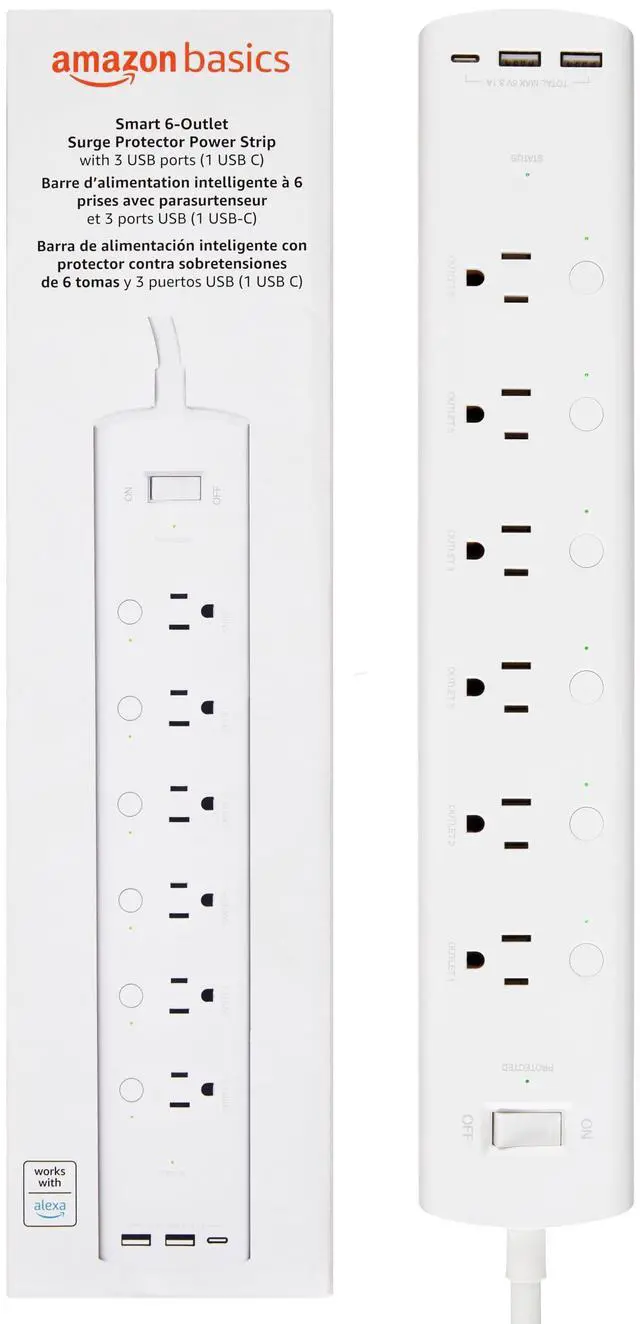
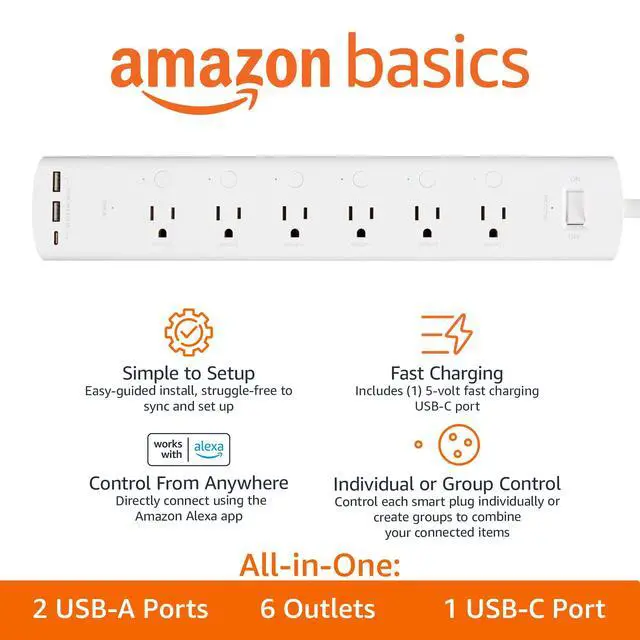


Basics Smart Surge Protector with USB-C Ports, Available in 3, 6 Outlets
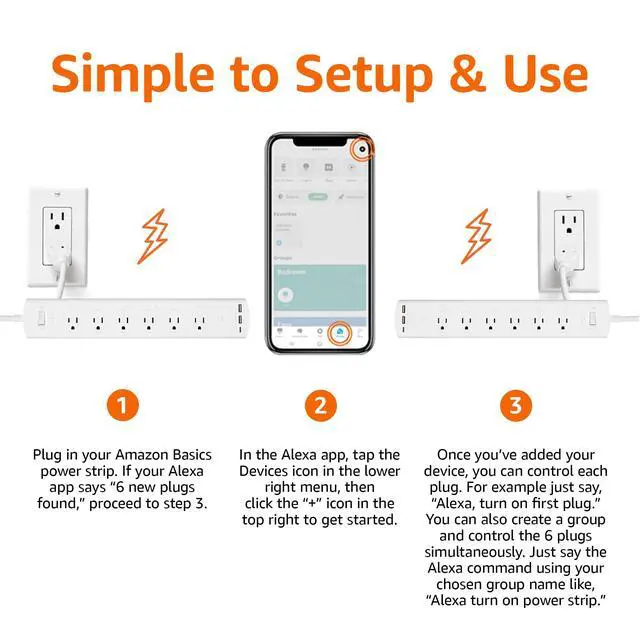
Simple to Set Up & Use
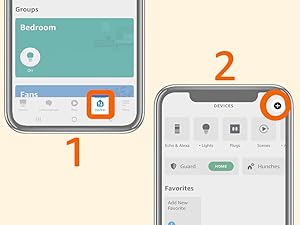
Plug in the power strip. Open the Alexa app, tap the Devices icon, and click the + icon to get started. No separate app or hub required.
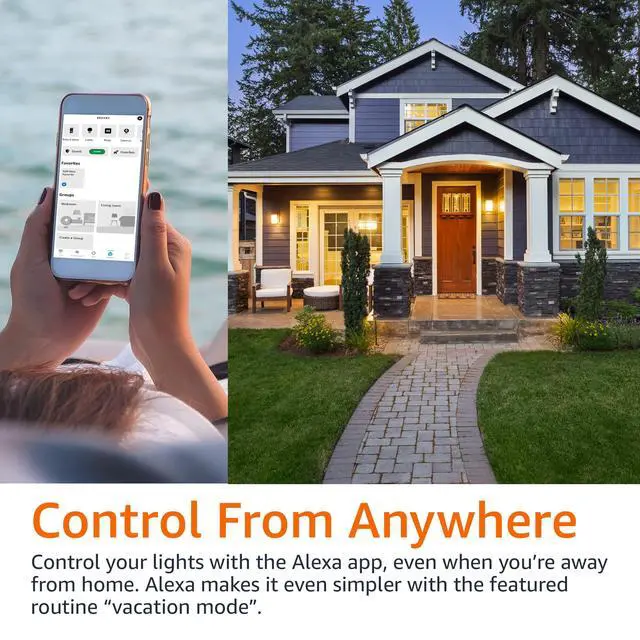
Control From Anywhere
Basics Smart power strip lets you turn on and off compatible devices that have a mechanical on/off switch. All you need is the Alexa app.
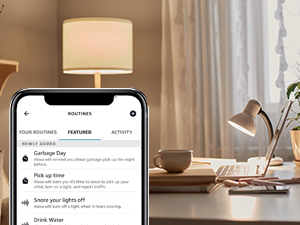
Scheduling & Routines
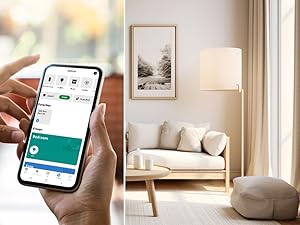
Use the Alexa app to create routines that make life easier, like setting a routine to automatically turn on and off power supply in your living room.
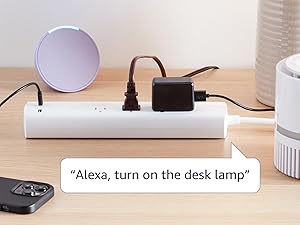
Voice Control
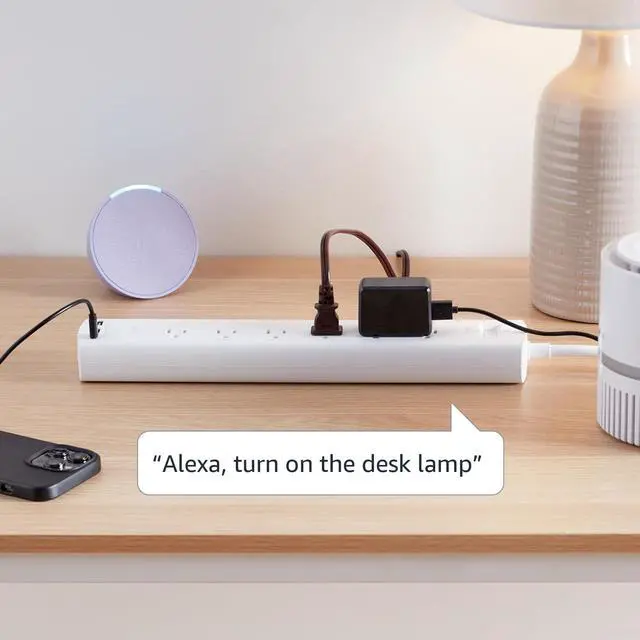
To use your device with Alexa, just say a coordinating voice command such as “Alexa, turn on the lamp". All you need is an Alexa-enabled device.
What if Alexa can't discover my Basics smart power strip?
1. Verify your Alexa device and Alexa app have the latest software version
2. Make sure your Alexa device and power strip are connected to the same network
3. Verify your paired device is within 30 ft of your power strip
4. Reset your power strip
How do I reset my smart power strip?
1. Press and hold the reset button for 10 seconds
2. Release the reset button once you see the reset indicator blink green and red alternatively
3. When the indicator blinks green, reset is complete and the device is ready to set up
How many devices can I control with the smart power strip?
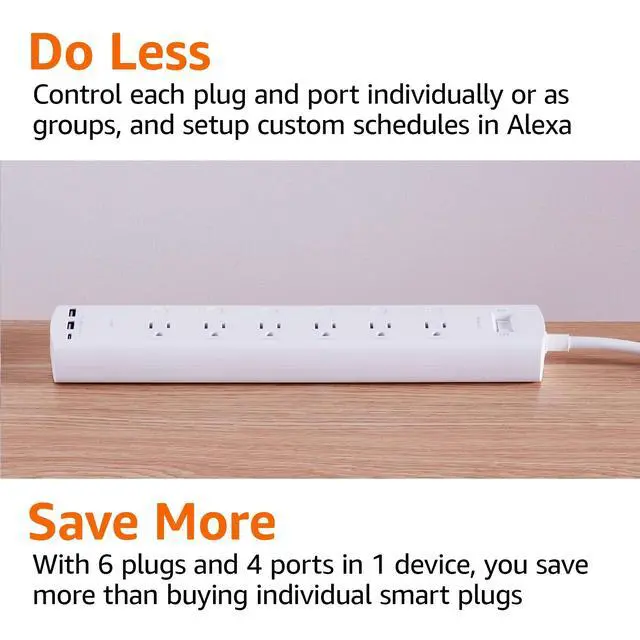
The Basics smart power strip includes three individually controllable outlets, plus two always-on USB ports.
How do I group multiple devices in the Alexa app?
The Basics smart power strip is set up as three separate plugs in the Alexa app to control each connected device individually. To group devices, open the Alexa app, tap the Devices icon, click the + icon, and select Add Group to get started.
Installation & Product Requirements










Household Needs
Electronics
Pet Supplies
Basics Smart Surge Protector with USB-C Ports, Available in 3, 6 Outlets
Simple to Set Up & Use
Plug in the power strip. Open the Alexa app, tap the Devices icon, and click the + icon to get started. No separate app or hub required.
Control From Anywhere
Basics Smart power strip lets you turn on and off compatible devices that have a mechanical on/off switch. All you need is the Alexa app.
Scheduling & Routines
Use the Alexa app to create routines that make life easier, like setting a routine to automatically turn on and off power supply in your living room.
Voice Control
To use your device with Alexa, just say a coordinating voice command such as “Alexa, turn on the lamp". All you need is an Alexa-enabled device.
What if Alexa can't discover my Basics smart power strip?
1. Verify your Alexa device and Alexa app have the latest software version
2. Make sure your Alexa device and power strip are connected to the same network
3. Verify your paired device is within 30 ft of your power strip
4. Reset your power strip
How do I reset my smart power strip?
1. Press and hold the reset button for 10 seconds
2. Release the reset button once you see the reset indicator blink green and red alternatively
3. When the indicator blinks green, reset is complete and the device is ready to set up
How many devices can I control with the smart power strip?
The Basics smart power strip includes three individually controllable outlets, plus two always-on USB ports.
How do I group multiple devices in the Alexa app?
The Basics smart power strip is set up as three separate plugs in the Alexa app to control each connected device individually. To group devices, open the Alexa app, tap the Devices icon, click the + icon, and select Add Group to get started.
Installation & Product Requirements
| Customer Support | Please refer to the user manual and troubleshooting guide located under the Product Guides and Documentation section on detail page |
|---|---|
| Electrical Ratings | Input: 125-VAC, 60Hz; Output: 10A max |
| Network Connectivity | 2.4 GHz only, 802.11 b/g/n; does not support 5GHz networks or connecting to ad-hoc (or peer-to-peer) Wi-Fi networks |
| Use | For indoor use only |
| Outlet Control | May be controlled by voice after setting up with the Alexa app, or used as a traditional power strip with the on/off button to control each outlet |
| Integrations | Basics Smart power strip is optimized for simple setup and exclusive use with Alexa; it does not support other voice assistants or smart hubs |
| Alexa App Compatibility | The Alexa app is compatible with Fire OS, Android, and iOS devices |
| Included in the Box | Basics Smart power strip and user manual |
| Setup Technology | Wi-Fi simple setup enables customers to connect smart devices to their Wi-Fi network in a few easy steps. Wi-Fi simple setup is another way Alexa is always getting smarter |