




Fingerprint Padlock, One Touch Open Fingerprint Lock with USB Rechargeable, Locker Lock, Keyless Biometric Padlock


Fingerprint recognition
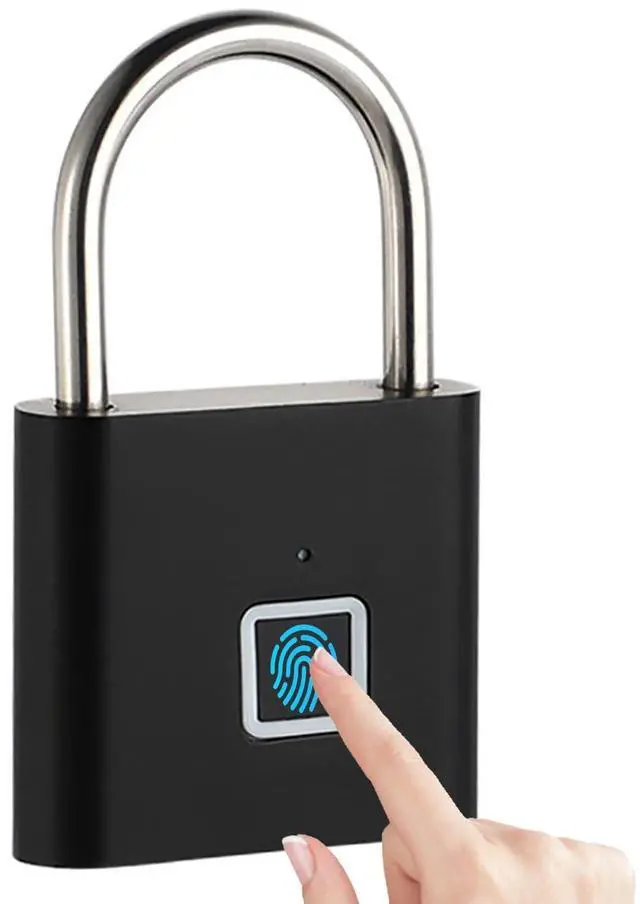
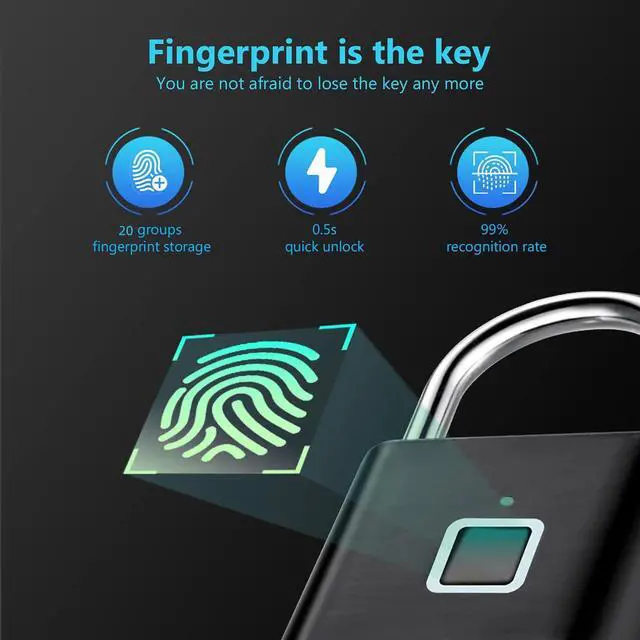
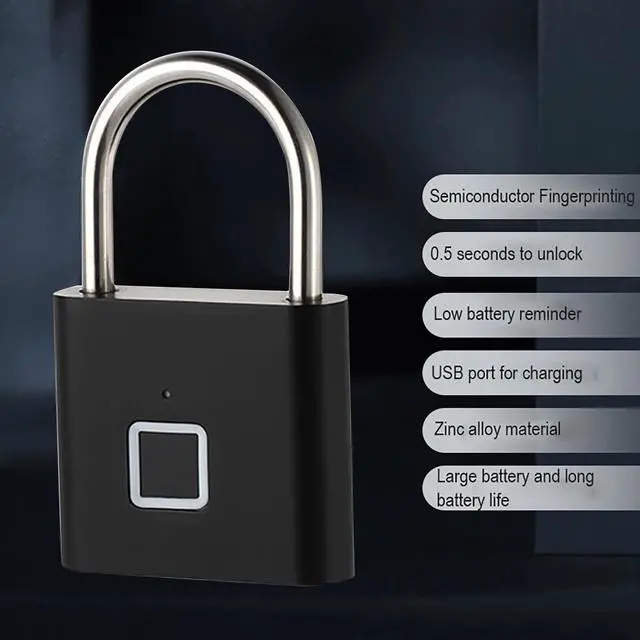
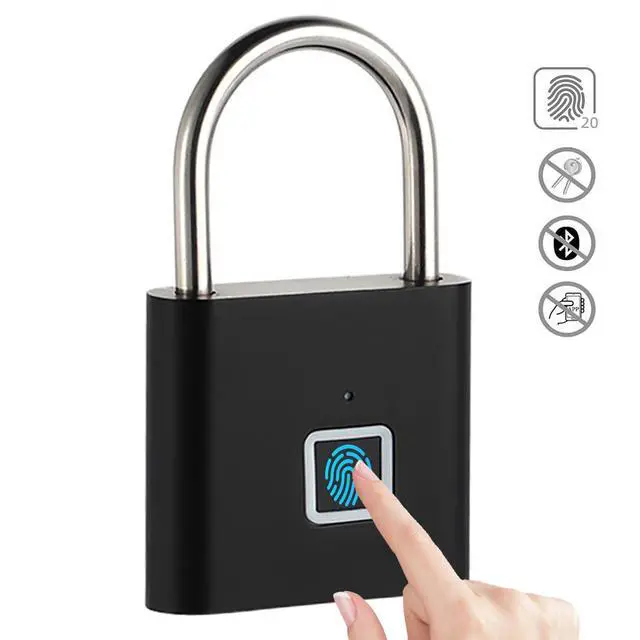
2026 Upgrade Smart padlock with high-tech fingerprint sensor technology and auto recognition function, 20 fingerprints capacity. False rejection rate(FRR) is less than 1%. False acceptance rate(FAR) is less than 0.002%. Response time is less than 0.3s.

Waterproof
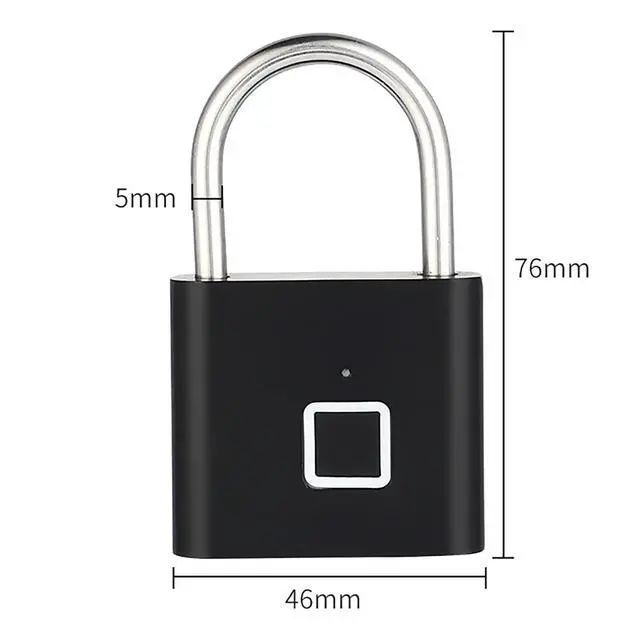
Portable and sensitive, bring to anywhere you go and lock any equipment. Built-in LED light indicator for easy programming and operation.

USB Rechargeable
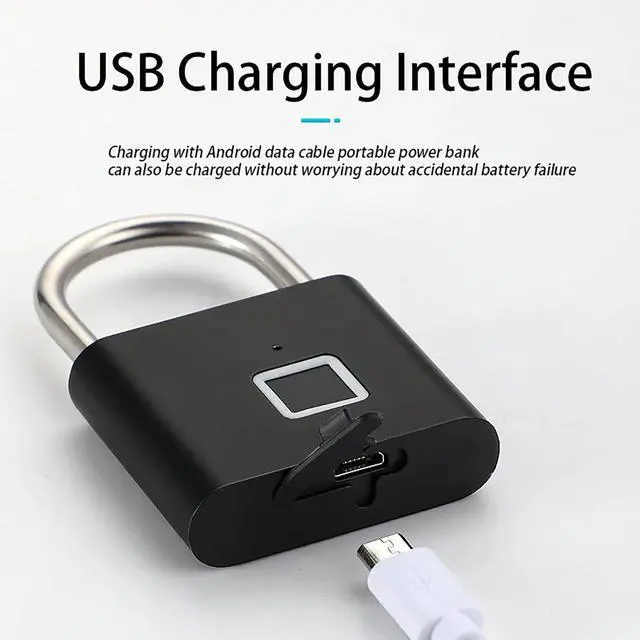
One charge, standby time is about 6 months. Full power can be unlocked about 6000 times. When the batter is exhausted, the padlock is locked and can be restored by connecting usb power


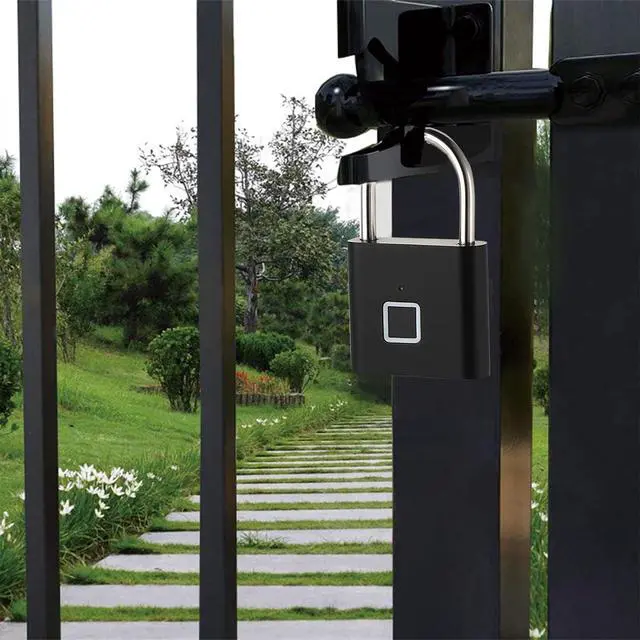
Small fingerprint padlock for home indoor using: Locker, Gym lockers, Backpack, handbag, Suitcases, Golf bags, school lockers, wardrobes, warehouse
Frequently Asked Questions about Fingerprint Padlock
1.How to setting fingerprint ? The below 1-5 steps:
(The first and second fingerprint is the administrator. Please pay anttention: 2 different fingerprints must be registered at the first time.)
(1) Press the fingerprint continually until the blue light is on.
(2) Take one finger to touch 10 times on different position until the green light on (when the green light on,that is to say ,the first fingerprint setting success)
(3) The green light still on. Then take the second finger to touch 10 times until the green light off. That is to say the second fingeprint setting success.
All done 1-3 steps,the first and second administrator fingerprints all setting success.
(4) Add the third fingerprint (or more) again. Unlock the lock and don't move the finger until the blue light on (this step which is use the first or the second fingeprint to do.)
(5) On the 4 step when the blue light on can move the finger,take the third finger on the different position until the green light off,that is to say now the third fingerprint setting success.
1.How to delete all fingerprints(Reset to Factory Mode)
(1) Place the administrator's fingerprint(the first two fingerprints) on the reader and hold for 10 seconds till Red light on
(2) Release and place it again to confirm delete all registered finger prints.
(3) LED lights on green with a long beep di----,all fingerprints deleted,your padlock restored to factory default status:any fingerprints can open the lock.
Fingerprint Padlock, One Touch Open Fingerprint Lock with USB Rechargeable, Locker Lock, Keyless Biometric Padlock
Fingerprint recognition
2026 Upgrade Smart padlock with high-tech fingerprint sensor technology and auto recognition function, 20 fingerprints capacity. False rejection rate(FRR) is less than 1%. False acceptance rate(FAR) is less than 0.002%. Response time is less than 0.3s.
Waterproof
Portable and sensitive, bring to anywhere you go and lock any equipment. Built-in LED light indicator for easy programming and operation.
USB Rechargeable
One charge, standby time is about 6 months. Full power can be unlocked about 6000 times. When the batter is exhausted, the padlock is locked and can be restored by connecting usb power
Small fingerprint padlock for home indoor using: Locker, Gym lockers, Backpack, handbag, Suitcases, Golf bags, school lockers, wardrobes, warehouse
Frequently Asked Questions about Fingerprint Padlock
1.How to setting fingerprint ? The below 1-5 steps:
(The first and second fingerprint is the administrator. Please pay anttention: 2 different fingerprints must be registered at the first time.)
(1) Press the fingerprint continually until the blue light is on.
(2) Take one finger to touch 10 times on different position until the green light on (when the green light on,that is to say ,the first fingerprint setting success)
(3) The green light still on. Then take the second finger to touch 10 times until the green light off. That is to say the second fingeprint setting success.
All done 1-3 steps,the first and second administrator fingerprints all setting success.
(4) Add the third fingerprint (or more) again. Unlock the lock and don't move the finger until the blue light on (this step which is use the first or the second fingeprint to do.)
(5) On the 4 step when the blue light on can move the finger,take the third finger on the different position until the green light off,that is to say now the third fingerprint setting success.
1.How to delete all fingerprints(Reset to Factory Mode)
(1) Place the administrator's fingerprint(the first two fingerprints) on the reader and hold for 10 seconds till Red light on
(2) Release and place it again to confirm delete all registered finger prints.
(3) LED lights on green with a long beep di----,all fingerprints deleted,your padlock restored to factory default status:any fingerprints can open the lock.