

Your Browsing History



Any questions? Our AI beta will help you find out quickly.
Specification:
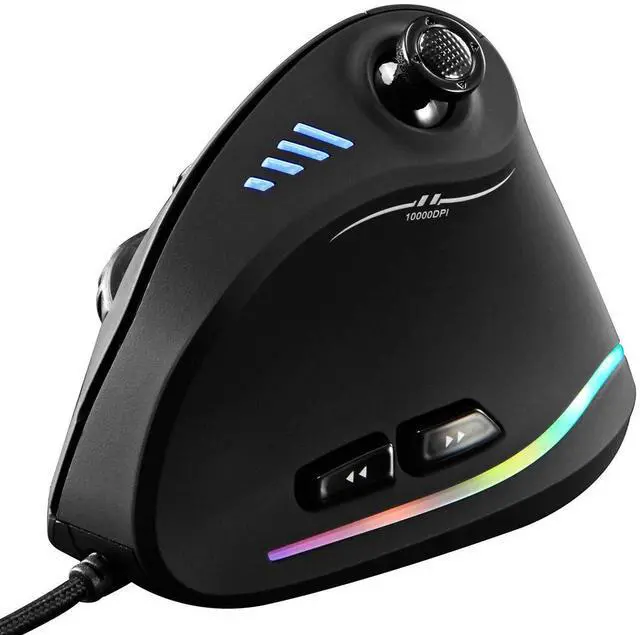
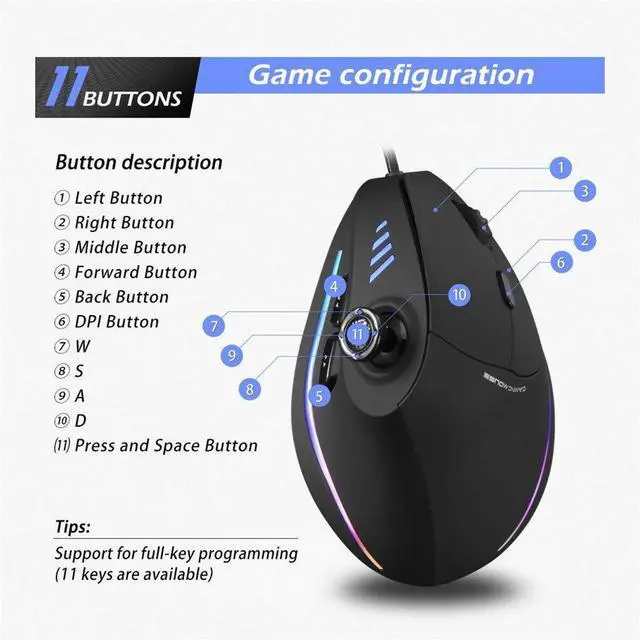
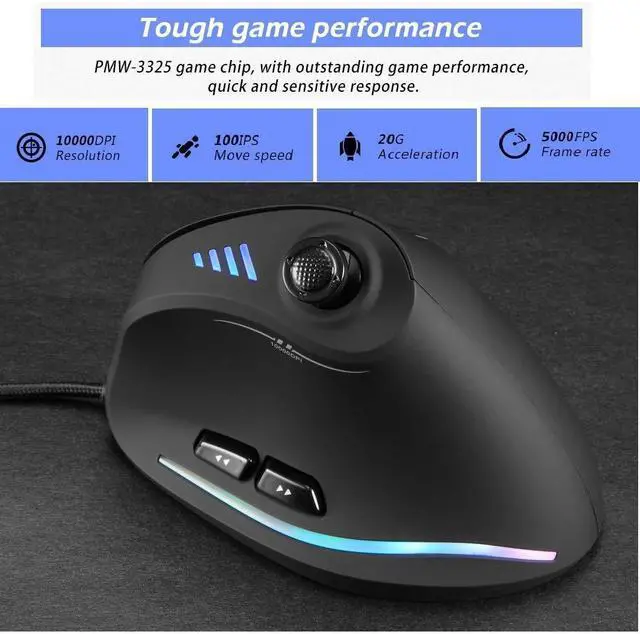
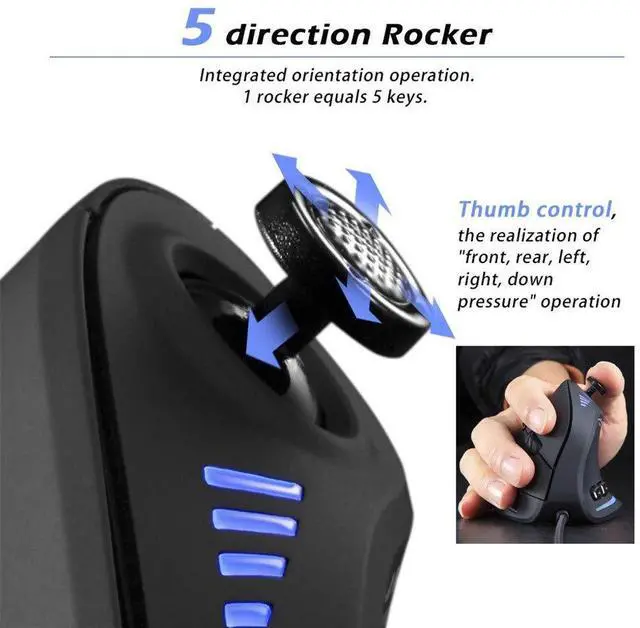
Button number6 buttons + 1 joystick = 11 keys
Tracking System: optical
USB cable length: 1.8m
Working voltage/current: 5V/100mA
Button life: 10 million times
Roller life: 1.2 million turn
Product dimensions: 110*72*76.5mm
Product weight: 170g
Resolution: 1500-2500-4000-7000-10000DPI(5 adjustable levels and Customizable sensitivity)
Rate of return: 125-1000Hz
Marco function brief :
When macros enter from the Key N option, the selected macros are activated on the left button. For example, if you set the Key 4 as ABCD, when you press Key 4, the left button means ABCD.
Select another key to close macro, which means Close Key N. When you turn on N macro, the mouse light will stay on. The light will become normal setting color when you turn off N macro.
If entered from the assigned macro, select which button as the assigned macro to press on which button. For example, if you set the Key 4 as ABCD, the function of Key 4 means 1234.
The configuration file has 2 groups. You can select one button as the configuration file to switch to group 2 or directly drive the setting. The light of the group 2 configuration file is always on blue by default. You could set it as any other color.
You can set up to 32 left clicks in the armoury, and the cursor can be adjusted with each click. Y+ moves the cursor upward, Y- moves downward, X- moves left and X+ moves right.
System requirements:
Windows XPx64/Vista/7/8/10/Linux
An available USB port
Package Contents (attachment) :
Mouse x1 Instructions x1 Foot mat x1
Driver disk x1 Update software please visit the official website:switch to English language by clicking "English" on page