



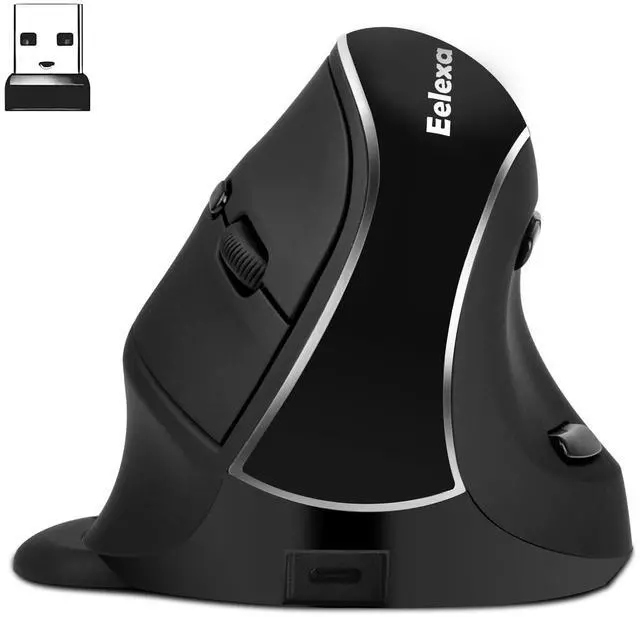



Wireless Ergonomic Vertical Mouse with Removable Palm Rest | V638 DUAL MODE


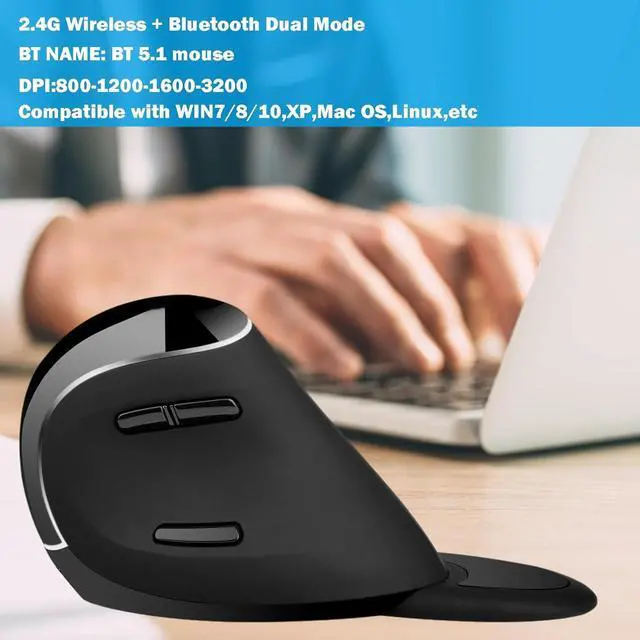
2.4G Wireless + Bluetooth Dual Mode
DPI Resolution Polling: 800-1200-1600-3200


Mouse for Carpal Tunnel Right Hand
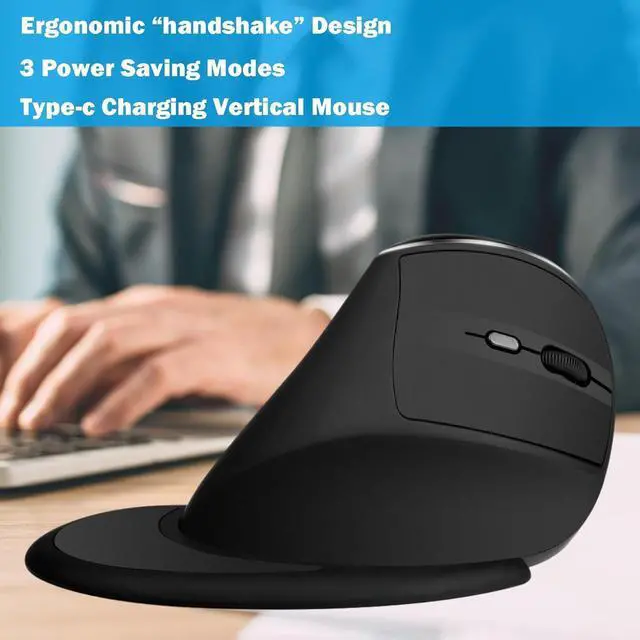
- Designed for neutral "handshake" wrist and arm positions, enabling smooth movements and less overall pressure to reduce wrist pain


Type-C Rechargeable Big Hand Mouse
- Comes with a Type-C port for charging, also for your convenience.
- Compatible with Windows and MAC OS.
Does this eelexa vertical mouse easy to use?
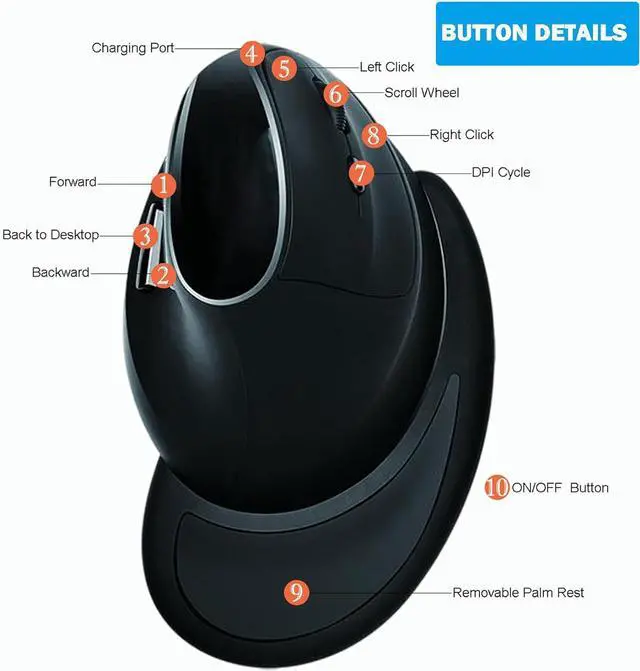
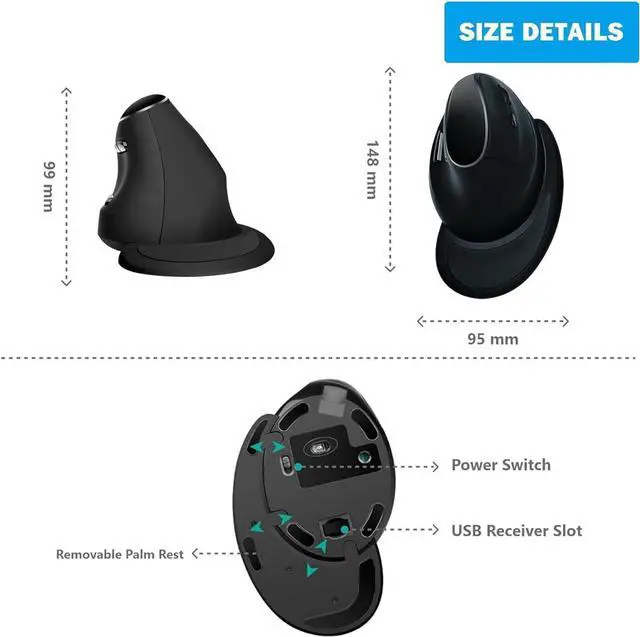
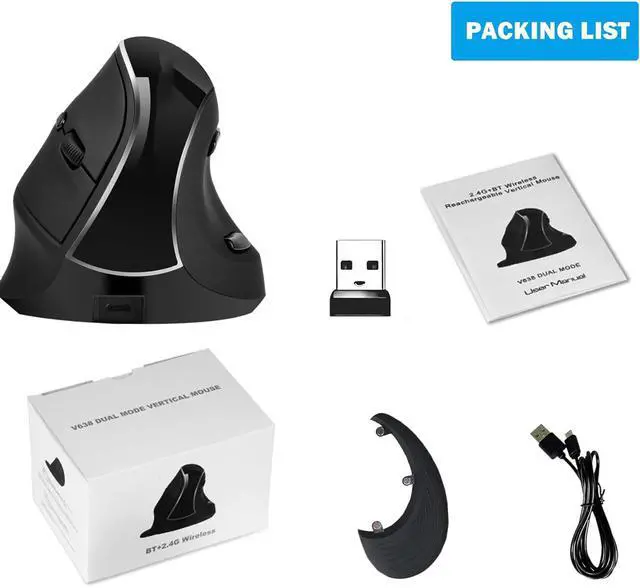
Yes! Charge the battery, turn on the vertical mouse(ON/OFF switch located on botton of mouse) and attach palm rest(optional). Plug into the USB port of your computer. Once the computer recognizes the mouse, you're ready to use.
Do i need to charging the mouse before use?
YES. Should be charged for at least 2 hours before being used for the first time. About Charging indicator red light: red light flashes when the power is low, red light is on when charging. Red light goes out when fully charged.
2.4G connection just plug in and play, how about Bluetooth mode connected?
Turn the power switch to ON status, lightly press the mode button to switch to Bluetooth mode. And long press for 3 seconds to enter the code state, the blue light is flashing, then open the Bluetooth of the device,search and click to connect.
May i use on metal surface?
The eelexa dual mode mouse's optical sensor can operate on glass,wood and plastic but may not work correctly on metallic surface.


Eelexa as a sub-brand of J-TECH DIGITAL.
In order to focus on different product lines or markets, the Eelexa product line is dominated by the consumer Electronics/Home&Kitchen/Toy category.
We are always firm on the principle of customer first and provide professional product services.
What Makes Our Products Unique?
Firstly,we prioritize innovation and strive to offer cutting-edge solutions to meet our customers' needs.
Secondly, our commitment to quality sets us apart. We adhere to stringent quality control measures throughout the production process to make sure that our products meet the highest standards.
Furthermore, our products are known for their user-centric approach. We place great emphasis on understanding our customers' preferences and requirements.
Lastly, our exceptional products service plays a significant role in making our products unique.
Wireless Ergonomic Vertical Mouse with Removable Palm Rest | V638 DUAL MODE


DPI Resolution Polling: 800-1200-1600-3200


Mouse for Carpal Tunnel Right Hand
- Designed for neutral "handshake" wrist and arm positions, enabling smooth movements and less overall pressure to reduce wrist pain

Type-C Rechargeable Big Hand Mouse
- Comes with a Type-C port for charging, also for your convenience.
- Compatible with Windows and MAC OS.
Does this eelexa vertical mouse easy to use?
Yes! Charge the battery, turn on the vertical mouse(ON/OFF switch located on botton of mouse) and attach palm rest(optional). Plug into the USB port of your computer. Once the computer recognizes the mouse, you're ready to use.
Do i need to charging the mouse before use?
YES. Should be charged for at least 2 hours before being used for the first time. About Charging indicator red light: red light flashes when the power is low, red light is on when charging. Red light goes out when fully charged.
2.4G connection just plug in and play, how about Bluetooth mode connected?
Turn the power switch to ON status, lightly press the mode button to switch to Bluetooth mode. And long press for 3 seconds to enter the code state, the blue light is flashing, then open the Bluetooth of the device,search and click to connect.
May i use on metal surface?
The eelexa dual mode mouse's optical sensor can operate on glass,wood and plastic but may not work correctly on metallic surface.
Eelexa as a sub-brand of J-TECH DIGITAL.
In order to focus on different product lines or markets, the Eelexa product line is dominated by the consumer Electronics/Home&Kitchen/Toy category.
We are always firm on the principle of customer first and provide professional product services.
What Makes Our Products Unique?
Firstly,we prioritize innovation and strive to offer cutting-edge solutions to meet our customers' needs.
Secondly, our commitment to quality sets us apart. We adhere to stringent quality control measures throughout the production process to make sure that our products meet the highest standards.
Furthermore, our products are known for their user-centric approach. We place great emphasis on understanding our customers' preferences and requirements.
Lastly, our exceptional products service plays a significant role in making our products unique.