Out of stock
This item is currently out of stock and it may or may not be restocked.
Sold by Newegg

Shipped by Newegg

Shop it at NeweggBusiness.

JAENFONG Wireless Gaming Mouse, 2.4GHZ Rechargeable Wireless Computer Game Mice Built in with 600mAh Battery

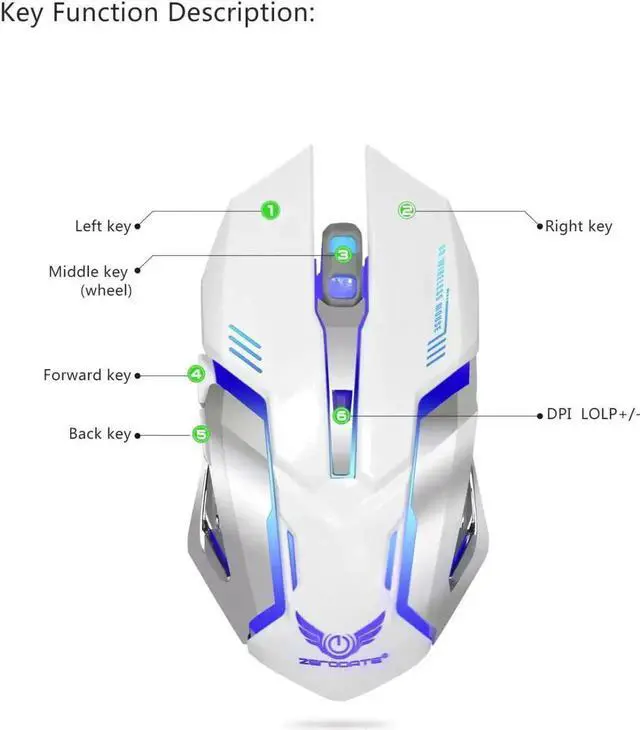
  • [Speed DPI Switch] with 4 adjustable DPI speed Switch:800-1200-1600-2400, you can control the speed more freely and easily.
  • [Flexiblf Buttons] Equipped with six buttons: Left button, Right button, Forward, Back, DPI button and Scroll wheel, meets for your demands excellently for different games, enables to switch fast while gaming.
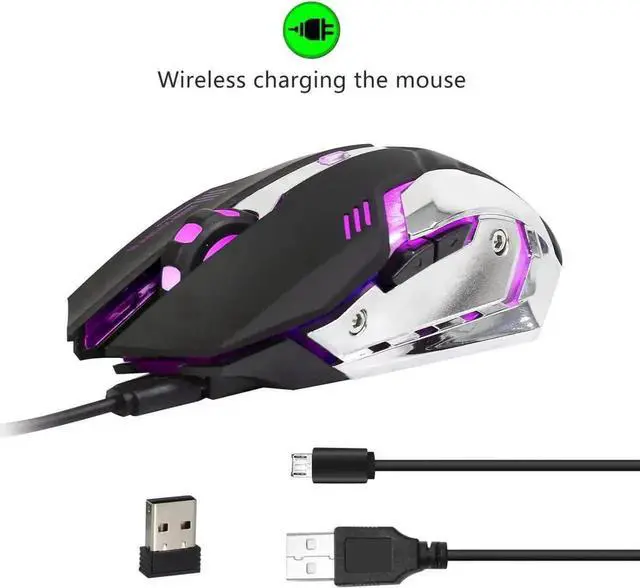
  • [Rechargable Function] Built-in 600Mah lithium battery, you can charge it with our USB charge cable. USB cable can only be used for charging. It can not be used as a wired mouse. You can use the mouse when charging, but you should ensure that the USB receiver is plugged into the computer and the mouse switch is on.
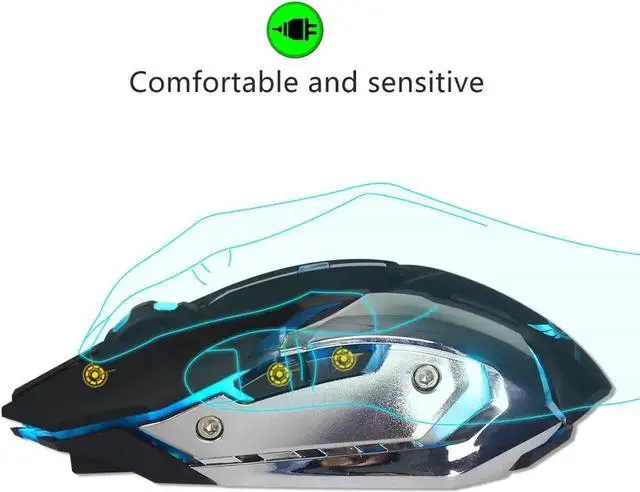
  • [Ergonomic Design & Customized LED Light Colors] The LED light color are 7 adjustable Levels with the change of the DPI which can bring you pleasure as a gamer.
  • [Wide Compatibility] Plug & play, no drivers or software are required. Support computer system including Windows 98 / Me / 2000 / XP / Vista / Win 7 / Win8 / 10/Vista Mac OS or latest.
Overview
Specs
Reviews
avatar

Any questions? Our AI beta will help you find out quickly.

Specifications

:

1: Project Type: Ergonomics Optical Mouse

2:

Resolution: 2400dpi.

3: Buttons: 5 Buttons and 1 Round (Middle Mutton)

4: Maximum working range: 10m

5: Charging cable length: 50cm

6:

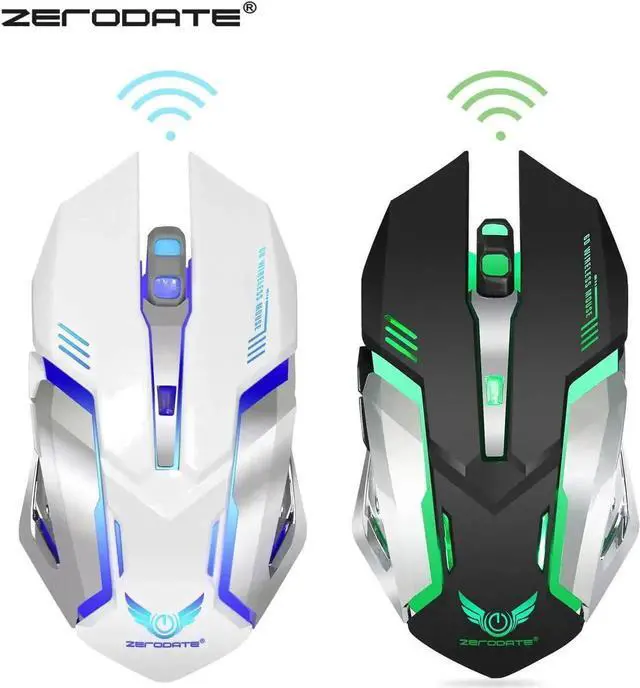
Color: Black, White.

7: Material: ABS

8: Battery capacity: 600mAh

9: Button click life: 10 Million times

10: Rated voltage / current: DC 3.7V / 18mA

11: Product weight: 116g

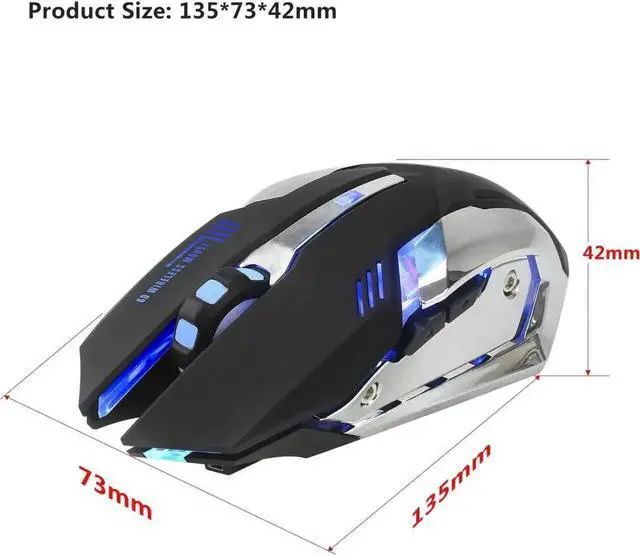
12: Item size: 13.5 * 7.3 * 4.2 cm

13: Packing weight: 143g

14: Packing size: 13.5 * 8.5 * 4.7 cm


Package Included:

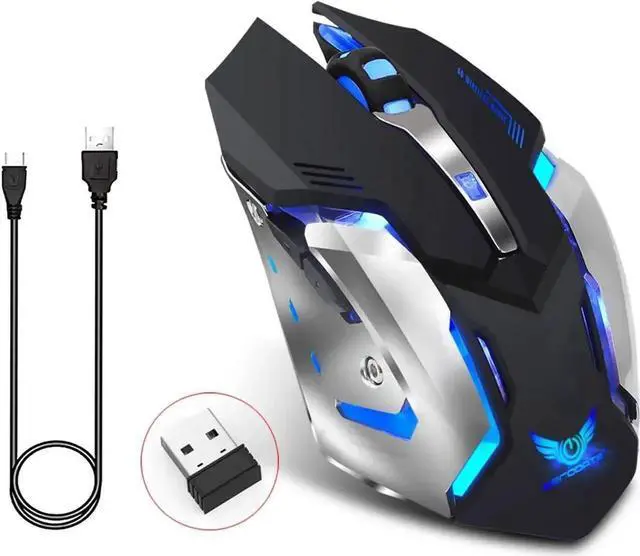
1 x Mouse

1 x USB power adapter

1 x USB charging cable

1 x User manual


Note:

1, USB cable can only be used for charging. It can not be used as a wired mouse.

2, You can use the mouse when charging, but you should ensure that the USB receiver is plugged into the computer and the mouse switch is on.

Warranty & Returns

Warranty, Returns, And Additional Information

Return Policies

Manufacturer Contact Info

LOADING...