• $18.97
  • Free 30-day Returns
  • Ships from China.
    Price alert

    Best Sellers

    5 (1 total rating)
    Newegg
    • + $11.20 Shipping
    Shop it at NeweggBusiness.

    Meet Your Seller

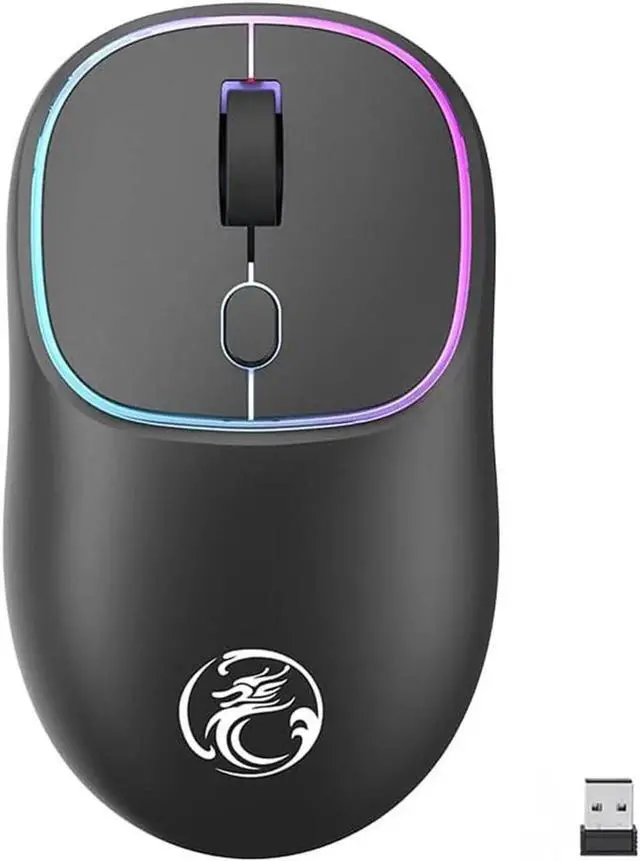
    Wireless Gaming Mouse for Laptop, 2.4 GHz with USB Receiver Gaming Mice for Computer - Rechargeable Portable Silent LED Wireless Mouse for MacBook air, pro,i-Pad, Mac, Chrome-book, PC (Black)

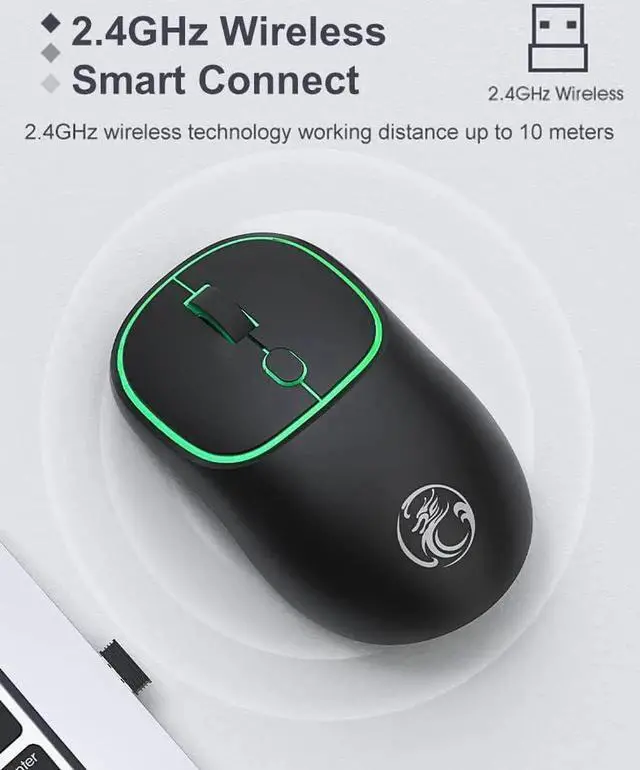
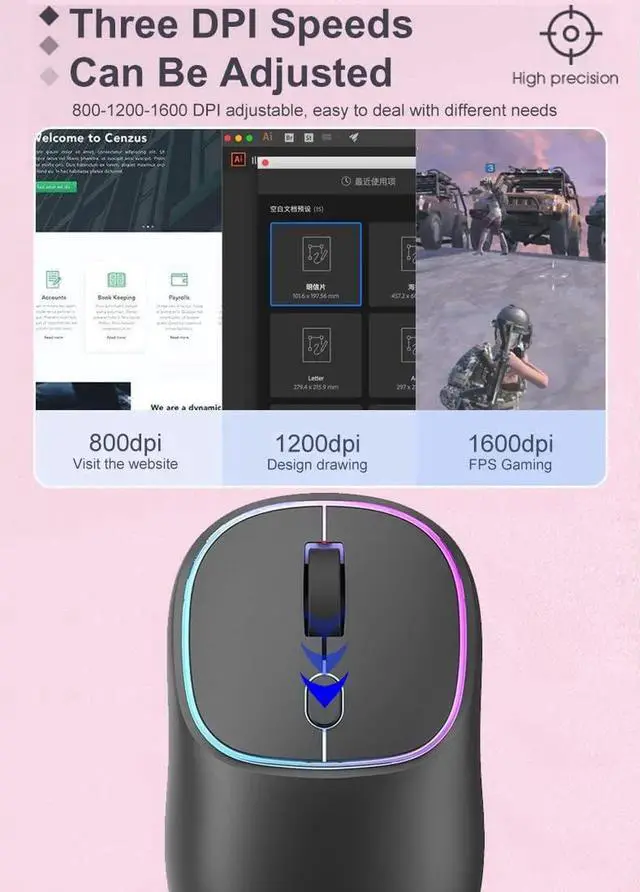
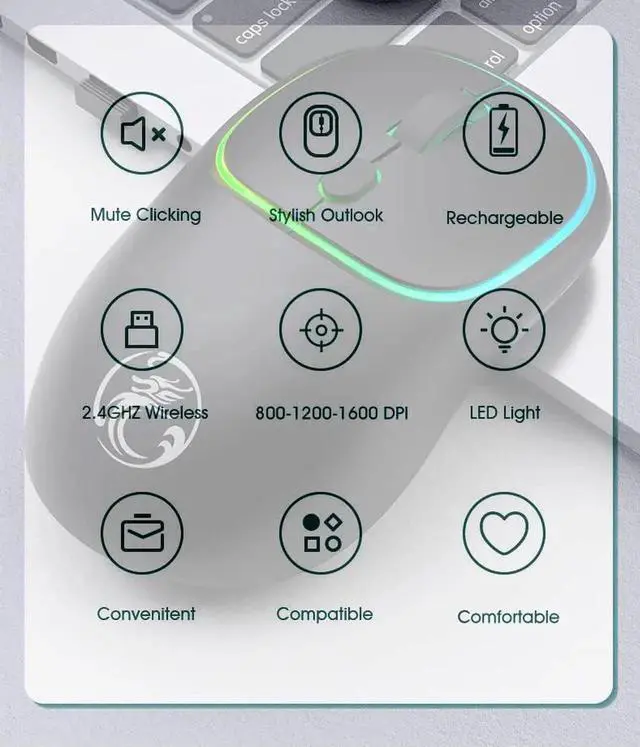
    • [Plug and Play] No need to install any driver. 2.4GHz wireless technology offers a powerful and reliable connection with an effective range of up to 10 meters. Advanced optical tracking technology with fast click and high responsiveness. 3-level adjustable DPI (800/1200/1600DPI), free to meet daily work needs.
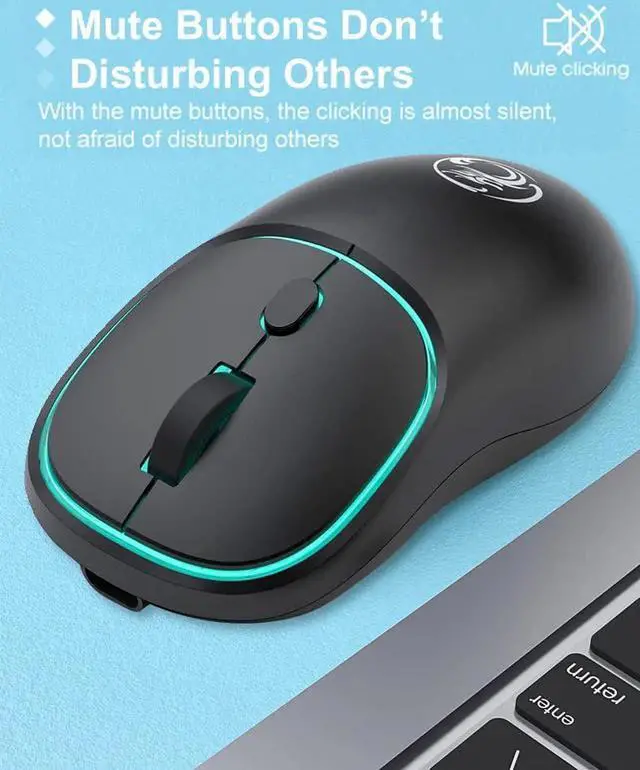
    • [Mute Click] Silent button reduces 90% noise, making it an ideal wireless mouse for office, conference room, library, bedroom, helps you focus on your work, study, without disturbing others around you.
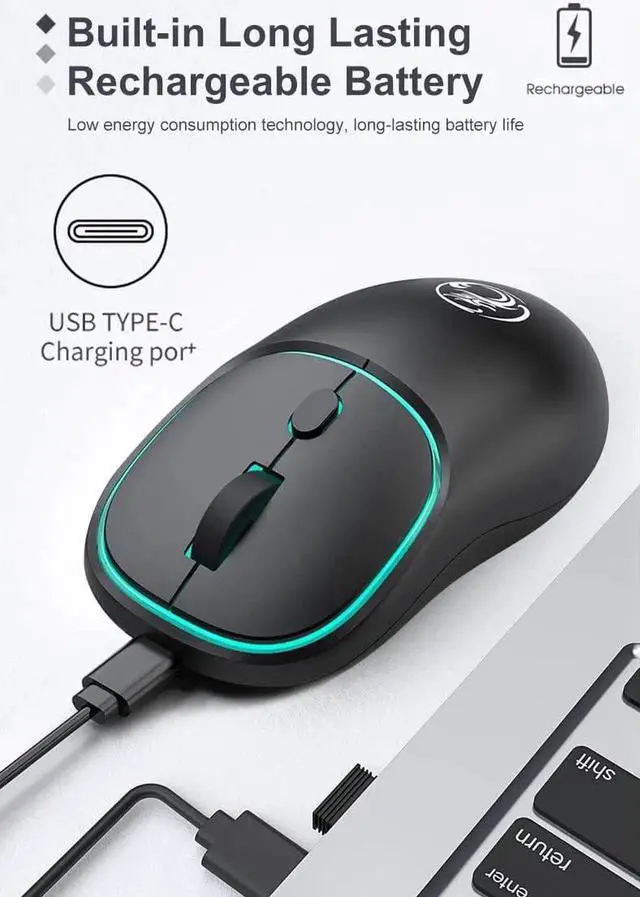
    • [Rechargeable Design] Built-in long-life lithium-ion battery, you can use up to 168 hours after fully charged, standby time is very long. Energy-saving functions, automatic sleep mode and wake-up mode are installed to save energy.
    • [Wide Compatibility] Compatible with Windows XP, Vista, 7, 8 and 10/Vista etc. Suitable for desktop, laptop, PC, and devices with USB port.
    • [Ergonomic Design] Good surface coating technology gives you a comfortable touch. User-friendly design
    +
    +
    Overview
    Specs
    Reviews
    avatar

    Any questions? Our AI beta will help you find out quickly.

    How to use the wireless mouse: The way of connection is very simple: plug and play


    Suitable for: win7/8/10/XP/iMac USB port, 2010-2023 MacBook Pro, MacBook Air, MacBook and any USB port, laptop

    and desktop: Take out the USB wireless receiver at the bottom of the mouse and plug it into the computer USB port and the mouse will start working.


    Packing List:

    Rechargeable wireless mouse x1,

    USB wireless receiver X1 (It is taken out from the bottom of the mouse),

    USB-TypC charging line x1.

    User Manual x1.


    How do I charge the wireless mouse?

    This is a rechargeable mouse. You don't need to buy other batteries. It already has a built-in lithium battery. It can be charged like a cell phone. There is a USB charging cable in the box.


    Note:


    1. If the mouse pointer does not move or cannot be used, or the connection is suddenly lost during use, you need to charge it for about 3 hours. Use your computer's USB port to charge, or use an adapter with an output voltage of no more than 5V to charge.


    2. This is a wireless mouse, plug and play, and you don't need to pair it with your computer like a bluetooth mouse.

    Warranty & Returns

    Warranty, Returns, And Additional Information

    Warranty

    • Please contact the Seller directly for warranty information. Warranty information may also be found on the Manufacturer's website.
    • CONTACT

    Return Policies

    Manufacturer Contact Info

    LOADING...
    LOADING...