




How to download the K75 US Driver?
bit.ly/K75US
How to use CNC knob?
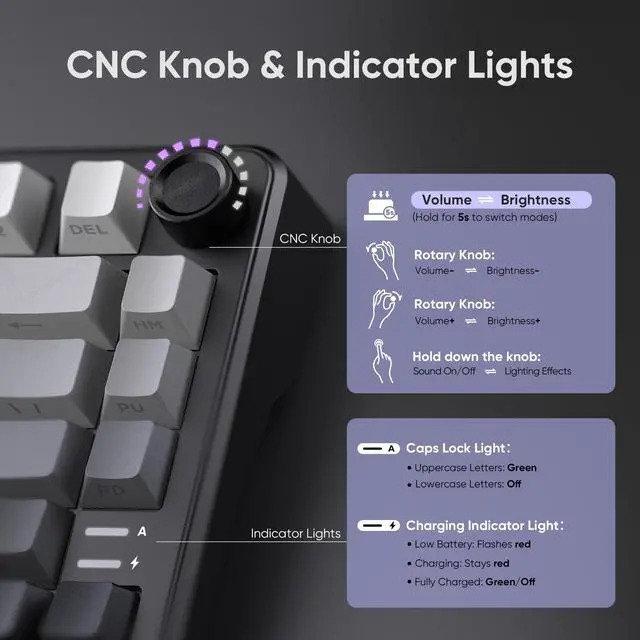
Long press the CNC knob for 5s to switch between light mode and sound mode.
Short press the CNC knob to select light mode or toggle mute/unmute.
Turn the CNC knob to adjust backlight brightness/volume.
Why the keyboard becomes disconnected in the BT mode?
When the battery level is low, the keyboard cannot support the BT function normally, Please re-update the BT function of the device and fully charge the keyboard.
How to charge ithe K75 Wireless Keyboard?
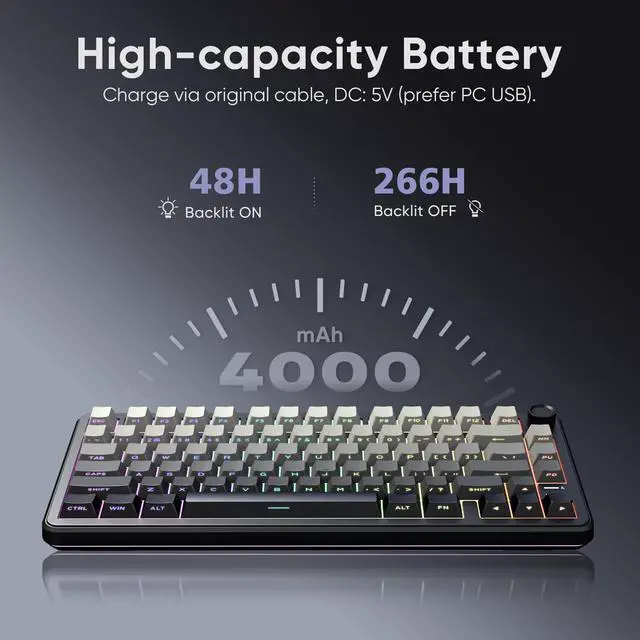
Charge with original cable via computer USB (DC:5V). Avoid non-original/non-compliant cables or high-voltage sockets. Insufficient voltage/current from a USB-split dock may stop the keyboard from charging/working (due to varying keyboard power).
How to use the wired mode of the K75 keyboard?
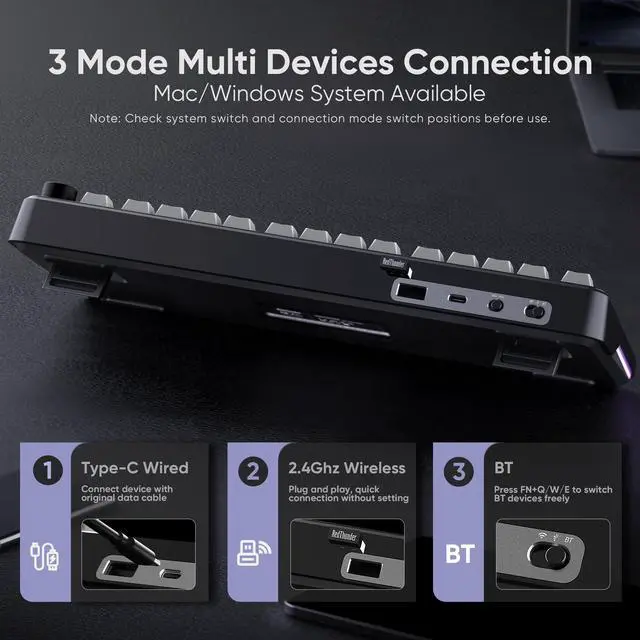
Connect the keyboard to the device using the original cable with data transfer function.


About RedThunder
RedThunder is a manufacturer specializing in high-performance professional game peripherals. We are committed to providing high-quality and personalized products for global gamers.
We have relentlessly pursuing perfect craftsmanship, first-class feel, high-performance professional gaming equipment and high-standard service. Your satisfaction is our driving force.
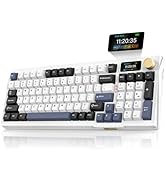
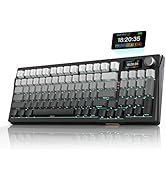
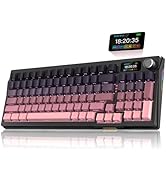
New Collection
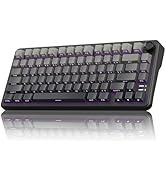
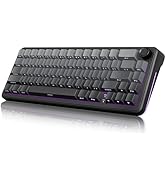
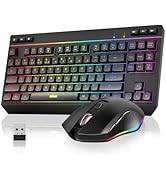
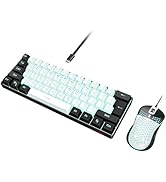
Compact Layout for Gaming
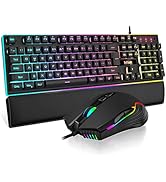
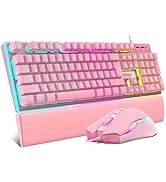
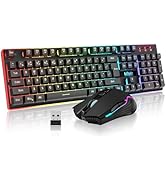

Hot Sale
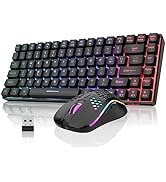
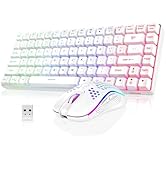
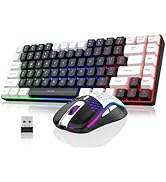
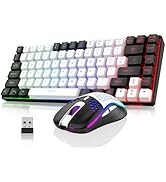
K84 Keyboard Mouse Combo
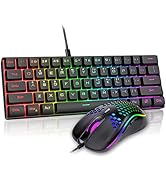
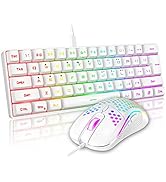
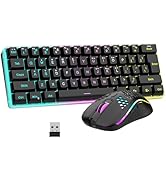
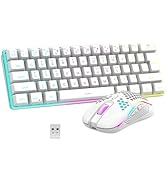
K62 Keyboard Mouse Combo
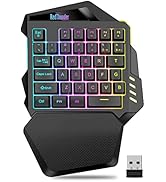
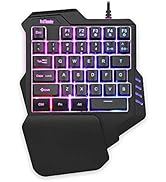

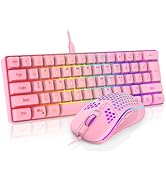
One-handed Keyboard Series


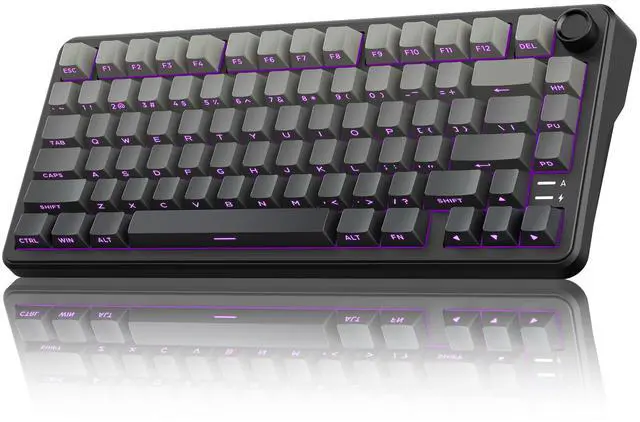
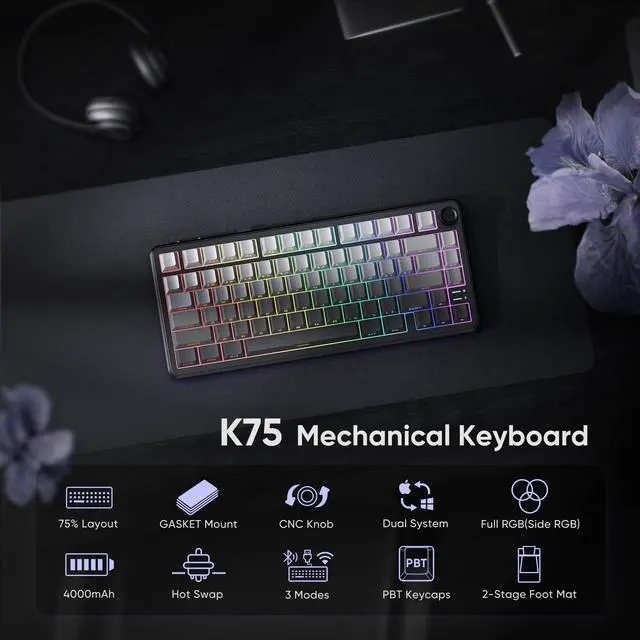
K75 Wireless Mechanical Gaming Keyboard
- Compact 75% layout saves desk space while retaining essential keys.
- 3-mode connectivity (e.g., wired, Bluetooth, 2.4G) offers flexible device pairing.
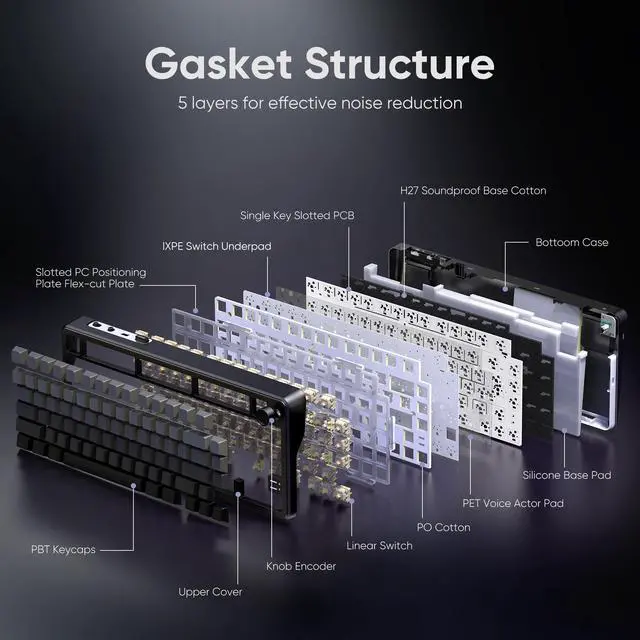
- Gasket mount design reduces noise and delivers a softer, more comfortable typing feel.
- Mechanical switches ensure crisp, responsive keystrokes for gaming precision.
Gasket Mechanical Gaming Keyboard
- The Gasket structure is typing stable, pressing comfortable, and bring you a relaxing typing experience.
- Five-Layer Padding Eliminates Most of the Noise and Resonance of the Keyboard.
BT/Wired/2.4GHz Wireless Keyboard for WIN/Mac
- Dual-System: Toggle with one click to easily switch between MacOS and Windows systems.
- Tri-mode: stable wired, cable-free 2.4G, mobile-friendly Bluetooth, catering to diverse scenarios.
1. Long press FN + Q/W/E: BT1/BT2/BT3 pairing. Short press FN + Q/W/E: BT1/BT2/BT3 switching.
2. FN + R: 2.4GHz wireless mode repairing(Paired by defaultat thefactory).
Vibrant RGB Backlight
- Customize full RGB lighting settings via K75 driver.
- Customize RGB lighting settings via CNC knob.
- Customize RGB lighting settings via the following shortcuts
Tips: FN + Backspace = Turn on/off the backlight (including the side backlight); FN + Tab = Custom Side Light.; FN + \| = Toggle Backlit Effect, FN + PU = Toggle Backlit Color in pure color mode, FN + ???? = Toggle Light Brightness/Speed, FN + PD: Press once to activate Self-set Game Lighting. Press twice to start Self-set Game Lighting
Hot-swappable Mechanical Keyboard
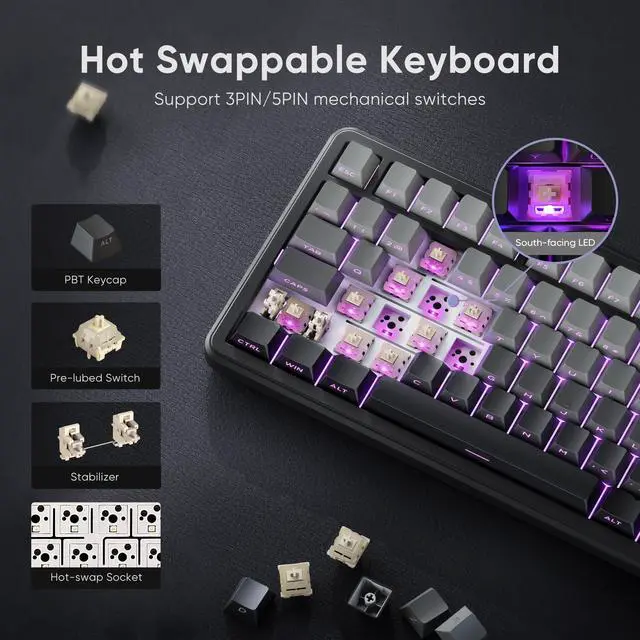
- Hot-swappable design works with 3Pin/5Pin switches for easy replacement.
- Under-light position enhances backlight effect clearly.
- Compatible with side-printed and various other keycaps.
- 2-in-1 keycap puller for easy custom keyboard setup.
K75 US Driver
- Copy the link "bit.ly/K75US" to the search bar and run the driver via wired mode on your windows computer.
- Redefine the keys, RGB light modes inWindows system and wired mode.


How to download the K75 US Driver?
bit.ly/K75US
How to use CNC knob?
Long press the CNC knob for 5s to switch between light mode and sound mode.
Short press the CNC knob to select light mode or toggle mute/unmute.
Turn the CNC knob to adjust backlight brightness/volume.
Why the keyboard becomes disconnected in the BT mode?
When the battery level is low, the keyboard cannot support the BT function normally, Please re-update the BT function of the device and fully charge the keyboard.
How to charge ithe K75 Wireless Keyboard?
Charge with original cable via computer USB (DC:5V). Avoid non-original/non-compliant cables or high-voltage sockets. Insufficient voltage/current from a USB-split dock may stop the keyboard from charging/working (due to varying keyboard power).
How to use the wired mode of the K75 keyboard?
Connect the keyboard to the device using the original cable with data transfer function.
About RedThunder
RedThunder is a manufacturer specializing in high-performance professional game peripherals. We are committed to providing high-quality and personalized products for global gamers.
We have relentlessly pursuing perfect craftsmanship, first-class feel, high-performance professional gaming equipment and high-standard service. Your satisfaction is our driving force.
New Collection
Compact Layout for Gaming
Hot Sale
K84 Keyboard Mouse Combo
K62 Keyboard Mouse Combo
One-handed Keyboard Series