




Elegant Ergonomic Design
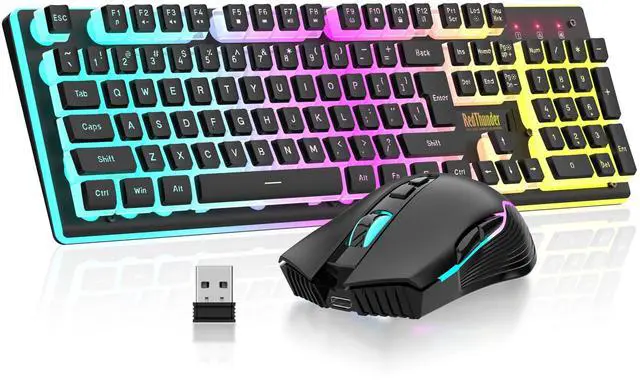
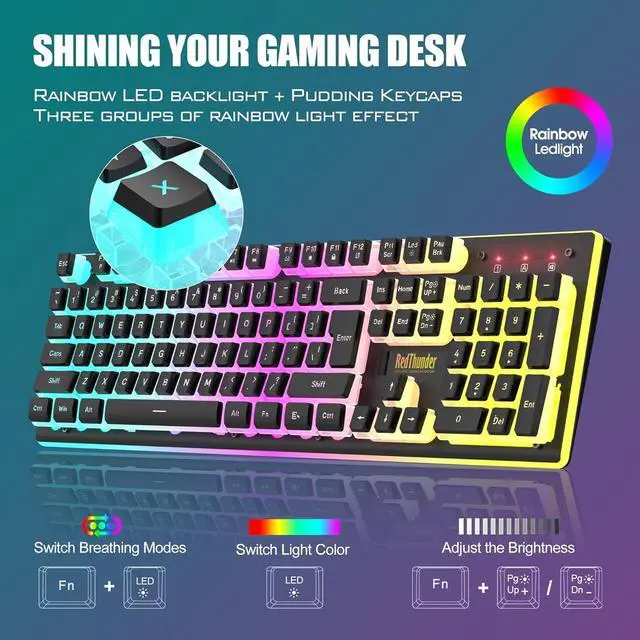
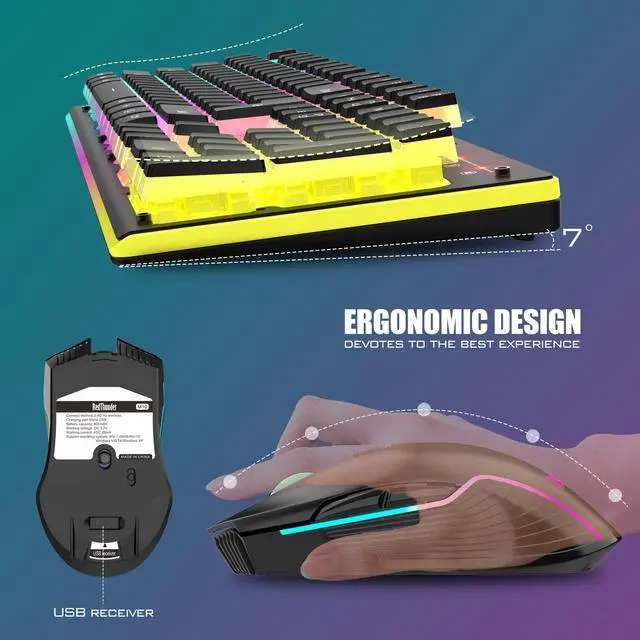
The unique ergonomic floating keycaps adopt a curved design and has a mechanical feel . The middle plate is made of high-quality ABS translucent material and ultra-high light conduction, making the keyboard light more uniform and soft.

Translucent Pudding Keycaps
The pudding keycaps are made of high-standard wear-resistant two-color ABS injection molding process, and the characters are transparent and will never fade. The atmosphere of the game is even cooler.

Upgrade Type-C Charging Port
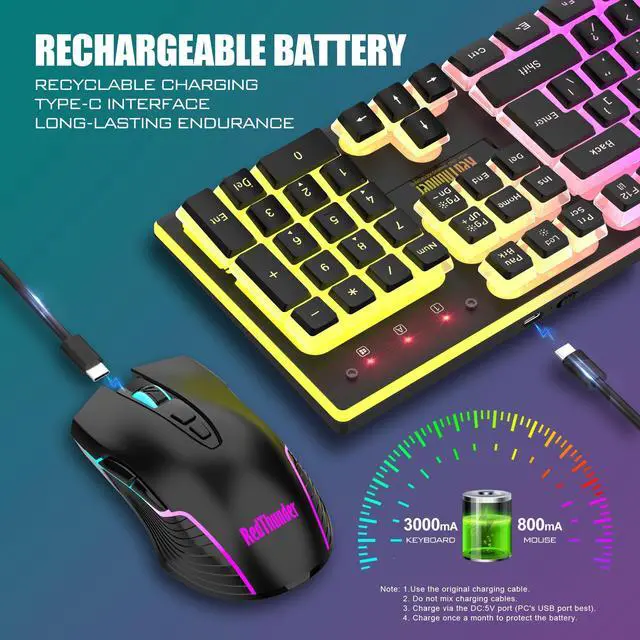
The upgraded detachable Type-C interface is made of premium metal for enhanced texture. It has the characteristics of being more durable to use, plugging and unplugging at any time, and more convenient to carry.

Type-C Rechargeable Wireless Mouse
The wireless RGB mouse and the keypad are charged with the same Type-C data cable, and the mouse wheel will be illuminated by the indicator light when charging. The charging port is not easy to damage, more durable to use, simple to plug and unplug, and easy to carry.

High-performance
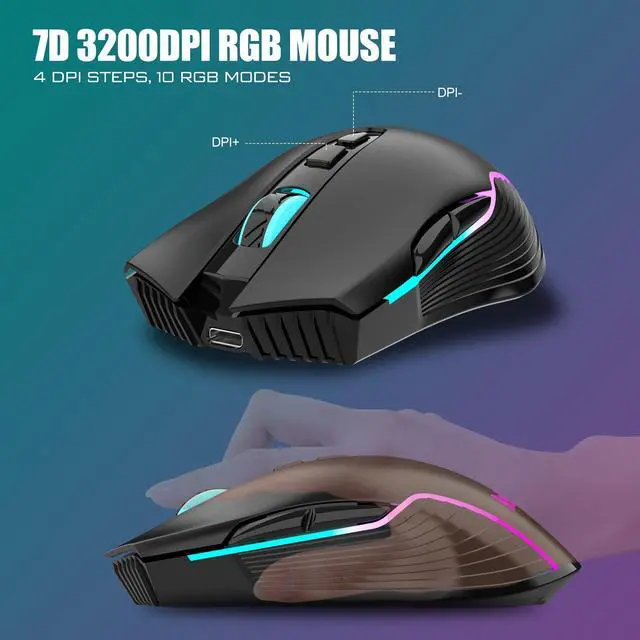
The side of the mouse adopts a non-slip curve design, with two buttons, the fingers fit the mouse more, and the use is more flexible. Professional gaming mouse adopts optical sensor, 3200DPI, 12000 FPS scanning speed, 40G acceleration, and tracking speed up to 400 IPS.

Adjustable DPI Buttons
4 levels of DPI by pressing 2 independently adjustable DPI buttons. You can easily adjust your movement speed, perfect for gaming and office to meet your multiple needs. This mouse offers extremely high stability when gaming, such as League of Legends, World of Warcraft, DOTA, CS, etc.

How to customize keyboard lighting and FN key?
1. Fn+LED: Turn on/off the backlight o switch the backlight color. 2. FN +1!, Fn+2@, Fn+3#,Fn+4$: Switch backlight mode;Fn+5 %: Switch 8 RGB colors;
3. FN + PU/PD: increase/decrease backlight brightness. 4. FN + +/-: Speed up/slow down breathing rate.
5. FN+W: Exchange WASD and arrow keys. 6. FN + WIN: WIN key lock. 7. FN + (F1-F12): 12 multimedia combination keys.
Note
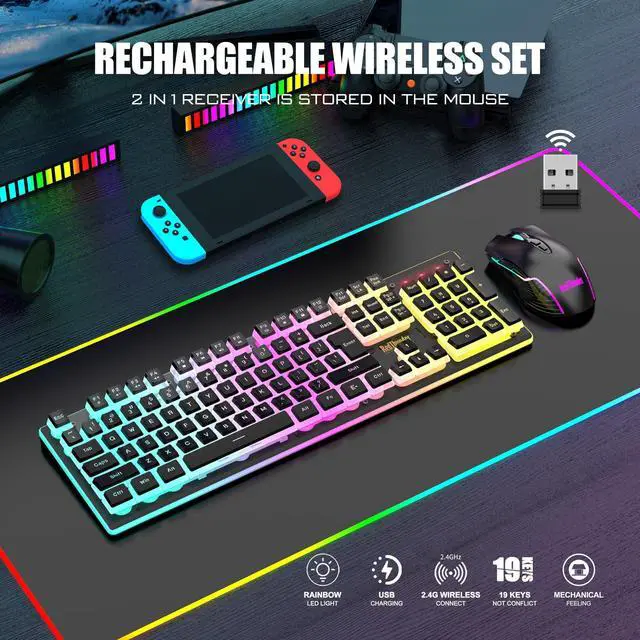
1. The keyboard and mouse share only one USB receiver, which is located in the bottom of the mouse. (Only when the receiver is plugged in, the lights of the keyboard and mouse will light up)
2. Please fully charge it before the first use.
3. No software installation required, just turn on the switch, plug and play.
4. There will be a little delay or the lights will not turn on when the keyboard/mouse battery is too low, please charge in time, the charging indicator will go off after full charge.
5. To protect battery life, please use a lower than DC:5V adapter to charge.
6. Turning off the light can extend the battery life moderately.
7. If you can't press "WASD" or "????", please press FN+ "W" key can be used to switch between letter "WASD" keys and arrow "????" keys at will. If the numeric keys cannot be used, please press NumLock.
8. USB Receiver Pairing steps. Make sure the keyboard/mouse fully charged.
Mouse pairing steps: Step 1: Turn the switch at the bottom of the mouse to the switch position with the sun logo; Step 2: Press and hold the mouse wheel and right button, the mouse RGB lights start to flash; Step 3: Insert the USB receiver into the computer and the pairing is complete. Keyboard pairing steps: Step 1: Turn on the keyboard switch; Step 2: Press and hold the ESC key and the K key at the same time, the indicator light starts to flash; Step 3: Insert the USB receiver into the computer, and pairing is complete.
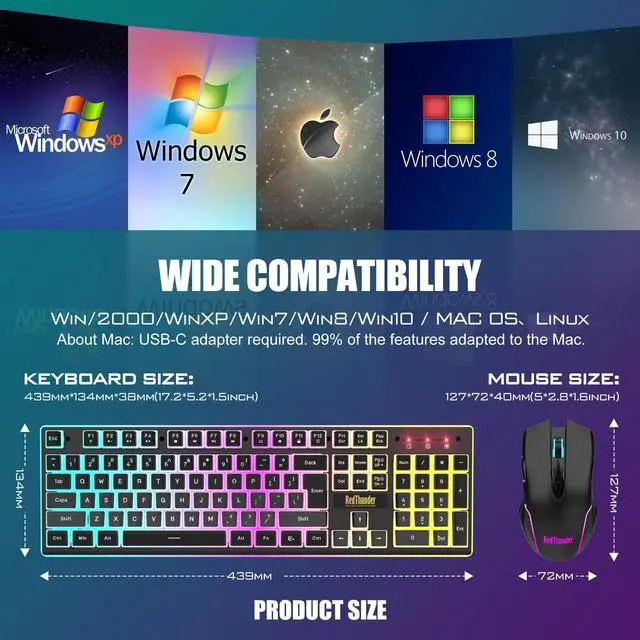
9. About Mac: USB-C adapter required. It has 99% of the features adapted to the Mac.
10. If you have any problem, please tell us at the first time, we will try our best to solve it.
 K10 Wireless Keyboard and Mouse Combo |  K10 Wired Keyboard and Mouse Combo |  K20 Wireless Keyboard and Mouse Combo |  K84 Wireless Keyboard and Mouse Combo |  K62 Wireless Keyboard and Mouse Combo |  K95 Wireless Mechanical Gaming Keyboard | |
|---|---|---|---|---|---|---|
| Customer Reviews | — | — | — | — | — | — |
| Price | — | — | — no data | — | — | — |
| Color Option | Black/White/Pink/Black Pudding/White-Gray | Black/White/Pink | Black/White | White-Gray/Black | Black/White | Black-Gold/White-Blue |
| Connection | Wireless | Wireless | Wireless | Wireless | Wireless | 2.4G Wireless/Wired/BT |
| Keyboard Keys | 104 | 104 | 104 + 10 Dedicated Multimedia Buttons | 84 | 61 | 95 |
| Backlight Mode | ? | ? | ? | ? | ? | ? |
| Anti-Ghosting | ? | ? | ? | ? | ? | ? |
| Mouse DPI | 3200 | 7200 | 4800 | 3200 | 7200 | no data |
| Keyboard Battery capacity | 3000mAh | - no data | 2000mAh | 1850mAh | 2000mAh | 8000mAh |
| Mouse Battery capacity | 800mAh | - no data | 600mAh | 500mAh | 500mAh | no data |


About RedThunder
RedThunder is a manufacturer specializing in high-performance professional game peripherals. We are committed to providing high-quality and personalized products for global gamers.
We have relentlessly pursuing perfect craftsmanship, first-class feel, high-performance professional gaming equipment and high-standard service. Your satisfaction is our driving force.
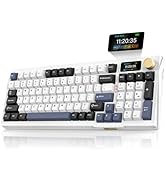
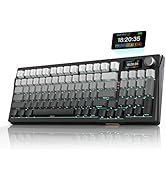
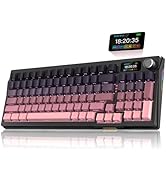
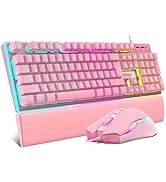
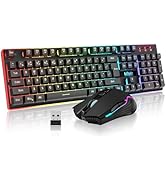
New Collection
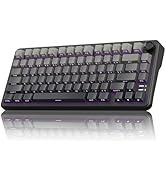
Compact Layout for Gaming

Hot Sale
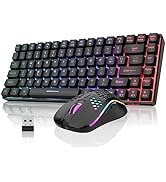
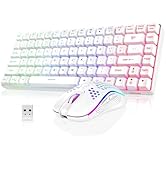
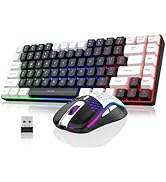
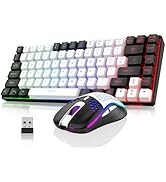
K84 Keyboard Mouse Combo
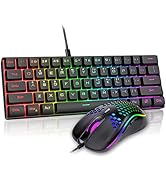
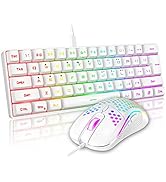
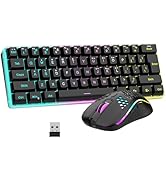
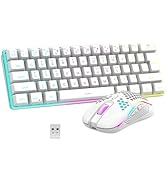
K62 Keyboard Mouse Combo
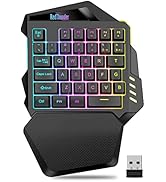
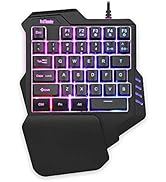

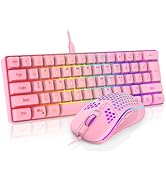
One-handed Keyboard Series


Elegant Ergonomic Design
The unique ergonomic floating keycaps adopt a curved design and has a mechanical feel . The middle plate is made of high-quality ABS translucent material and ultra-high light conduction, making the keyboard light more uniform and soft.
Translucent Pudding Keycaps
The pudding keycaps are made of high-standard wear-resistant two-color ABS injection molding process, and the characters are transparent and will never fade. The atmosphere of the game is even cooler.
Upgrade Type-C Charging Port
The upgraded detachable Type-C interface is made of premium metal for enhanced texture. It has the characteristics of being more durable to use, plugging and unplugging at any time, and more convenient to carry.
Type-C Rechargeable Wireless Mouse
The wireless RGB mouse and the keypad are charged with the same Type-C data cable, and the mouse wheel will be illuminated by the indicator light when charging. The charging port is not easy to damage, more durable to use, simple to plug and unplug, and easy to carry.
High-performance
The side of the mouse adopts a non-slip curve design, with two buttons, the fingers fit the mouse more, and the use is more flexible. Professional gaming mouse adopts optical sensor, 3200DPI, 12000 FPS scanning speed, 40G acceleration, and tracking speed up to 400 IPS.
Adjustable DPI Buttons
4 levels of DPI by pressing 2 independently adjustable DPI buttons. You can easily adjust your movement speed, perfect for gaming and office to meet your multiple needs. This mouse offers extremely high stability when gaming, such as League of Legends, World of Warcraft, DOTA, CS, etc.
How to customize keyboard lighting and FN key?
1. Fn+LED: Turn on/off the backlight o switch the backlight color. 2. FN +1!, Fn+2@, Fn+3#,Fn+4$: Switch backlight mode;Fn+5 %: Switch 8 RGB colors;
3. FN + PU/PD: increase/decrease backlight brightness. 4. FN + +/-: Speed up/slow down breathing rate.
5. FN+W: Exchange WASD and arrow keys. 6. FN + WIN: WIN key lock. 7. FN + (F1-F12): 12 multimedia combination keys.
Note
1. The keyboard and mouse share only one USB receiver, which is located in the bottom of the mouse. (Only when the receiver is plugged in, the lights of the keyboard and mouse will light up)
2. Please fully charge it before the first use.
3. No software installation required, just turn on the switch, plug and play.
4. There will be a little delay or the lights will not turn on when the keyboard/mouse battery is too low, please charge in time, the charging indicator will go off after full charge.
5. To protect battery life, please use a lower than DC:5V adapter to charge.
6. Turning off the light can extend the battery life moderately.
7. If you can't press "WASD" or "????", please press FN+ "W" key can be used to switch between letter "WASD" keys and arrow "????" keys at will. If the numeric keys cannot be used, please press NumLock.
8. USB Receiver Pairing steps. Make sure the keyboard/mouse fully charged.
Mouse pairing steps: Step 1: Turn the switch at the bottom of the mouse to the switch position with the sun logo; Step 2: Press and hold the mouse wheel and right button, the mouse RGB lights start to flash; Step 3: Insert the USB receiver into the computer and the pairing is complete. Keyboard pairing steps: Step 1: Turn on the keyboard switch; Step 2: Press and hold the ESC key and the K key at the same time, the indicator light starts to flash; Step 3: Insert the USB receiver into the computer, and pairing is complete.
9. About Mac: USB-C adapter required. It has 99% of the features adapted to the Mac.
10. If you have any problem, please tell us at the first time, we will try our best to solve it.
K10 Wireless Keyboard and Mouse Combo | K10 Wired Keyboard and Mouse Combo | K20 Wireless Keyboard and Mouse Combo | K84 Wireless Keyboard and Mouse Combo | K62 Wireless Keyboard and Mouse Combo | K95 Wireless Mechanical Gaming Keyboard | |
|---|---|---|---|---|---|---|
| Customer Reviews | — | — | — | — | — | — |
| Price | — | — | — no data | — | — | — |
| Color Option | Black/White/Pink/Black Pudding/White-Gray | Black/White/Pink | Black/White | White-Gray/Black | Black/White | Black-Gold/White-Blue |
| Connection | Wireless | Wireless | Wireless | Wireless | Wireless | 2.4G Wireless/Wired/BT |
| Keyboard Keys | 104 | 104 | 104 + 10 Dedicated Multimedia Buttons | 84 | 61 | 95 |
| Backlight Mode | ? | ? | ? | ? | ? | ? |
| Anti-Ghosting | ? | ? | ? | ? | ? | ? |
| Mouse DPI | 3200 | 7200 | 4800 | 3200 | 7200 | no data |
| Keyboard Battery capacity | 3000mAh | - no data | 2000mAh | 1850mAh | 2000mAh | 8000mAh |
| Mouse Battery capacity | 800mAh | - no data | 600mAh | 500mAh | 500mAh | no data |
About RedThunder
RedThunder is a manufacturer specializing in high-performance professional game peripherals. We are committed to providing high-quality and personalized products for global gamers.
We have relentlessly pursuing perfect craftsmanship, first-class feel, high-performance professional gaming equipment and high-standard service. Your satisfaction is our driving force.
New Collection
Compact Layout for Gaming
Hot Sale
K84 Keyboard Mouse Combo
K62 Keyboard Mouse Combo
One-handed Keyboard Series