10 Powerful Functions for Unique Black and
White Printouts-Phomemo T02 Portable PrinterAttention: Only print in black and white.
Simple Function Introduction:
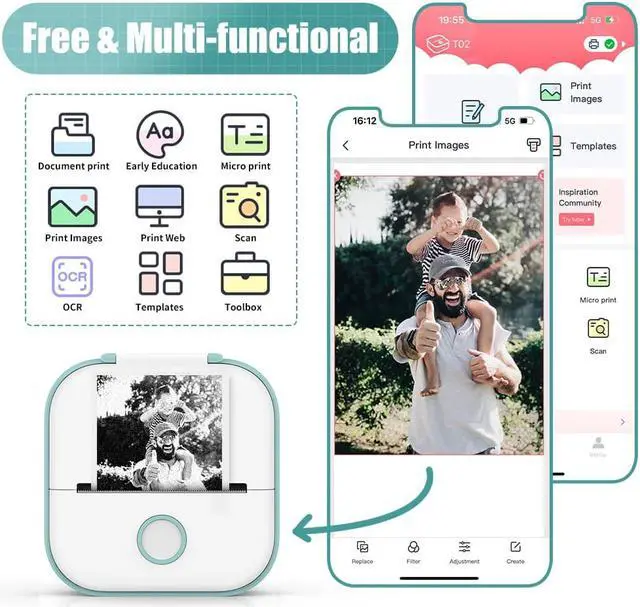
Notes: Customize printing contents with pictures, texts, tables, emojis and more freely to get unique printouts.
Scan: It is possible to scan an object with the APP and change it into the digital version for printing directly, save time and trouble.
Images: Enjoy printing all kinds of pictures from your phone, an instant photo printer.
Templates: There are lots of free templates that will be updated from time to time, use them to make special journal.
Texts-: If you want to print long texts, this function is tailored for you.
Print Web: Print online pages from here and customize webs by importing URL yourself, record your social life whenever.
Toolbox: Banner printing and considerate ruler function can be found here.
OCR: OCR is used to scan texts and transfer them into the digital version, then you can edit freely and print them out as you want.
Graphics: You will be surprised by our graphics here in both designs and numbers aspects.
Profile: Find tutorial videos, user manual and Q&A here.
Usage Notice
Please connect Bluetooth from Phomemo APP.
No paper alert: take the paper roll out, then long press the power button for 10 seconds until you see green light flashes 2 times. After that, put that paper into the machine again to print normally.
The printed content is easy to shift without the paper holder.
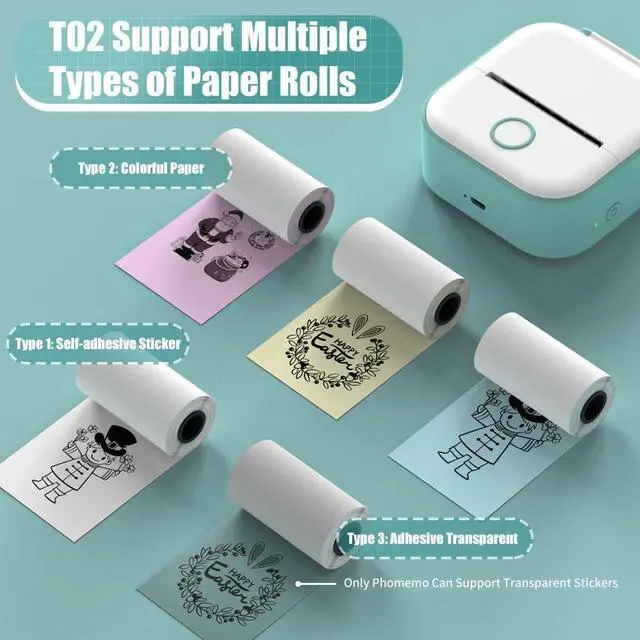
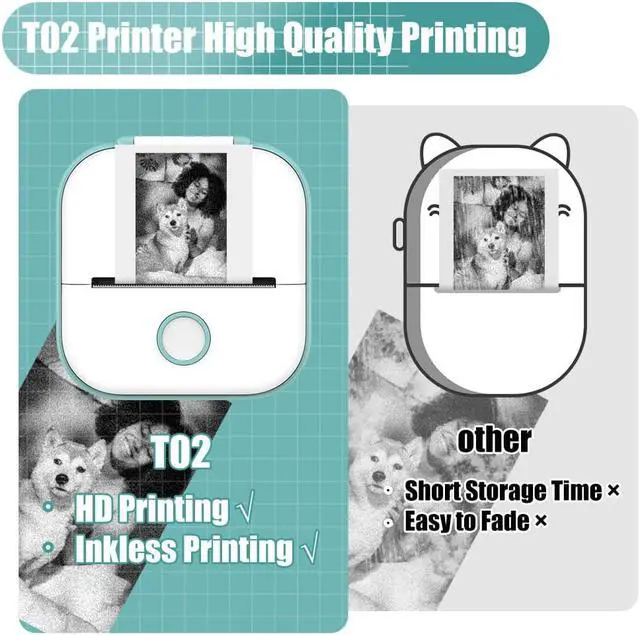
Printing Method: Direct Thermal Printing (no ink, no toner)
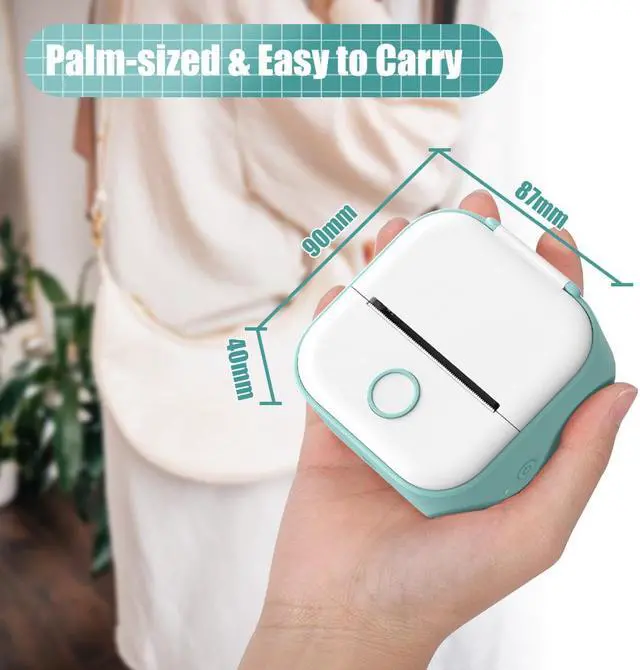
Size: 3.4 x 3.5 x 1.6 /87x90x40mm
Weight: 5.3 oz/150g
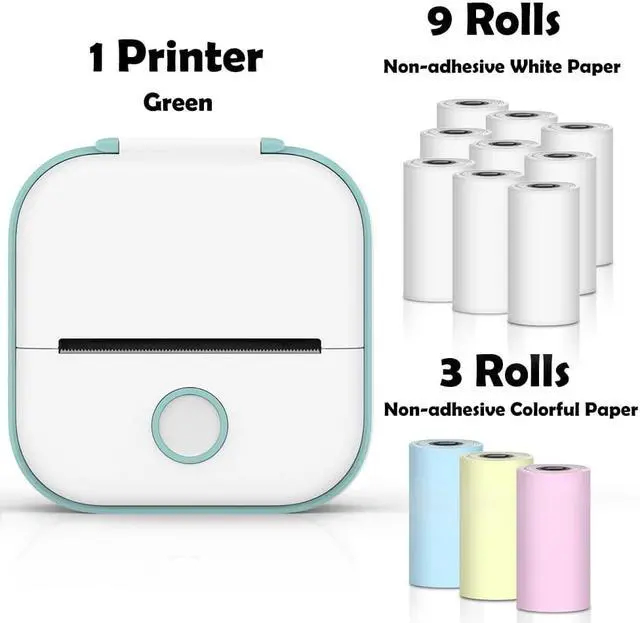
Color: Pink/Green/White
Power: 1000
Charge Way: USB
Compatible System: iOS & Android