





Vanja SD card reader USB-C
Correct use of the SD card slots
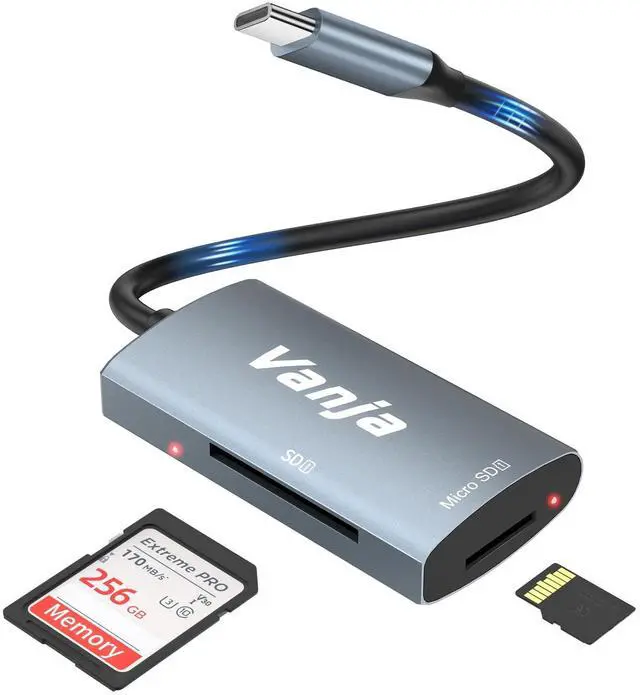
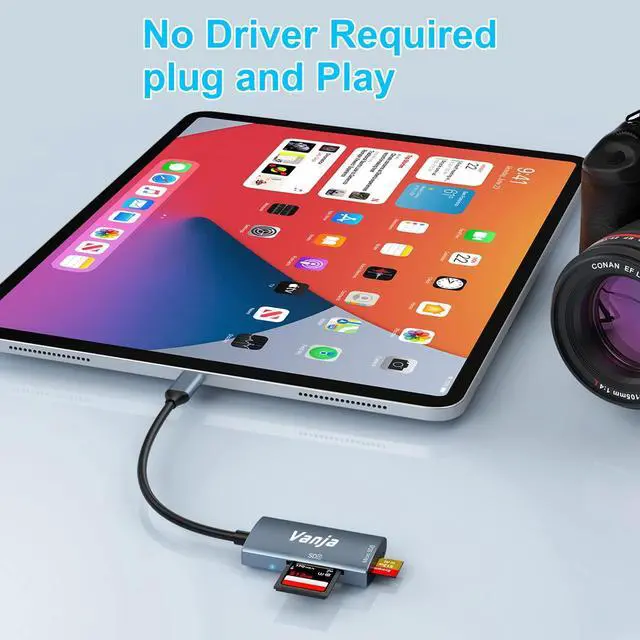
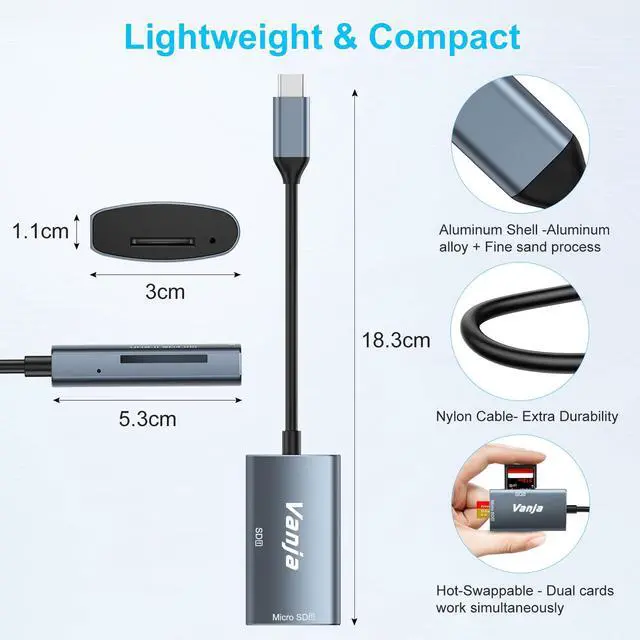
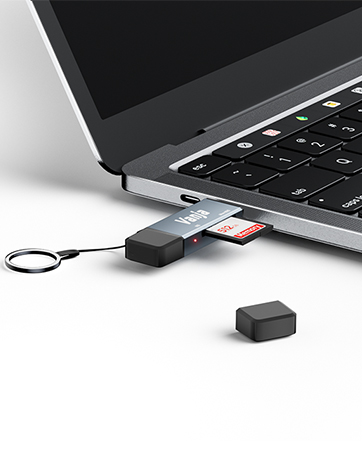
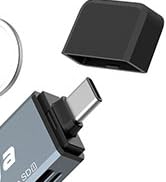
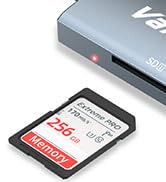
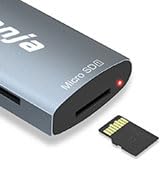
The Vanja SD card reader offers an easy and safe way to use your SD and MicroSD cards. Make sure that the SD card and MicroSD card are inserted correctly into the corresponding slots as shown in the picture. The card reader supports USB-C ports


Can I use an SD card and a Micro SD card in the Vanja SD card reader at the same time?
Yes, the Vanja SD card reader supports simultaneous reading of SD and MicroSD cards. This enables efficient data transfer and saves time when copying files between the two cards.
Why does my phone not recognize the Vanja SD card reader?
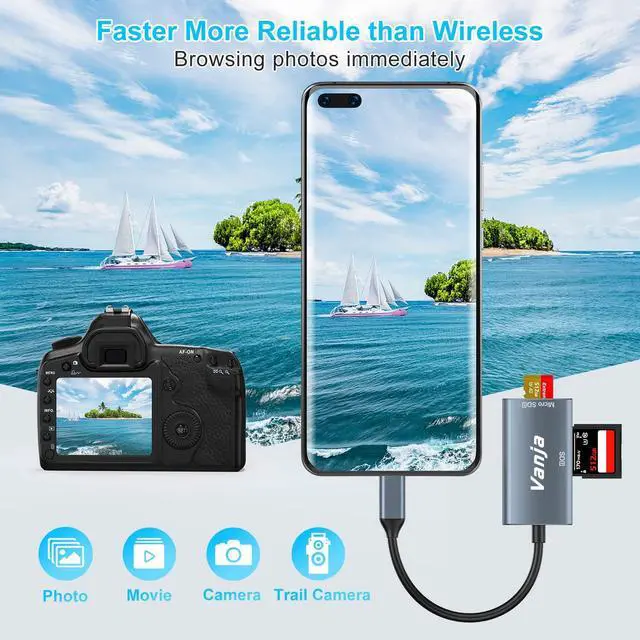
Connect your USB-C SD card reader to your OTG-supported phone (enable OTG in settings if needed). Insert the SD card, attach the reader, and access files via your phone's file manager. Before disconnecting, select "Safely Remove" on your phone.
What should I do if my SD card reader gets hot?
It is normal for the card reader to heat up slightly during prolonged use. However, if it becomes excessively hot, disconnect it from the device and allow it to cool down.
Which SD card formats does the Vanja SD card reader support?
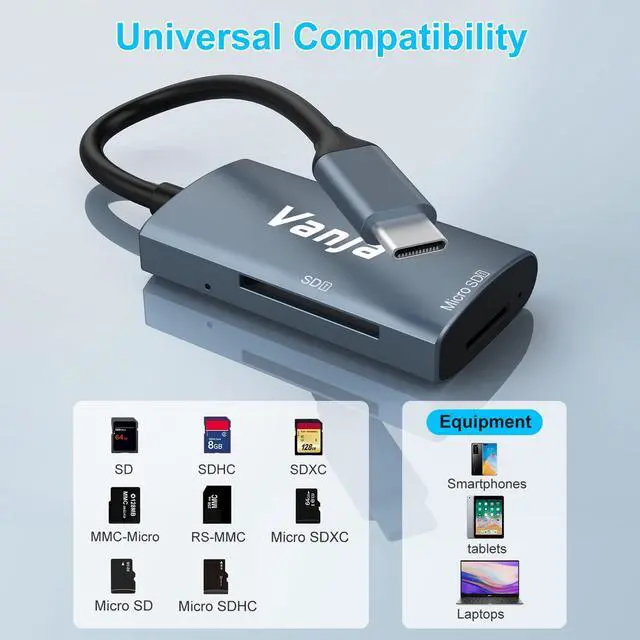
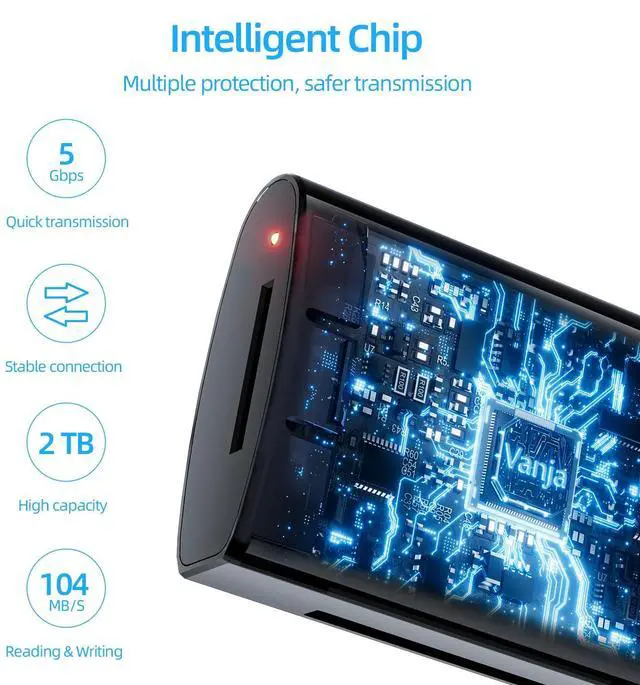
The Vanja SD card reader supports a variety of SD card formats, including SD, SDHC, SDXC, Micro SD, Micro SDHC, Micro SDXC and MMC. Also supports up to 2TB memory card
What cell phones does this USB-C SD Card Reader support?
Our Vanja SD Card Reader supports any smartphone with a USB-C port (as long as it supports OTG), as well as iPhone 15/16 series, ipads with USB-C, and all kinds of laptops with USB-C ports.
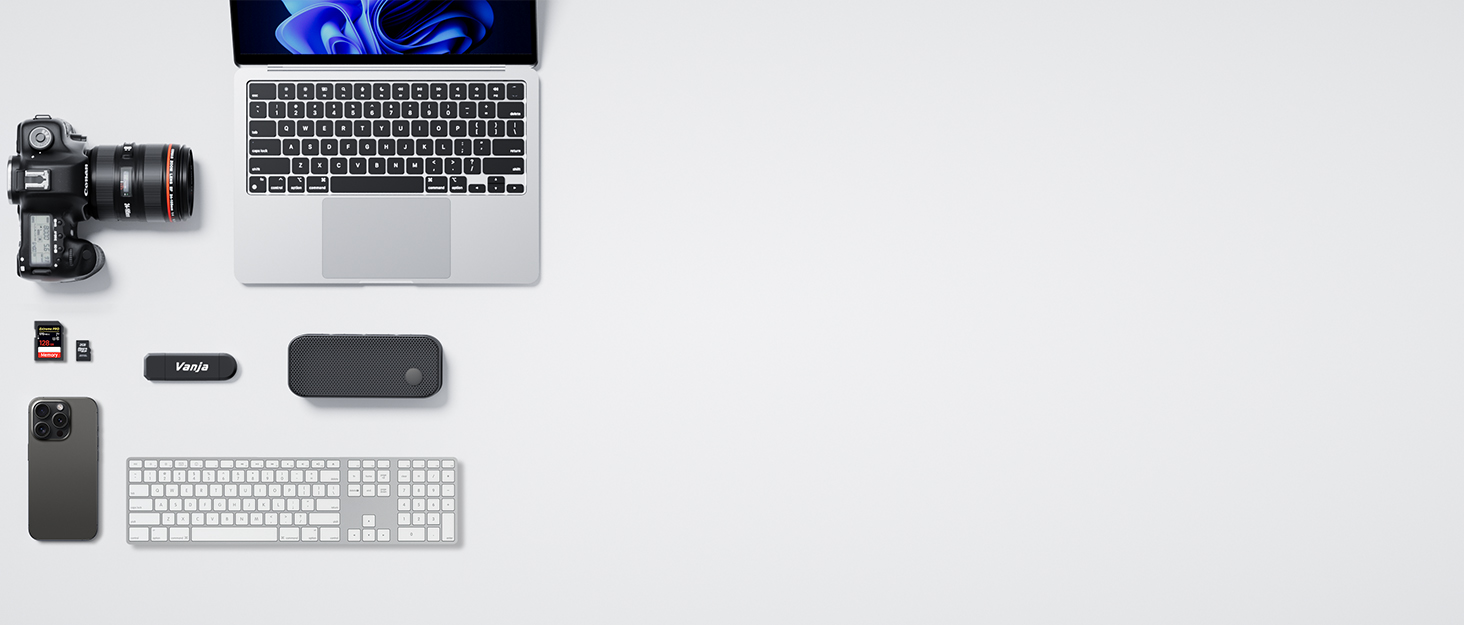

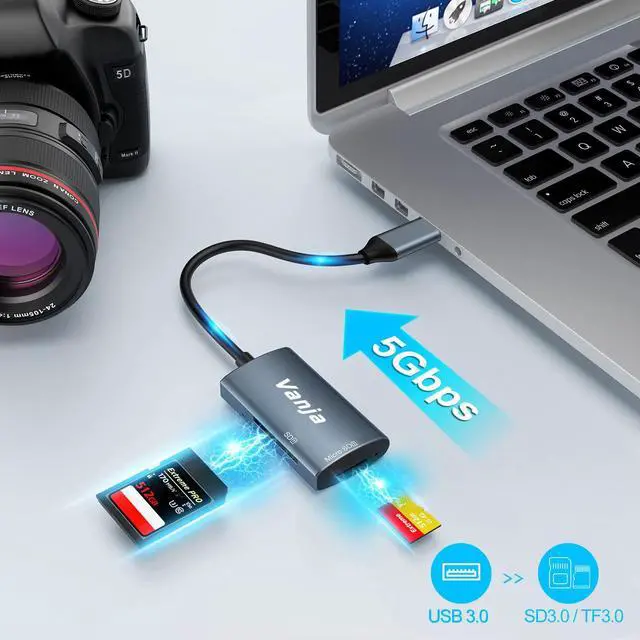
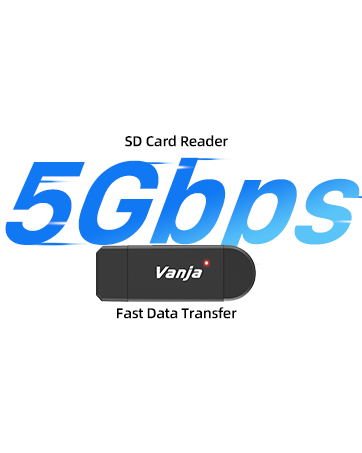
Our VANJA SD card readers have been carefully designed with cutting-edge technology to ensure lightning-fast transfer speeds and compatibility with a wide range of devices. Whether you're a photographer, videographer, content creator or simply someone who needs to transfer data between devices, VANJA's card readers are tailored to your needs.
Vanja SD Card Reader
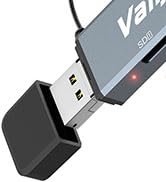
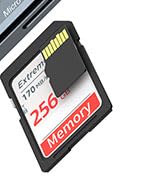
Vanja SD Card Reader
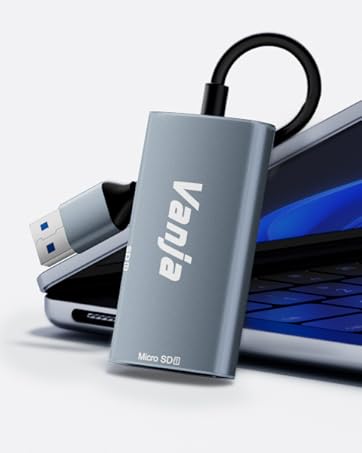
USB SD Card Reader


Vanja SD card reader USB-C
Correct use of the SD card slots
The Vanja SD card reader offers an easy and safe way to use your SD and MicroSD cards. Make sure that the SD card and MicroSD card are inserted correctly into the corresponding slots as shown in the picture. The card reader supports USB-C ports


Can I use an SD card and a Micro SD card in the Vanja SD card reader at the same time?
Yes, the Vanja SD card reader supports simultaneous reading of SD and MicroSD cards. This enables efficient data transfer and saves time when copying files between the two cards.
Why does my phone not recognize the Vanja SD card reader?
Connect your USB-C SD card reader to your OTG-supported phone (enable OTG in settings if needed). Insert the SD card, attach the reader, and access files via your phone's file manager. Before disconnecting, select "Safely Remove" on your phone.
What should I do if my SD card reader gets hot?
It is normal for the card reader to heat up slightly during prolonged use. However, if it becomes excessively hot, disconnect it from the device and allow it to cool down.
Which SD card formats does the Vanja SD card reader support?
The Vanja SD card reader supports a variety of SD card formats, including SD, SDHC, SDXC, Micro SD, Micro SDHC, Micro SDXC and MMC. Also supports up to 2TB memory card
What cell phones does this USB-C SD Card Reader support?
Our Vanja SD Card Reader supports any smartphone with a USB-C port (as long as it supports OTG), as well as iPhone 15/16 series, ipads with USB-C, and all kinds of laptops with USB-C ports.
Our VANJA SD card readers have been carefully designed with cutting-edge technology to ensure lightning-fast transfer speeds and compatibility with a wide range of devices. Whether you're a photographer, videographer, content creator or simply someone who needs to transfer data between devices, VANJA's card readers are tailored to your needs.
Vanja SD Card Reader
Vanja SD Card Reader
USB SD Card Reader