





Two-way transfer for iOS users with iOS 13.0 or later
Files app is an important app that can transfer files from your memory card or USB disk to your iPhone and iPad.
Data from iPhone is on "On My iPhone", data from memory card is on "Untiled" (or "No Name", which is the name of your memory card), and USB disk is directly displayed by name.
You can view data and transfer data between memory card, USB disk and iPhone.
Files app can manage not only videos and photos, but also music, PDF, word or Excel, etc.
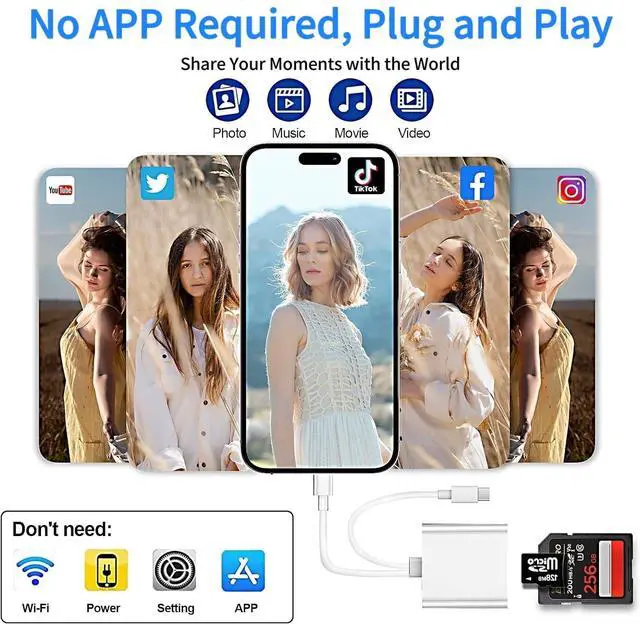
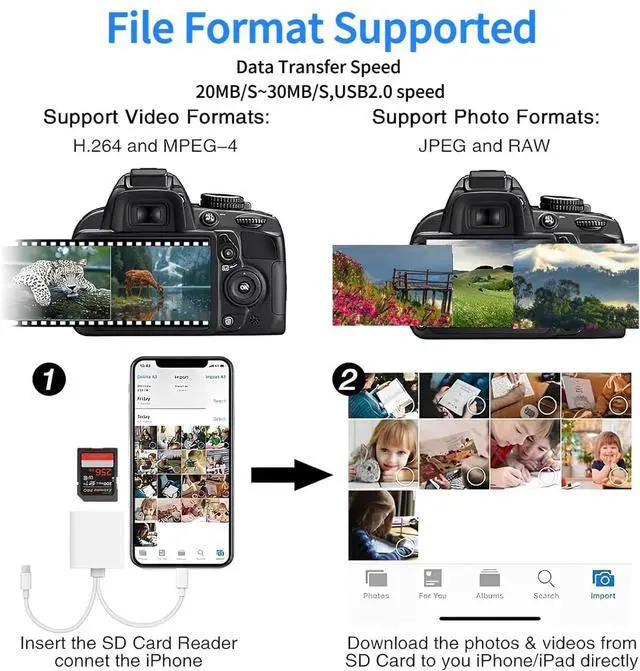
1. Insert the memory card or USB disk into the card reader. Turn on iPhone or iPad and connect the card reader to the Lightning port.
2. On iPhone or iPad, open the "Files" app. You can view files in the memory card or USB disk. You can view most files such as jpg, MP3, word, excel, ppt, etc. If you can view the file data but cannot open it, you will need to download a third-party app to read it.
3. You can delete the file or copy and paste the file from the memory card or USB disk to your iPhone or iPad. Or copy the file from iPhone or iPad to the memory card or USB disk.

Wide Compatiblity
 Lightning+USB C Port |  USB C Port |  Lightning Port |  Lightning+USB C Port | |
|---|---|---|---|---|
| Customer Reviews | — | — | — | — |
| Price | — | — | — | — |
| Data Transfer Rate | 30 megabits per second | 30 megabits per second | 30 megabits per second | 30 megabits per second |
| Operating System | Windows, Android, iOS, Mac OS, iPad OS, Chrome OS, Linux | Windows, Android, iOS, Mac OS, iPad OS, Chrome OS, Linux | iOS | Windows, Android, iOS, Mac OS, iPad OS, Chrome OS, Linux |
| Media Type | SD Card, microSD, SDHC, microSDXC, microSDHC | SD Card, microSD, SDHC, microSDXC, microSDHC | SD Card, microSD, SDHC, microSDXC, microSDHC | SD Card, microSD, SDHC, microSDXC, microSDHC |


Luonanava is a brand that dedicated to building consumer electronic devices and accessories with leading technological innovations.
We specialise in HD Video Accessories, Hub, Card Readers. We have steadily grown into a brand trusted by over 22 million users in over 65 countries.
Luonanava is committed to providing our customers with high quality products, friendly design and premium service.
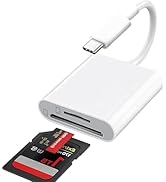
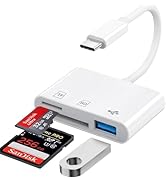
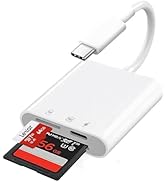

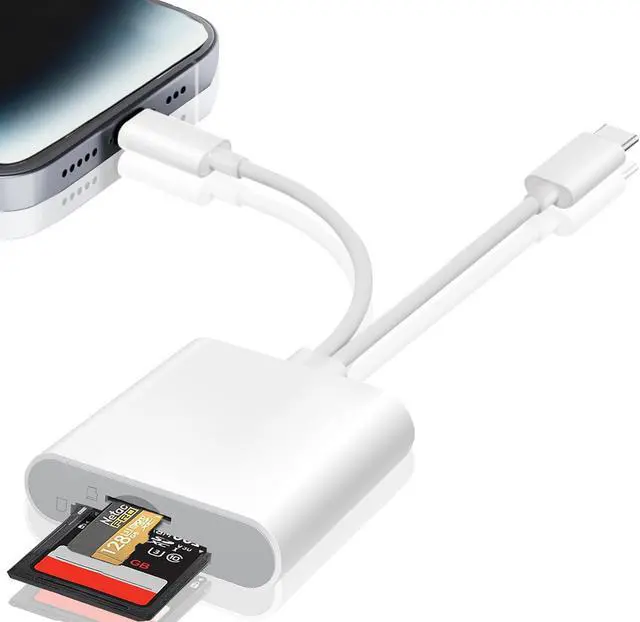
USB C SD Card Reader
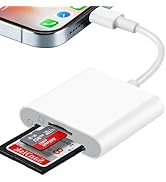
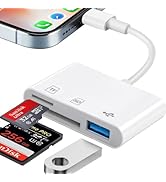
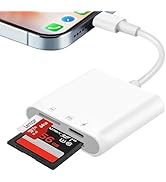
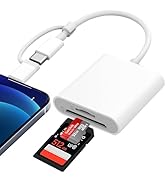
SD Card Reader for iPhone
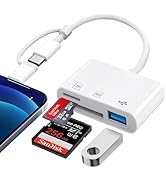
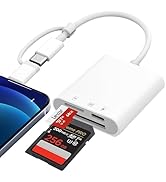
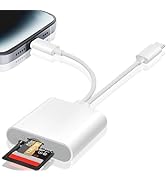
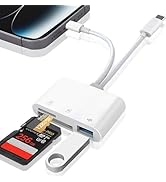
SD Card Reader for iPhone
Two-way transfer for iOS users with iOS 13.0 or later
Files app is an important app that can transfer files from your memory card or USB disk to your iPhone and iPad.
Data from iPhone is on "On My iPhone", data from memory card is on "Untiled" (or "No Name", which is the name of your memory card), and USB disk is directly displayed by name.
You can view data and transfer data between memory card, USB disk and iPhone.
Files app can manage not only videos and photos, but also music, PDF, word or Excel, etc.
1. Insert the memory card or USB disk into the card reader. Turn on iPhone or iPad and connect the card reader to the Lightning port.
2. On iPhone or iPad, open the "Files" app. You can view files in the memory card or USB disk. You can view most files such as jpg, MP3, word, excel, ppt, etc. If you can view the file data but cannot open it, you will need to download a third-party app to read it.
3. You can delete the file or copy and paste the file from the memory card or USB disk to your iPhone or iPad. Or copy the file from iPhone or iPad to the memory card or USB disk.
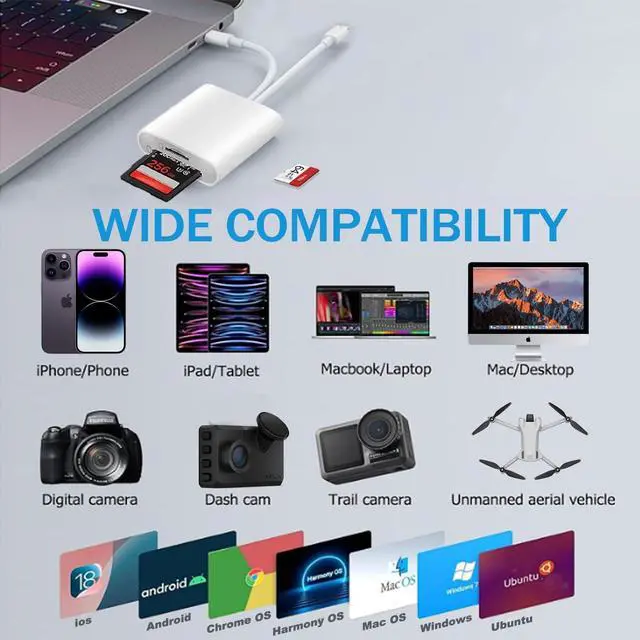
Wide Compatiblity
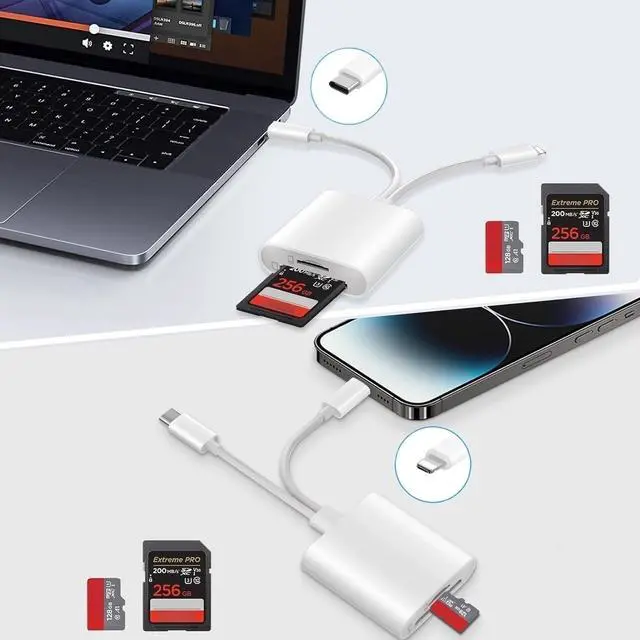
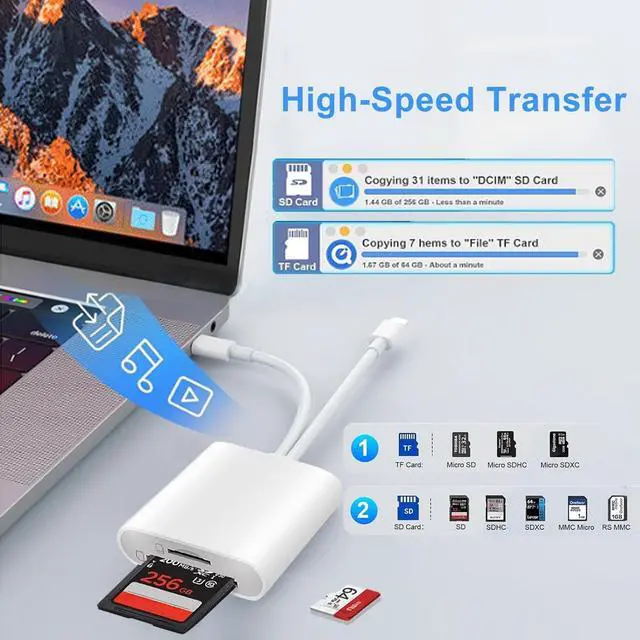
| Double Slots | Support SD, SDHC, SDXC, Micro SDHC, Micro SDXC |
| Dual Connectors | Suitable for Lightning & USB-C devices |
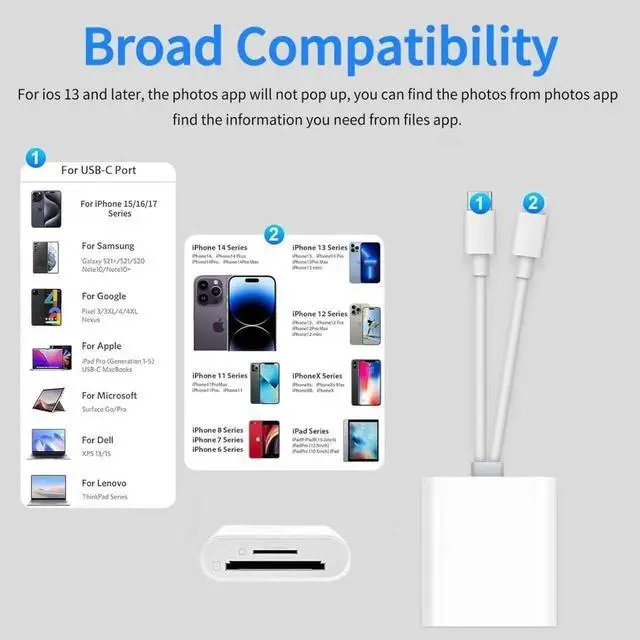
| For iPhone 5 to 14 | Compatible with iPhone 14/14 Pro Max/13/13 Mini/13 Pro/13 Pro Max/12 Mini/12/12 Pro/12 Pro Max/11/11 Pro/11 Pro Max/XS/XR/X/SE/8/8 Plus/7/7 Plus/6/5 |
| For iPhone 15 to 16 | Compatible with iPhone 15/15 Plus/15 Pro/15 Pro Max/iPhone 16/16 Plus/16 Pro/16 Pro Max/iPhone 17/17 Air/17 Pro/17 Pro Max |
| For iPad | Compatible with iPad, iPad Pro, iPad Air, iPad Mini and later models |
| For Mac | Compatible with MacBook Pro/Air, iMac, Mac mini, Mac Studio, Mac Pro |
| For Android | Compatible with Samsung Galaxy Tab Pro/S21/S20/S20 Plus/S20 Ultra, Pixel 5A/5/4A/4, and most other USB-C devices |
| Compatible System | Compatible with iOS, Windows, Mac OS, Chrome OS, Linux, iPadOS, Android |
Lightning+USB C Port | USB C Port | Lightning Port | Lightning+USB C Port | |
|---|---|---|---|---|
| Customer Reviews | — | — | — | — |
| Price | — | — | — | — |
| Data Transfer Rate | 30 megabits per second | 30 megabits per second | 30 megabits per second | 30 megabits per second |
| Operating System | Windows, Android, iOS, Mac OS, iPad OS, Chrome OS, Linux | Windows, Android, iOS, Mac OS, iPad OS, Chrome OS, Linux | iOS | Windows, Android, iOS, Mac OS, iPad OS, Chrome OS, Linux |
| Media Type | SD Card, microSD, SDHC, microSDXC, microSDHC | SD Card, microSD, SDHC, microSDXC, microSDHC | SD Card, microSD, SDHC, microSDXC, microSDHC | SD Card, microSD, SDHC, microSDXC, microSDHC |
Luonanava is a brand that dedicated to building consumer electronic devices and accessories with leading technological innovations.
We specialise in HD Video Accessories, Hub, Card Readers. We have steadily grown into a brand trusted by over 22 million users in over 65 countries.
Luonanava is committed to providing our customers with high quality products, friendly design and premium service.
USB C SD Card Reader
SD Card Reader for iPhone
SD Card Reader for iPhone