


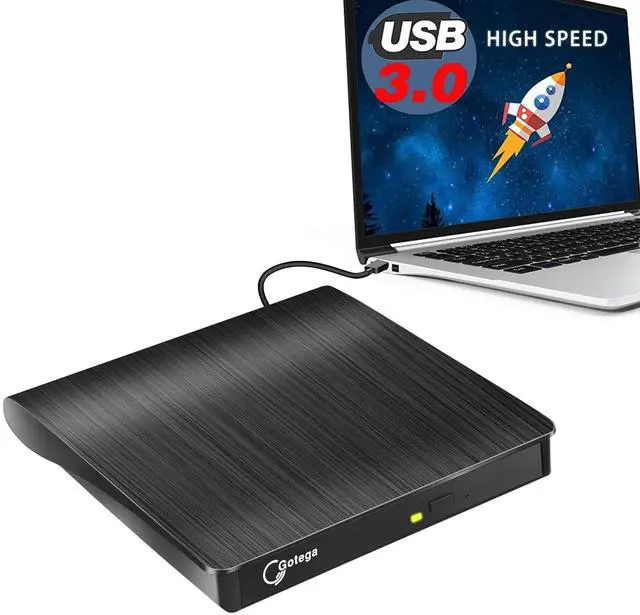


Gotega External CD/DVD Drive
External CD player
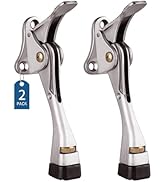
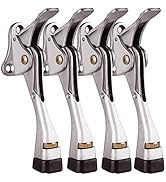
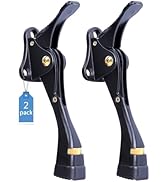
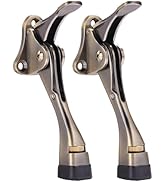
Door stop

Gotega focuses on providing people with high-quality products that facilitate life. We attach importance to user experience, and with enough patience and care, we have produced products that are popular with people. Since 2020, we have sold over 1,540,000 pieces of products. If you have any problems about Gotega's products, please let us know. We sincerely appreciate you for coming to us, which makes us continuously progress.

Pay Attention to Each Customer
7*24H Online Service

Specific Description of This CD Drive for Laptop
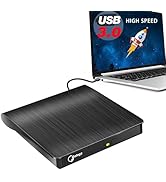
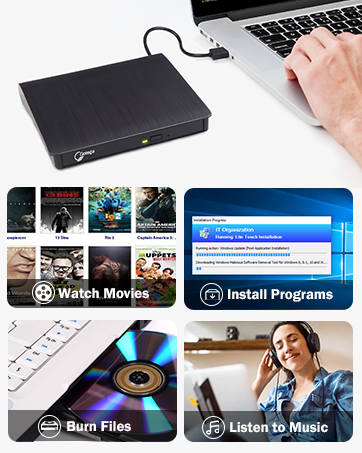
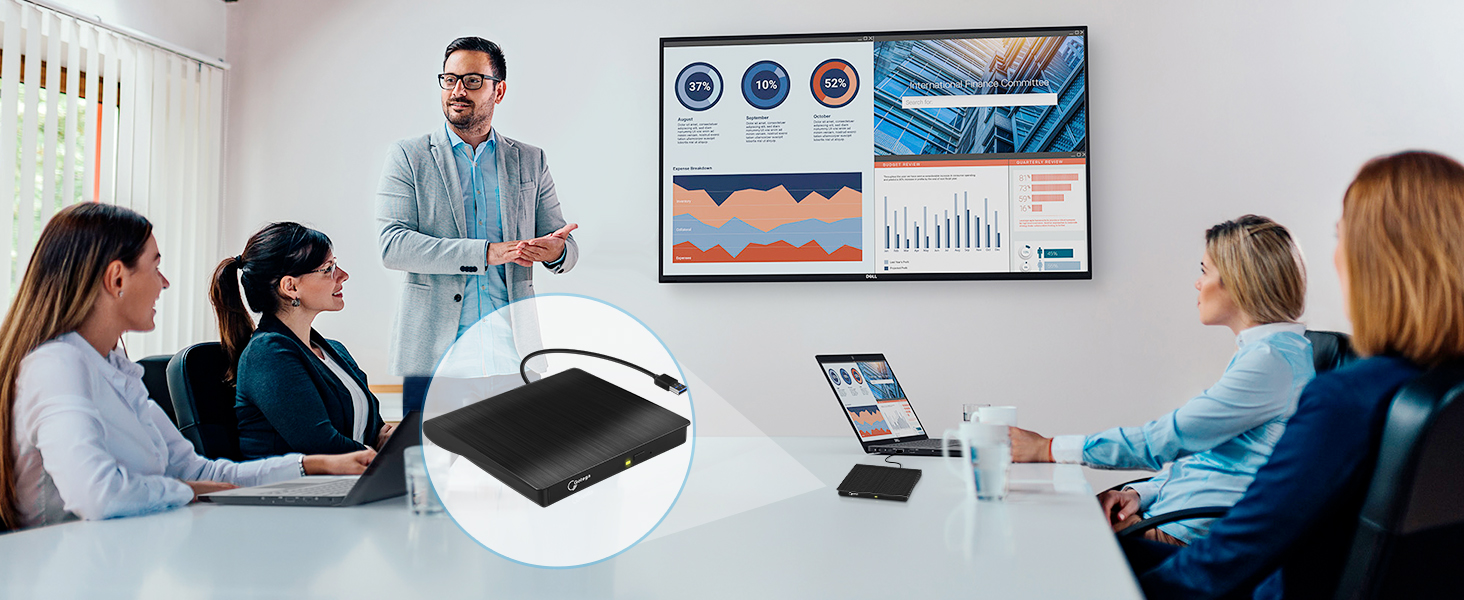
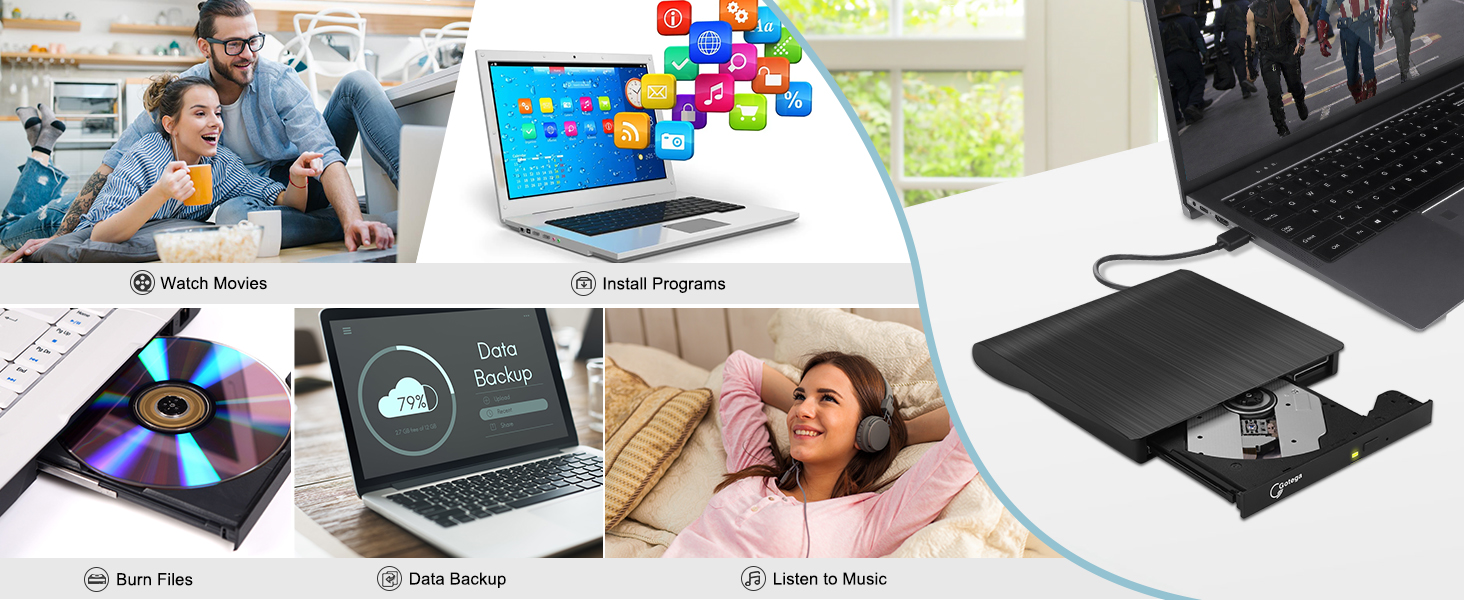
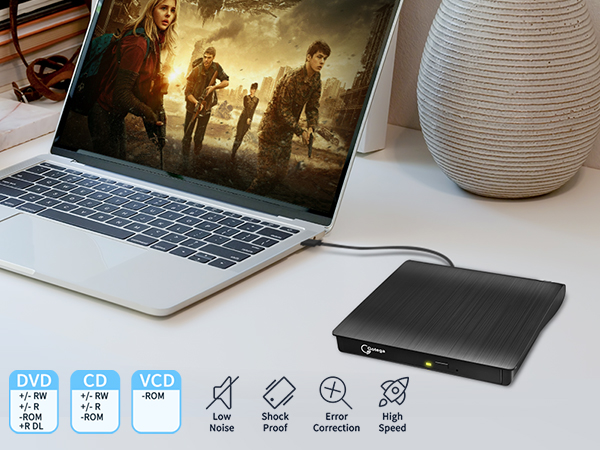
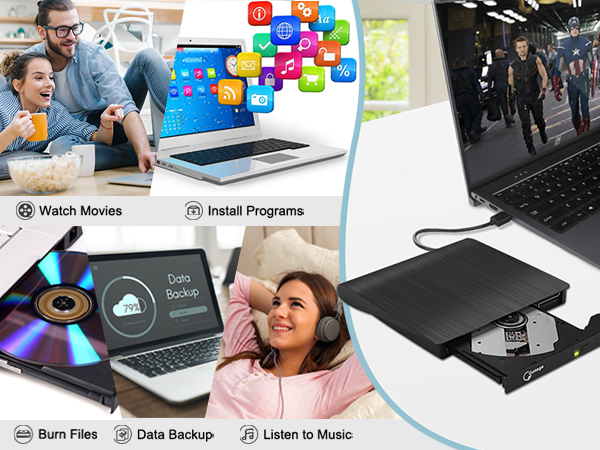
- Gone are the days where every computer needed a cd burner for laptop to run games, media, burn and write. Computers today almost no longer come with drives anymore since storage and internet has taken over. However, for some people and some occasions, usb dvd player is still needed. For example, you may occasionally like to run old DVD and cd games you have saved from years ago, and also need a drive to record and burn images and videos. Or, burn some downloaded music to a CD, play your workout DVDs. Or, you may have some DVD's of family stuff that you want to copy and send to them. So there it is, our usb dvd drive, USB 3.0 USB-A, wide compatibility, plug and play, high speed, meets all your need.
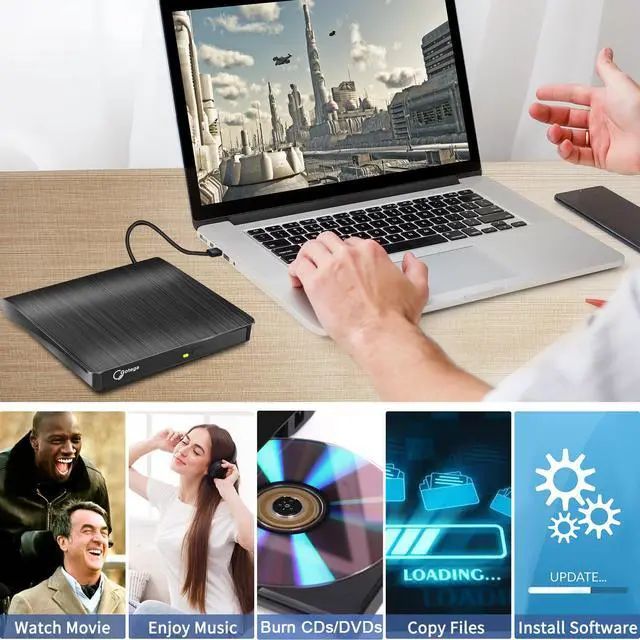
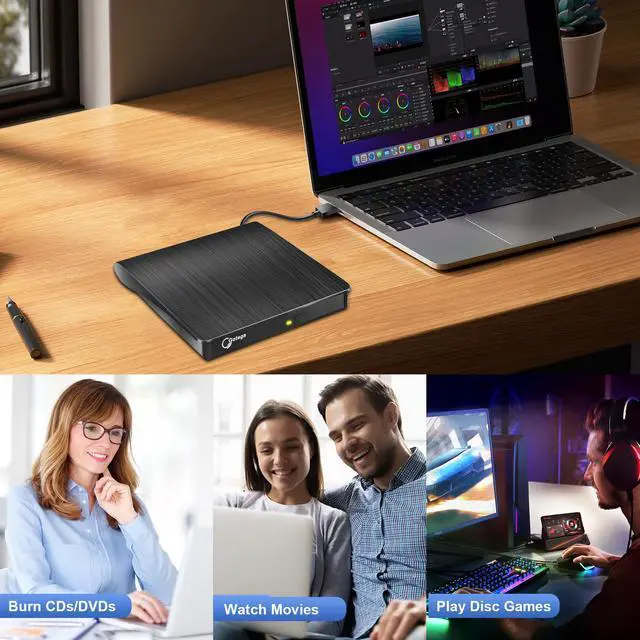
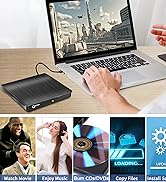
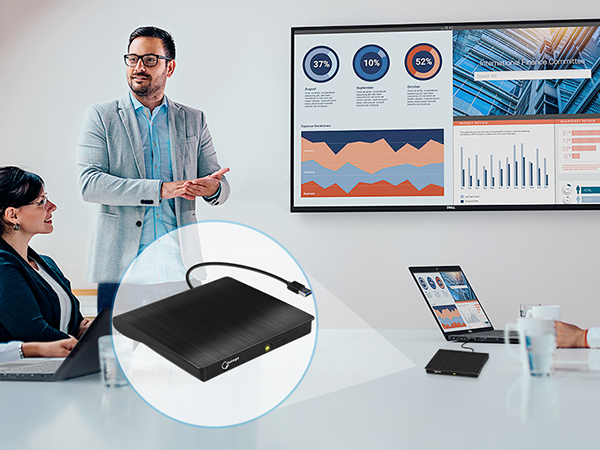
- What can this disc drive do? In short, this usb disk drive can play and burn CDs and DVDs. Once you have an optical disc, put it in the external disc drive and do what you want to do: read or write. To be specific: This usb disc drive can digitize CD/DVD. This cd ripper can upload your CDs to iTunes in your computer. With this cd to mp3 converter, you could copy music from your computer onto a CD. This dvd player for computer will be helpful when the download version of a movie series is 15 more than the disk. This external cd & dvd drives can do the heavy lifting of ripping your cd collection onto your computer to keep your computer's drives from so much wear. For teachers, this disc drive for laptop will be helpful when they are doing three different programs for a lesson from their computer onto their smart board or TV. Just simply plug it in and move through their lesson seemlessly. Also, teachers could have this cd burner for mac as a way of playing a movie for "a class reward" or indoor recess.
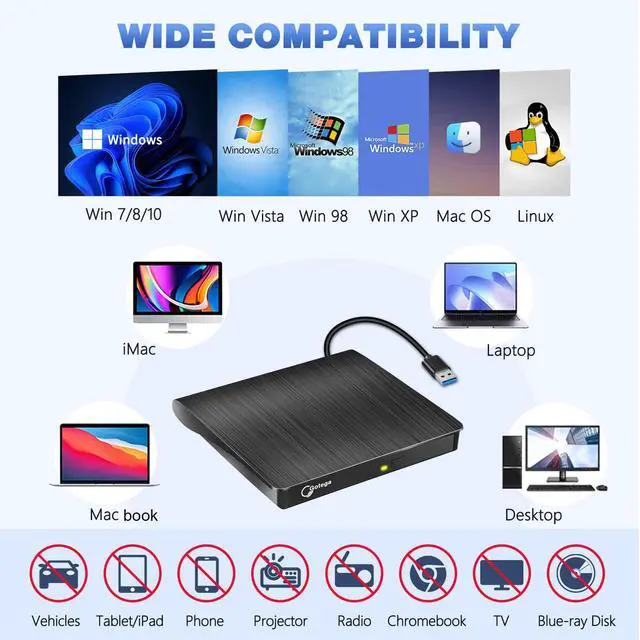
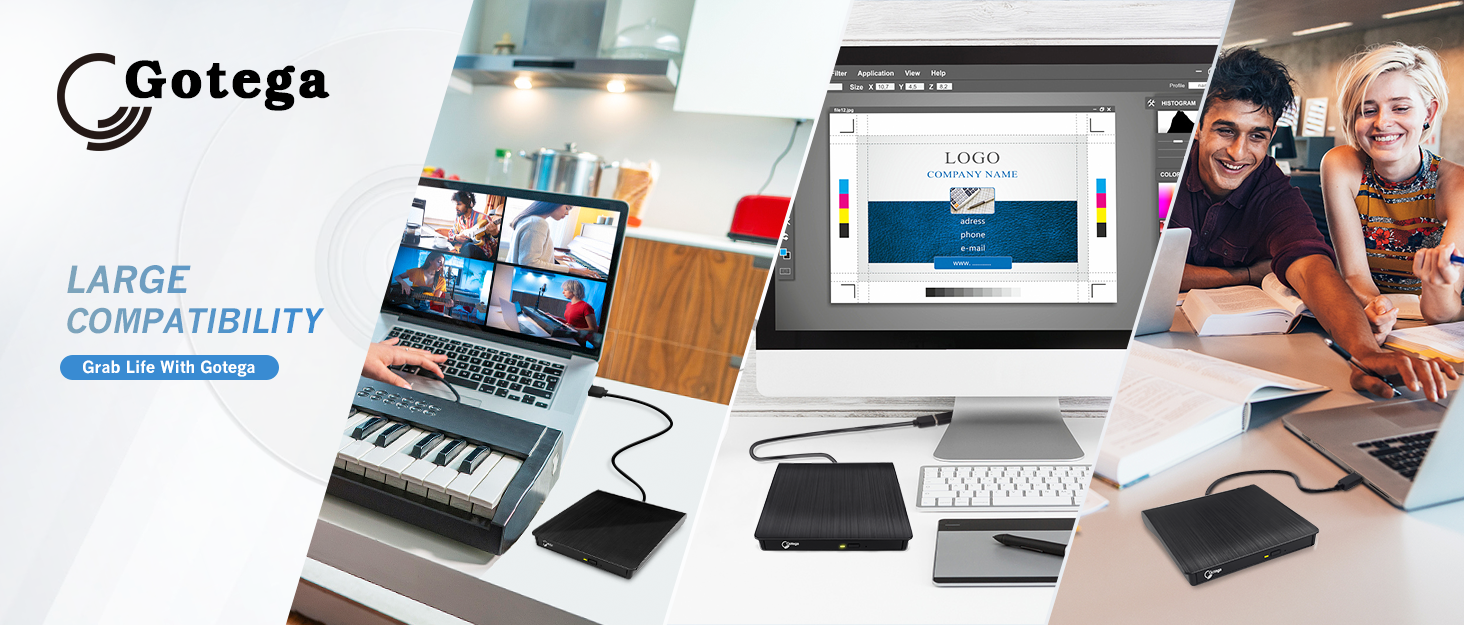
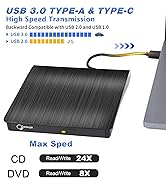
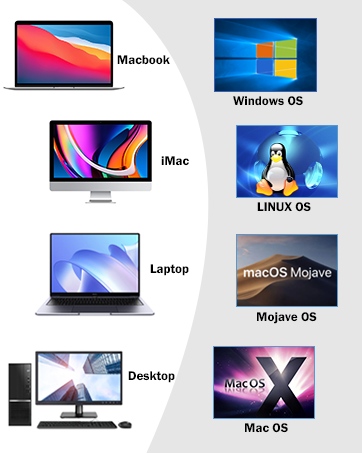
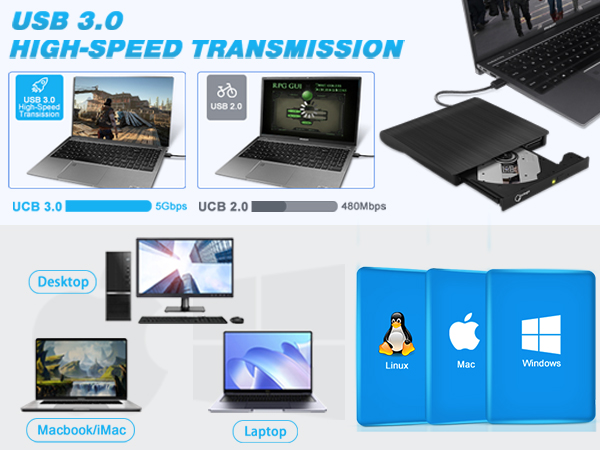
- Don't know if this external optical drive is compatible with your computer or not? Don't worry! This external disk drive for laptop is widely compatible. No matter it is laptop, macbook, desktop, only if they are equipped with Windows OS, Mac OS, or Linux OS, this cd dvd external drive for laptop will show up on your computer! Once you plug this external dvd player for laptop into your computer, it will bring up your downloaded Media Player, select it, and from that point forward whatever disc you put in will automatically open through it. You download a Media Player program onto your computer if don't already have one before you hook it up.
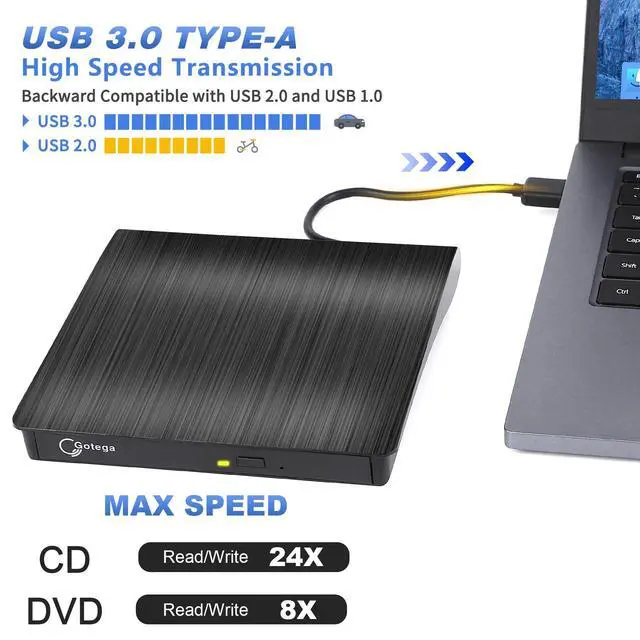
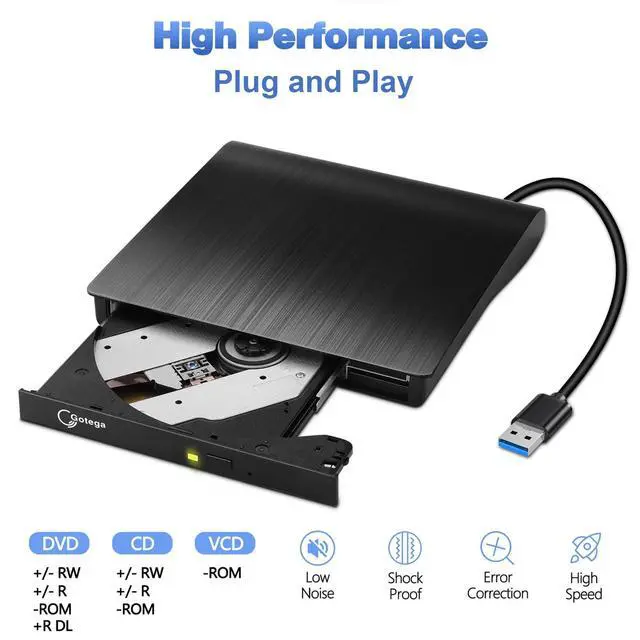
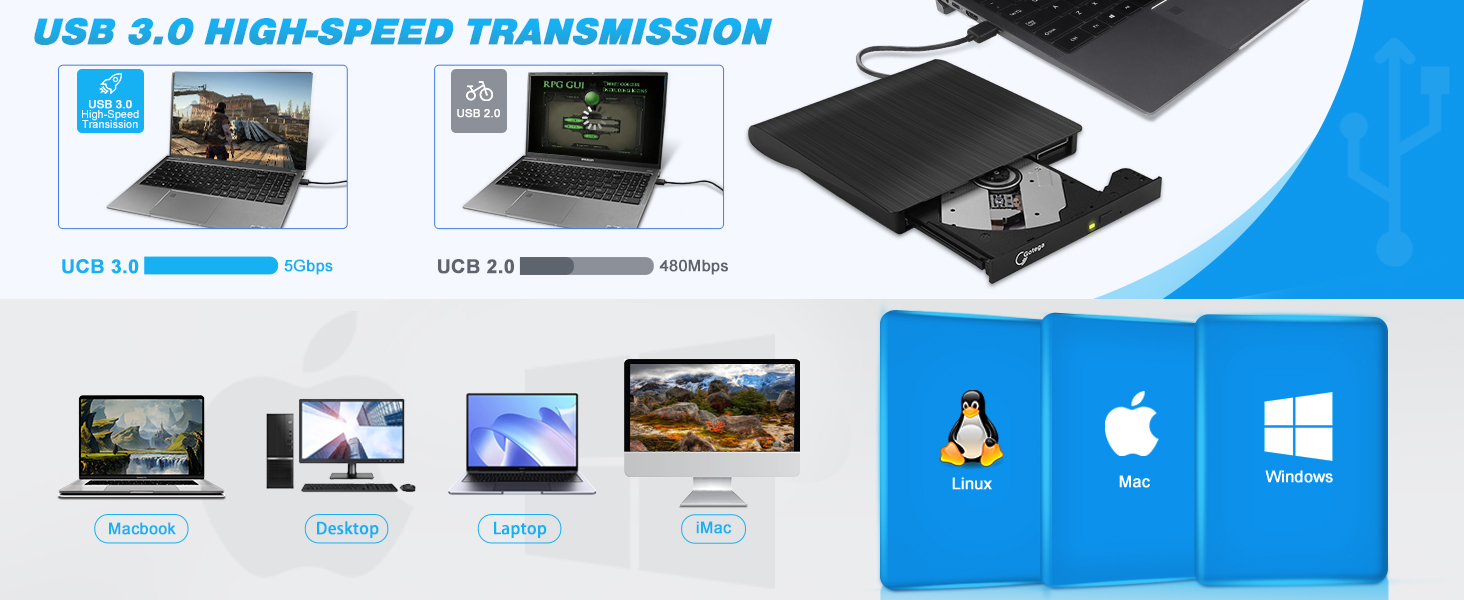
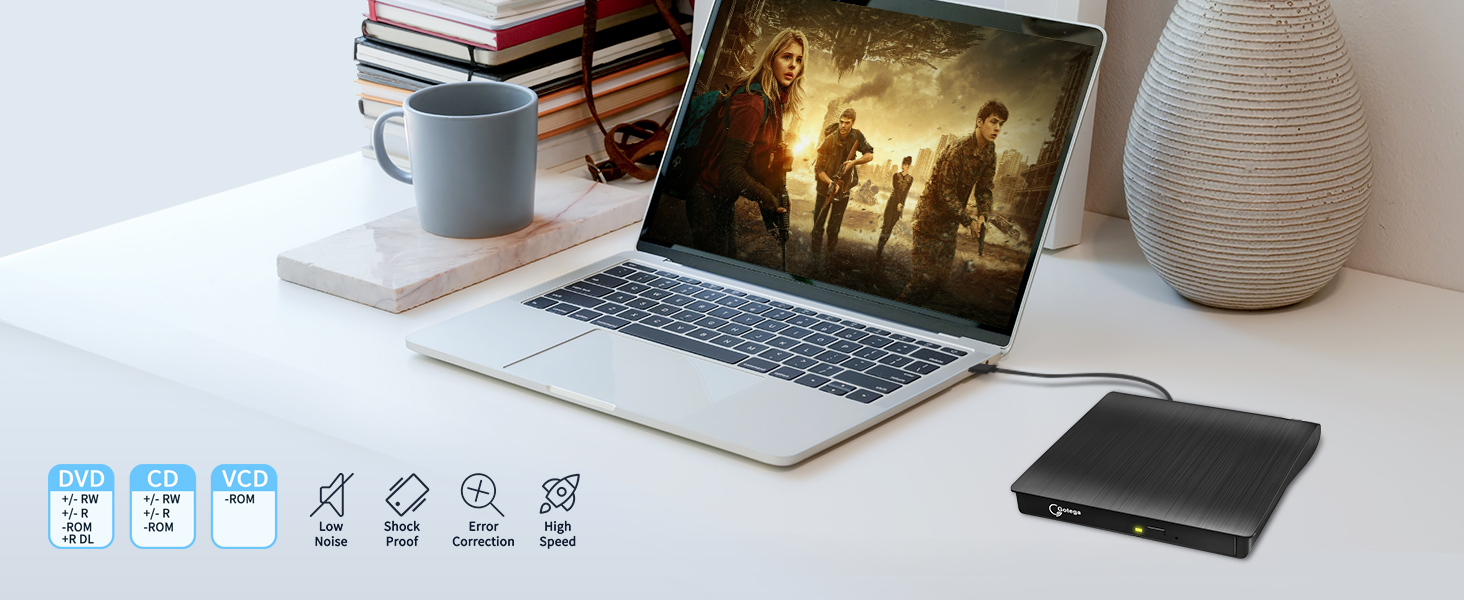
- With USB 3.0, this portable cd drive for laptop provides up to 5Gbps data transmission speed and enables you to enjoy movies and music without lag. This dvd player for mac maxes out at 8x read/write speed for DVDs, and 24X for CDs. You may find some drives go higher, but in most cases, errors occur when the disc is processed with rather high speed. For example, you may have many issues where the disc image wouldn't work when copied at a high speed, and turning the read speed down to 24x resolves this. Or you may find your dvd player usb produces a fair amount of failed discs when burning at 8x but this rarely ever happens at 4x. So this cd dvd player provides a most suitable max speed which ensures enjoying playing or burning CDs or DVDs without issue. This cd rom external drive for pc supports reading, writing (burning) and ripping (copy) of CD±R/RW, CD-ROM, DVD±R/RW, DVD-RAM, VCD, and SVCD disc.
- Get this external odd & hdd device and an 1TB 2TB external hard drives if your system is a limited computer and no room for more than 2 options like adding an internal DVD/CD reader/writer, external ssd hard drive or more than 2 Hard Drives. This external hard drive cd burner for laptop provides a computer storage expansion cause you could burn data from your computer to various discs with this external hard drive for movies. This external backup hard drive is a good backup drive for mac and other laptops. This cd drive external usb will work great for your old DVD collections or game collections. This external disc player for pc games brings you back to the childhood. Enjoy the same feeling in the childhood with this external cd for games! Also this cd dvd external drive for laptop plays excellently, no skips, jumps or degradation of video or audio from DVD's or music from music CD's.
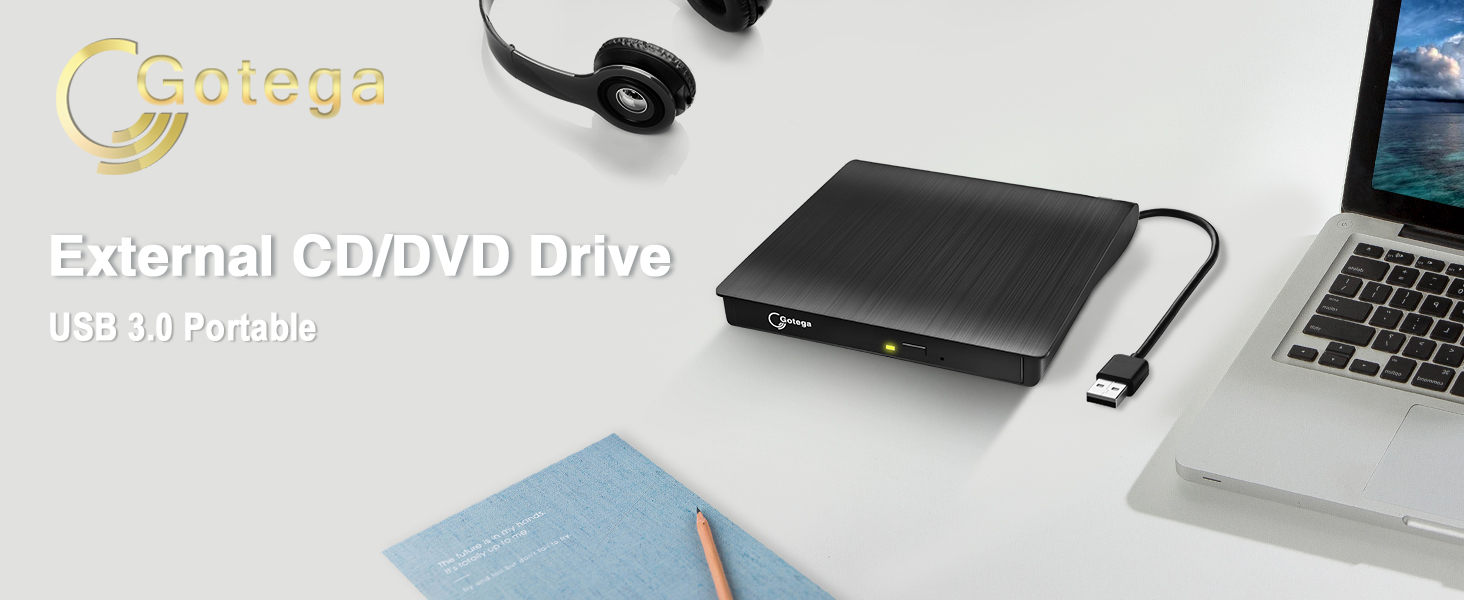
Gotega USB 3.0 USB-A External CD/DVD Drive for Laptop
Features of This External Disc Drive
Lightweight DVD Writer
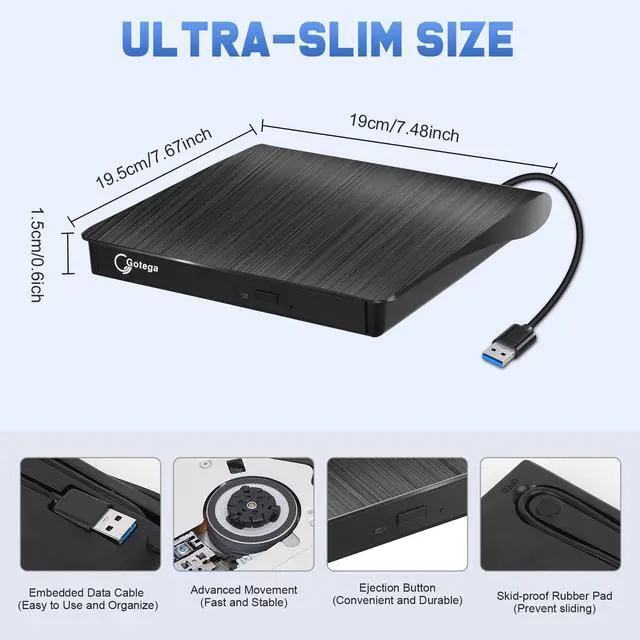
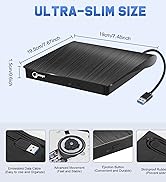
This cd reader for mac is so lightweight and compact that it's convenient to be carried everywhere.
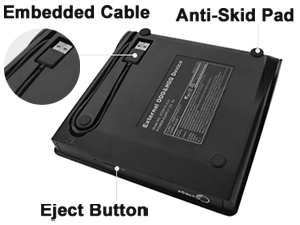
Details of DVD Burner External
The attached cable stores away neatly in a groove on the underside so there's no possibility of losing it.
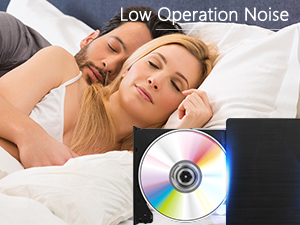
Low-Noise External CD Burner
This usb optical drive produces almost no noise while processing discs and thus won't be disturbing.
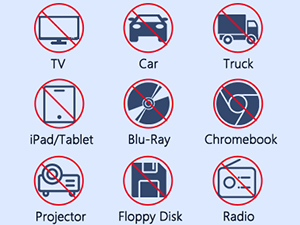
Not Compatible with
This disc reader is compatible with laptops or desktops with Windows OS, mac OS and Linux OS only.
Things should be noted about this usb cd rom external drive
1. Remember to set the DVD Region to United States on the player – Properties – click Hardware Tab – click Properties button – then choose country Region (US is 1) and OK to apply. Remember you can only reset the country 5 times.
2. Please directly connect it to the USB port of the computer. Connection through a USB hub or USB extension cord may affect the device’s functioning. For desktops, please connect it to the back USB port of the motherboard because of potential power issue.
3. For macbook, to eject a disc, you have to use the drop-down "eject" button on your computer under the file tab. Pushing the button on the disc drive won't do anything. Mac OS computers do not display the device icon before placing a disc into disc tray.
4. Computers does not natively support DVD movie playback, so a third-party application, such as VLC, must be downloaded and installed in order to watch DVDs using this cd/dvd player. You could download any one of a plethora of burning software utilities available on the Internet. Or try the following:
No fee playing software: Any Media Player, Any DVD
No fee burning software for Windows OS: InfraRecorder, Ones, Express Disc Burner
No fee burning software for mac OS: Burn for mac
No fee burning software for Linux OS/Unix OS: K3b (KDE Burn Baby Burn)
5. There is a basic DVD burner for Windows 10 that lets you copy files from your computer to a disc. More advanced software allows you to make discs compliant with DVD, Blu-ray, and CD and for more obscure tech like VCD players.
6. Just because you have a series of video files doesn’t mean they are compatible with DVDs. In fact, most computer and phone video formats are not compatible. So you need a third-party software to convert your file format to one that can be shown on discs. It won't work even you burn your file onto discs without converting format.
External CD/DVD Drive for Laptop
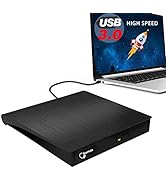
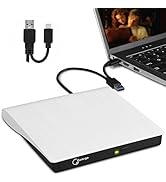
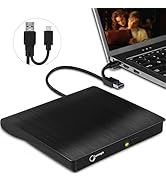
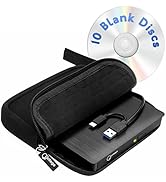
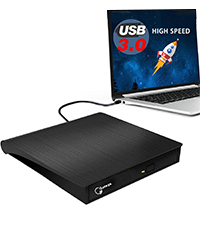 USB-A Black | 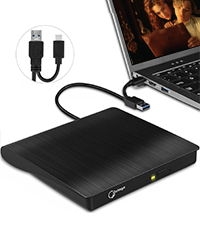 USB-A & USB-C Black | 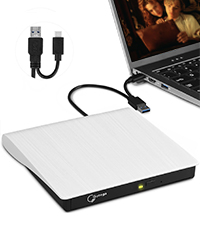 USB-A & USB-C White | 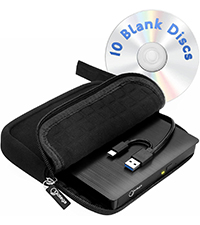 USB-A & USB-C With Case | |
|---|---|---|---|---|
Customer Reviews | — | — | — | — |
Price | — | — | — | — |
Hardware Interface | USB 3.0 | USB 3.0 | USB 3.0 | USB 3.0 |
Operating System | Windows, Mac OS, Linux | Windows, Mac OS, Linux | Windows, Mac OS, Linux | Windows, Mac OS, Linux |
Hardware Platform | Laptop, PC, Mac | Laptop, PC, Mac | Laptop, PC, Mac | Laptop, PC, Mac |
Color | Black | Black | White | Black |
Optical Storage Read Speed | Max 24xCD / 8xDVD | Max 24xCD / 8xDVD | Max 24xCD / 8xDVD | Max 24xCD / 8xDVD |
Optical Storage Write Speed | Max 24xCD / 8xDVD | Max 24xCD / 8xDVD | Max 24xCD / 8xDVD | Max 24xCD / 8xDVD |
Set region code
Windows :This PC– dvd drive- Properties – Hardware Tab – Properties button – Choose Region (US is 1) -Apply. Mac:Menu-System Preference-Language & Region - Region - Select Country - Apply
Power supply failure
This usb drive for laptop needs enough power supply to work, a power failure may cause a recognizing failure or reading failure. If needed keep your computer charging
Hard to open the disc tray
1. Unplug the drive and plugin back it, then while the green light is flashing depressing the button will open the tray. 2. Plug a pin into the small hole on the front panel. 3. Eject from the computer.
USB cable too short
Use extension cord no longer than 31 inches. High-quality extension cord with braid and shielding layer is better. Shorter cable is better always.
Problems about burning
Use a third-party software to convert your file format to one that can be shown on discs. It won't work even you burn your file onto discs without converting format.

Specific Description of This CD Drive for Laptop
- Gone are the days where every computer needed a cd burner for laptop to run games, media, burn and write. Computers today almost no longer come with drives anymore since storage and internet has taken over. However, for some people and some occasions, usb dvd player is still needed. For example, you may occasionally like to run old DVD and cd games you have saved from years ago, and also need a drive to record and burn images and videos. Or, burn some downloaded music to a CD, play your workout DVDs. Or, you may have some DVD's of family stuff that you want to copy and send to them. So there it is, our usb dvd drive, USB 3.0 USB-A, wide compatibility, plug and play, high speed, meets all your need.
- What can this disc drive do? In short, this usb disk drive can play and burn CDs and DVDs. Once you have an optical disc, put it in the external disc drive and do what you want to do: read or write. To be specific: This usb disc drive can digitize CD/DVD. This cd ripper can upload your CDs to iTunes in your computer. With this cd to mp3 converter, you could copy music from your computer onto a CD. This dvd player for computer will be helpful when the download version of a movie series is 15 more than the disk. This external cd & dvd drives can do the heavy lifting of ripping your cd collection onto your computer to keep your computer's drives from so much wear. For teachers, this disc drive for laptop will be helpful when they are doing three different programs for a lesson from their computer onto their smart board or TV. Just simply plug it in and move through their lesson seemlessly. Also, teachers could have this cd burner for mac as a way of playing a movie for "a class reward" or indoor recess.
- Don't know if this external optical drive is compatible with your computer or not? Don't worry! This external disk drive for laptop is widely compatible. No matter it is laptop, macbook, desktop, only if they are equipped with Windows OS, Mac OS, or Linux OS, this cd dvd external drive for laptop will show up on your computer! Once you plug this external dvd player for laptop into your computer, it will bring up your downloaded Media Player, select it, and from that point forward whatever disc you put in will automatically open through it. You download a Media Player program onto your computer if don't already have one before you hook it up.
- With USB 3.0, this portable cd drive for laptop provides up to 5Gbps data transmission speed and enables you to enjoy movies and music without lag. This dvd player for mac maxes out at 8x read/write speed for DVDs, and 24X for CDs. You may find some drives go higher, but in most cases, errors occur when the disc is processed with rather high speed. For example, you may have many issues where the disc image wouldn't work when copied at a high speed, and turning the read speed down to 24x resolves this. Or you may find your dvd player usb produces a fair amount of failed discs when burning at 8x but this rarely ever happens at 4x. So this cd dvd player provides a most suitable max speed which ensures enjoying playing or burning CDs or DVDs without issue. This cd rom external drive for pc supports reading, writing (burning) and ripping (copy) of CD±R/RW, CD-ROM, DVD±R/RW, DVD-RAM, VCD, and SVCD disc.
- Get this external odd & hdd device and an 1TB 2TB external hard drives if your system is a limited computer and no room for more than 2 options like adding an internal DVD/CD reader/writer, external ssd hard drive or more than 2 Hard Drives. This external hard drive cd burner for laptop provides a computer storage expansion cause you could burn data from your computer to various discs with this external hard drive for movies. This external backup hard drive is a good backup drive for mac and other laptops. This cd drive external usb will work great for your old DVD collections or game collections. This external disc player for pc games brings you back to the childhood. Enjoy the same feeling in the childhood with this external cd for games! Also this cd dvd external drive for laptop plays excellently, no skips, jumps or degradation of video or audio from DVD's or music from music CD's.
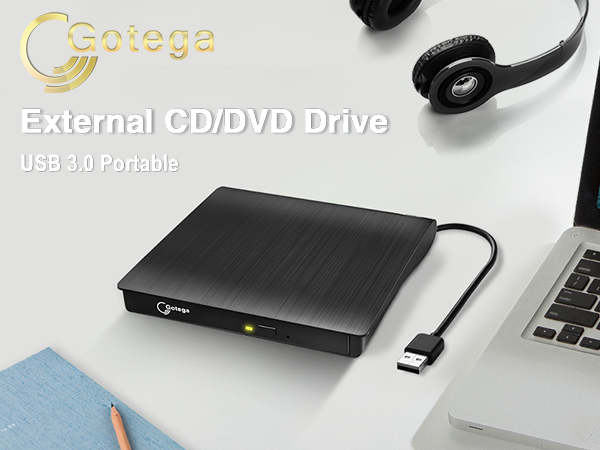
Gotega USB 3.0 USB-A External CD/DVD Drive for Laptop
Features of This External Disc Drive
Lightweight DVD Writer
This cd reader for mac is so lightweight and compact that it's convenient to be carried everywhere.
Details of DVD Burner External
The attached cable stores away neatly in a groove on the underside so there's no possibility of losing it.
Low-Noise External CD Burner
This usb optical drive produces almost no noise while processing discs and thus won't be disturbing.
Not Compatible with
This disc reader is compatible with laptops or desktops with Windows OS, mac OS and Linux OS only.
Things should be noted about this usb cd rom external drive
1. Remember to set the DVD Region to United States on the player – Properties – click Hardware Tab – click Properties button – then choose country Region (US is 1) and OK to apply. Remember you can only reset the country 5 times.
2. Please directly connect it to the USB port of the computer. Connection through a USB hub or USB extension cord may affect the device’s functioning. For desktops, please connect it to the back USB port of the motherboard because of potential power issue.
3. For macbook, to eject a disc, you have to use the drop-down "eject" button on your computer under the file tab. Pushing the button on the disc drive won't do anything. Mac OS computers do not display the device icon before placing a disc into disc tray.
4. Computers does not natively support DVD movie playback, so a third-party application, such as VLC, must be downloaded and installed in order to watch DVDs using this cd/dvd player. You could download any one of a plethora of burning software utilities available on the Internet. Or try the following:
No fee playing software: Any Media Player, Any DVD
No fee burning software for Windows OS: InfraRecorder, Ones, Express Disc Burner
No fee burning software for mac OS: Burn for mac
No fee burning software for Linux OS/Unix OS: K3b (KDE Burn Baby Burn)
5. There is a basic DVD burner for Windows 10 that lets you copy files from your computer to a disc. More advanced software allows you to make discs compliant with DVD, Blu-ray, and CD and for more obscure tech like VCD players.
6. Just because you have a series of video files doesn’t mean they are compatible with DVDs. In fact, most computer and phone video formats are not compatible. So you need a third-party software to convert your file format to one that can be shown on discs. It won't work even you burn your file onto discs without converting format.
External CD/DVD Drive for Laptop
USB-A Black | USB-A & USB-C Black | USB-A & USB-C White | USB-A & USB-C With Case |
|---|---|---|---|
| Customer Reviews | |||
| — | — | — | — |
| Price | |||
| — | — | — | — |
| Hardware Interface | |||
| USB 3.0 | USB 3.0 | USB 3.0 | USB 3.0 |
| Operating System | |||
| Windows, Mac OS, Linux | Windows, Mac OS, Linux | Windows, Mac OS, Linux | Windows, Mac OS, Linux |
| Hardware Platform | |||
| Laptop, PC, Mac | Laptop, PC, Mac | Laptop, PC, Mac | Laptop, PC, Mac |
| Color | |||
| Black | Black | White | Black |
| Optical Storage Read Speed | |||
| Max 24xCD / 8xDVD | Max 24xCD / 8xDVD | Max 24xCD / 8xDVD | Max 24xCD / 8xDVD |
| Optical Storage Write Speed | |||
| Max 24xCD / 8xDVD | Max 24xCD / 8xDVD | Max 24xCD / 8xDVD | Max 24xCD / 8xDVD |
Set region code
Windows :This PC– dvd drive- Properties – Hardware Tab – Properties button – Choose Region (US is 1) -Apply. Mac:Menu-System Preference-Language & Region - Region - Select Country - Apply
Power supply failure
This usb drive for laptop needs enough power supply to work, a power failure may cause a recognizing failure or reading failure. If needed keep your computer charging
Hard to open the disc tray
1. Unplug the drive and plugin back it, then while the green light is flashing depressing the button will open the tray. 2. Plug a pin into the small hole on the front panel. 3. Eject from the computer.
USB cable too short
Use extension cord no longer than 31 inches. High-quality extension cord with braid and shielding layer is better. Shorter cable is better always.
Problems about burning
Use a third-party software to convert your file format to one that can be shown on discs. It won't work even you burn your file onto discs without converting format.
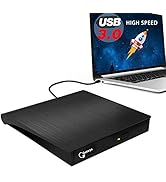
Gotega External CD/DVD Drive
External CD player
Door stop
Gotega focuses on providing people with high-quality products that facilitate life. We attach importance to user experience, and with enough patience and care, we have produced products that are popular with people. Since 2020, we have sold over 1,540,000 pieces of products. If you have any problems about Gotega's products, please let us know. We sincerely appreciate you for coming to us, which makes us continuously progress.
Pay Attention to Each Customer
7*24H Online Service
