




Specification:

Compatibility:
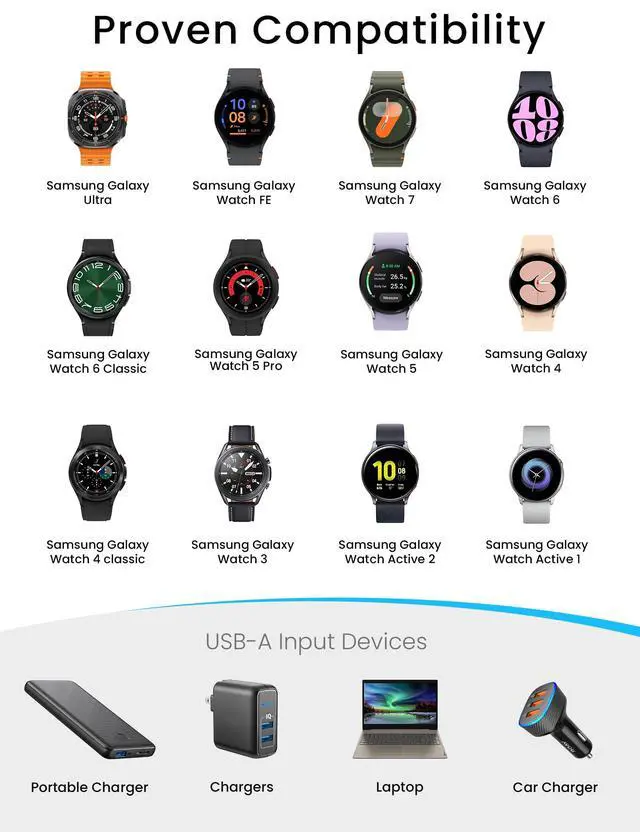
- Compatible with Galaxy Watch Ultra (47mm SM-L705U)
- Compatible with Galaxy Watch 7 (40mm SM-L300NZ)?(44mm SM-L310NZ)
- Compatible with Galaxy Watch FE (40mm SM-R861)
- Compatible with Galaxy Watch 6 (40mm SM-R930/SM-R935U)? (44mm SM-R940/SM-R945U)
- Compatible with Galaxy Watch 6 Classic (43mm SM-R950/SM-R955U)? (47mm SM-R960/SM-R965U)
- Compatible with Galaxy Watch 5 (40mm SM-R900)?(44mm SM-R910)
- Compatible with Galaxy Watch 5 Pro (45mm SM-R920)
- Compatible with Galaxy Watch 4 (40mm SM-R860)?(44mm SM-R870/SM-875)
- Compatible with Galaxy Watch 4 Classic (42mm SM-R880)? (46mm SM-R890 /SM-R895)
- Compatible with Galaxy Watch 3 (41mm SM-R850)? (45mm SM-R840)
- Compatible with Galaxy Watch Active 2 (40mm SM-R830 / SM-R820 )
- Compatible with Galaxy Watch Active 1 (40mm SM-R500)


Instructions For Use:
(1)Connect the charging cable to the charging power source.
We recommend using a computer, laptop, power bank or using a 5V/1A adapter for charging.(Do not use a fast charger to charge voltages/currents exceeding 5V 1A)
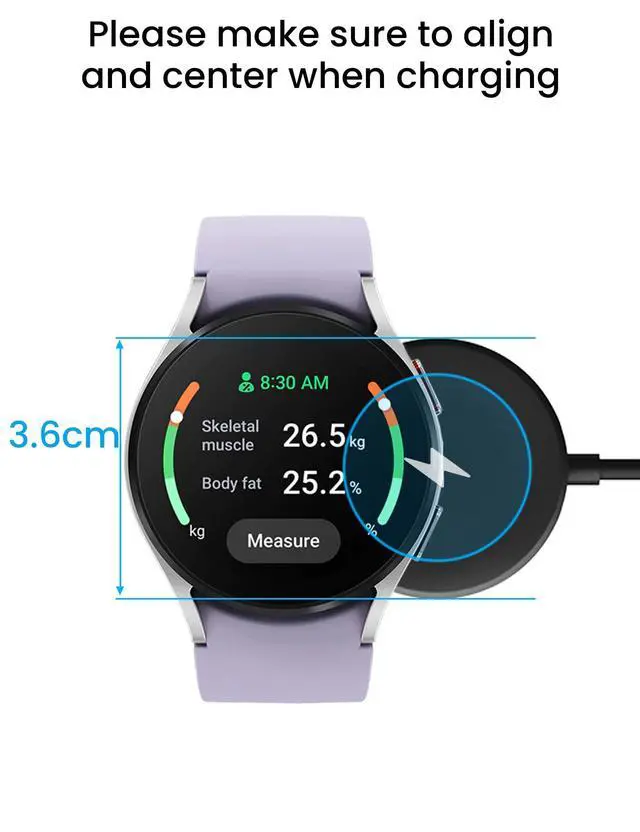
(2)Align and place the back of the Galaxy Watch with the center of the charging cable.
Tips:
(1)When there is a foreign object between the Galaxy watch and the charging cable, it may not charge.
Therefore,when charging,please avoid sweat, liquids or dust between your Galaxy Watch and the charging cable.
(2)If the battery is fully discharged, the Galaxy watch will not turn on immediately after connecting the charger. Before starting, please let the battery charge for a few minutes.
(3)If the Galaxy watch is charged at the same time with other devices through a multi-purpose charger, the charging time may be longer.
(4)If the voltage is unstable, the touch screen of Galaxy watch may not operate while charging. If this happens, disconnect Galaxy watch from the charger.
Safety & Troubleshooting Guide
1. The Cable Gets Hot During Use
Recommended Actions:
- Use only a 5V/1A standard wall charger.
- Avoid fast-charging modes, power banks with QC/PD output, or high-current sources.
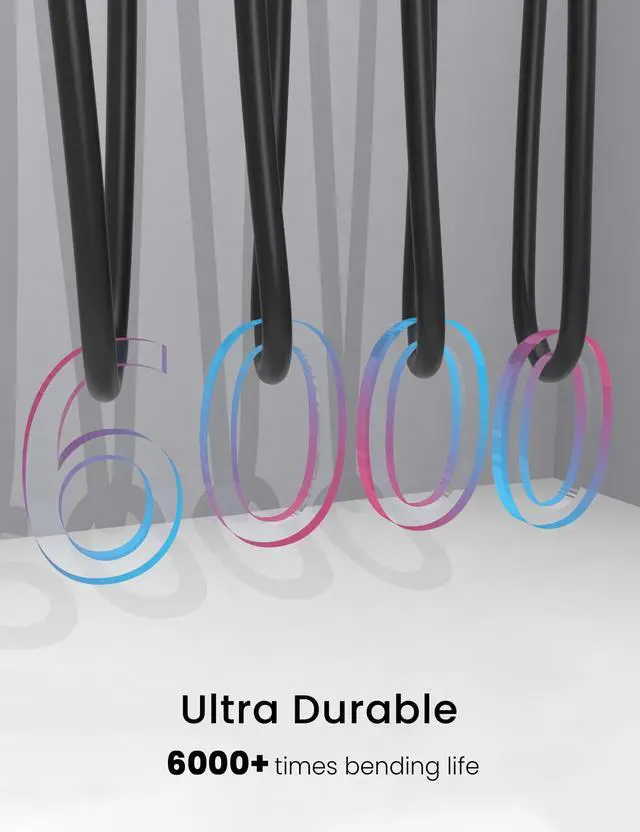
- Keep the cable straight and avoid sharp bends or pressure.
- Charge in a cool, well-ventilated area.
If the cable becomes excessively hot, emits smoke, or has a burning smell, unplug it immediately and do not use again.
2. Not Charging or Connection Keeps Dropping
Recommended Actions:
- Check whether the charging cable is broken, whether the interface is deformed, oxidised or dirty.
- Clean the device port gently with a dry, soft brush or toothpick.
- Try to connect the charging cable with other power outlet, adapter.
- Adjust the charging position, make sure the back of the watch fits perfectly with the charging cable and aligns itself automatically using magnetic attraction. Remove the case/film and try to move the watch slightly to test if it can charge.
- Restart your device and try charging again.
- Keep away from strong magnetic field or metal interfering objects when charging.
Stop using the cable immediately if you notice fraying, exposed wires, or a loose connector.
Continued use may cause short circuits, overheating, or damage to your device.
Specification:
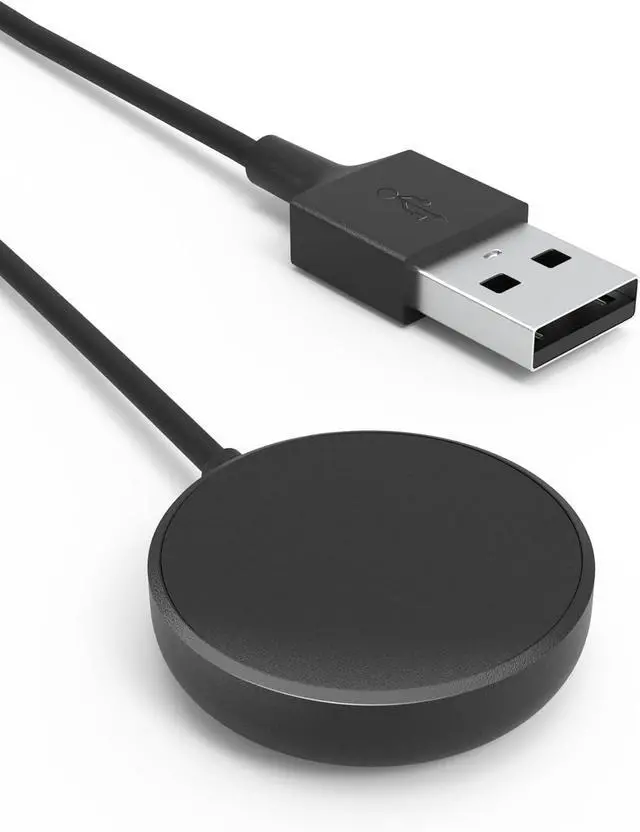
| Cable Length | 3.3 ft/100 cm |
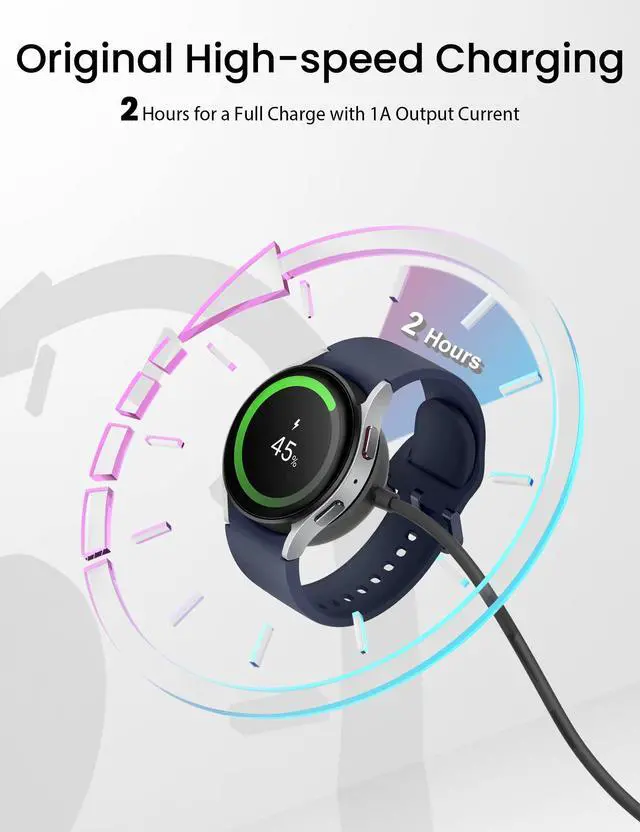
| Charge Time | 120 Minutes |
| Input | 5V / 1000-1500 mAh |
| Output | 5V/ 1000 mAh |
| Materials | PC+ABS (Recharge Stand), PVC (Cable) |
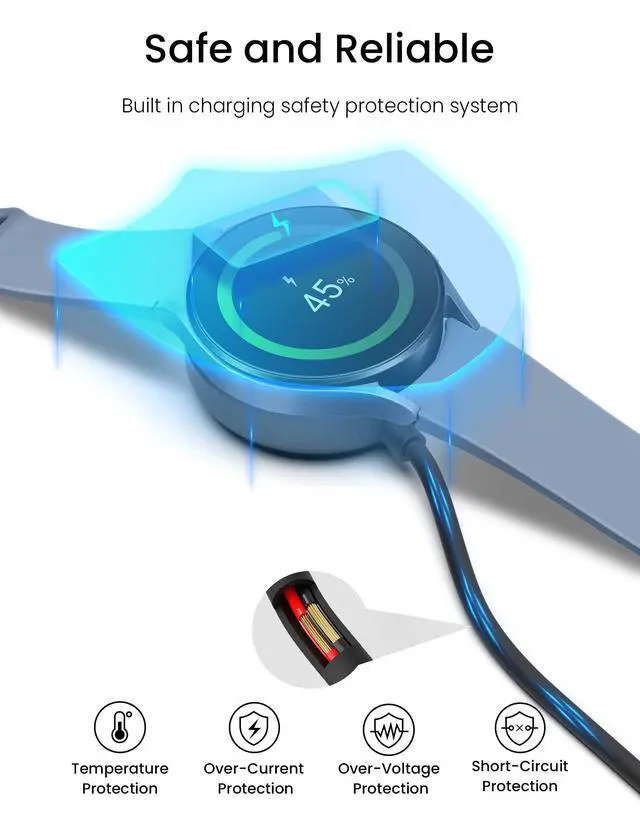
| Safety Protection System | Over-Current, Over-Voltage, Short-Circuit and Over-Temperature Protection |
| Compatibility | Samsung Galaxy Watch Ultra / Galaxy Watch 7 / Galaxy Watch FE / Galaxy Watch 6 / Galaxy Watch 5 / Galaxy Watch 4 / Galaxy Watch 3 / Watch Active 2 / Watch Active 1 |
| Please note | Not compatible with Gear S2/S3/S4, not for Galaxy watch (released in 2018) |
Compatibility:
- Compatible with Galaxy Watch Ultra (47mm SM-L705U)
- Compatible with Galaxy Watch 7 (40mm SM-L300NZ)?(44mm SM-L310NZ)
- Compatible with Galaxy Watch FE (40mm SM-R861)
- Compatible with Galaxy Watch 6 (40mm SM-R930/SM-R935U)? (44mm SM-R940/SM-R945U)
- Compatible with Galaxy Watch 6 Classic (43mm SM-R950/SM-R955U)? (47mm SM-R960/SM-R965U)
- Compatible with Galaxy Watch 5 (40mm SM-R900)?(44mm SM-R910)
- Compatible with Galaxy Watch 5 Pro (45mm SM-R920)
- Compatible with Galaxy Watch 4 (40mm SM-R860)?(44mm SM-R870/SM-875)
- Compatible with Galaxy Watch 4 Classic (42mm SM-R880)? (46mm SM-R890 /SM-R895)
- Compatible with Galaxy Watch 3 (41mm SM-R850)? (45mm SM-R840)
- Compatible with Galaxy Watch Active 2 (40mm SM-R830 / SM-R820 )
- Compatible with Galaxy Watch Active 1 (40mm SM-R500)
Instructions For Use:
(1)Connect the charging cable to the charging power source.
We recommend using a computer, laptop, power bank or using a 5V/1A adapter for charging.(Do not use a fast charger to charge voltages/currents exceeding 5V 1A)
(2)Align and place the back of the Galaxy Watch with the center of the charging cable.
Tips:
(1)When there is a foreign object between the Galaxy watch and the charging cable, it may not charge.
Therefore,when charging,please avoid sweat, liquids or dust between your Galaxy Watch and the charging cable.
(2)If the battery is fully discharged, the Galaxy watch will not turn on immediately after connecting the charger. Before starting, please let the battery charge for a few minutes.
(3)If the Galaxy watch is charged at the same time with other devices through a multi-purpose charger, the charging time may be longer.
(4)If the voltage is unstable, the touch screen of Galaxy watch may not operate while charging. If this happens, disconnect Galaxy watch from the charger.
Safety & Troubleshooting Guide
1. The Cable Gets Hot During Use
Recommended Actions:
- Use only a 5V/1A standard wall charger.
- Avoid fast-charging modes, power banks with QC/PD output, or high-current sources.
- Keep the cable straight and avoid sharp bends or pressure.
- Charge in a cool, well-ventilated area.
If the cable becomes excessively hot, emits smoke, or has a burning smell, unplug it immediately and do not use again.
2. Not Charging or Connection Keeps Dropping
Recommended Actions:
- Check whether the charging cable is broken, whether the interface is deformed, oxidised or dirty.
- Clean the device port gently with a dry, soft brush or toothpick.
- Try to connect the charging cable with other power outlet, adapter.
- Adjust the charging position, make sure the back of the watch fits perfectly with the charging cable and aligns itself automatically using magnetic attraction. Remove the case/film and try to move the watch slightly to test if it can charge.
- Restart your device and try charging again.
- Keep away from strong magnetic field or metal interfering objects when charging.
Stop using the cable immediately if you notice fraying, exposed wires, or a loose connector.
Continued use may cause short circuits, overheating, or damage to your device.