

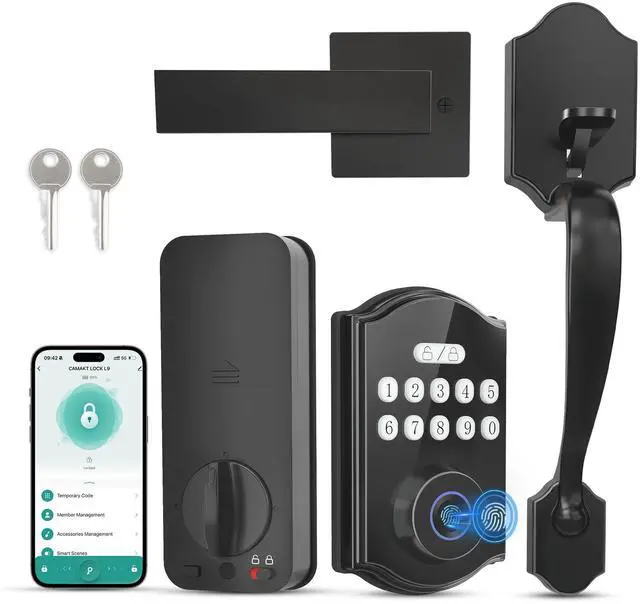
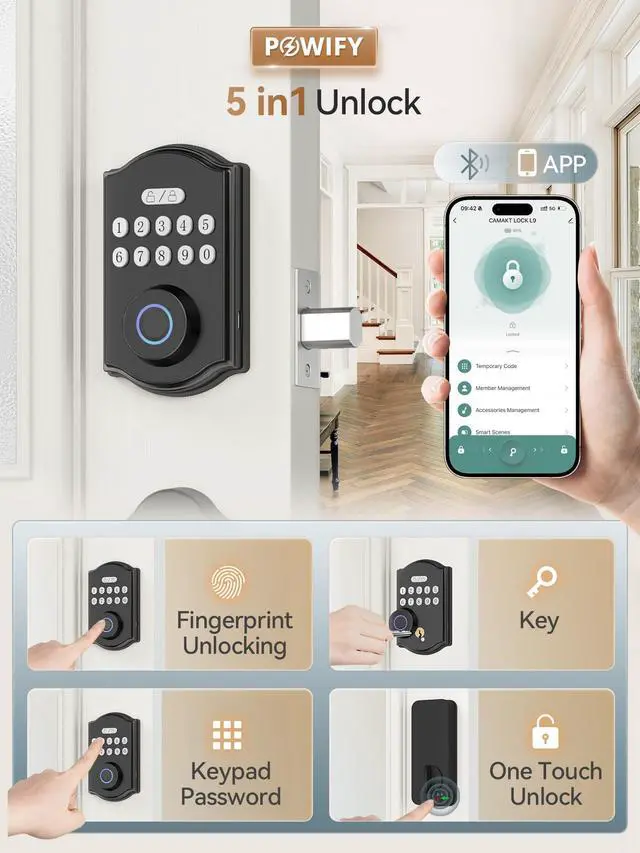
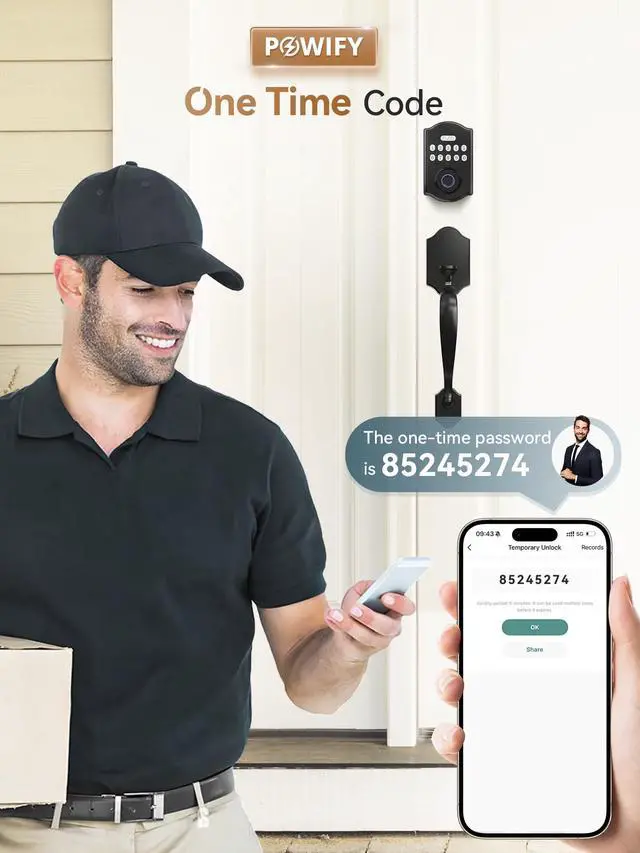
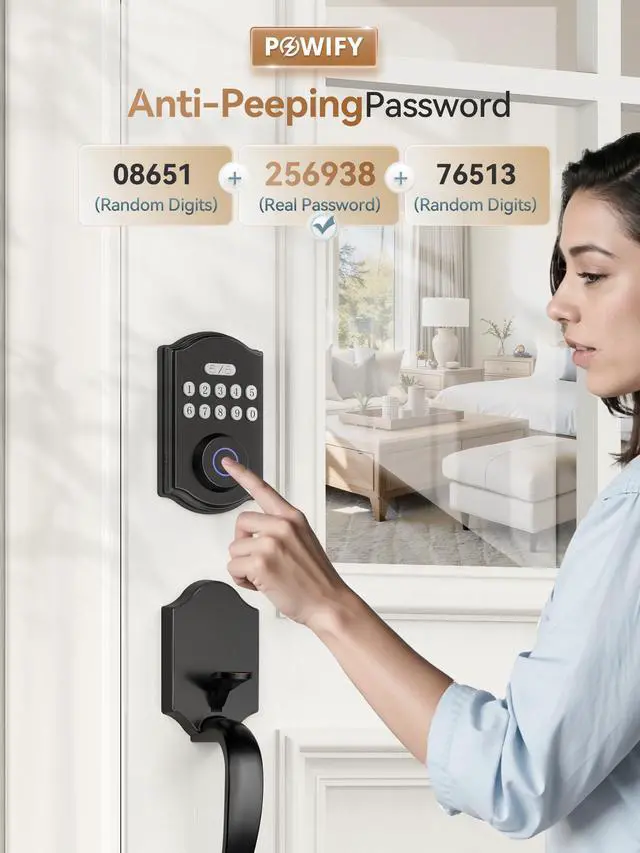


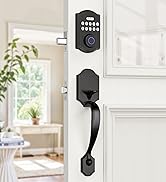
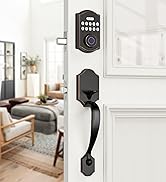
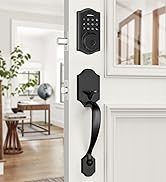
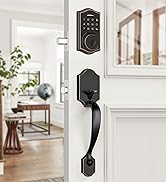
Smart Front Door Lock Set
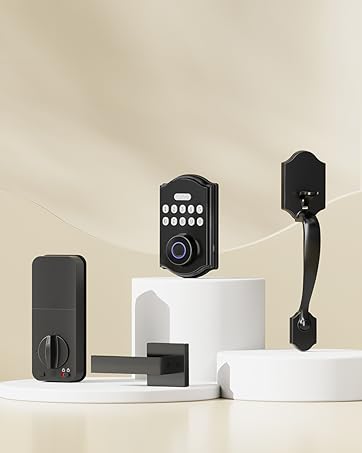
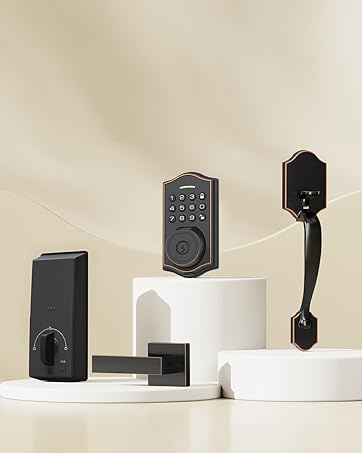
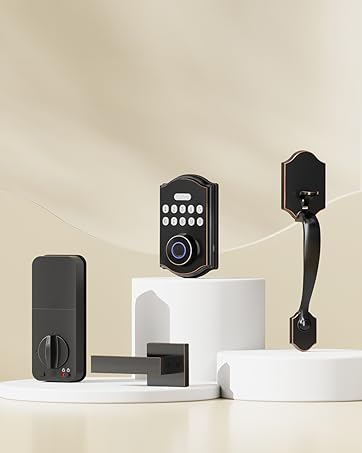
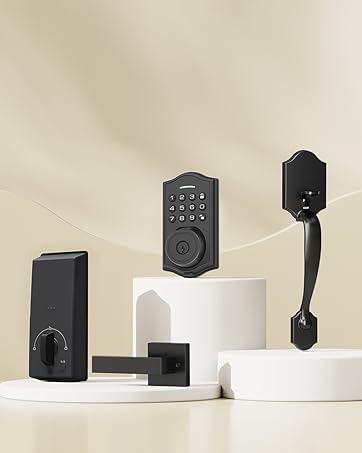
What makes our products unique?
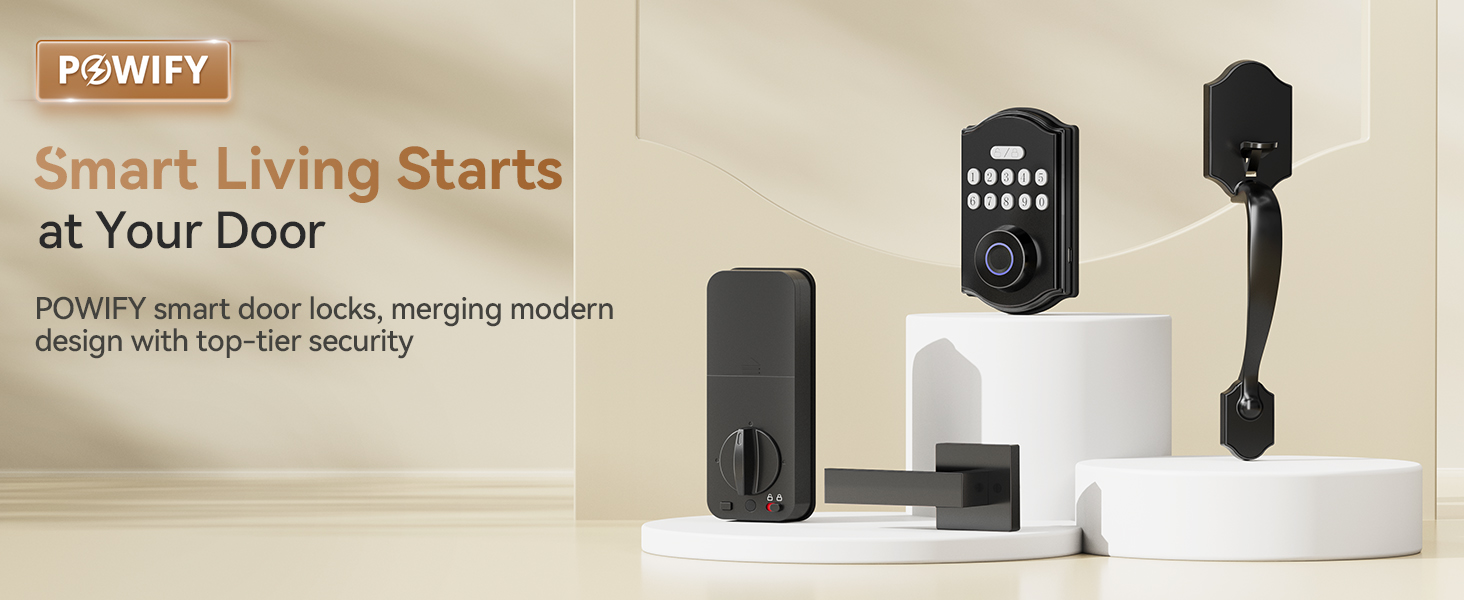
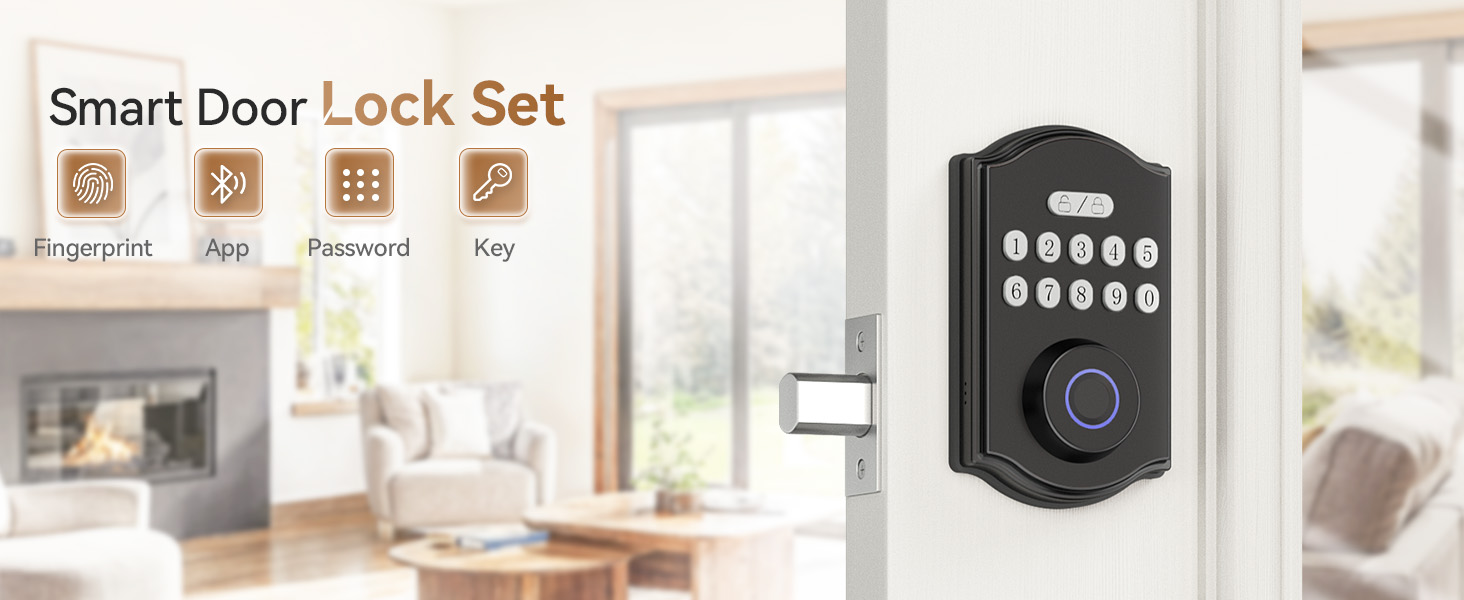
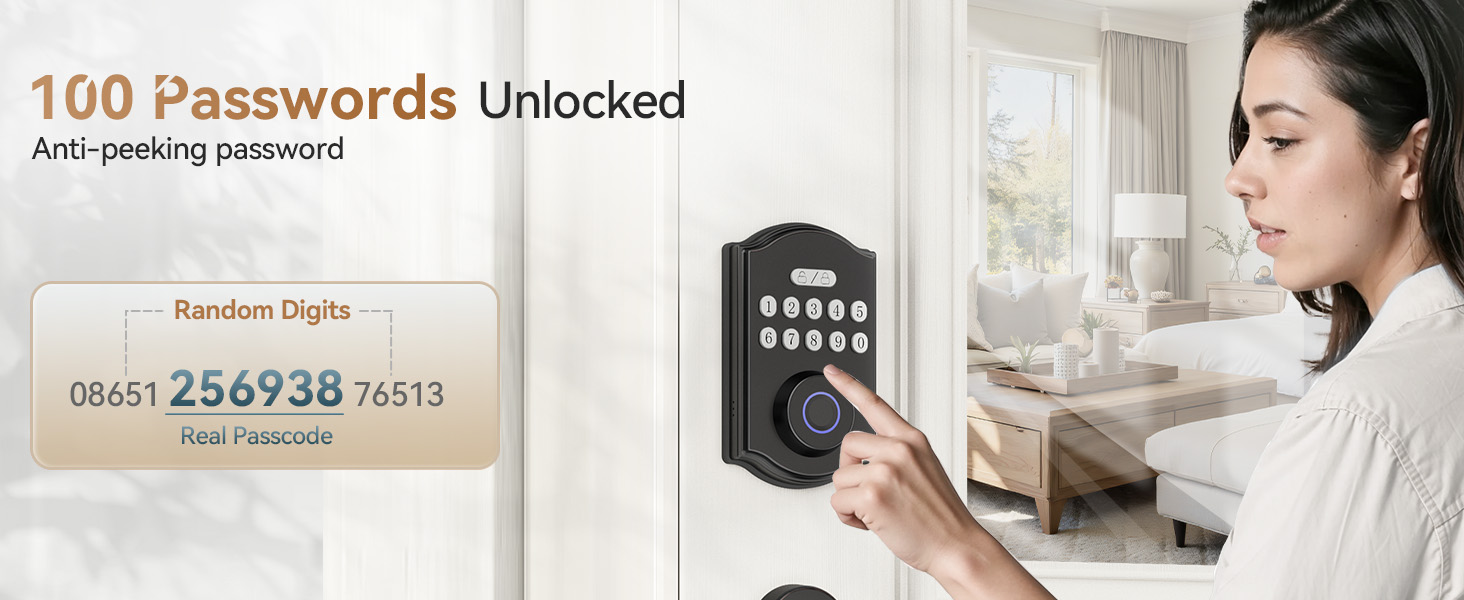
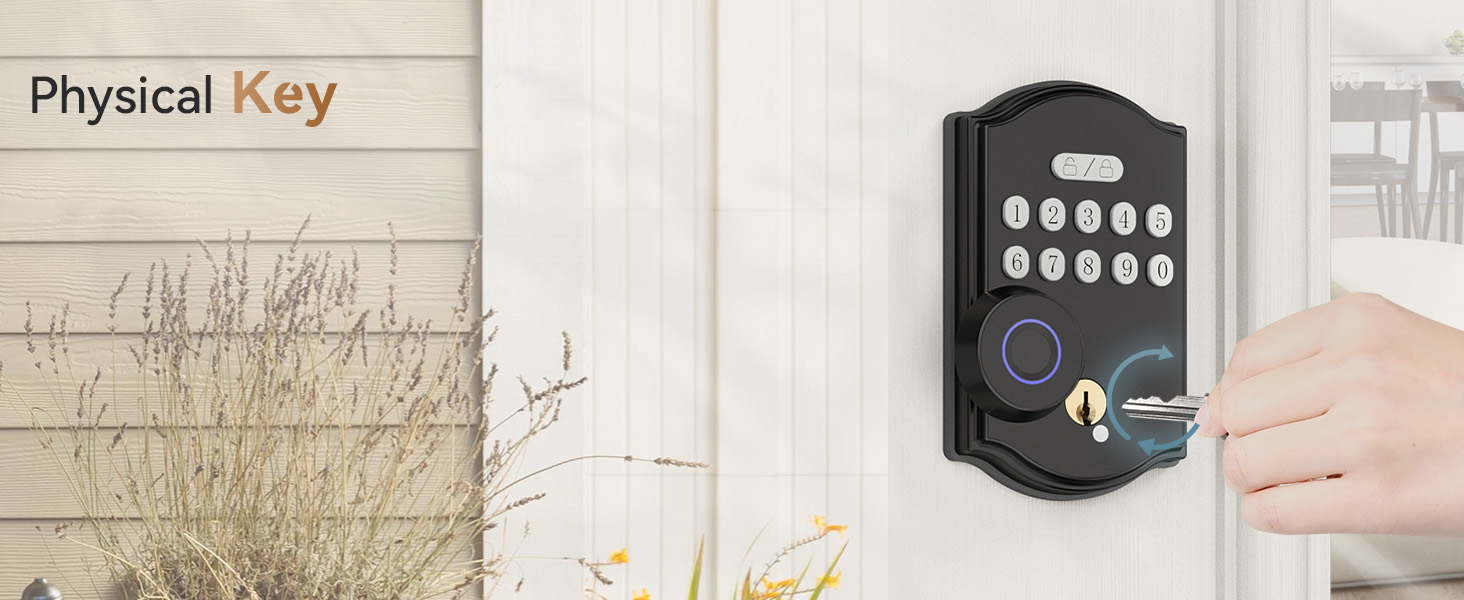
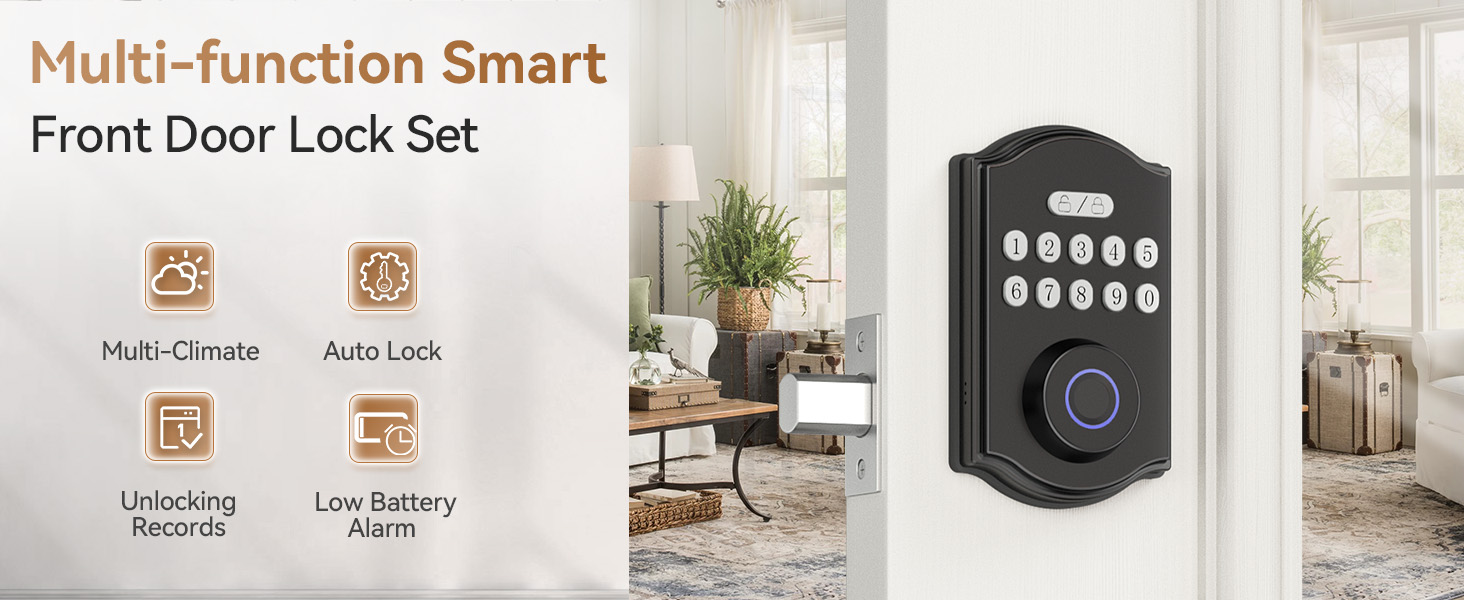
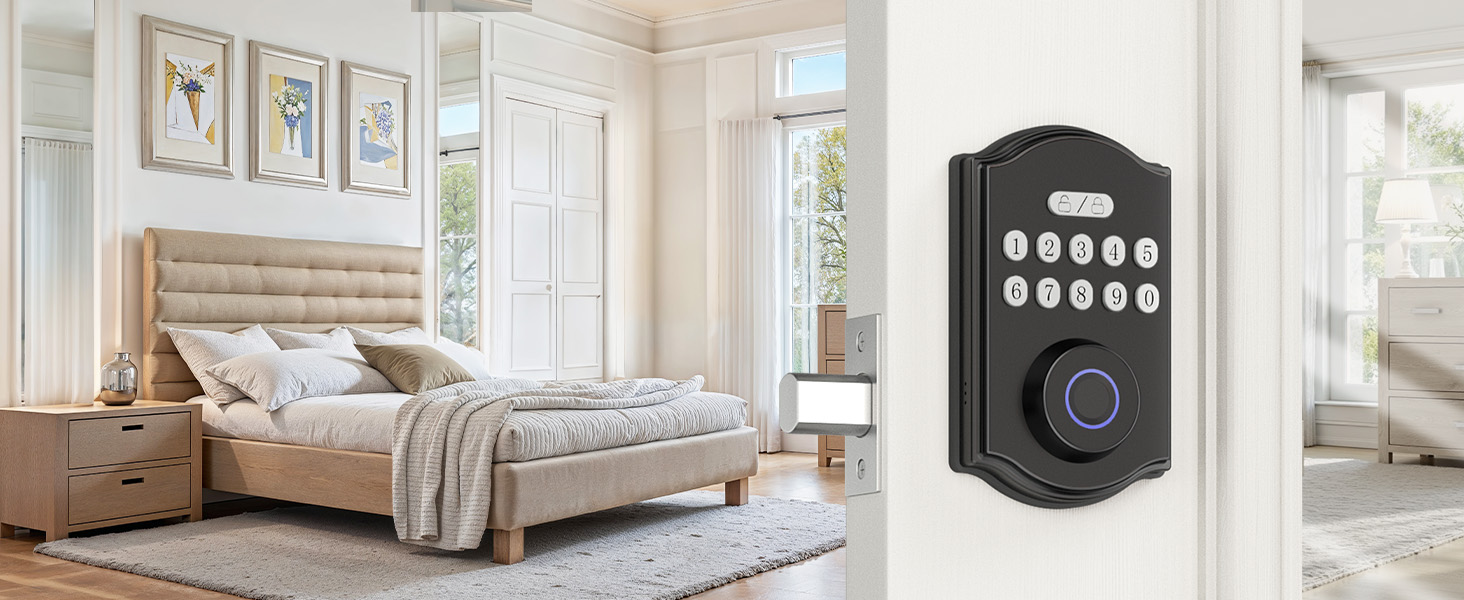
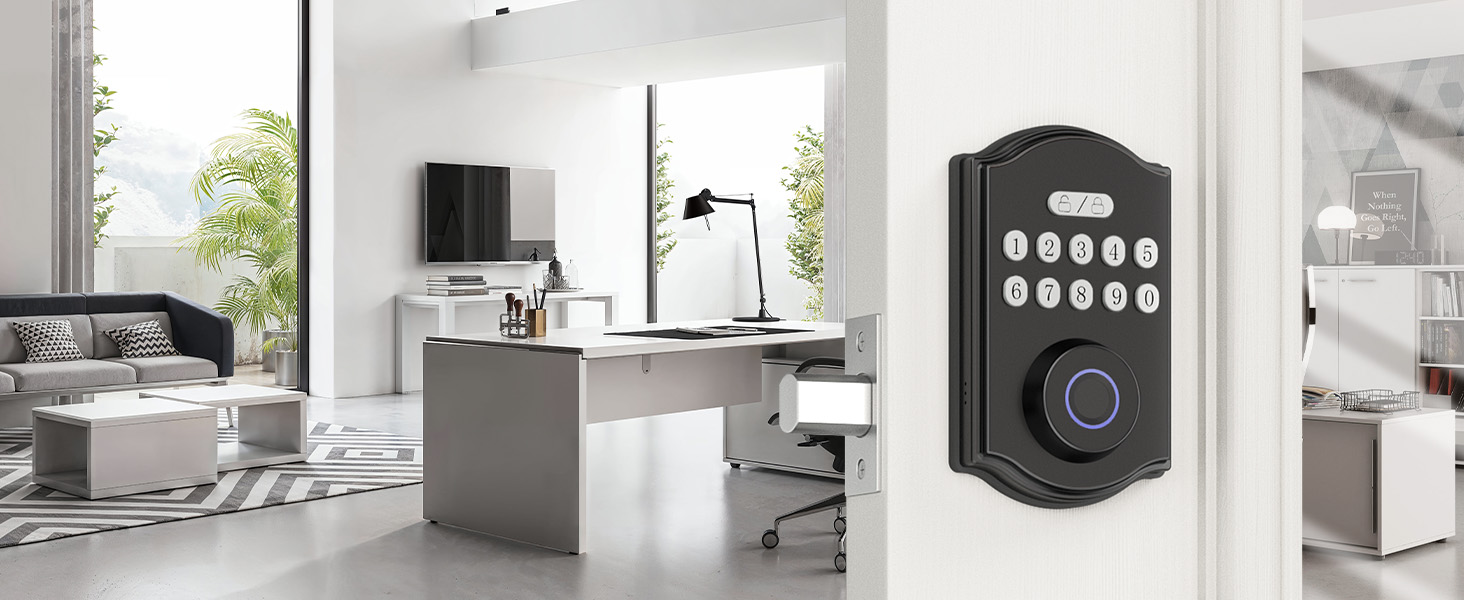
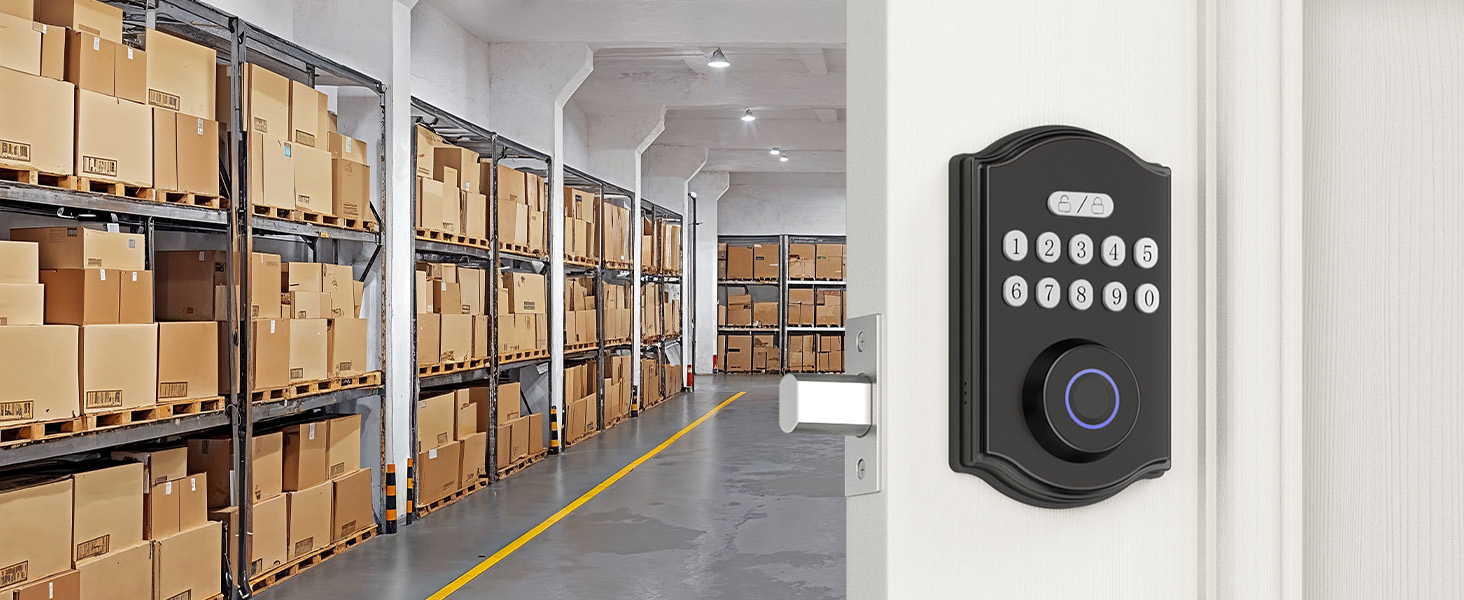
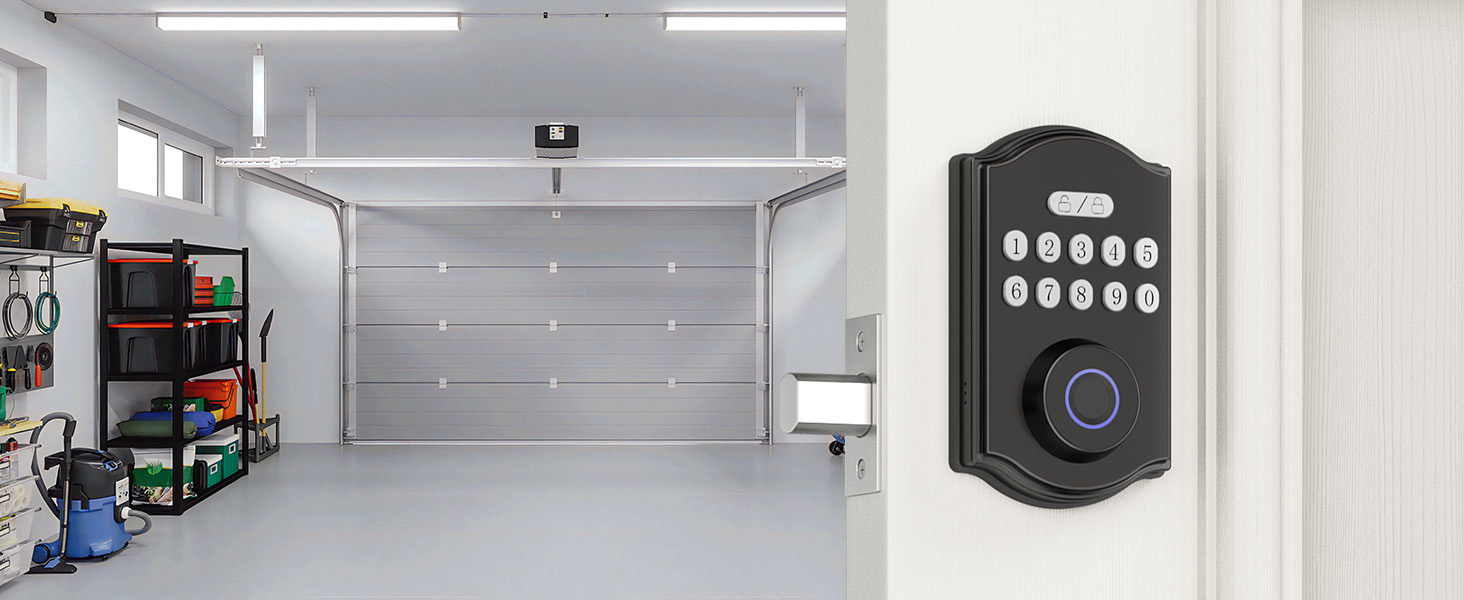
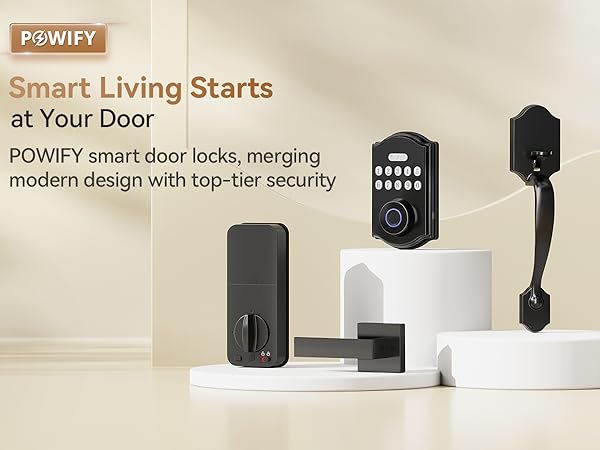
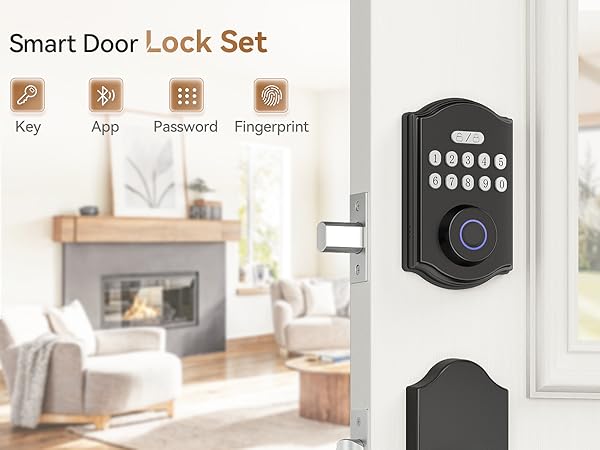
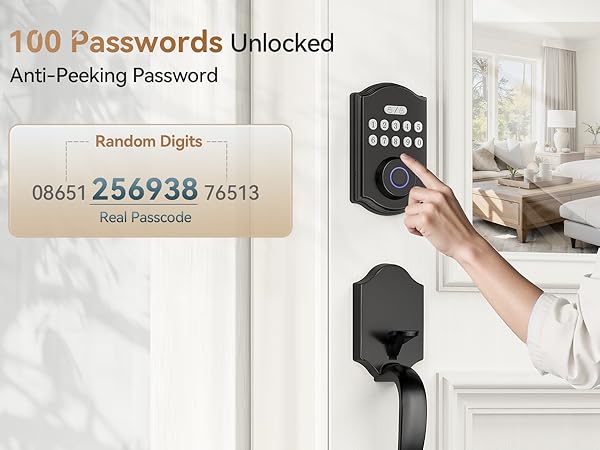
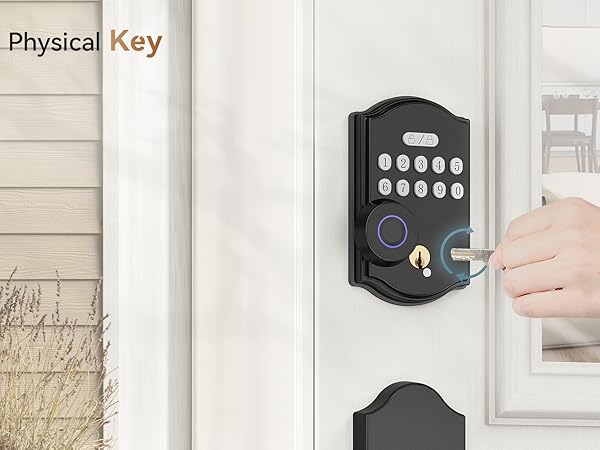
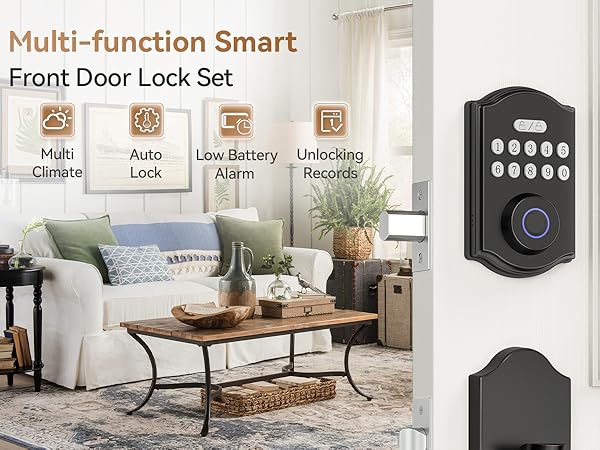
Advanced security, smart features, and sleek design—all in one lock.
Why do we love what we do?
We’re driven by the belief that security should be simple and accessible. Creating products that protect and simplify lives is what inspires us every day.
What problem are we solving?
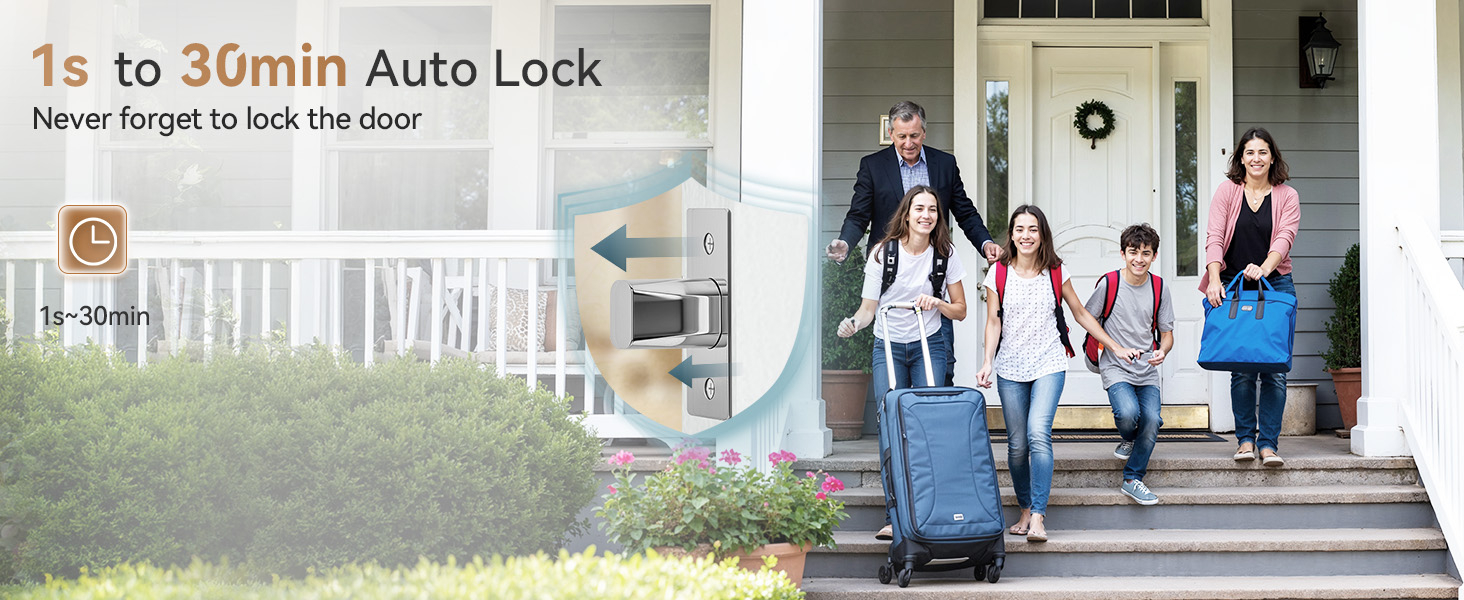
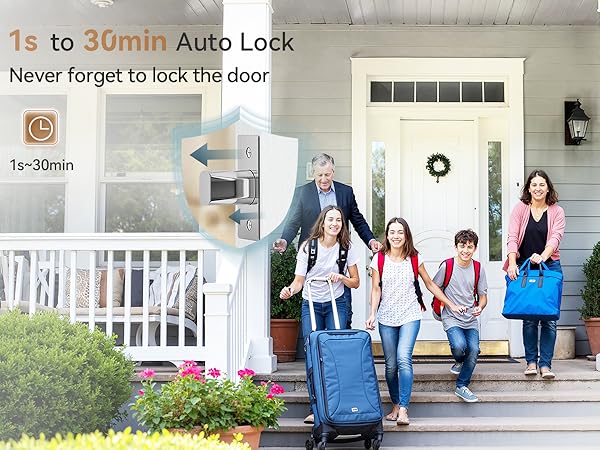
We’re solving the trade-off between security and convenience. Our locks provide top-tier protection while integrating seamlessly into your smart home, offering peace of mind without complexity.

How do I ring the doorbell?
In standby mode (before entering any numbers), press the " unlock/lock" button on the front panel, and the doorbell
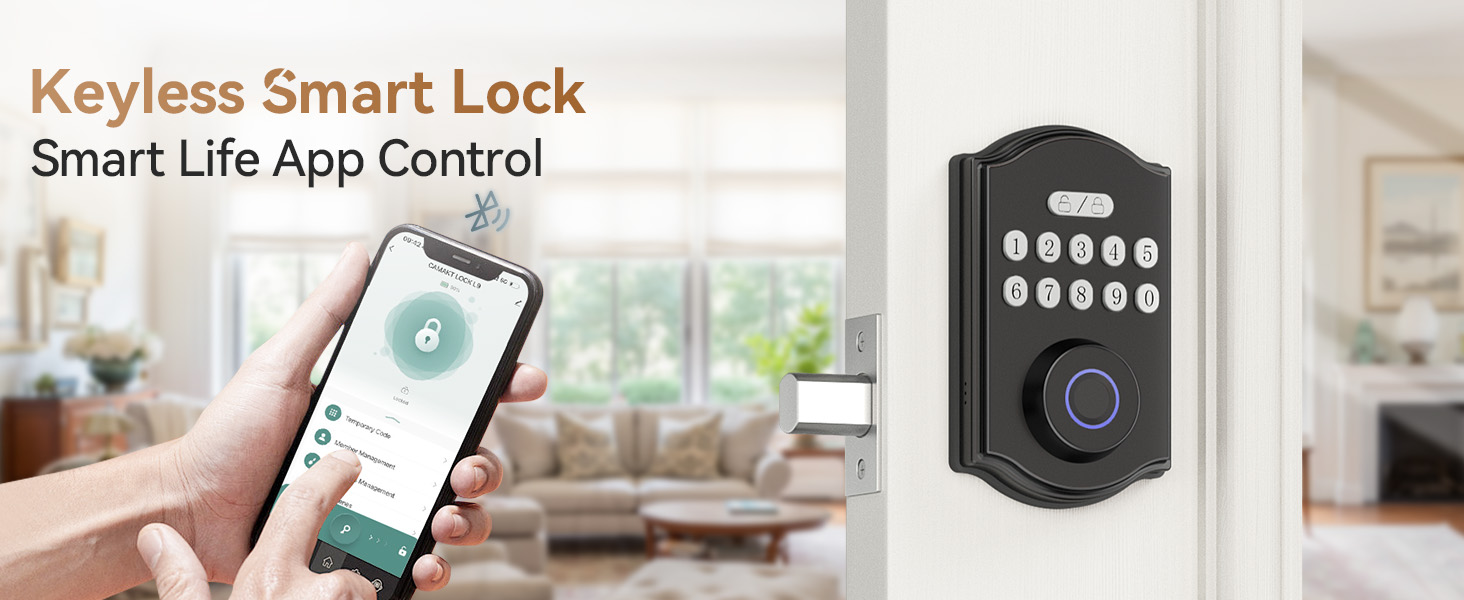
wil respond. If the owner's phone is within Bluetooth range, the app will receive a prompt.
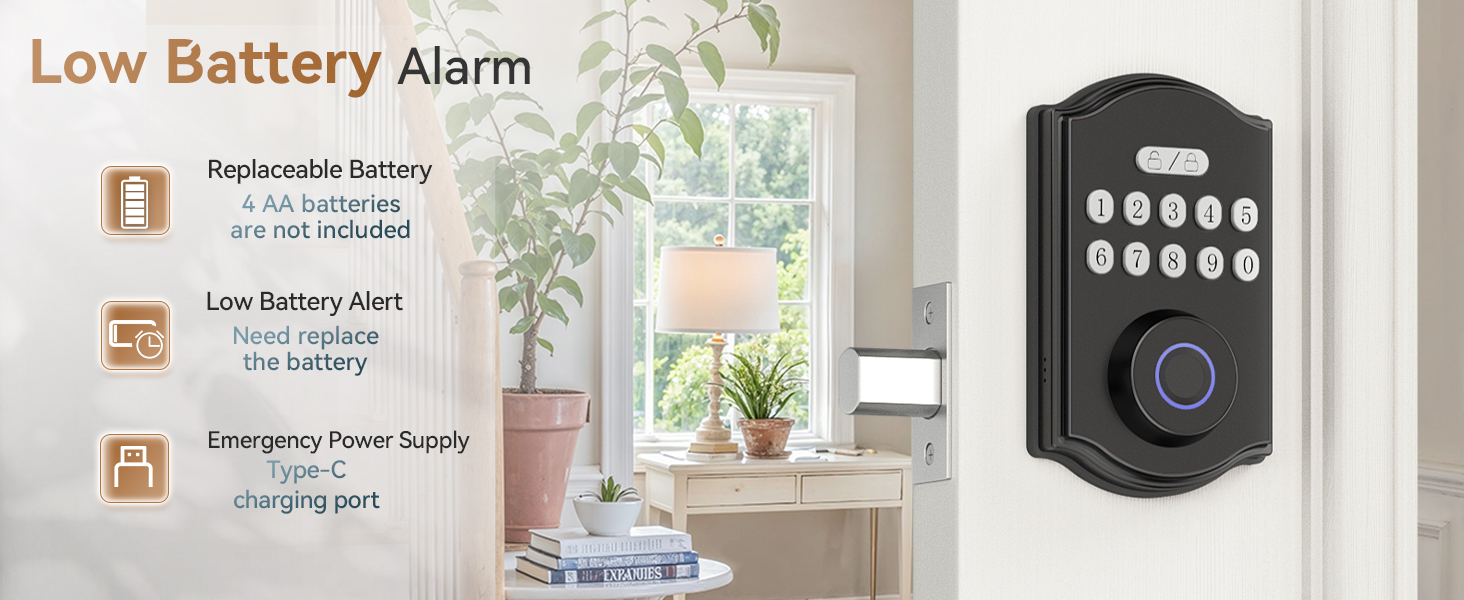
How can I tell if the battery is running low?
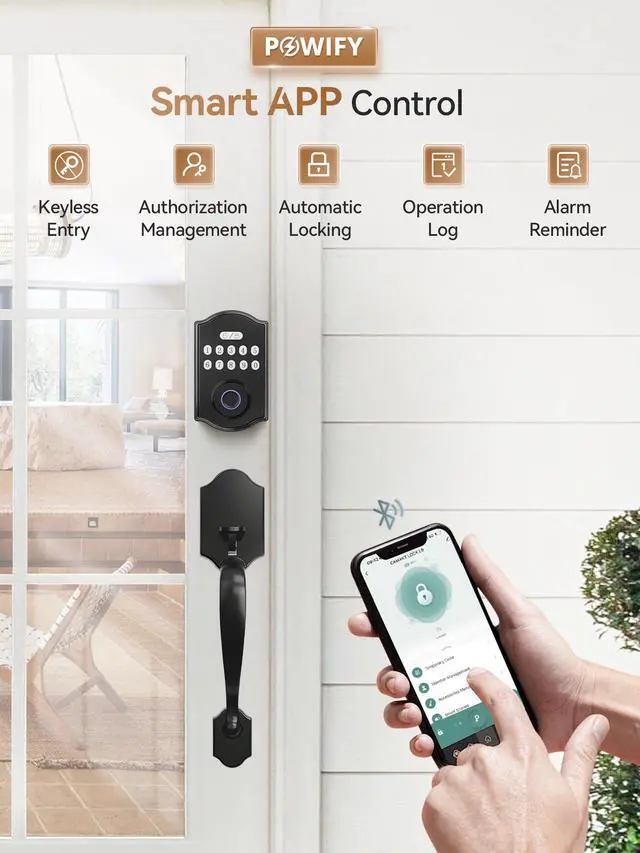
You can check the remaining battery level on the APP, and remember to replace the battery in time.
Why is it not possible to successfully add a fingerprint?
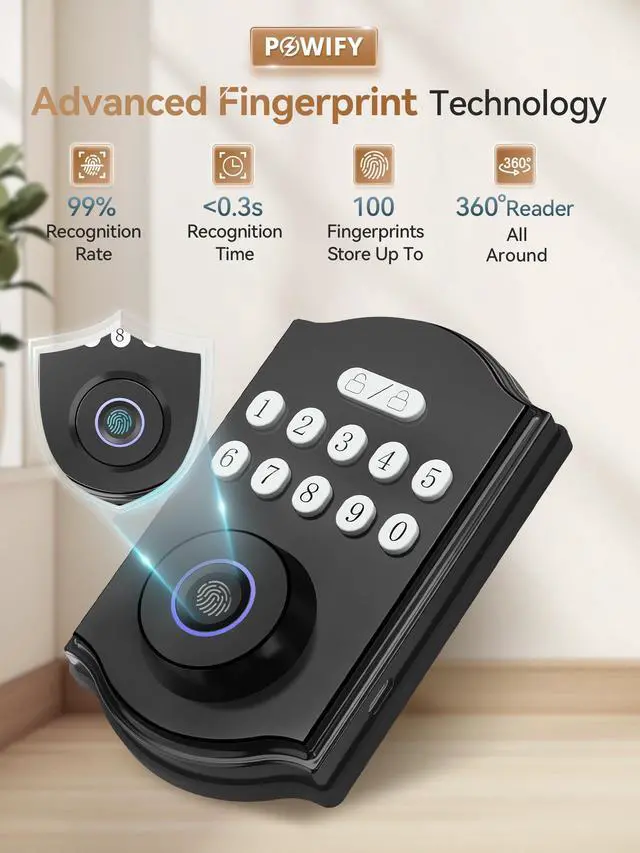
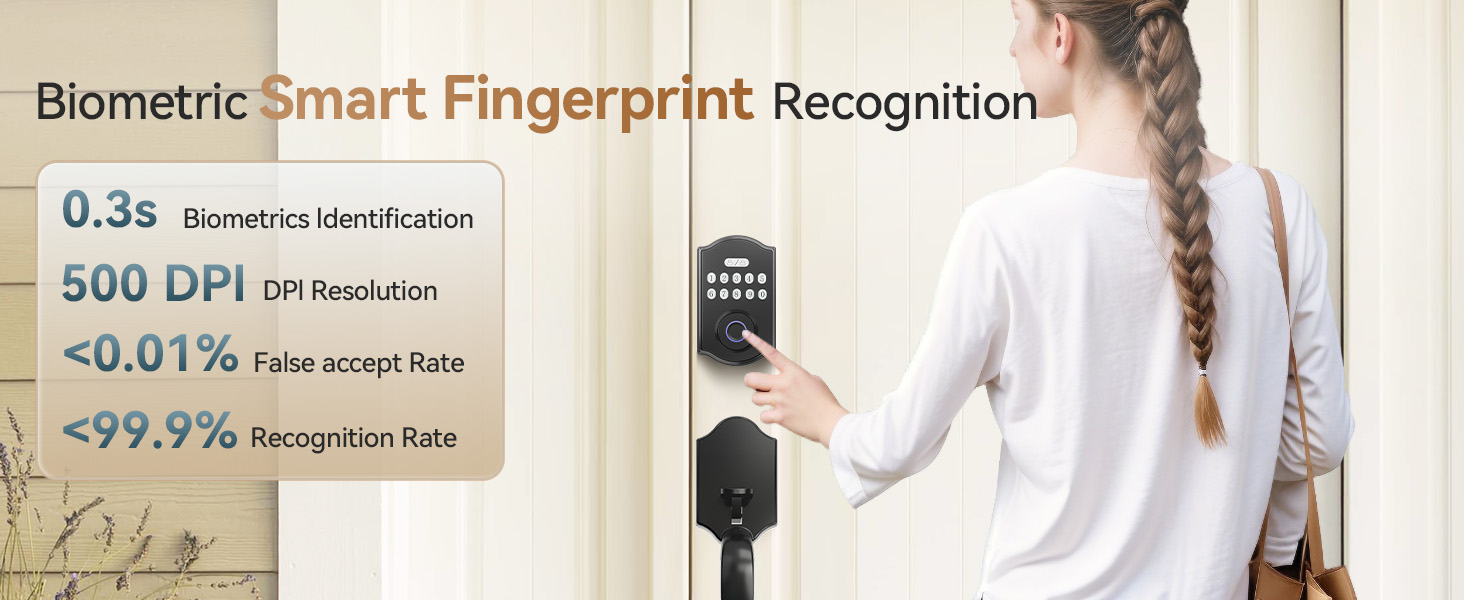
When entering the fingerprint, please enter your fingerprints in the circular fingerprint recognition area, and try to
move the position of the fingertip slightly every time you enter the fingerprint, so that you can enter a larger
fingerprint area
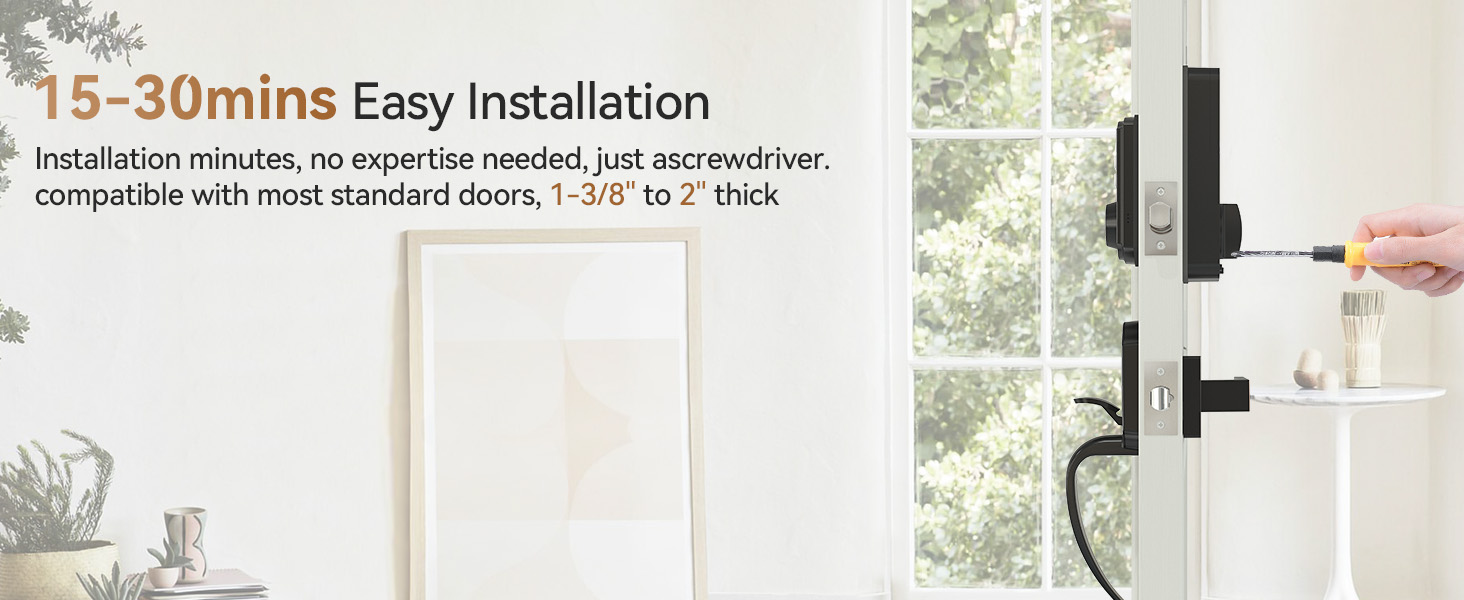
After installation, the door lock doesn't respond or perform abnormally
Check the battery installation direction and the battery has sufficient power.
Check whether the cable is fully into the connector of the Interior knob.
Make sure the internal knob is placed correctly during installation
Smart Front Door Lock Set
What makes our products unique?
Advanced security, smart features, and sleek design—all in one lock.
Why do we love what we do?
We’re driven by the belief that security should be simple and accessible. Creating products that protect and simplify lives is what inspires us every day.
What problem are we solving?
We’re solving the trade-off between security and convenience. Our locks provide top-tier protection while integrating seamlessly into your smart home, offering peace of mind without complexity.
How do I ring the doorbell?
In standby mode (before entering any numbers), press the " unlock/lock" button on the front panel, and the doorbell
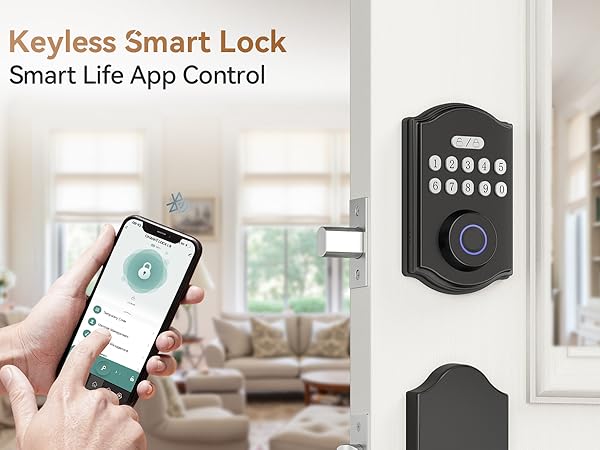
wil respond. If the owner's phone is within Bluetooth range, the app will receive a prompt.
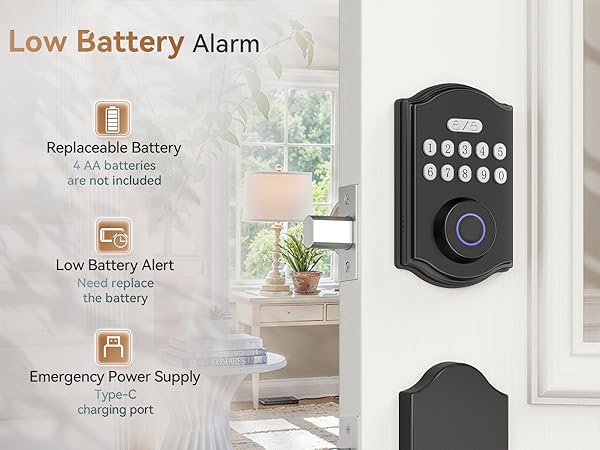
How can I tell if the battery is running low?
You can check the remaining battery level on the APP, and remember to replace the battery in time.
Why is it not possible to successfully add a fingerprint?
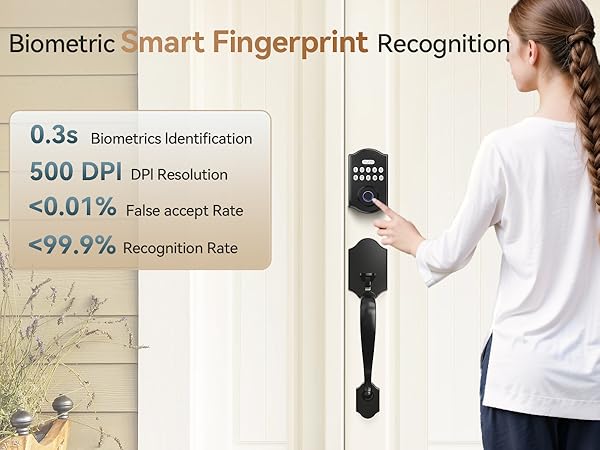
When entering the fingerprint, please enter your fingerprints in the circular fingerprint recognition area, and try to
move the position of the fingertip slightly every time you enter the fingerprint, so that you can enter a larger
fingerprint area
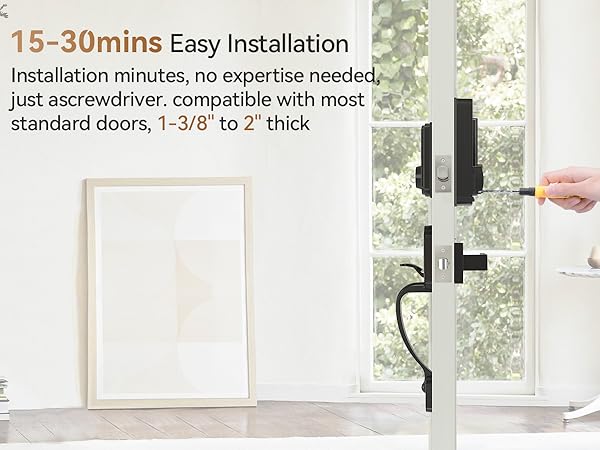
After installation, the door lock doesn't respond or perform abnormally
Check the battery installation direction and the battery has sufficient power.
Check whether the cable is fully into the connector of the Interior knob.
Make sure the internal knob is placed correctly during installation