

Your Browsing History



Any questions? Our AI beta will help you find out quickly.
Product Features:
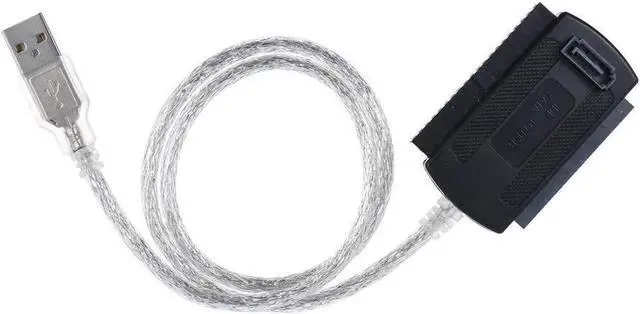
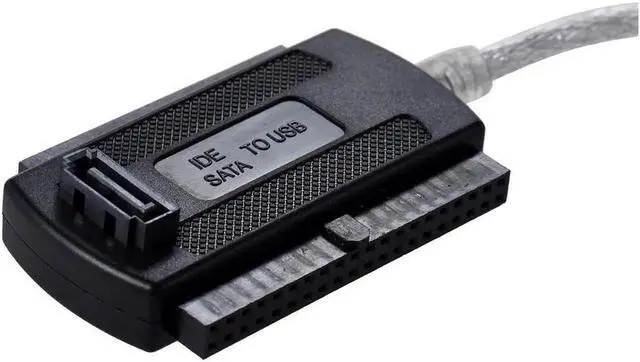
Hard Drive Support: 2.5 / 3.5 inch SATA I/II/III, IDE Hard Drive, CD-ROM/R/RW DVD-ROM (Max Support 2TBHDD) Plug & Play, no additional driver needed
System support: All computer system supported
Transfer Rate: Max480 MB/s high speed transfer rate (USB 2.0 specification), limit depend on the IDE device/SATA device and the driver SATA/IDE
Cable Length: 20 Inch
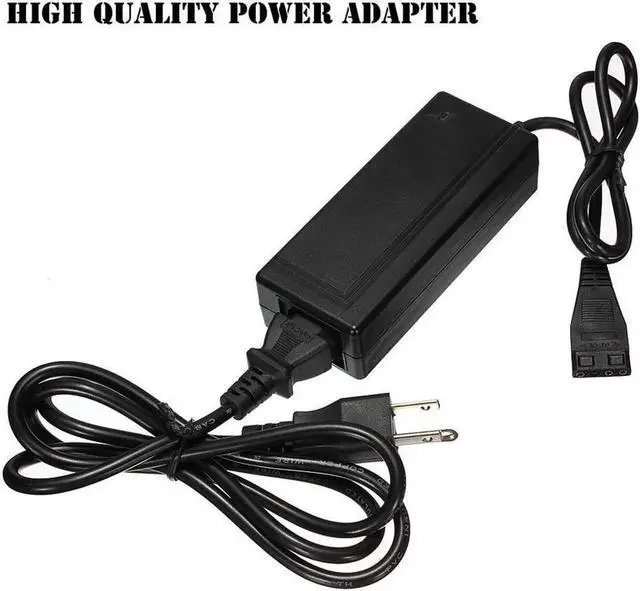
Power Adapter(AC110V-220V): come with Higher Quality 2.5A (L-shape stripe) Power Adapter, it could support bigger storage Hard Drive with smaller fever!
Additional Functions:
USB Port supports: PC, Hard Drive Player, Set-Top Box (STB), Smart TV and more Support connecting a IDE & a SATA HDD at the same time Easy to
Install:
1. Comfirm device is under master mode.
2. Connect SATA/IDE connector to SATA/IDE device.
3. Connect AC power to SATA/IDE device.
4. Connect cable to USB port of computer.
Note:
1. If you need an Instructions, please watch this video by this direct link:
https: //youtu. be/ZS-xTR7Puu8
2. You must be sure to connect power cable to your hard drive port correctly. (You must not connect the plug and the hard drive port in the opposite wrong direction! )
3. When you use this adapter to get data from an old HDD, you should remove the drive from the old computer firstly.
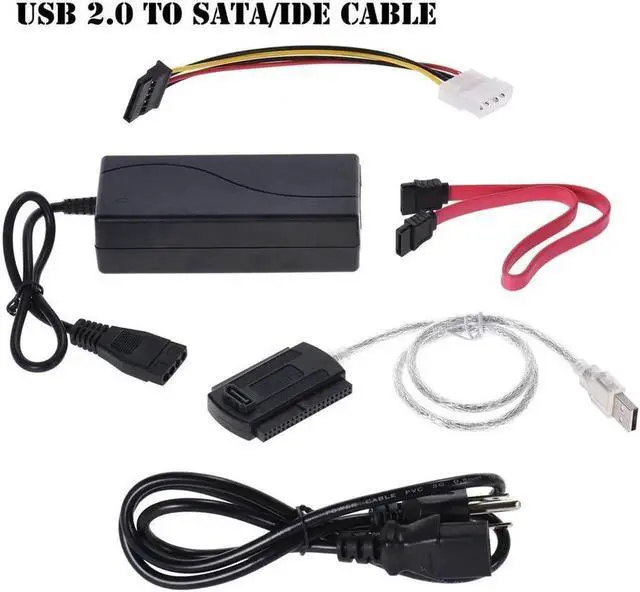
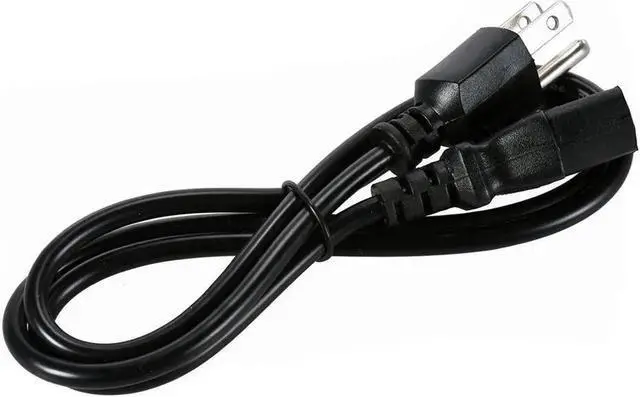
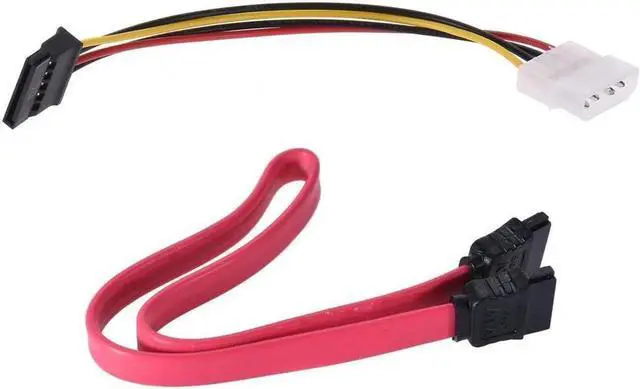
Package Include: 1x USB to SATA/PATA/IDE Cable 1 x 2.5A Power adapter 1 x Trigonometric plug power cable (US regulations) 1 x SATA data cable 1 x SATA power adapter cable